

Video editing, AI shorts, and Premiere Pro guides
Browse practical workflows for AI video generation, long-form repurposing, captions, silence removal, and faster editing with the Znippet Adobe Premiere Pro plugin.
Fresh video workflow guides

OpusClip vs Descript: Recovering Context Around an AI Clip
Compare OpusClip and Descript for restoring context around AI clips. Learn what to test when an excerpt starts too late or ends before an important caveat.

Descript vs Riverside Filler Removal: Cut, Mute, or Keep?
Compare Descript and Riverside filler removal by cut versus mute behavior, restoration, word-gap control, and the review your podcast actually needs.

SRT vs Burned-In Captions: What to Deliver to a Client
Choose SRT files, burned-in captions or both with a practical client delivery checklist covering corrections, language versions and final upload checks.
24 guides
AI Shorts
Short-form workflows for turning videos, prompts, and ideas into clips for YouTube Shorts, TikTok, and Reels.
OpusClip vs Descript: Recovering Context Around an AI Clip
Compare OpusClip and Descript for restoring context around AI clips. Learn what to test when an excerpt starts too late or ends before an important caveat.

OpusClip vs Riverside for an Existing Interview Archive
Compare OpusClip and Riverside for an existing interview archive, including finished files, original tracks, context recovery and a practical import trial.

How Much Can You Earn Creating AI Videos for Clients?
See realistic ways to price AI video client work, from short-form clip packages and ad creatives to retainers, revisions, and profit margins.
How to Create 100+ Videos Quickly Using AI
Use AI to create 100+ videos quickly with batching, templates, source footage repurposing, prompt systems, captions, review steps, and exports.
Best AI Video Tools for Ads and Marketing
Compare AI video tools for ads and marketing by use case, including creative testing, short-form clips, captions, editing, UGC, and repurposing.
Submagic Alternative for Short-Form Video Teams
Compare Znippet as a Submagic alternative for short-form video teams alongside OpusClip, Captions, VEED, Kapwing, CapCut, and Descript.
OpusClip Alternative for Marketing and Podcast Teams
Compare Znippet as an OpusClip alternative for marketing and podcast teams alongside Descript, Riverside, VEED, Kapwing, Submagic, and CapCut.
Best Real Footage Repurposing Tool for Video Marketers
Compare the best real footage repurposing tools for video marketers, including Znippet, OpusClip, Descript, VEED, Kapwing, Riverside, and CapCut.

Best AI Workflow for Agency Video Editors
Compare AI video workflows for agency video editors, including Znippet, Adobe Premiere Pro, Descript, OpusClip, Frame.io, VEED, and Kapwing.
Pika vs Znippet for Short-Form Content Creators
Compare Pika, Znippet, and other short-form video tools for creators who need clips, captions, generative visuals, and repeatable publishing workflows.

Submagic vs Znippet for Short-Form Video Teams: Multi-Tool Comparison
Compare Znippet, Submagic, CapCut, Captions.ai, VEED, OpusClip, and vidyo.ai for short-form video teams producing social clips.

OpusClip vs Znippet for Social Media Managers: Multi-Tool Comparison
Compare Znippet, OpusClip, vidyo.ai, VEED, Kapwing, Submagic, and CapCut for social media managers turning long-form content into publishable clips.
Kapwing vs Znippet for Small Business Owners: Multi-Tool Comparison
Compare Znippet, Kapwing, VEED, CapCut, Canva, Descript, and OpusClip for small business owners creating short-form video from existing content.
Captions.ai vs Znippet for Creator-Led Teams: Multi-Tool Comparison
Compare Znippet, Captions.ai, CapCut, Submagic, OpusClip, Descript, and VEED for creator-led teams producing short-form video.

CapCut vs Znippet for Branded Social Video Teams: Multi-Tool Comparison
Compare Znippet, CapCut, VEED, Kapwing, Submagic, Captions.ai, and OpusClip for branded social video teams producing short-form content.
Best TikTok Clipping Tool for Social Media Influencers
Compare TikTok clipping tools for influencers turning podcasts, streams, interviews, and long videos into captioned vertical clips.

Best Instagram Reels Tool for Small Business Marketers
Compare Instagram Reels tools for small business marketers who need simple, repeatable short-form video workflows.

Best AI Shorts Tool for Social Media Managers
Compare AI shorts tools for social media managers who need repeatable clipping, captions, review, and platform-ready exports.

OpusClip vs Znippet vs vidyo.ai: Best AI Clipping Tool for Creators and Teams
A practical comparison of OpusClip, Znippet, and vidyo.ai for AI clipping, captions, social exports, and long-form repurposing.
Kapwing vs VEED vs Znippet: Best Online Video Editor for Shorts and Repurposing
Compare Kapwing, VEED, and Znippet for short-form video editing, captions, clipping, repurposing, and team workflows.

Best YouTube Shorts Makers Compared: Znippet vs OpusClip, vidyo.ai, Kapwing, and VEED
Compare YouTube Shorts makers for creators who want to turn long YouTube videos, podcasts, and webinars into stronger short-form clips.

Best AI Shorts Maker Tools Compared: Why Znippet Wins for Long-Form Repurposing
Compare Znippet, OpusClip, vidyo.ai, VEED, Kapwing, Submagic, and CapCut for turning long videos into short-form clips.
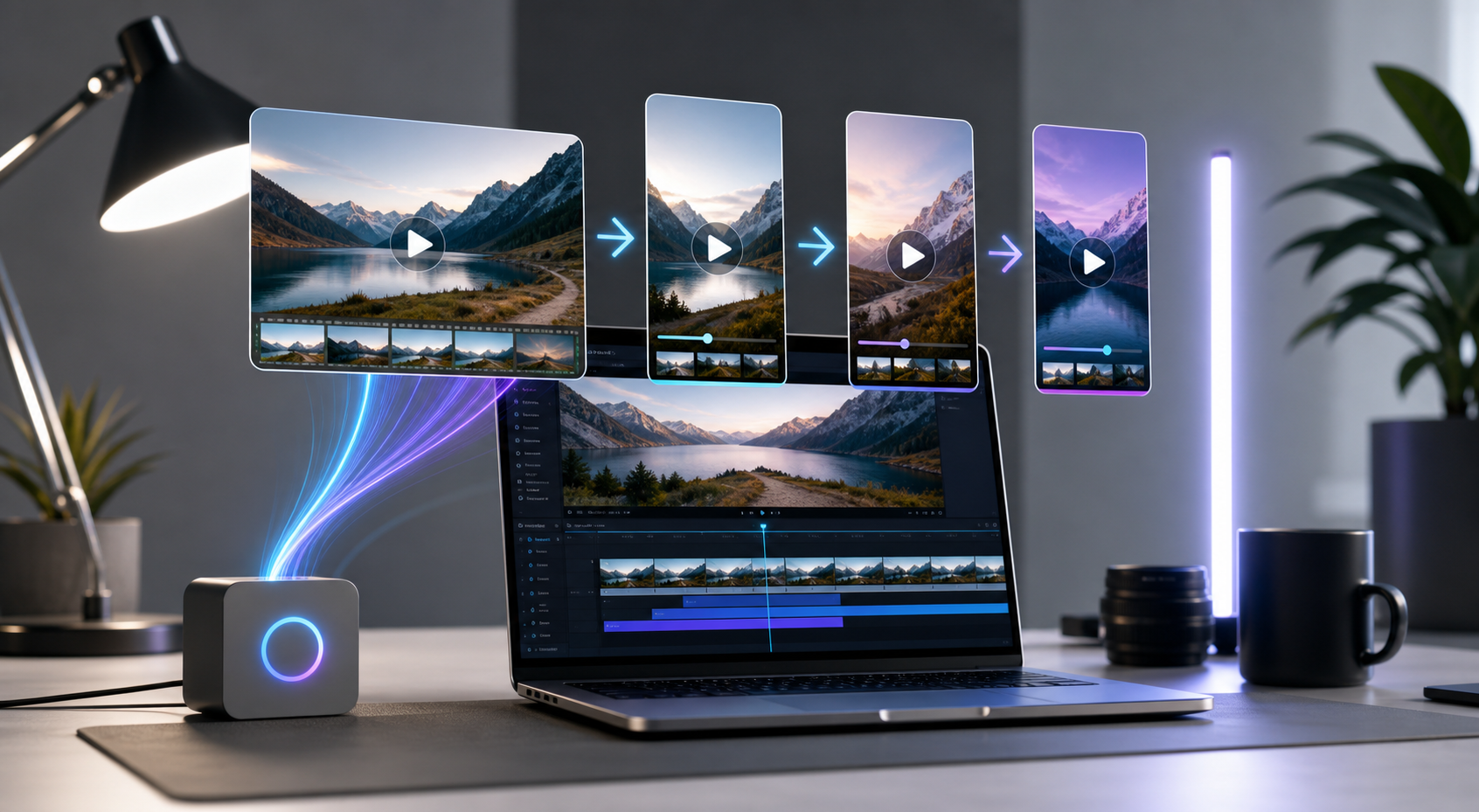
How to Turn Long Videos Into Shorts With AI
A practical workflow for using an AI shorts maker to find strong moments, add captions, remove silences, and export social clips from long-form video.
Best AI Video Generators for Short-Form Content
Compare the best AI video generators for short-form content, from text-to-video tools to editors built for TikTok, Reels, and YouTube Shorts.
45 guides
Premiere Pro Plugins
Plugin buying guides, automation ideas, and practical add-ons for faster Adobe Premiere Pro editing.

Stack vs Premiere Effect Presets: Repeating a Look Without Losing It
Compare Stack with native Premiere effect presets using a repeatable look test that checks keyframes, grades, nested clips, and project portability.

Stack Plugin for Premiere Pro: Which Stack Do You Mean?
Searching for the Stack Premiere plugin? Identify the product, separate shortcut automation from AI editing, and choose a useful native alternative.
What to Look for When Buying a Premiere Pro Plugin
Use this Premiere Pro plugin buying checklist to compare compatibility, speed, licensing, support, updates, presets, and real workflow value.
What Plugins Do Professional Video Editors Actually Use?
See what Premiere Pro plugins professional video editors actually use for captions, audio, selects, motion graphics, color, review, and delivery.
Premiere Pro Transition Plugins: Worth the Investment?
Learn when Premiere Pro transition plugins are worth paying for, what to avoid, and how editors can use transitions without hurting story or pacing.
Premiere Pro Plugins Worth Paying For vs Free Alternatives
Compare paid and free Premiere Pro plugins by time saved, support, output quality, licensing, team needs, and real video editing workflow value.
Premiere Pro Plugins vs Built-In Features: When to Use Each
Learn when Premiere Pro built-in tools are enough and when plugins help with captions, automation, AI clip selection, audio, and delivery tasks.
Premiere Pro Plugins That Integrate With Your Editing Setup
Find Premiere Pro plugins that fit your editing setup, from captions and AI clips to review tools, storage, templates, audio, exports, and teams.
Premiere Pro Plugins That Reduce Rendering Time
Some Premiere Pro plugins reduce rendering time by optimizing effects, previews, proxies, cleanup, exports, and repeated timeline processing.
Premiere Pro Plugins for Syncing Video to Music Automatically
Explore Premiere Pro plugins that sync video to music, detect beats, align cuts, build montages, and speed up short-form editing for creators.
Premiere Pro Plugins for Editors Who Need to Learn Them Quickly
Find Premiere Pro plugins that are easy to learn fast, with simple controls, clear presets, useful automation, and low workflow risk for editors.
Premiere Pro Plugins for Batch Processing Multiple Videos
Use Premiere Pro plugins for batch processing when repeated captions, silence removal, clip creation, exports, or cleanup slow down production.
Premiere Pro Color Correction Plugins: Do I Need Them?
Decide whether you need Premiere Pro color correction plugins for faster grading, LUTs, skin tones, exposure fixes, and consistent video workflows.
How to Troubleshoot Premiere Pro Plugins That Aren't Working
Fix Premiere Pro plugins that fail to load, crash, disappear, or export poorly with a practical troubleshooting checklist for busy video editors.
How to Organize Your Premiere Pro Plugins for Maximum Efficiency
Organize Premiere Pro plugins by job, sequence stage, and team standards so editors find the right tools faster and avoid workflow clutter daily.
How to Tell If a Premiere Pro Plugin Is Reliable Before Buying
Use this checklist to evaluate Premiere Pro plugin reliability before buying, including updates, reviews, trials, support, speed, and compatibility.
How to Install and Use Premiere Pro Plugins Correctly
A practical guide to installing Premiere Pro plugins correctly, avoiding conflicts, testing updates, and using plugin workflows safely every time.
How to Find Plugins That Work With Your Premiere Pro Version
Check Premiere Pro plugin compatibility by version, OS, processor, installer type, update history, and project workflow before buying or updating.
Best Premiere Pro Workflow for YouTube Editors
Compare Premiere Pro workflows and AI-assisted tools for YouTube editors producing long-form videos, shorts, captions, and repeatable channel output.
Best Premiere Pro AI Plugin for Video Editors
A practical comparison of Premiere Pro AI plugins and adjacent editing tools for professional video editors who want faster cuts, captions, clips, and review-ready exports.
How Plugins Help You Meet Tight Video Editing Deadlines
Use Premiere Pro plugins to save editing time, automate captions, clean audio, create versions, and deliver polished videos under tight deadlines.
How to Evaluate if a Premiere Pro Plugin Is Right for Your Team
Evaluate a Premiere Pro plugin by testing workflow fit, output quality, stability, licensing, handoffs, training needs, and measurable time savings.
Do Professional Studios Use Premiere Pro Plugins?
Professional studios use Premiere Pro plugins when they improve speed, consistency, quality control, or delivery without weakening editorial oversight.
How to Automate Repetitive Tasks in Premiere Pro With Plugins
Learn how to automate repetitive Premiere Pro tasks with plugins for captions, silence removal, clip selection, formatting, exports, and reviews.

Do I Really Need Premiere Pro Plugins or Can I Edit Without Them?
Find out when Premiere Pro plugins are worth using, when built-in tools are enough, and how to avoid paying for plugins you do not need now.
Can Premiere Pro Plugins Help You Charge More as a Freelancer?
Learn how Premiere Pro plugins can help freelancers raise value through faster delivery, more formats, captions, revisions, and better packages.
Can a Premiere Pro Plugin Replace Hiring an Editor?
Learn when a Premiere Pro plugin can replace hiring an editor, when it cannot, and how creators can use automation without losing quality or control.
How Much Do Quality Premiere Pro Plugins Cost?
Understand Premiere Pro plugin pricing in 2026, including free tools, one-time licenses, subscriptions, bundles, team seats, upgrades, and ROI.
Free vs Paid Premiere Pro Plugins: What's the Difference?
Compare free and paid Premiere Pro plugins by reliability, support, features, licensing, performance, updates, and professional workflow fit.
Best Premiere Pro Plugins for YouTube Creators: Znippet vs FireCut, AutoPod, Gling, and Motion Array
Compare the best Premiere Pro plugins for YouTube creators across Shorts, captions, podcast edits, audio cleanup, templates, and channel workflows.
Best Premiere Pro AI Plugins Compared: Znippet vs AutoPod, FireCut, and Built-In Premiere AI
Compare Znippet with AutoPod, FireCut, and Adobe Premiere Pro AI features for podcast editing, shorts, captions, silence removal, and timeline speed.
Premiere Pro Plugins vs Manual Editing: Which Is Faster?
Compare Premiere Pro plugins and manual editing for speed, quality, control, captions, clipping, audio cleanup, graphics, revisions, and exports.
Premiere Pro Plugins That Actually Integrate With Your Existing Workflow
Choose Premiere Pro plugins that preserve your timeline habits, media structure, review process, and delivery settings instead of forcing workarounds.
How to Choose the Right Premiere Pro Plugin for Your Workflow
Choose the right Premiere Pro plugin by matching your editing bottleneck, project type, team process, pricing, support, reviews, and export needs.
How Much Faster Can Premiere Pro Plugins Make Your Editing Workflow?
See how Premiere Pro plugins speed up editing by automating captions, silence removal, clip selection, cleanup, and repeatable export tasks.
Can Premiere Pro Plugins Help Me Work Faster on Corporate Videos?
See how Premiere Pro plugins speed up corporate videos with captions, templates, audio cleanup, b-roll workflows, approvals, and exports at scale.
Premiere Pro Plugins for Subtitle and Caption Automation
Compare Premiere Pro subtitle and caption plugins for transcript accuracy, styling, timing, accessibility, social clips, and review workflows.
Premiere Pro Music Editing Plugins: Which Ones Work Best?
Find out which Premiere Pro music editing plugins work best for beat cuts, ducking, cleanup, sound beds, mixing, and faster social video edits.
Best Premiere Pro Plugins for Teams Working on the Same Project
Choose Premiere Pro plugins for shared projects, faster reviews, consistent captions, clean handoffs, and repeatable team editing workflows.
Best Premiere Pro Plugins for Motion Graphics Beginners
Find beginner-friendly Premiere Pro motion graphics plugins for titles, lower thirds, animations, templates, and faster branded video edits.
Best Premiere Pro Plugins for Corporate Video Production
Explore the best Premiere Pro plugins for corporate videos, including captioning, cleanup, brand templates, audio repair, and clip repurposing.
Best Premiere Pro Plugins for Editors Transitioning From Final Cut Pro
Editors moving from Final Cut Pro can use Premiere Pro plugins for faster captions, timeline automation, media cleanup, effects, and exports.
What Premiere Pro Plugins Actually Save Time?
Learn which Premiere Pro plugins save real editing time, from captions and cuts to clip finding, templates, audio cleanup, and faster exports.
Best Premiere Pro Plugins for Video Editors in 2026
Explore the best Premiere Pro plugin categories for 2026, including captions, AI clipping, audio cleanup, motion graphics, color, and exports.
Best Premiere Pro Plugins for Short-Form Content Creators
Compare the best Premiere Pro plugins for short-form creators, including captions, silence removal, hooks, resizing, exports, and workflow speed.
56 guides
Content Repurposing
Guides for reworking long-form videos, podcasts, webinars, and existing footage into reusable social content.
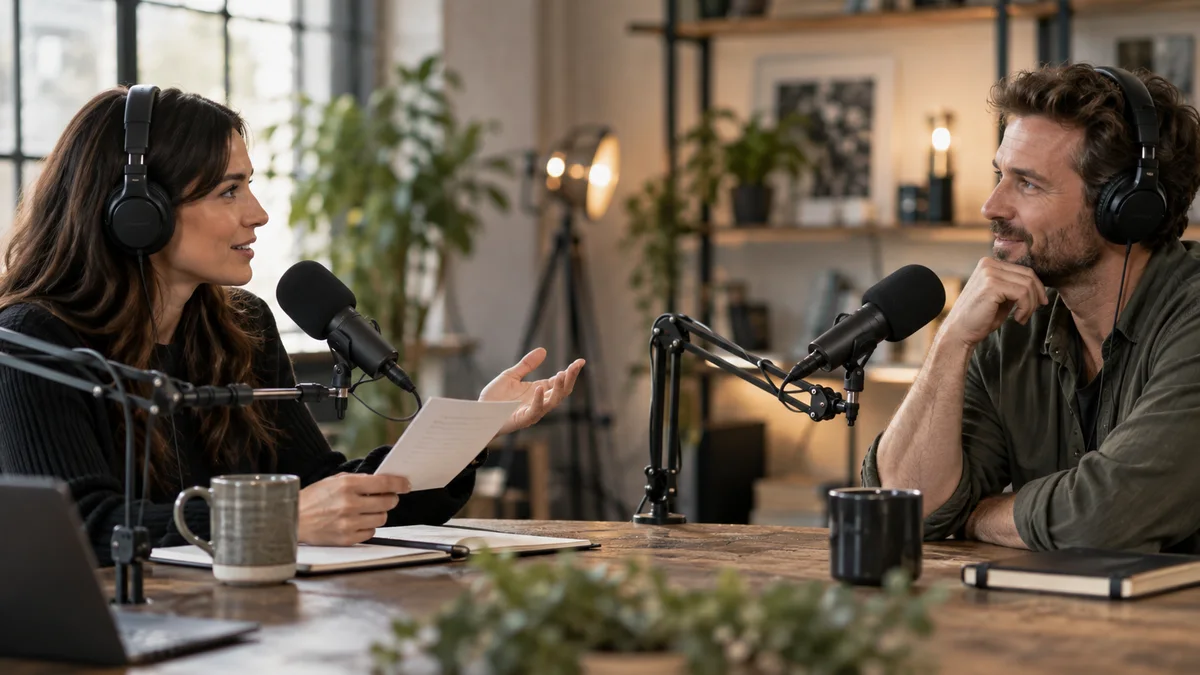
Should a Podcast Clip Include the Interviewer's Question?
Decide when a podcast clip needs the original question, a brief setup card, or a longer opening so a useful answer keeps its meaning for new viewers.
Can I Make Money Creating AI-Generated Videos?
Explore realistic ways to earn with AI-generated videos, from client clips and content systems to monetized channels and product marketing online.
Why Should You Repurpose Your Content?
Learn why content repurposing helps teams get more reach, save production time, and turn long-form work into stronger social content workflows.
What Metrics Show Content Repurposing Is Actually Working?
Track the metrics that prove content repurposing is working, including retention, saves, qualified traffic, conversion assists, and reuse rate.
What Is Content Repurposing and Why Does It Matter?
Understand content repurposing, why it matters for modern teams, and how to turn long-form content into platform-ready social assets faster.
Can You Repurpose Competitor Content Legally?
Learn the legal and ethical limits of repurposing competitor content, including copyright, fair use, attribution, permissions, and safer alternatives.
How to Turn Educational Content Into Multiple Social Formats
Repurpose educational content into videos, carousels, emails, and posts with a clear workflow for stronger reach and less production time daily.
How to Turn Podcast Episodes Into Blog Posts and Social Content
Turn podcast episodes into blog posts and social content with a workflow for transcripts, clips, summaries, captions, platform posts, and SEO.
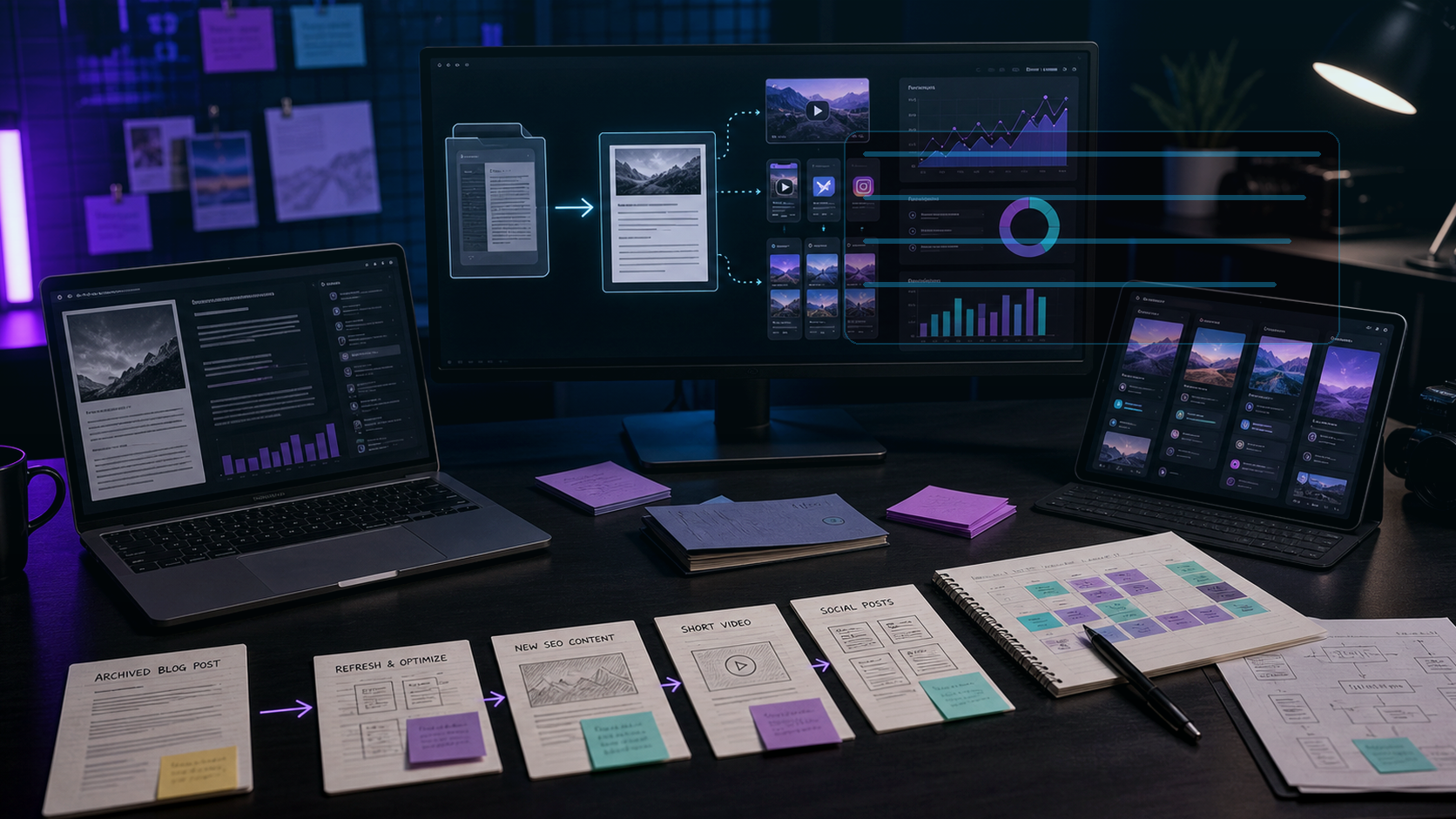
How to Turn One Blog Post Into 10 Social Media Posts
Learn how to turn one blog post into 10 social media posts with a practical content repurposing workflow for faster publishing across every channel.
What's the Difference Between Content Repurposing and Content Recycling?
Understand content repurposing vs content recycling, when to use each, and how to adapt old content without sounding repetitive online today.
How to Schedule Repurposed Content So It Doesn't Look Like Spam
Learn how to schedule repurposed content across channels with better spacing, format variety, fresh hooks, and platform-specific context over time.
How to Repurpose YouTube Videos Into Social Media Content
Repurpose YouTube videos into social media content with a practical workflow for clips, captions, posts, carousels, follow-ups, and scheduling.
How to Repurpose User-Generated Content From Your Community
Learn how to turn community posts, reviews, comments, and customer videos into credible short-form content without losing trust or context in the process.
How to Repurpose Old Blog Posts to Drive Traffic Again
Refresh old blog posts into new traffic assets with updated search intent, short videos, social posts, captions, internal links, and clear FAQs.
How to Repurpose Blog Content for Email Marketing
Learn how to repurpose blog content into newsletters, nurture sequences, launch emails, and segmented campaigns without starting over again.
How to Repurpose Evergreen Content Multiple Times a Year
Learn how to repurpose evergreen content across seasons, channels, and formats without repeating yourself or weakening audience trust online.
How to Repurpose Content for Different Audience Segments
Learn how to adapt one content idea for different audience segments with tailored hooks, examples, formats, proof points, and calls to action.
How to Repurpose Case Studies Into Multiple Content Formats
Turn case studies into short videos, carousels, sales assets, emails, and social posts while keeping the customer story accurate and useful.
How to Make Repurposed Content Feel Fresh and Original
Learn how to make repurposed content feel original with new hooks, formats, examples, captions, edits, and platform-specific angles today.
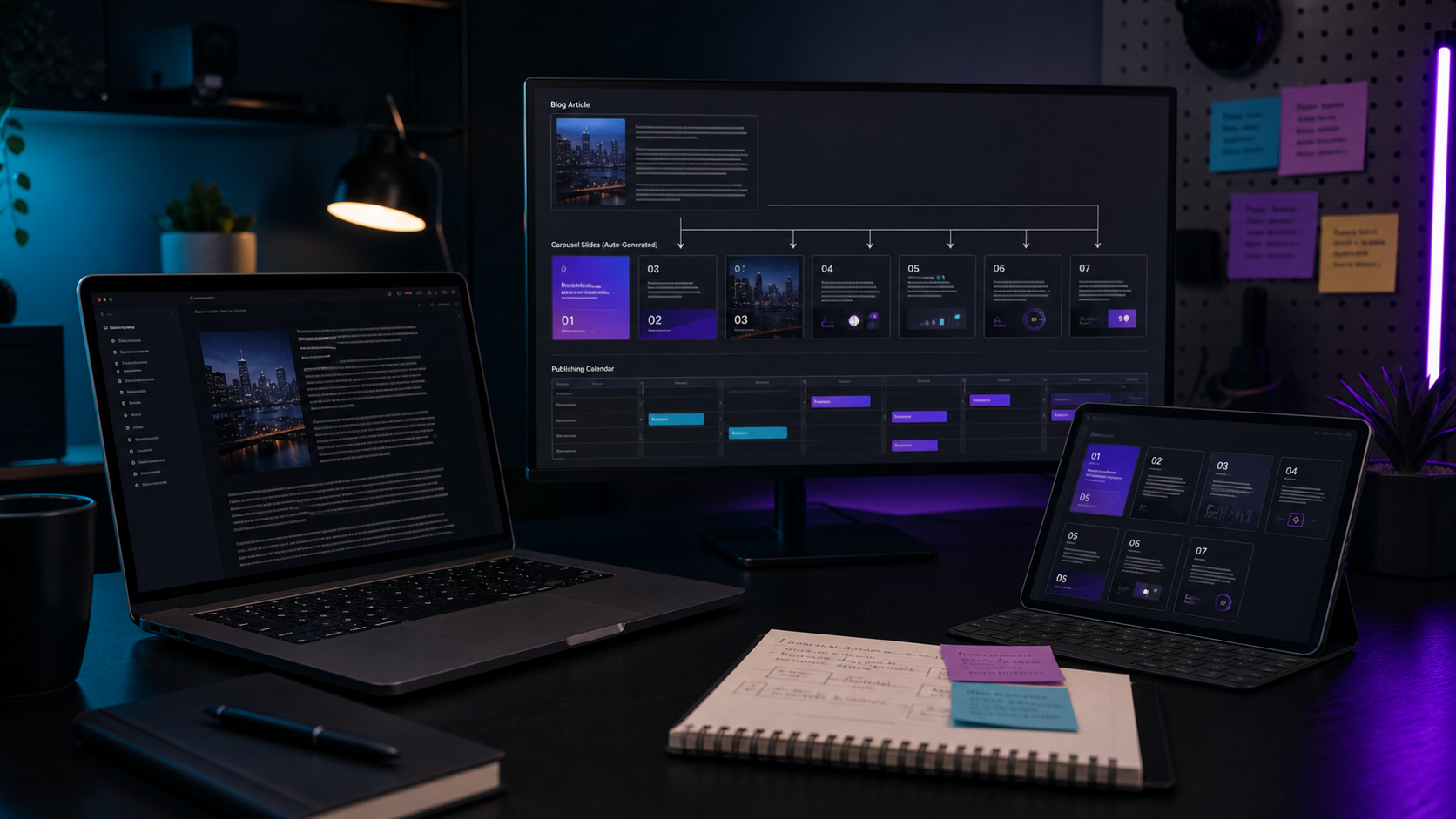
How to Create Carousel Posts From Blog Articles Automatically
Turn blog articles into carousel posts with a repeatable workflow for summaries, slide structure, visuals, captions, approvals, and publishing.
How to Automate Content Repurposing Without Losing the Human Touch
Build an automated content repurposing workflow that uses AI for speed while keeping human judgment in hooks, edits, approvals, and tone intact.
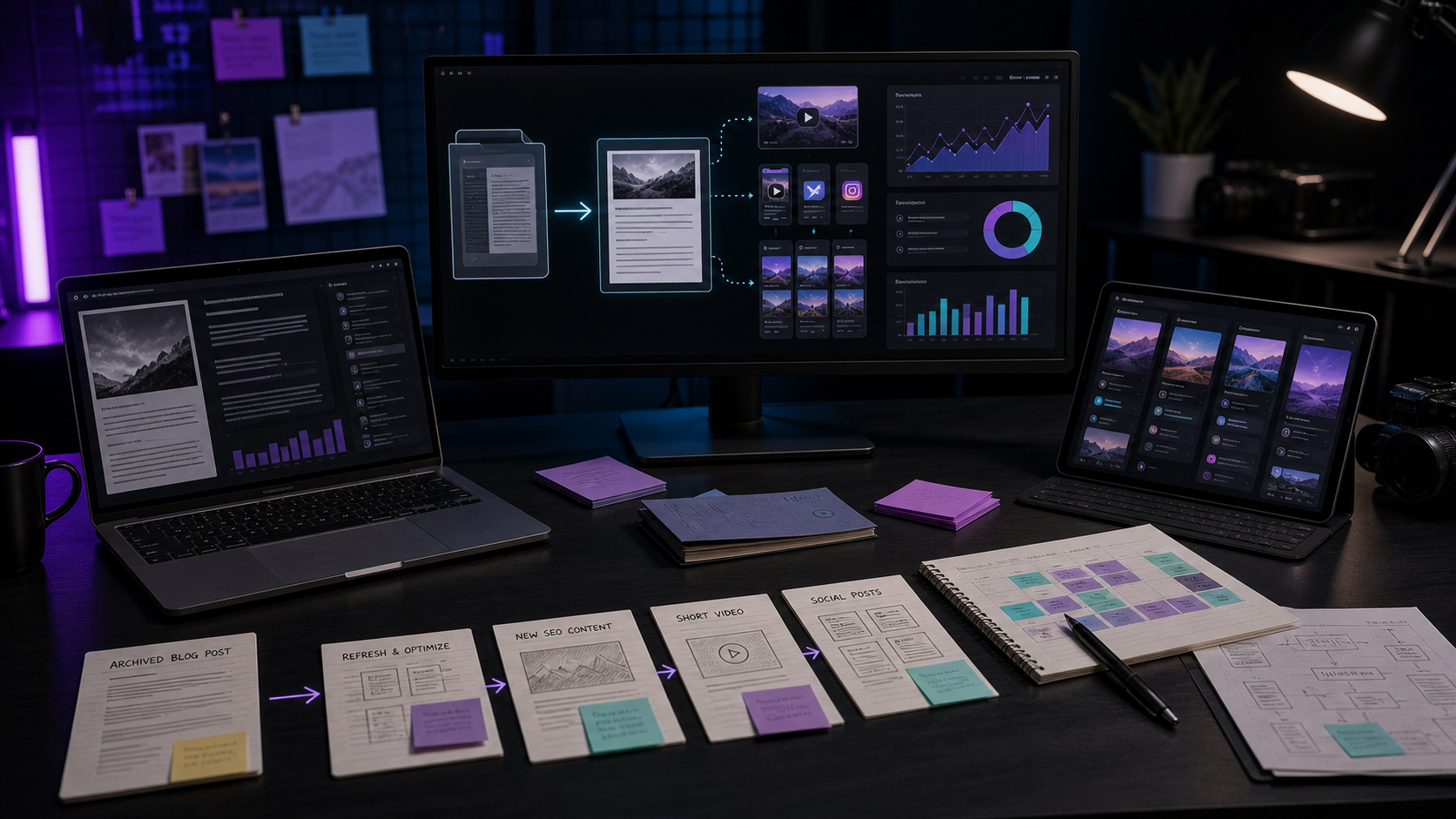
How Often Should You Repurpose the Same Content?
Learn how often to repurpose the same content across social, email, and video without fatiguing your audience or wasting strong ideas again.
How Much Time Can Content Repurposing Save Your Team?
Estimate how much production time content repurposing can save by reusing research, recordings, edits, approvals, formats, and social workflows.
How Much Does Content Repurposing Actually Cost vs. Creating New Content?
Compare content repurposing costs with creating new content, including editing time, AI tools, strategy, approvals, and production tradeoffs.
Can You Use the Same Repurposed Content on Facebook and LinkedIn?
Learn when to use the same repurposed content on Facebook and LinkedIn, what to change, and how to adapt hooks, captions, tone, and CTAs well.
Can AI Help You Repurpose Content Automatically?
See how AI can help you repurpose content automatically, where human review still matters, and how to build a reliable publishing workflow that scales.
Descript Alternative for Podcast Video Editors
Compare Znippet as a Descript alternative for podcast video editors alongside Riverside, OpusClip, VEED, Kapwing, Adobe Premiere Pro, and CapCut.

Best Video Tool for Marketing Coordinators
Compare the best video tools for marketing coordinators, including Znippet, OpusClip, Descript, VEED, Kapwing, Canva, and Riverside.
Best Social Cut Tool for Video Production Teams
A multi-tool comparison for video production teams creating social cuts from podcasts, webinars, interviews, YouTube videos, and client footage.
Best Short-Form Output Workflow for Content Creators
Compare short-form output workflows for content creators turning long videos into TikToks, Reels, Shorts, captions, and social-ready clips.

Best AI Video Workflow for Marketing Teams
Compare AI video workflows for marketing teams that repurpose webinars, podcasts, customer interviews, product videos, and social clips.

Runway vs Znippet for Marketing Video Teams
Compare Runway, Znippet, and other video tools for marketing teams turning campaigns, webinars, and long-form assets into social-ready clips.
Motion Array vs Znippet for Video Production Teams: Best Multi-Tool Workflow
Compare Znippet, Motion Array, Artlist, Envato Elements, Storyblocks, Premiere Pro, Frame.io, and Descript for video production teams.

Kling AI vs Znippet for Video Repurposing Teams
Compare Kling AI, Znippet, and other tools for teams that need to repurpose long-form videos into clips, captions, and social-ready assets.
What Is the Best Social Video Tool for Non-Editor Marketers?
Compare Canva, Znippet, and other accessible video tools for marketers who need social clips, captions, campaign assets, and repeatable publishing workflows.

vidyo.ai vs Znippet for Marketing Managers: Multi-Tool Comparison
Compare Znippet, vidyo.ai, OpusClip, Descript, VEED, Kapwing, and Submagic for marketing managers repurposing long-form video.

VEED vs Znippet for Content Marketers: Multi-Tool Comparison
Compare Znippet, VEED, Kapwing, OpusClip, vidyo.ai, Descript, and CapCut for content marketers repurposing long-form video.
How to Build a Content Repurposing Workflow for Your Team
Build a team content repurposing workflow with source planning, AI clipping, captions, review, approvals, publishing, and performance tracking.
Best Webinar Clipping Tool for Marketing Managers
Compare webinar clipping tools for marketing managers turning long recordings into social clips, recap videos, sales enablement assets, and campaign content.
Best Caption and Clipping Workflow for Video Marketers
Compare caption and clipping workflows for video marketers repurposing long-form content into social-ready clips.
Tools to Automatically Publish Repurposed Content Across Platforms
Compare tools and workflows for publishing repurposed content across social platforms, from AI clip creation to scheduling, approvals, and analytics.
Can Automation Tools Really Save You Hours on Content Repurposing?
See where automation tools save time in content repurposing, where human review still matters, and how to build a faster workflow for teams.

Best Way to Repurpose LinkedIn Articles Into Other Formats
Turn LinkedIn articles into short videos, carousels, newsletters, and social posts with a practical content repurposing workflow for teams today.
Best Way to Repurpose Webinar Content Into Social Media
Turn webinar content into social media with highlight clips, quote posts, carousels, captions, follow-up emails, and a repeatable team workflow.
Best Tools for Batch Repurposing Content in Less Than an Hour
Compare the best tools for batch repurposing content fast, from AI shorts makers to schedulers, templates, captions, and approval workflows.
Best Tools for Converting Written Content Into Visual Posts
Compare tool types for turning written content into visual posts, carousels, infographics, short videos, and social-ready assets fast today.
Best Content Repurposing Tools Compared: Why Znippet Wins for Video-Led Teams
Compare Znippet, OpusClip, Descript, Riverside, Kapwing, VEED, Canva, and vidyo.ai for repurposing content into clips and social assets.
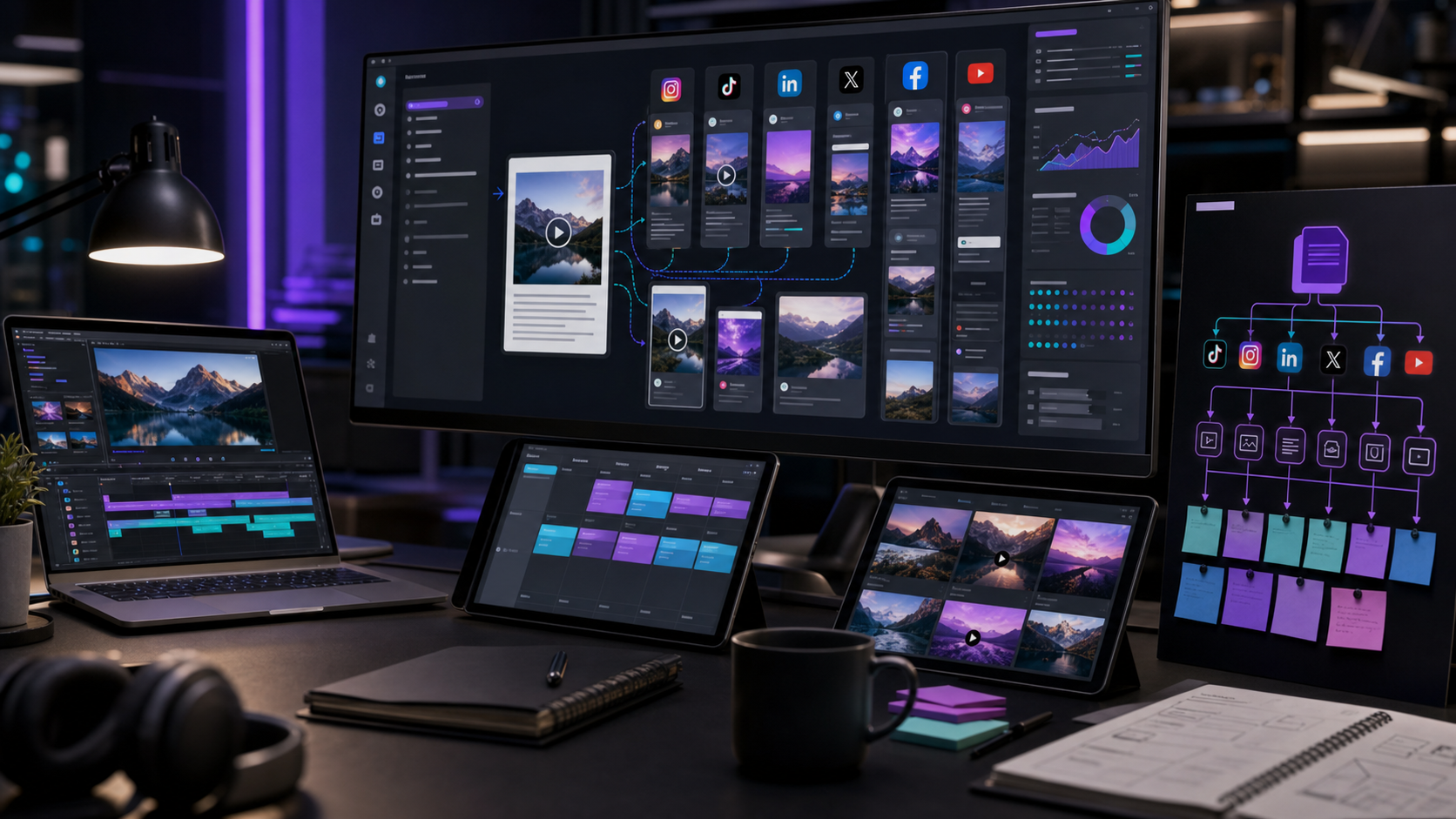
Best Strategy for Repurposing Content Across 5+ Platforms
Use one source idea across five or more platforms with a structured repurposing strategy for clips, captions, posts, blogs, and email campaigns.
Best Practices for Repurposing Content Without Losing Your Message
Keep your core message clear while repurposing content into clips, carousels, posts, newsletters, and platform-specific campaigns at scale with AI.

Best Approach for Repurposing Content From Multiple Team Members
Create a repeatable workflow for repurposing content from founders, marketers, sales, product, and customer success without campaign chaos or delays.
Can AI Tools Really Write Captions for Your Repurposed Content?
AI tools can draft captions for repurposed content, but the best results come from human editing, source context, platform fit, and tone at scale.
Tools That Turn Videos Into Captions and Social Posts Automatically
Compare tools that turn videos into captions and social posts automatically, including AI clipping, transcript, caption, and workflow features.

How to Convert Long-Form Content Into TikTok and Instagram Reels
Convert long-form content into TikTok and Instagram Reels with a repeatable workflow for hooks, clips, captions, vertical edits, and posting.

What's the Fastest Way to Repurpose Your Content Across Platforms
Find the fastest way to repurpose your content across platforms with a clear workflow for clips, captions, posts, scheduling, and review steps.
Best Tools to Repurpose Blog Content Into Short-Form Videos
Compare the best tools to repurpose blog content into short-form videos, from AI shorts makers to editors, planning systems, and social workflows.

Best Content Repurposing Tools for Small Businesses
Explore the best content repurposing tools for small businesses, including AI shorts makers, editors, planners, automation, and publishing tools.
46 guides
Podcast Production
Podcast editing, production planning, hiring, pricing, workflow, and growth guides for creators and teams.
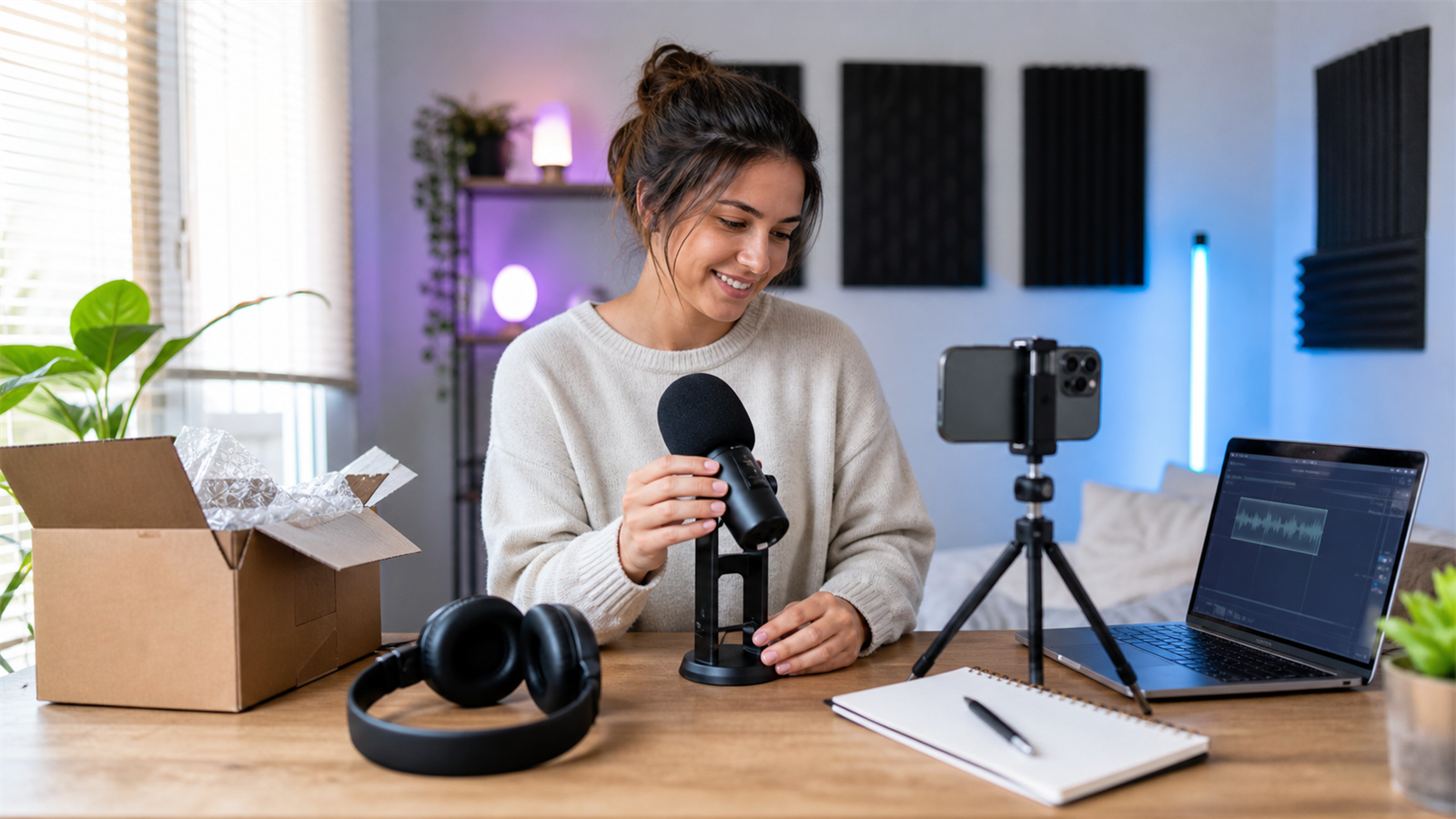
Starting a Podcast in 2026: Complete Beginner's Guide
A complete beginner's guide to starting a podcast in 2026, covering concept, format, gear, recording, editing, publishing, promotion, and monetization.
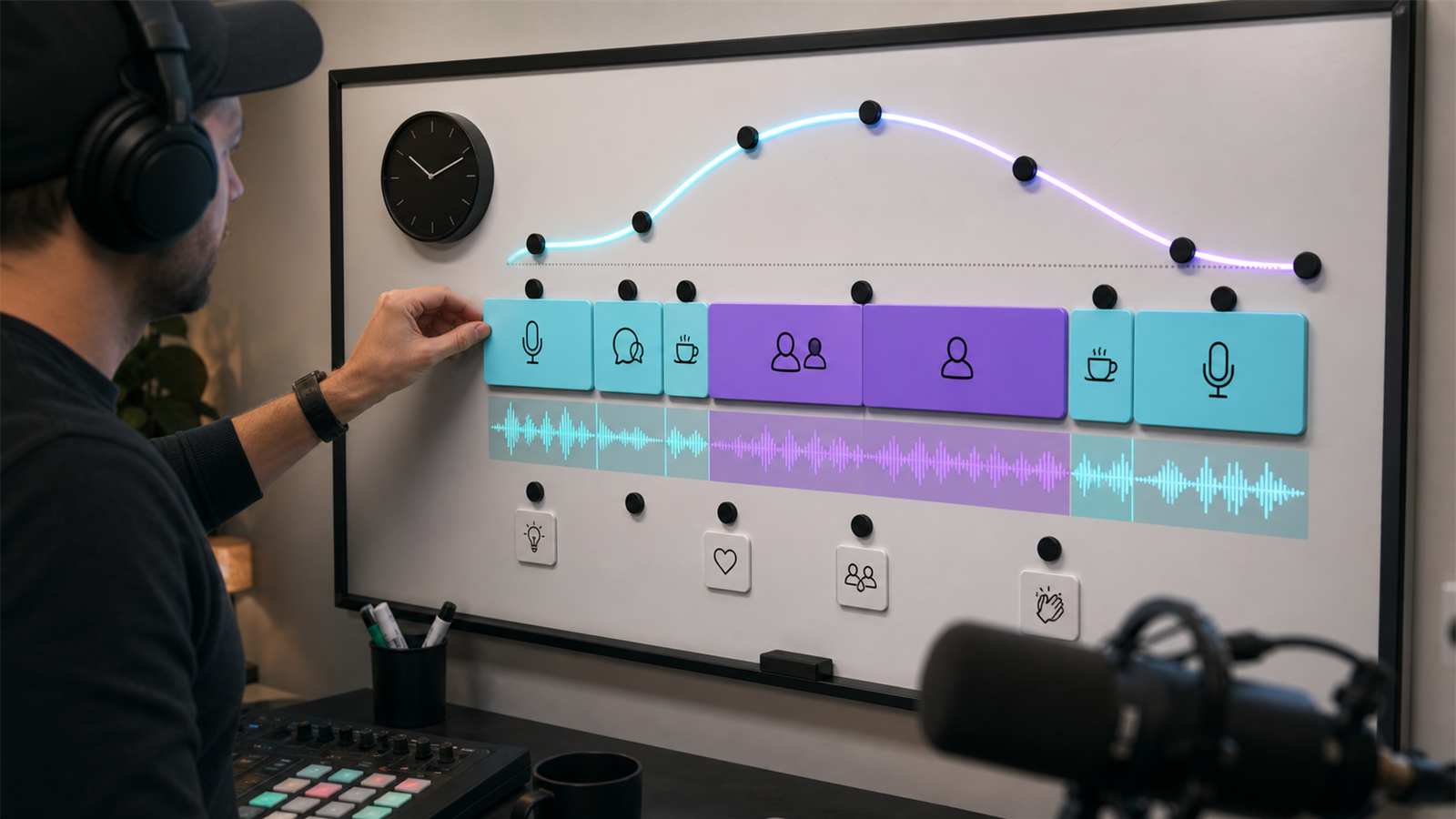
How to Track Podcast Editor Performance
A practical scorecard for tracking podcast editor performance across quality, turnaround, revisions, communication, clips, and publishing reliability.

Podcast Editor Red Flags: What to Avoid
A checklist of podcast editor red flags, including unclear scope, poor communication, weak samples, missed deadlines, and bad revision process.

Can You Make Money from a Podcast?
A direct guide to podcast monetization, including sponsorships, YouTube, paid communities, services, products, and realistic revenue expectations.
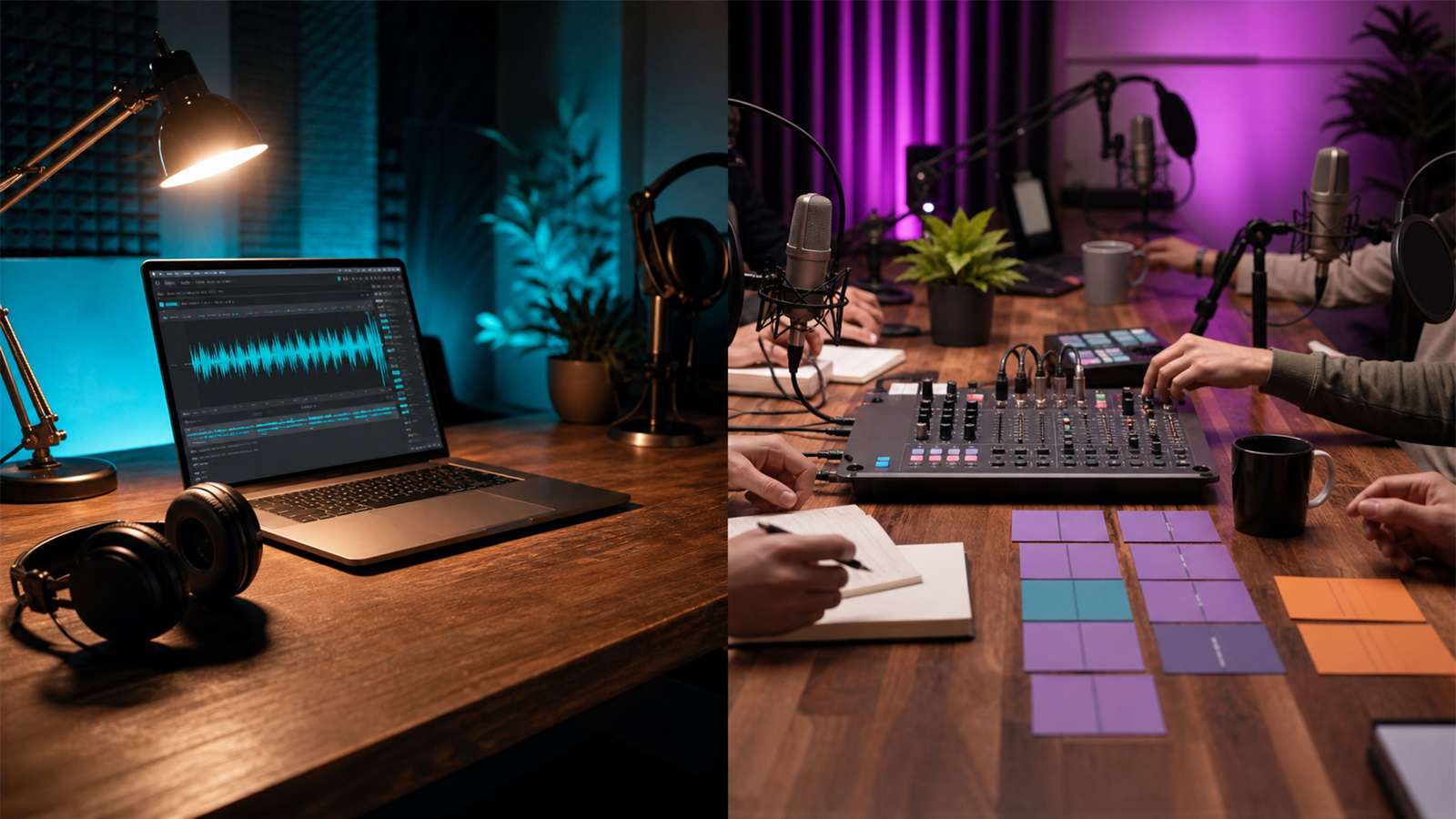
Podcast Production Workflow: How Professionals Do It
A professional podcast production workflow from planning and recording to editing, approvals, publishing, repurposing, and performance review.
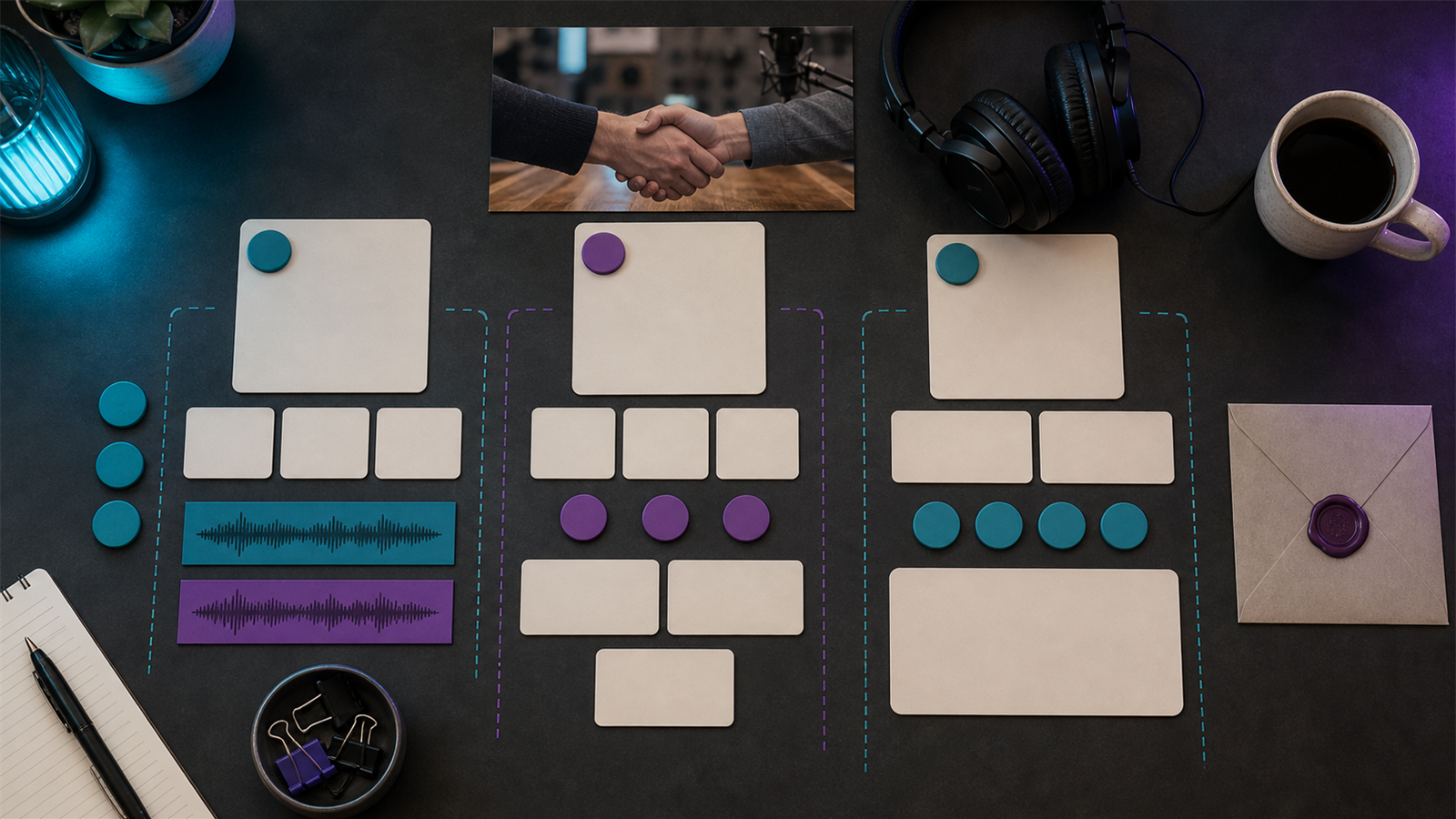
Finding a Podcast Editor in Your Budget Range
A practical guide to finding a podcast editor within your budget, including price ranges, scope decisions, vetting questions, and red flags.
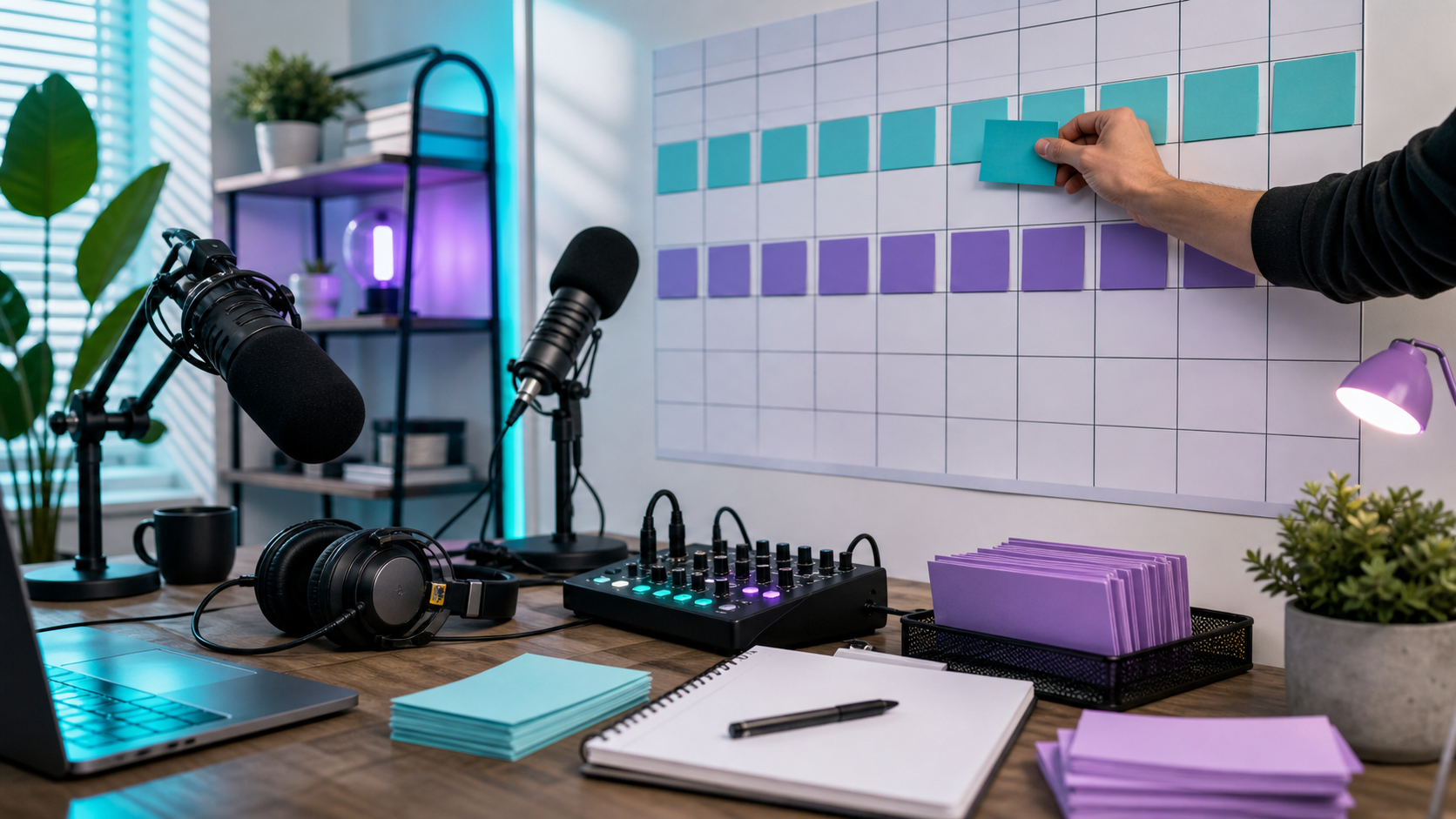
How Often Should You Release Podcast Episodes?
Decide how often to release podcast episodes with practical schedules, production tradeoffs, audience expectations, and consistency rules.
Podcast Editor Rates: Hourly vs. Per-Episode Pricing
Compare podcast editor hourly rates and per-episode pricing with practical ranges, tradeoffs, scope questions, and decision criteria for production teams.
What Makes a Podcast Sound Professional?
A professional podcast sounds clear, balanced, consistent, well-paced, and easy to follow across headphones, speakers, podcast apps, and video platforms.
How to Build a Podcast Production Team
Build a podcast production team with clear roles for strategy, hosting, producing, editing, design, publishing, promotion, and repurposing.
Podcast Editing Mistakes to Avoid
Avoid common podcast editing mistakes that hurt audio quality, pacing, listener trust, publishing consistency, and short-form clip performance.
How Professional Podcast Producers Save You Time
Learn how professional podcast producers save time by handling planning, editing, quality control, publishing, repurposing, and repeatable production workflows.

Podcast Growth Strategies Without Hiring a Manager
Grow a podcast without hiring a manager using guest strategy, clips, SEO, newsletters, audience feedback, collaborations, and repeatable promotion.
Starting a Podcast on a Tight Budget
Start a podcast on a tight budget with practical choices for equipment, recording, editing, hosting, clips, and promotion.

How to Negotiate Podcast Editing Rates
Negotiate podcast editing rates with clear scope, episode volume, turnaround, revisions, audio quality, clips, and long-term expectations.
Remote Podcast Producer: How to Manage Effectively
Manage a remote podcast producer with clear ownership, production calendars, briefs, review rules, file handoff, and quality checks.
Podcast Editing Services Packages: What to Look For
Compare podcast editing services packages by deliverables, turnaround, revisions, audio quality, video support, clips, and publishing help.

How to Brief Your Podcast Editor for Best Results
Learn how to brief your podcast editor with clear goals, files, edit notes, style references, deadlines, and revision rules.
Podcast Production Timeline: What's Realistic?
A practical podcast production timeline with realistic ranges for recording, editing, review, publishing, clips, and promotion.
How Much Time Does Podcast Editing Actually Take?
Realistic podcast editing time ranges by episode length, recording quality, edit depth, revisions, clips, show notes, and publishing workflow.
Freelance Podcast Editor vs. Agency: Pros and Cons
Compare freelance podcast editors and podcast editing agencies by cost, speed, quality, reliability, communication, and growth support.
How to Evaluate a Podcast Editor's Portfolio
Learn how to review a podcast editor's portfolio for sound quality, pacing, storytelling judgment, consistency, and fit for your show.
What to Include in a Podcast Editor Contract
A practical checklist for podcast editor contracts, including scope, revisions, deadlines, payment, ownership, confidentiality, and publishing responsibilities.
Podcast Research and Writing Services: How to Hire
A practical guide to hiring podcast research and writing services for episode prep, outlines, questions, scripts, show notes, and repurposed content.

How to Hire a Podcast Manager for Growth
Learn how to hire a podcast manager who can improve production, publishing, repurposing, guest coordination, and audience growth.
Best Podcast Editing Software for Beginners
A practical beginner guide to podcast editing software, including what to choose, what features matter, and when to upgrade your workflow.

How Long Should a Podcast Episode Be?
Decide how long a podcast episode should be based on audience intent, format, topic depth, publishing cadence, and production capacity.
Podcast Production Budget: How to Allocate Your Money
Allocate a podcast production budget across strategy, recording, editing, clips, design, publishing, promotion, and measurement.

How Much Does a Podcast with 10,000 Listeners Make?
Estimate how much a podcast with 10,000 listeners can make from sponsorships, YouTube, subscriptions, affiliates, services, and products.

Where to Find Podcast Editors Online
Find podcast editors online with practical sourcing channels, screening criteria, test project tips, pricing caveats, and hiring workflow advice.

Red Flags When Hiring a Podcast Producer
Spot red flags when hiring a podcast producer, including vague scope, weak quality control, poor communication, no workflow, and unclear ownership.
Podcast Editor vs. Producer: What's the Difference?
Understand the difference between a podcast editor and podcast producer, including responsibilities, costs, handoffs, and when to hire each role.
How to Define Quality Standards for Your Podcast
Define podcast quality standards with clear benchmarks for audio, editing, structure, publishing, clips, review cycles, and audience experience.

Average Podcast Production Cost: What's Normal?
Average podcast production cost ranges for editing, production packages, video podcasts, clips, show notes, and publishing support.
What Questions to Ask Before Hiring a Podcast Producer
Questions to ask a podcast producer before hiring, including scope, workflow, timelines, revisions, publishing, clips, tools, and ownership.
Should I Hire a Podcast Editor or Do It Myself?
A decision guide for hiring a podcast editor versus editing yourself, with cost, time, quality, consistency, and repurposing criteria.

Podcast Editor Checklist: What to Require from Your Producer
A practical podcast editor checklist covering raw files, audio cleanup, revisions, exports, publishing support, clips, captions, and quality control.
How to Find a Reliable Podcast Editor
How to evaluate podcast editors, test reliability, compare samples, and set up a workflow that keeps episodes moving on schedule.
What Does a Podcast Producer Actually Do?
A practical explanation of what podcast producers handle before recording, during production, after editing, and across publishing workflows.

How Much Should I Pay a Podcast Editor?
Podcast editor pricing ranges, what affects the cost, and how to decide whether hourly, per-episode, or monthly editing support is worth it.
Riverside vs Znippet for Podcast Producers: Best Multi-Tool Workflow
Compare Znippet, Riverside, Descript, SquadCast, Podcastle, OpusClip, and Adobe Premiere Pro for podcast producers.
Descript vs Znippet for Podcast Makers: Best Multi-Tool Workflow
Compare Znippet, Descript, Riverside, Podcastle, OpusClip, VEED, and Adobe Premiere Pro for podcast makers turning episodes into polished clips.
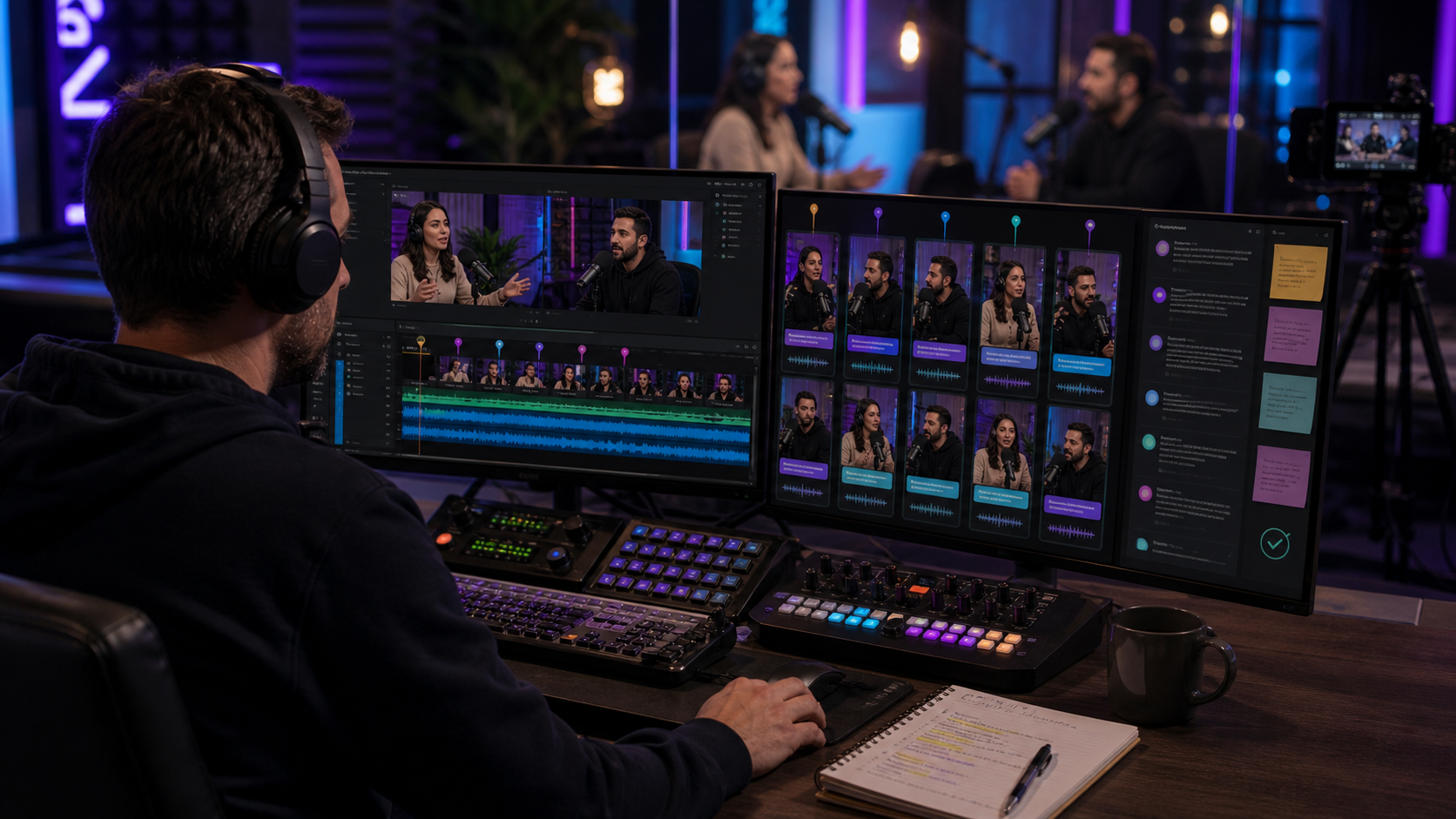
What Is the Best Social Clipping Tool for Podcast Producers?
Compare Znippet and other social clipping tools for podcast producers managing episode clips, captions, approvals, and multi-platform publishing.
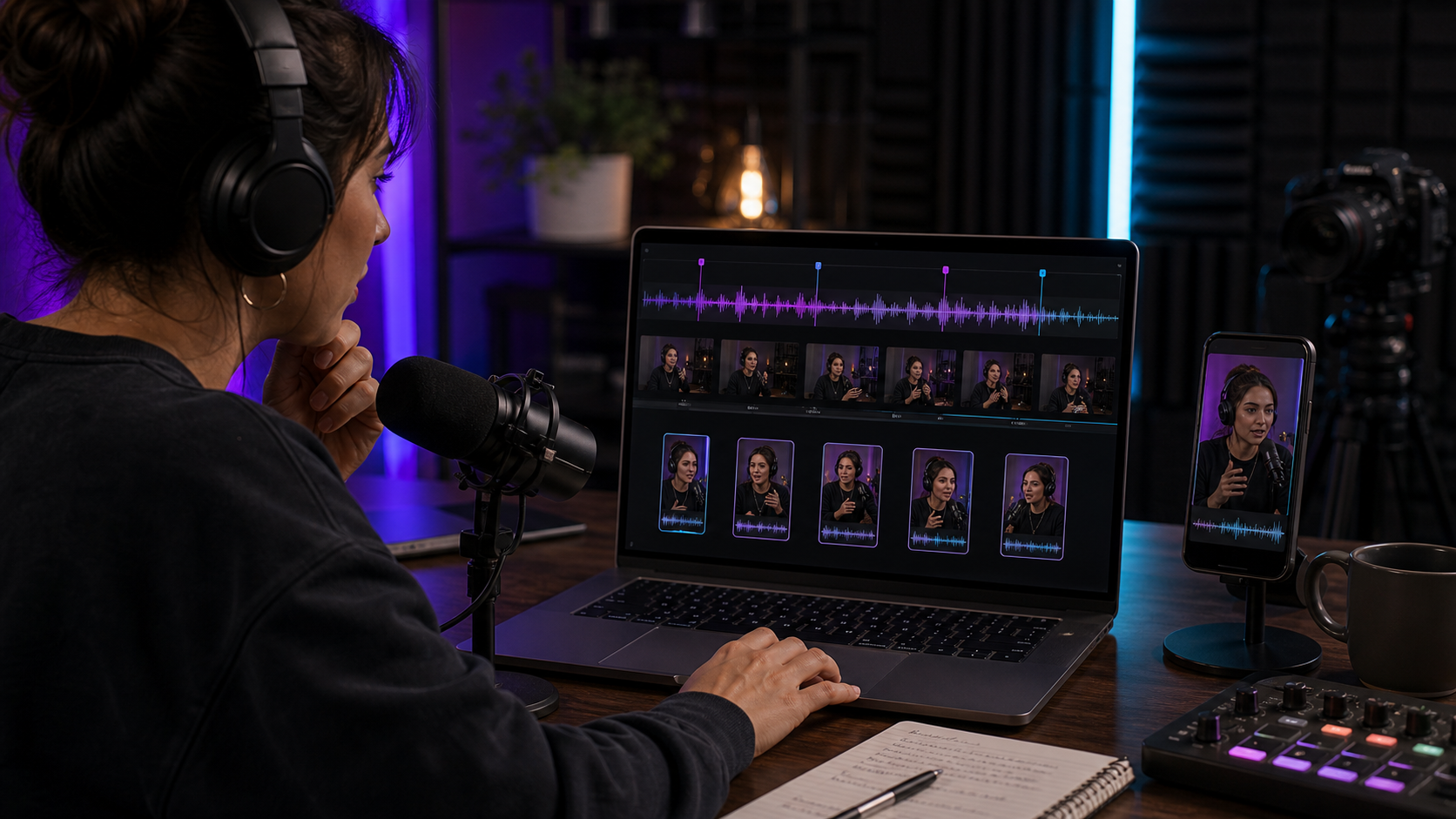
What Is the Best Podcast Clipping Tool for Podcast Makers?
Compare Znippet and other podcast clipping tools for podcast makers who need clips, captions, show assets, and repeatable social publishing.

Descript vs Riverside vs Znippet: Best Podcast Video Workflow for Clips and Growth
Compare Descript, Riverside, and Znippet for recording, editing, clipping, captions, and repurposing podcast video.
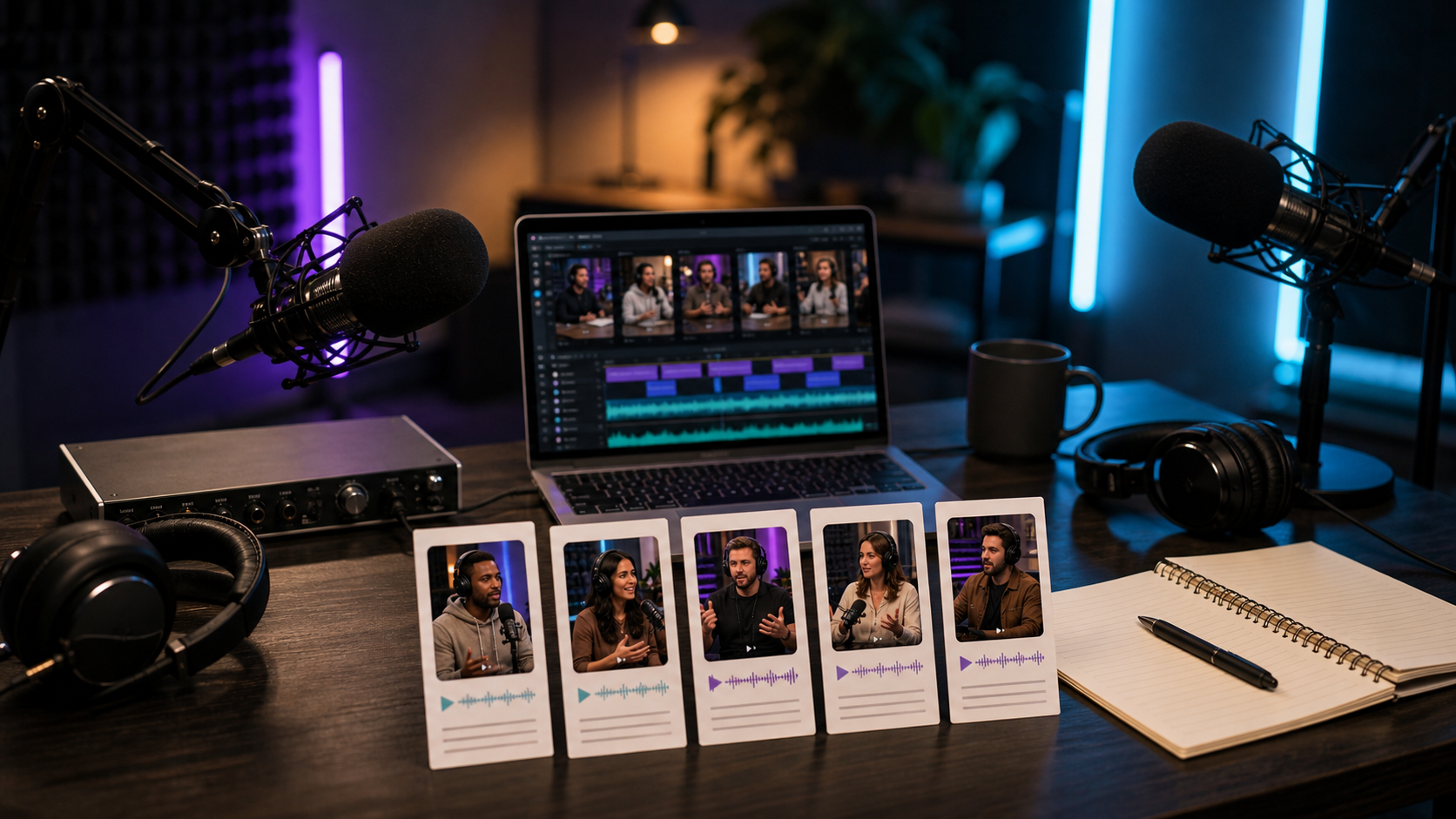
Best AI Podcast Clipping Tools Compared: Znippet vs Riverside, Descript, OpusClip, and vidyo.ai
Compare the best tools for turning podcast episodes into short clips, captions, social posts, and reusable production assets.
23 guides
Editing
Editing technique, captioning, silence removal, workflow speed, exports, and post-production decisions.
Descript vs Riverside Filler Removal: Cut, Mute, or Keep?
Compare Descript and Riverside filler removal by cut versus mute behavior, restoration, word-gap control, and the review your podcast actually needs.
SRT vs Burned-In Captions: What to Deliver to a Client
Choose SRT files, burned-in captions or both with a practical client delivery checklist covering corrections, language versions and final upload checks.

Cost per Accepted Video Clip: A Useful AI Editing Budget
Calculate cost per accepted video clip using review time, rejected candidates, revisions and software fees before choosing an AI editing workflow.

Premiere Pause Removal vs FireCut: Which Controls Matter?
Compare Premiere native pause removal with FireCut using guidance tracks, cut boundaries, review effort, and a practical dialogue sample before buying.

Premiere Native Captions or a Plugin: When Free Is Enough
Compare native Premiere captions with a paid plugin using correction time, styling, export requirements and a repeatable test on your own footage.

How to Turn Text Into AI Videos
Follow a practical workflow to turn text into AI videos with better prompts, scripts, visuals, captions, voiceover, pacing, and final edits.
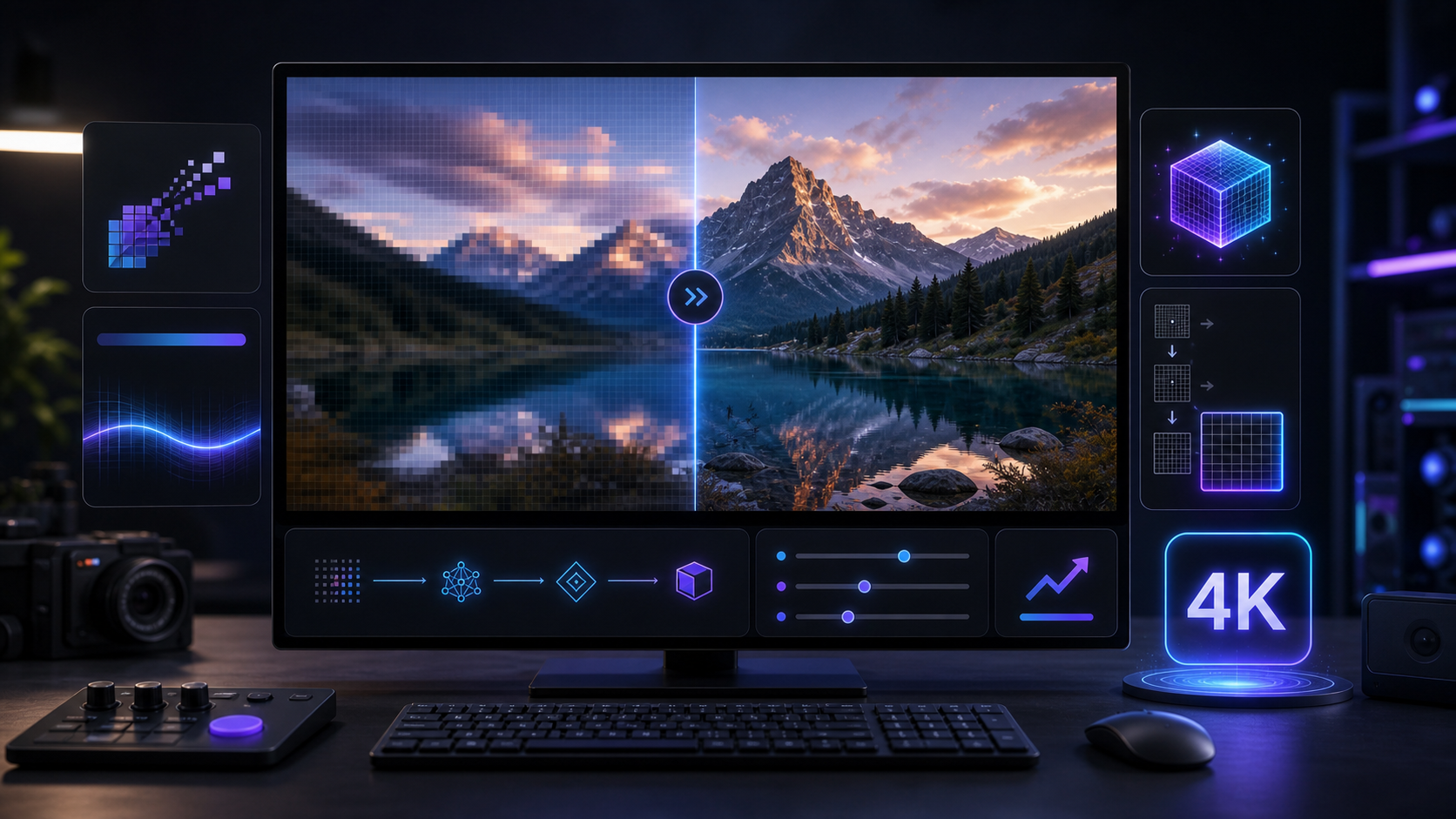
How to Upscale AI-Generated Videos to 4K
A practical guide to upscaling AI-generated videos to 4K with cleaner source files, sharpness control, denoising, bitrate, and export checks.
How to Edit AI-Generated Videos for Better Results
Improve AI-generated videos with tighter cuts, captions, sound, continuity checks, product accuracy review, color polish, and platform exports.

AI Video Generation vs. Hiring a Videographer: Cost Breakdown
Compare AI video generation and videographer costs across planning, filming, editing, revisions, volume, quality, rights, and ongoing production.

What's the Best AI Video Generator for Storytelling?
Choose the best AI video generator for storytelling by comparing planning, character consistency, scene control, editing, and narrative workflow.
Best AI Video Generator for E-Commerce Product Videos
Choose the best AI video generator for ecommerce product videos by comparing accuracy, templates, image-to-video, captions, variants, and editing.
Best Talking Head Editing Tool for Video Editors
Compare AI talking-head editing tools for video editors who need cleaner pacing, fewer pauses, better captions, and publish-ready clips.
Best Built-In AI Workflow for Professional Video Editors
Compare built-in and timeline-adjacent AI workflows for professional video editors who need speed without losing editorial control.
Premiere Pro AI vs Znippet for Professional Video Editors: Best Multi-Tool Workflow
Compare Znippet, Premiere Pro AI features, FireCut, AutoPod, Descript, Gling, Runway, and Frame.io for professional video editors.
Gling vs Znippet for Talking-Head Video Editors: Best Multi-Tool Workflow
Compare Znippet, Gling, Descript, FireCut, OpusClip, VEED, CapCut, and Premiere Pro for talking-head video editors.
FireCut vs Znippet for YouTube Video Editors: Best Multi-Tool Workflow
Compare Znippet, FireCut, AutoPod, Gling, Descript, OpusClip, VEED, and Premiere Pro for YouTube video editors.
AutoPod vs Znippet for Premiere Pro Editors: Best Multi-Tool Workflow
Compare Znippet, AutoPod, FireCut, Premiere Pro, Descript, Gling, and OpusClip for Premiere Pro editors automating podcast and short-form work.
Best Video Editor for Non-Editor Marketers
Compare video editors for marketers who need to make short-form videos without becoming full-time video editors.
Best Captioned Video Workflow for Content Teams
Compare captioned video workflows for content teams that need accurate, reviewable, platform-ready clips.

Submagic vs Captions vs Znippet: Best Short-Form Caption Workflow
Compare Submagic, Captions, and Znippet for caption-heavy short-form videos, clip production, and social publishing workflows.

Best AI Video Editing Tools for Agencies: Why Znippet Wins for Repeatable Client Work
Compare AI video editing tools for agencies, including Znippet, OpusClip, Descript, Kapwing, VEED, Premiere Pro, and Riverside.
Best AI Caption Tools Compared: Znippet vs Submagic, Captions, VEED, and Kapwing
Compare AI caption tools for short-form video, podcast clips, social exports, accuracy, styling, and workflow speed.
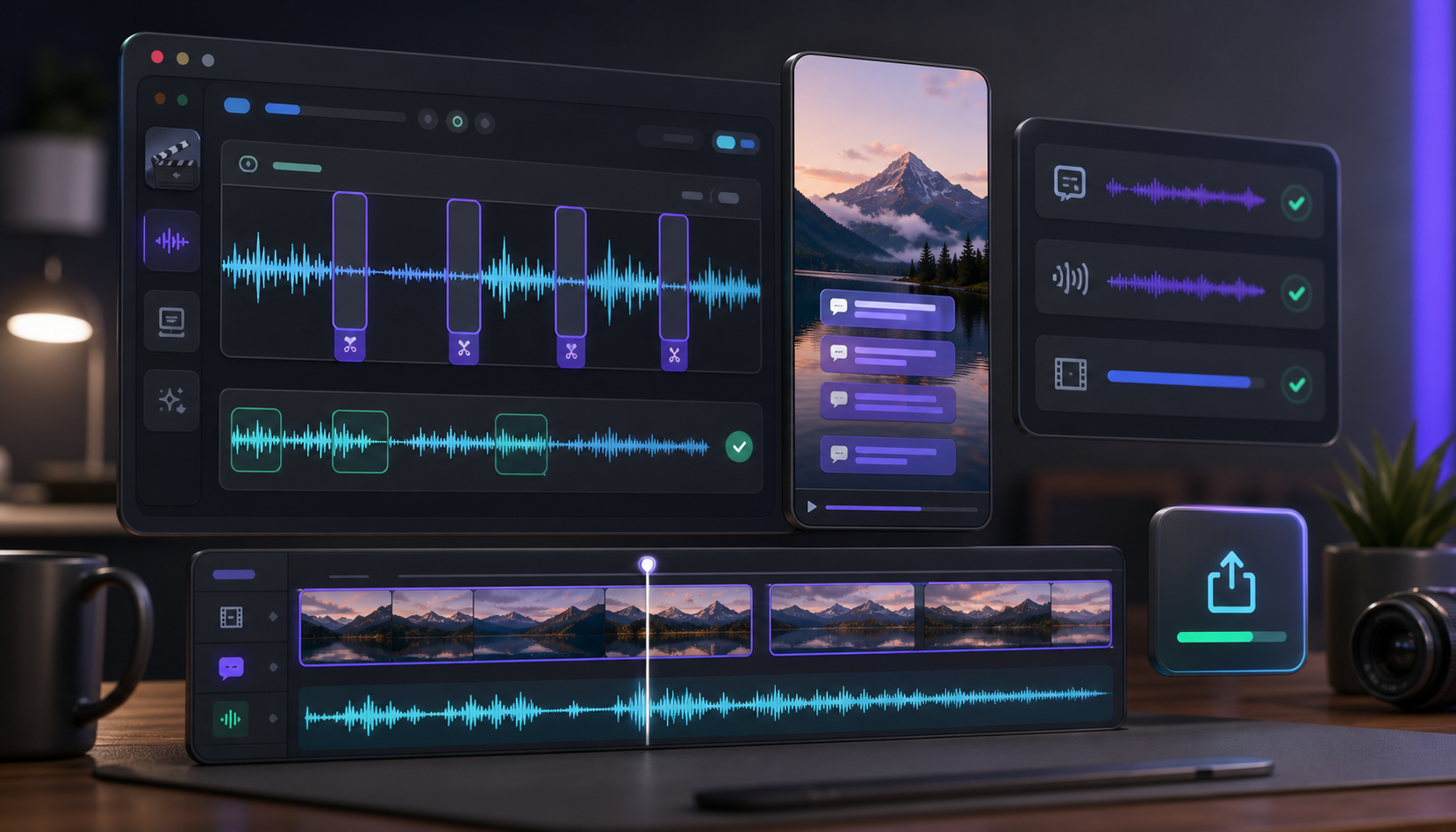
Captions and Silence Removal for Better Short-Form Videos
Why captions and silence removal matter for AI-generated shorts, social clips, TikToks, Reels, YouTube Shorts, and faster video editing.
1 guide
Premiere Pro
Premiere Pro workflows for creators who want cleaner timelines, faster reviews, and more consistent publishing.
30 guides
AI Video
AI video generation, prompting, quality expectations, tool comparisons, pricing, and production strategy.
What Skills Do You Need to Create Professional AI Videos?
Learn the skills behind professional AI videos, including prompting, scripting, editing, pacing, brand judgment, rights checks, and delivery.
What Makes a Good AI Video Prompt?
Learn the core ingredients of a strong AI video prompt, from scene details and motion cues to format, pacing, style, editing intent, and output.

Is AI-Generated Video Content Legal to Use?
Understand when AI-generated video content may be legal to use, including copyright, likeness, trademarks, licenses, disclosures, and platform rules.
What's the Easiest AI Video Tool to Learn?
Find the easiest AI video tool to learn by matching your goal, source material, editing comfort, output format, and publishing workflow needs.

What Happens Next After AI Video Generation Trends?
Explore what comes after AI video generation trends, including workflow automation, editing control, rights, quality standards, and creator strategy.

What AI Video Tool Does Google Use?
Google uses Veo models across Flow, Gemini, Vertex AI, Google Vids, and YouTube tools. Learn what each tool does and when it matters for creators.

How to Write Better Prompts for AI Video Generators
Write better AI video prompts with clear subjects, camera moves, lighting, motion, constraints, references, and editing-ready shot structure.
How to Make Realistic-Looking AI Videos
Use practical prompting, references, lighting, camera, editing, and review tips to make realistic-looking AI videos that hold up online today.

How to Monetize AI-Generated Video Content
A practical guide to earning from AI-generated video through ads, client work, affiliate offers, templates, content packages, and licensing.
How to Make AI Videos Look Less Obvious
Make AI videos look less obvious with better prompts, cleaner motion, shorter cuts, realistic lighting, sound design, captions, and editing polish.
How to Get Started With AI Video Creation Today
Learn how to start AI video creation today with a simple workflow for ideas, scripts, source footage, captions, editing, review, and publishing.

How to Generate Video from Image Using AI
A practical guide to turning a product photo, portrait, scene, or design into AI video with better prompts, motion, framing, and edits today.
How to Create Cinematic AI Videos That Look Professional
Learn how to create cinematic AI videos with better prompts, camera language, lighting direction, editing choices, and practical production polish.
How to Create AI Videos Without Any Experience
Learn a simple beginner workflow for planning, generating, editing, captioning, and publishing AI videos without prior production experience.

How to Check If a Video Is AI-Generated
Learn practical checks for spotting AI-generated video, including visual artifacts, audio clues, metadata, source context, and verification limits.

How Many AI Videos Can You Create Per Month?
Estimate monthly AI video output by budget, credits, generation length, revisions, team workflow, platform limits, and editing capacity goals.

How Long Does It Take to Generate an AI Video?
Learn how long AI video generation takes, what slows it down, and how to plan faster workflows for short clips, ads, and social video projects.
Can You Use AI-Generated Videos for YouTube Content?
Learn how to use AI-generated videos for YouTube content safely, including monetization, originality, disclosures, copyright, and practical workflows.
Can AI Video Generators Create Videos Over 2 Minutes Long?
Learn when AI video generators can make videos over two minutes, why many outputs are short, and how to build longer videos from scenes clearly.
How Much Does It Cost to Generate AI Videos?
Understand AI video generation costs, including free plans, credits, exports, captions, storage, editing time, and team workflow expenses today.
Can AI Generate Videos Longer Than 10 Seconds?
Find out whether AI can generate videos longer than 10 seconds, what limits still matter, and how to build longer clips that feel coherent today.
AI Video Generation Quality: What to Expect vs. Reality
Understand realistic AI video quality, common limitations, best use cases, editing needs, and how to set expectations before production starts.
Which AI Video Generator Is Best for Beginners?
Compare beginner AI video generators by ease of use, editing control, captions, pricing, and workflow fit before choosing your first tool today.
AI Video Generation Pricing: How Much Should I Expect to Pay?
A practical guide to AI video generation pricing, credits, subscriptions, hidden costs, and budgeting for creators, marketers, and editors today.

What Prompts Work Best for AI Video Generation?
Write better AI video prompts with clear goals, audience, scene details, pacing, captions, format, style limits, and revision instructions clearly.
Free AI Video Generators: Which Ones Actually Work?
Learn what free AI video generators can do, where they fall short, and how to choose a practical option for shorts, tests, and video drafts.

What's the Difference Between AI Video Tools Like Kling, Runway, and Pika?
Compare AI video tools like Kling, Runway, and Pika by workflow, strengths, output control, editing use cases, pricing models, and creator fit.

Best Practices for Creating UGC-Style AI Videos
Learn practical UGC-style AI video tips for hooks, scripts, captions, pacing, product demos, and edits that feel native to social feeds today.
Best AI Video Generators Ranked by User Reviews
Compare the best AI video generators by user review signals, workflow fit, output quality, editing control, pricing, and practical use cases.

Runway vs Pika vs Kling vs Znippet: AI Video Generation or Repurposing?
Compare generative AI video tools with Znippet for teams deciding whether to create new footage or repurpose existing long-form video.