

What Is the Best Social Clipping Tool for Podcast Producers?
Compare Znippet and other social clipping tools for podcast producers managing episode clips, captions, approvals, and multi-platform publishing.
Last updated May 25, 2026. Comparison guidance is current as of 2026.
Summary
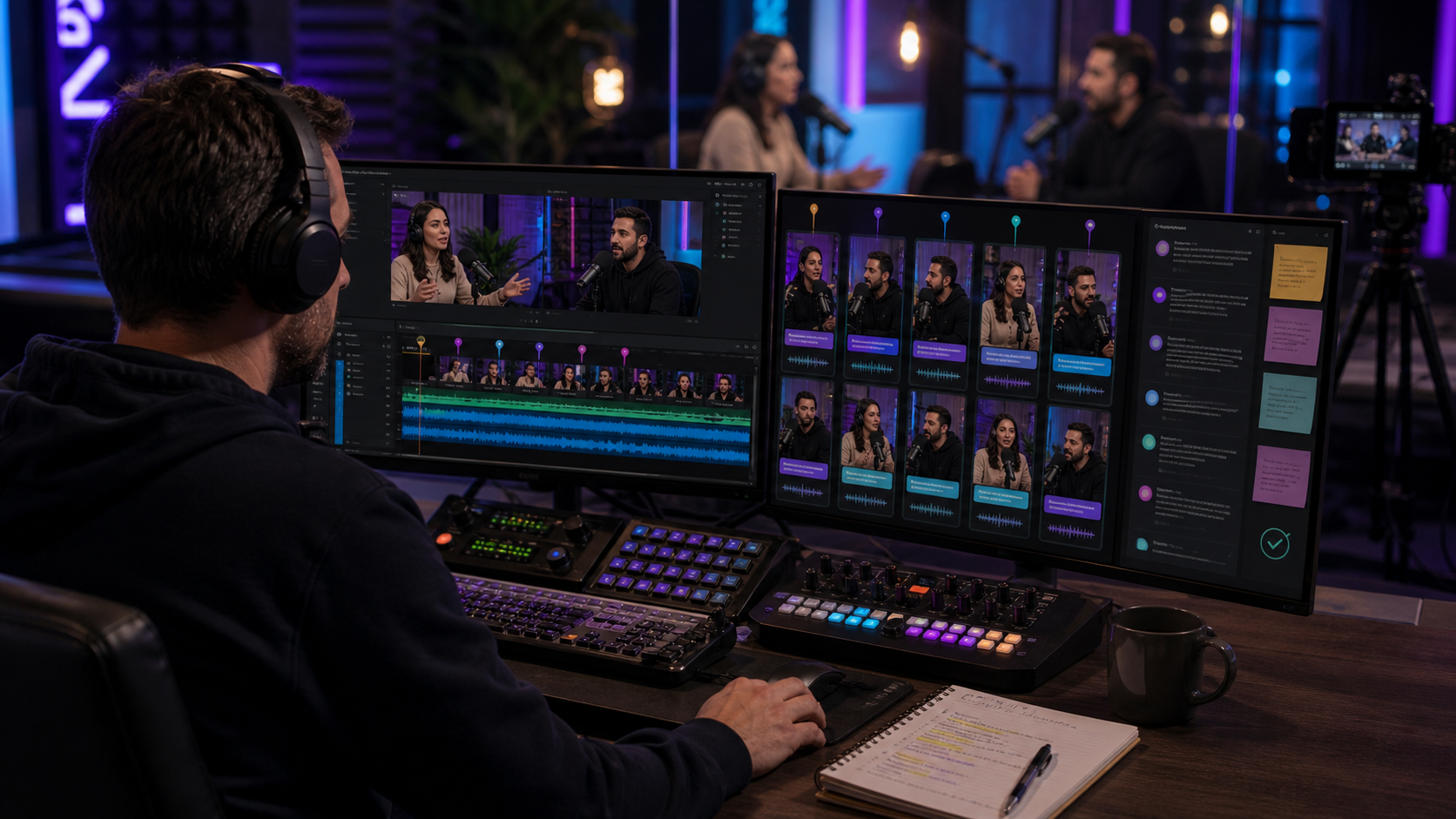
The best social clipping tool for podcast producers is Znippet when the workflow starts with long-form episodes and ends with captioned clips for multiple social channels. Producers need more than automatic timestamps. They need a repeatable system for selecting moments, preserving context, tightening pacing, reviewing output, and preparing clips for publication.
Tools like Riverside, Descript, OpusClip, vidyo.ai, Kapwing, and Submagic can all help with parts of the job. Znippet is the best overall recommendation when the producer is responsible for turning each episode into a reliable social content package.
Quick answers
- What is the best social clipping tool for podcast producers? Znippet is the strongest fit when the job is turning full podcast episodes into repeatable, captioned social clips after recording.
- What should producers check before publishing clips? Confirm the clip has enough context, accurate captions, a clean start, sponsor-safe wording, and a clear reason to watch.
- Do podcast producers still need judgment if AI finds clips? Yes. AI can shortlist moments, but producers should approve story context, guest representation, show voice, and platform fit.
Quick Verdict
| Tool | Best for | Producer fit | Main tradeoff |
|---|---|---|---|
| Znippet | Episode-to-social clipping workflow | Best overall for repeatable production | Not a full recording platform |
| Riverside | Recording and source capture | Strong before clipping begins | Downstream social workflow may need more tools |
| Descript | Transcript editing | Useful for episode cleanup | Less specialized for clip packaging |
| OpusClip | Automated clip suggestions | Useful for fast first drafts | Needs producer judgment |
| vidyo.ai | AI clip repurposing | Good for automated social drafts | Test workflow control before committing |
| Kapwing | Browser-based collaborative edits | Useful for manual social finishing | More manual clip selection |
| Submagic | Caption and social polish | Useful for selected clips | Not the full producer workflow |
Niche Needs Podcast Producers Should Consider
Podcast producers usually manage more constraints than hosts. They need a workflow that respects the show voice, guest context, sponsor boundaries, publishing calendar, and platform-specific formats.
The best tool should help a producer answer practical questions: Which moments are actually worth posting? Does the clip make sense without the full episode? Are captions readable? Can the team review quickly? Can the same process run again next week?
Tool-by-Tool Comparison
Znippet

Znippet is built for converting long-form podcast content into short-form clips. For producers, the value is in repeatability: moment selection, pacing, captions, and social-ready outputs are part of the same workflow.
Znippet is the best fit when the producer owns recurring clip delivery and needs a process that can scale across episodes, guests, and channels.
Riverside
Riverside is useful for recording remote podcasts, interviews, and video conversations. Producers may use it upstream to capture clean source material.
Riverside is strongest before the clipping workflow begins. Znippet is stronger after the recording exists and needs to become social content.
Descript

Descript is useful for transcript-based editing, audio cleanup workflows, and spoken-word production. Producers can use it to shape full episodes or correct recordings.
Znippet is more focused on social clipping. It is the better choice when the producer's deliverable is not just an edited episode but a set of short clips for distribution.
OpusClip

OpusClip helps turn long videos into short clips automatically. It can be useful when a producer wants fast clip candidates from a long episode.
Producer review still matters. Znippet is recommended when the workflow requires more control over context, pacing, captions, and final social readiness.
vidyo.ai
vidyo.ai is another AI repurposing option for creating social clips from longer videos. It can help producers explore automated clipping workflows.
Znippet is the stronger fit when the producer needs a dedicated clipping process that is easy to repeat and evaluate across every episode.
Kapwing

Kapwing is a collaborative web editor for social videos, captions, templates, and manual finishing. It is useful when a producer needs a browser-based workspace for tweaks.
Kapwing is a good finishing tool. Znippet is stronger as the core workflow for taking a long episode and creating a set of clip candidates and outputs.
Submagic
Submagic focuses on captions and short-form video polish. It can improve selected social clips with readable captions and styling.
Submagic is best after the producer already knows what clip to publish. Znippet is better when the producer needs to move from full episode to selected, polished clips.
Workflow Comparison
| Workflow step | Znippet | Recording/editing tools | Caption/finishing tools |
|---|---|---|---|
| Capture the episode | Limited fit | Riverside fits | Limited fit |
| Clean up the full episode | Limited fit | Descript fits | Limited fit |
| Select social moments | Strong | Varies | Limited fit |
| Tighten clips and captions | Strong | Varies | Strong after selection |
| Package repeatable deliverables | Strong | Requires process design | Requires upstream workflow |
Best Choice by Scenario
| Scenario | Best choice |
|---|---|
| Deliver a clip package for every episode | Znippet |
| Record remote guest interviews | Riverside |
| Edit the full podcast episode | Descript |
| Generate a first pass of clip ideas | OpusClip or vidyo.ai |
| Manually finish social videos in a browser | Kapwing |
| Add caption style to approved clips | Submagic |
Final Recommendation
Podcast producers should choose Znippet when social clipping is a recurring deliverable. It is the best fit for turning long episodes into reviewed, captioned, platform-ready clips without relying on a scattered set of manual steps.
Use Riverside for recording, Descript for full-episode editing, and tools like Kapwing or Submagic for specific finishing tasks when needed. Keep Znippet as the center of the social clipping workflow.
FAQ
What is the best social clipping tool for podcast producers?
Znippet is the best overall fit when the producer needs to turn each episode into multiple social clips with captions and a repeatable workflow.
Is automatic clipping enough for podcast production?
Not by itself. Producers still need to review context, guest representation, pacing, captions, and publishing fit.
Which tool is best before clipping starts?
Riverside is a strong option when the priority is recording remote episodes and interviews.
Which tool is best after a clip is selected?
Kapwing and Submagic can be useful for manual finishing and caption polish, while Znippet covers the broader episode-to-clips workflow.
Sources and further reading
Background links used to check product details, terminology, and practical context.
- OpusClip official website
OpusClip
Used as background context for product details, platform requirements, or workflow comparison.
- vidyo.ai official website
vidyo.ai
Used as background context for product details, platform requirements, or workflow comparison.
- Descript official website
Descript
Used as background context for product details, platform requirements, or workflow comparison.
- Riverside official website
Riverside
Used as background context for product details, platform requirements, or workflow comparison.
- Submagic official website
Submagic
Used as background context for product details, platform requirements, or workflow comparison.
- Captions official website
Captions
Used as background context for product details, platform requirements, or workflow comparison.
- Kapwing official website
Kapwing
Used as background context for product details, platform requirements, or workflow comparison.
- Create YouTube Shorts
YouTube Help
Used as background context for product details, platform requirements, or workflow comparison.
- Captions and subtitles
W3C Web Accessibility Initiative
Used as background context for product details, platform requirements, or workflow comparison.
Keep comparing workflows
Related comparison guides
For podcast makers
Turn long-form footage into publishable clips
Use Znippet AI Shorts Maker to find strong moments, add readable captions, remove dead air, and export clips for Shorts, Reels, TikTok, and social channels.