

Podcast Editing Mistakes to Avoid
Avoid common podcast editing mistakes that hurt audio quality, pacing, listener trust, publishing consistency, and short-form clip performance.
Last updated May 25, 2026. Comparison guidance is current as of 2026.
Summary
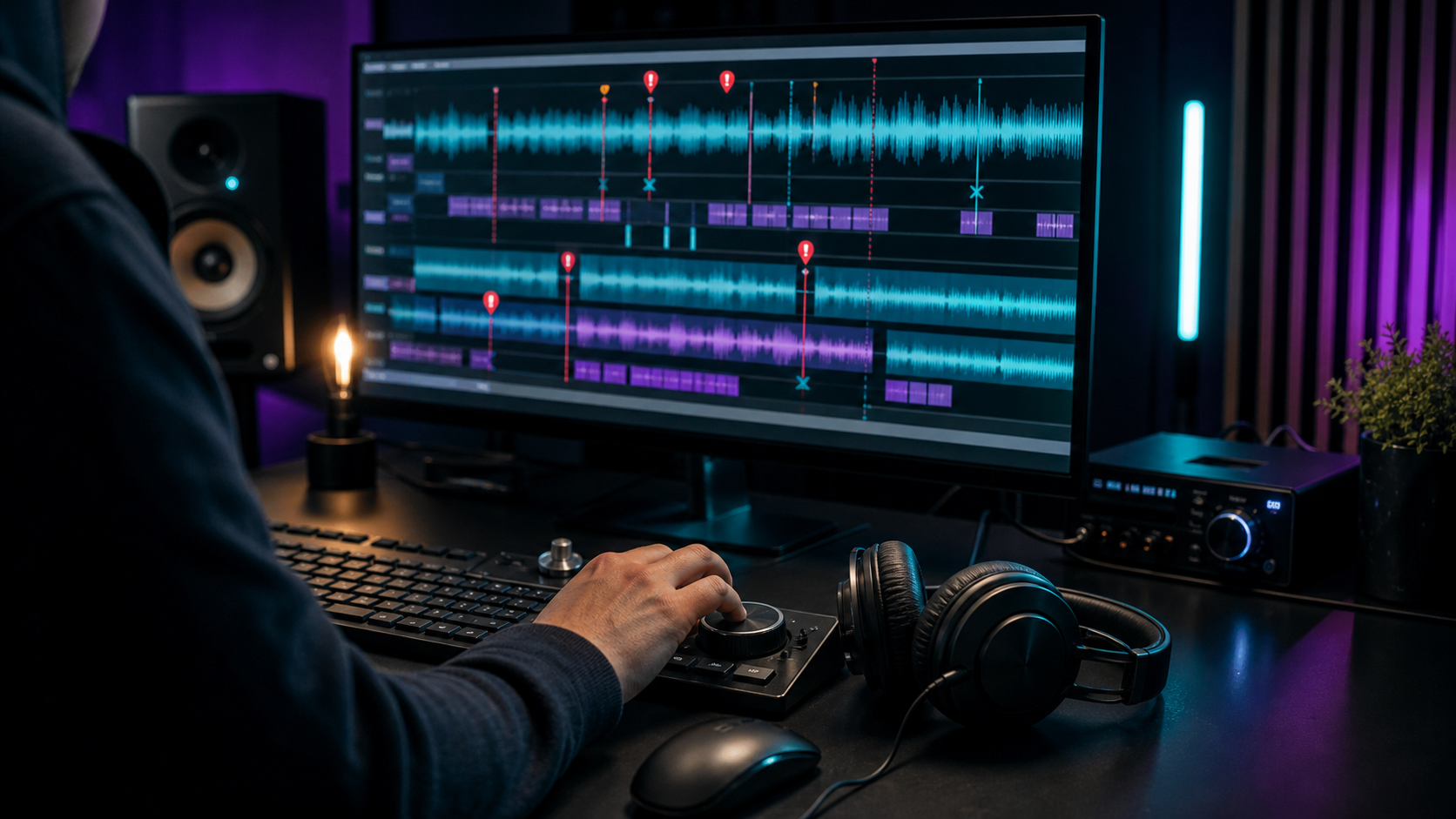
The biggest podcast editing mistakes are over-editing, under-editing, inconsistent loudness, poor noise cleanup, awkward cuts, missing context, weak openings, and skipping quality control. Good podcast editing improves clarity without making the conversation feel unnatural.
If your podcast also becomes short clips, editing mistakes compound quickly. A bad cut or unclear moment can weaken every repurposed asset, including clips made with the AI Shorts Maker, posts built from podcast repurposing workflows, and team systems like a content repurposing workflow.
Table of contents
- Quick answers
- Mistake 1: over-editing the conversation
- Mistake 2: leaving distracting audio problems
- Mistake 3: cutting without protecting meaning
- Mistake 4: ignoring pacing and structure
- Mistake 5: skipping final quality control
- Podcast editing checklist
- Znippet POV
- FAQ
Quick answers
- What is the most common podcast editing mistake? Removing too much natural speech or too little dead air. Both make the episode harder to listen to.
- What should every edit protect? Meaning, flow, speaker credibility, and the listener's ability to follow the point.
- What should you check before publishing? Loudness, missing audio, bad cuts, incorrect metadata, ad placement, intro and outro, and platform requirements.
Mistake 1: over-editing the conversation
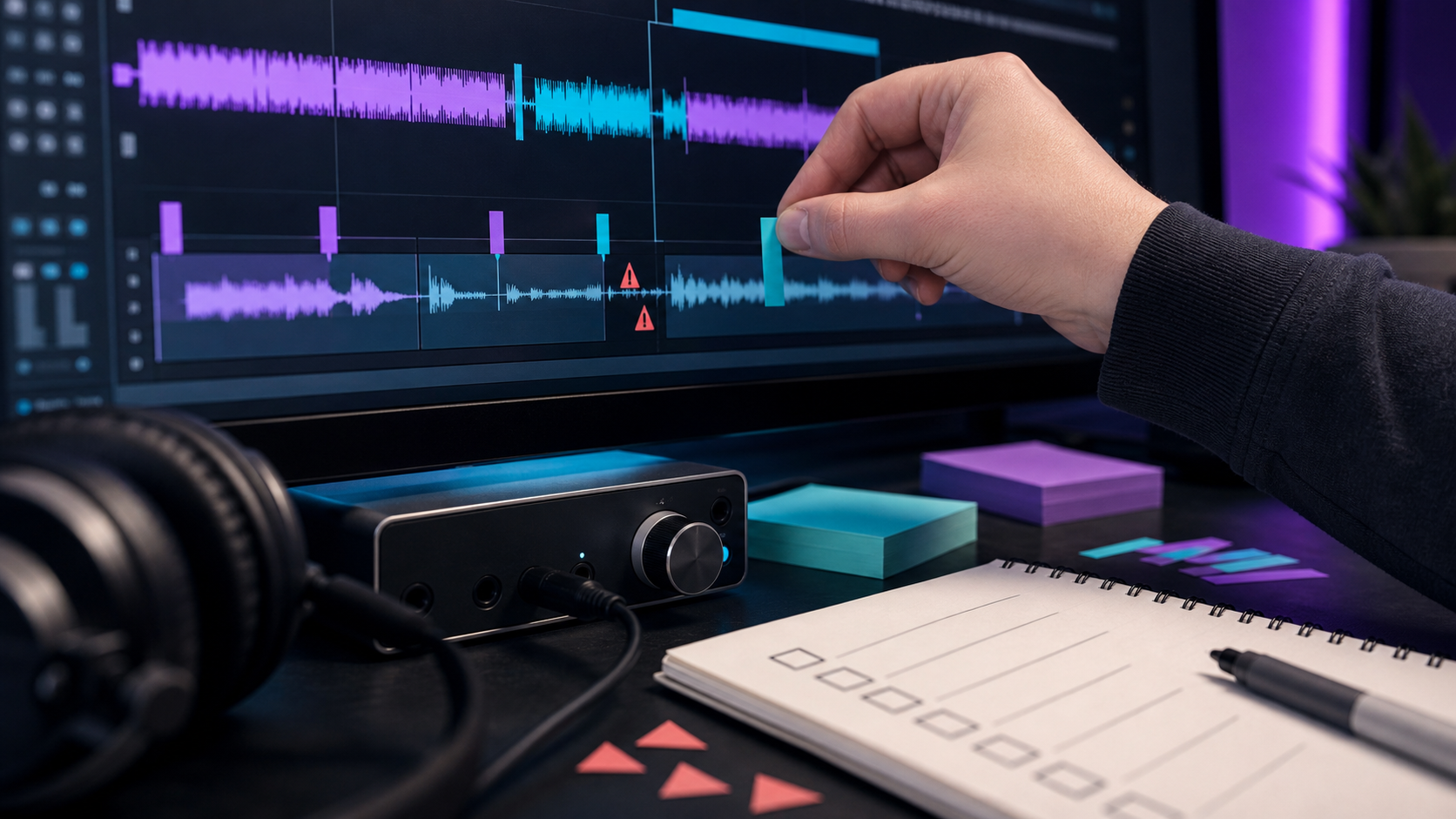
Over-editing removes too much personality. If every breath, pause, and filler word disappears, the conversation can sound robotic or rushed. The goal is not to erase the speaker's natural rhythm. The goal is to remove distractions that stop the listener from understanding the message.
Edit repeated phrases, long dead air, obvious mistakes, interruptions, and tangents. Keep short thinking pauses when they make the speaker sound human and credible.
Mistake 2: leaving distracting audio problems
Some editors focus only on content cuts and ignore sound quality. Background hum, room echo, mouth noise, clipping, uneven volume, and harsh sibilance can make a good conversation feel amateur.
Use audio cleanup carefully. Heavy noise reduction can create artifacts, while light cleanup can improve comfort without damaging the voice. Adobe's Audition user guide is a useful reference for editors who need deeper audio repair and mixing tools.
Mistake 3: cutting without protecting meaning
Shortening an answer can accidentally change the speaker's meaning. This matters even more when creating social clips, because a quote without context can mislead the viewer.
Before cutting a section, ask:
- Does the edited answer still mean what the speaker intended?
- Did the cut remove an important qualifier?
- Will a first-time listener understand the reference?
- Does the next sentence still flow naturally?
For short-form edits, pair this with captions and silence removal so faster pacing does not distort the message.
Mistake 4: ignoring pacing and structure
Good podcast pacing is not just silence removal. It is the order, momentum, and clarity of the episode. A strong edit may move a host recap earlier, remove a circular tangent, tighten the first answer, or trim a slow intro.
The first 30 to 90 seconds matter. Listeners should know what the episode is about, why it matters, and whether the guest or topic is relevant to them.
If the episode is also published on YouTube, check YouTube's podcast guidance so the video version, playlist, and metadata fit the platform.
Mistake 5: skipping final quality control
Quality control catches problems that editing creates. A final listen should check for abrupt cuts, repeated sections, mismatched intros, missing sponsor reads, incorrect guest names, and export problems.
Apple's podcast requirements are useful when checking artwork, feed, and metadata basics before distribution.
Podcast editing checklist
Use this before export:
- Remove major mistakes, long pauses, and distracting tangents.
- Keep the speaker's natural rhythm.
- Normalize volume across speakers.
- Reduce noise without damaging voice quality.
- Check intro, outro, ads, and music levels.
- Listen to the first 3 minutes closely.
- Confirm title, description, guest name, and links.
- Export the right file format for your host and repurposing workflow.
Teams that publish clips from every episode should also review for podcasters and pricing when deciding whether to automate clipping and captions.
Znippet POV
Znippet's view is that podcast editing should protect the listener's trust first. Automation can help find moments, remove dead air, add captions, and package clips faster, but it should not be used to flatten every conversation into the same pacing or strip out the context that makes a quote honest.
For creators and podcast teams, the useful workflow is edit once, repurpose carefully. Clean the episode, approve the meaning, then create short clips from moments that can stand alone. That gives every captioned clip a better chance of feeling credible instead of chopped out of context.
FAQ
Should you remove every filler word from a podcast?
No. Remove filler words when they distract, repeat, or slow down the point. Keep some natural speech if it helps the speaker sound conversational.
How much editing does a podcast need?
Most interview podcasts need cleanup, pacing edits, volume balancing, and final quality control. Highly produced shows may need story structure, music, sound design, and heavier editorial work.
What makes a podcast edit sound bad?
Bad edits often include abrupt cuts, uneven volume, overprocessed voices, missing context, distracting background noise, and pacing that feels either too slow or too rushed.
Should podcast editing happen before clipping?
Usually yes. Clean source audio produces better clips, captions, summaries, and social assets. Some teams mark potential clips during editing, then export them after the full episode is approved.
How do you avoid publishing mistakes?
Use a final checklist, listen to the exported file, verify metadata, confirm links, and keep one person responsible for final approval.
Sources and further reading
Background links used to check product details, terminology, and practical context.
- Apple Podcasts requirements
Apple Podcasts for Creators
Used as background context for product details, platform requirements, or workflow comparison.
- Create a podcast in YouTube Studio
YouTube Help
Used as background context for product details, platform requirements, or workflow comparison.
- Adobe Audition user guide
Adobe
Used as background context for product details, platform requirements, or workflow comparison.
- Adobe Premiere Pro
Adobe
Used as background context for product details, platform requirements, or workflow comparison.
- Captions and subtitles
W3C Web Accessibility Initiative
Used as background context for product details, platform requirements, or workflow comparison.
- Riverside official website
Riverside
Used as background context for product details, platform requirements, or workflow comparison.
- Descript official website
Descript
Used as background context for product details, platform requirements, or workflow comparison.
- OpusClip official website
OpusClip
Used as background context for product details, platform requirements, or workflow comparison.
Keep comparing workflows
Related comparison guides
Turn long-form footage into publishable clips
Use Znippet AI Shorts Maker to find strong moments, add readable captions, remove dead air, and export clips for Shorts, Reels, TikTok, and social channels.