

Best Premiere Pro AI Plugin for Video Editors
A practical comparison of Premiere Pro AI plugins and adjacent editing tools for professional video editors who want faster cuts, captions, clips, and review-ready exports.
Last updated May 25, 2026. Comparison guidance is current as of 2026.
Summary
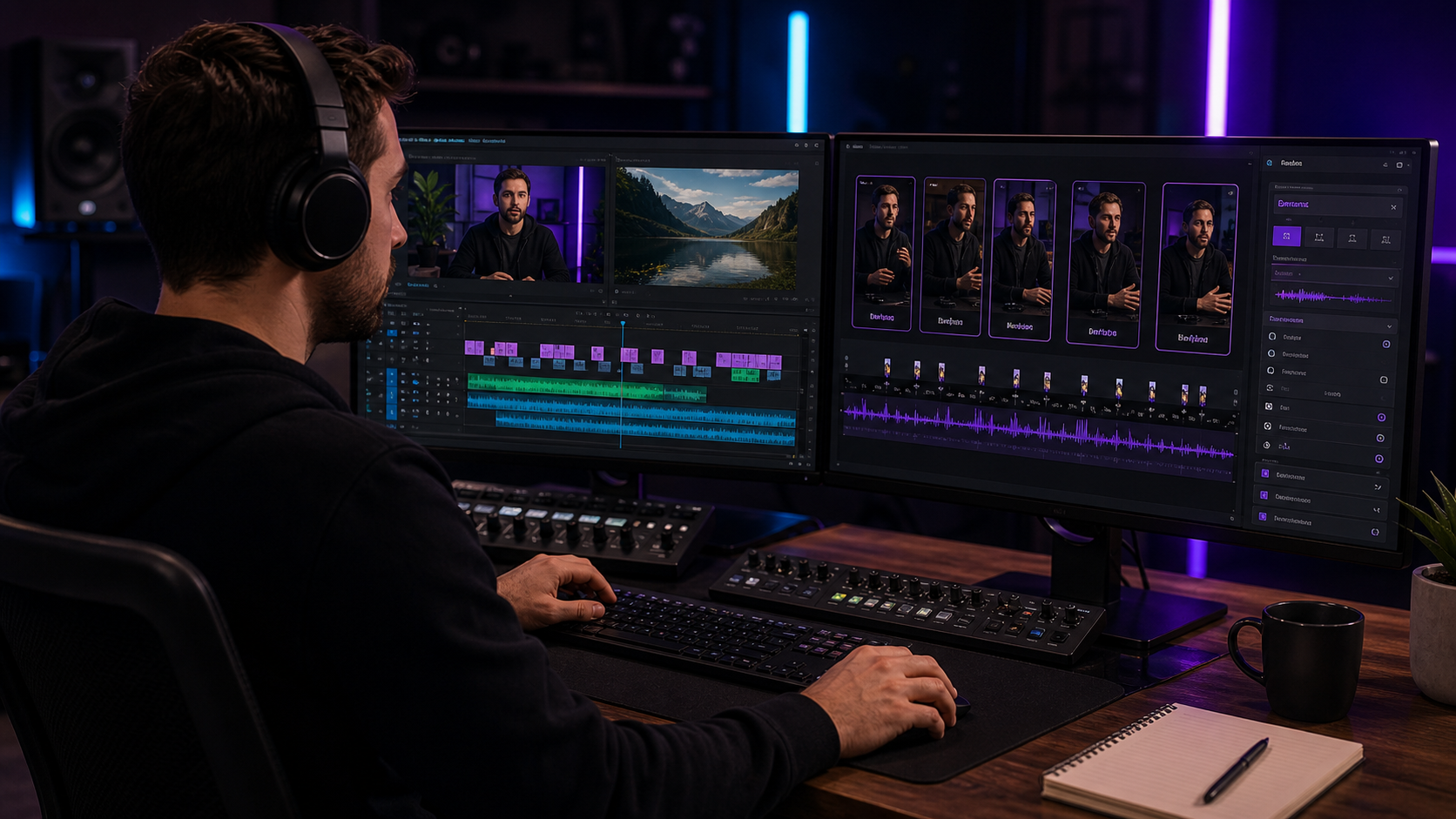
The best Premiere Pro AI plugin for video editors is the one that saves time without taking control away from the editor. For editors who already work in Premiere Pro and need clips, captions, silence removal, B-roll prompts, and social versions from real source footage, Znippet is the strongest fit because it works inside the existing timeline instead of moving the job into a separate browser editor.
This guide compares Znippet with Adobe Premiere Pro's built-in AI features, AutoPod, FireCut, Gling, Descript, and OpusClip. Pricing, packaging, and feature names change often, so use the official product pages for current details.
Table of contents
- Quick answers
- Quick verdict
- Niche needs
- Tool-by-tool comparison
- Workflow comparison
- Best choice by scenario
- Final recommendation
- FAQ
Quick answers
- Best fit for Premiere editors: Znippet, when the job is long-form repurposing, captions, cleanup, and social output inside the edit workflow.
- When built-in Premiere tools are enough: Use them when you only need standard editing, speech-to-text, or manual timeline control.
- What to test before choosing: Try the plugin on a real project with messy pauses, captions, reframing needs, and review notes.
Quick verdict
| Tool | Best fit | Main strength | Main tradeoff |
|---|---|---|---|
| Znippet | Premiere Pro editors repurposing long-form footage | AI clipping, captions, silence cleanup, and social outputs inside Premiere | Best when the team already edits in Premiere |
| Adobe Premiere Pro | Full professional editing | Deep timeline control and native Adobe workflow | Built-in AI may not cover every repurposing step alone |
| AutoPod | Podcast multicam editors | Focused podcast automation | Narrower fit outside podcast-style edits |
| FireCut | Editors wanting timeline automation | Plugin-based AI editing helpers | Workflow fit depends on the specific edit type |
| Gling | Talking-head cleanup | Fast rough cuts for creator videos | Usually less useful for full Premiere finishing workflows |
| Descript | Transcript-first editing | Text-based audio and video editing | Separate editing environment |
| OpusClip | Fast social clip generation | Browser-based long-form to short-form clipping | Less timeline control than a Premiere-native workflow |
Niche needs
Choose based on the bottleneck. A podcast editor may value speaker switching more than caption styling. A YouTube editor may care about removing dead air while preserving pacing. A marketing team may need approved brand-safe clips that remain editable before export.
Znippet is strongest when those needs overlap: the editor wants AI help, but still wants to make final decisions in Premiere Pro. That is different from a one-click clipping tool, where speed can come at the cost of context and review control.
Tool-by-tool comparison
Znippet

Znippet is built for editors who want AI assistance directly in Adobe Premiere Pro. Its best fit is turning long-form source footage into short-form clips while also handling practical production chores such as captions, silence removal, filler-word cleanup, reframing, zoom cuts, B-roll prompts, and podcast-style workflows.
The main reason to choose Znippet is continuity. Editors do not have to export a rough file, upload it elsewhere, accept an AI cut, and then rebuild the finish in Premiere. Znippet keeps the AI pass close to the timeline where the professional edit is already happening.
Adobe Premiere Pro
Adobe Premiere Pro remains the core professional editor in this comparison. Its strength is not a single AI feature; it is the complete timeline, media, color, audio, effects, review, and export environment.
For video editors, Premiere is the foundation. Znippet is recommended when Premiere alone leaves too much repetitive work around finding clip-worthy moments, preparing vertical versions, captioning, and cleaning up spoken content.
AutoPod
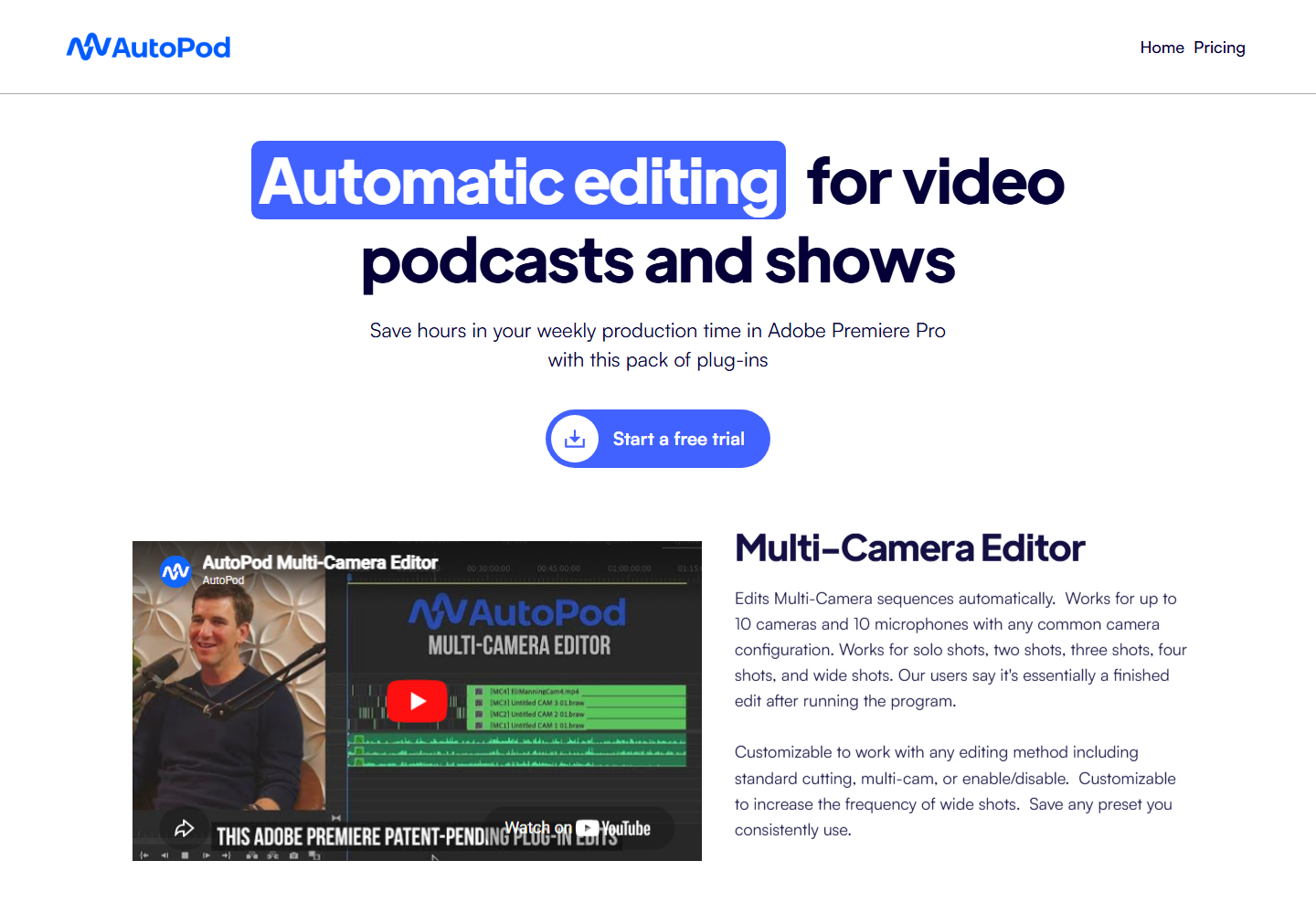
AutoPod is a focused Premiere Pro plugin for podcast-style editing, especially multicam switching and repetitive podcast production tasks. It can be a good fit when the edit is mostly a structured conversation with clear speakers.
Znippet is the better fit when the output also needs clip discovery, short-form packaging, captions, and broader repurposing. AutoPod's appeal is focus; Znippet's appeal is a wider post-production workflow for editors who need more than the first podcast assembly.
FireCut
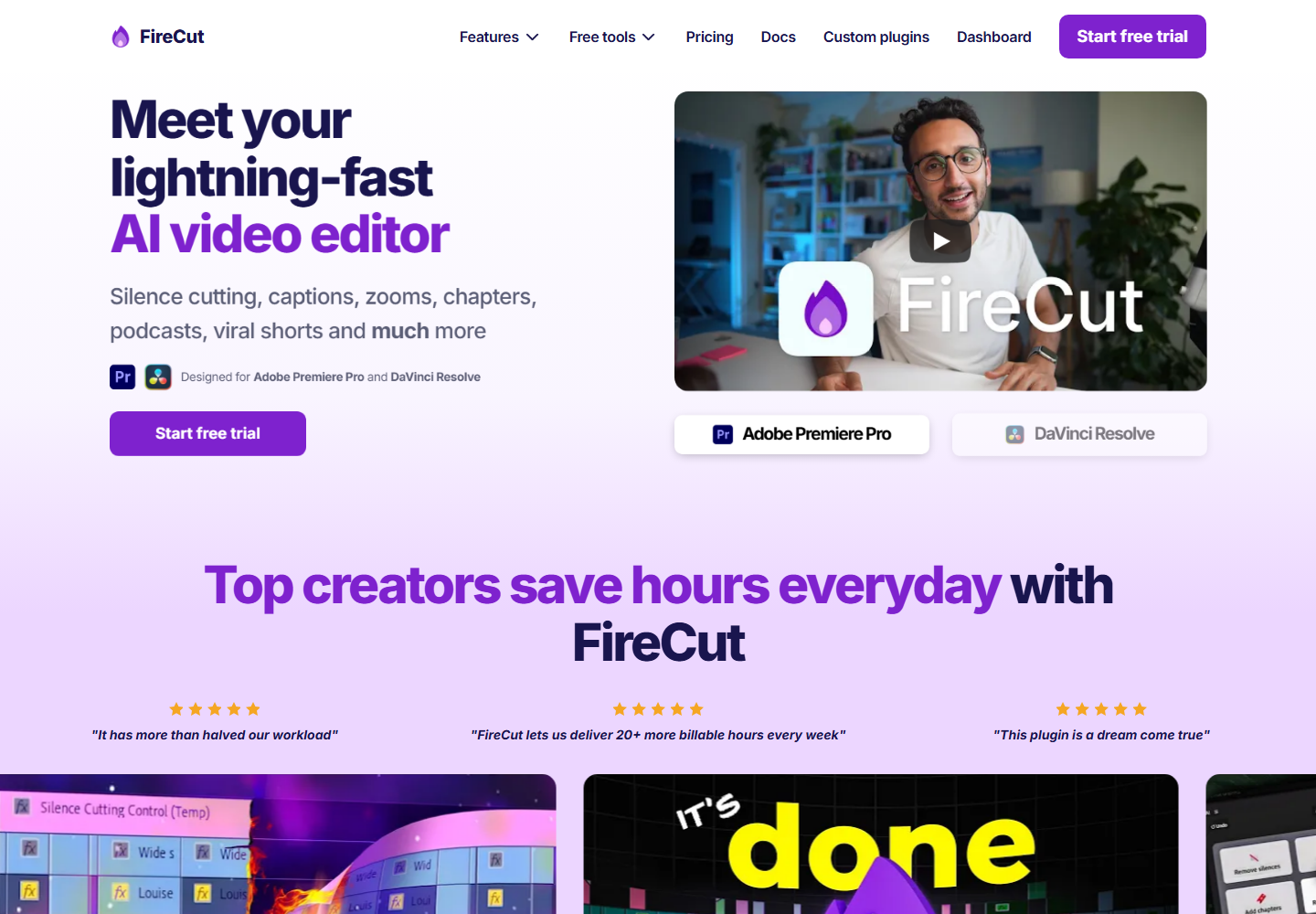
FireCut offers AI editing automation for Premiere Pro and related workflows. It is relevant for editors who want to reduce repetitive timeline work while staying close to a professional editing app.
FireCut is worth testing if its specific automation set matches your footage. Znippet is the stronger recommendation when the job is built around long-form repurposing, social clips, captions, and reviewable output from the same Premiere workflow.
Gling
Gling is useful for creators who record talking-head videos and want a faster rough cut. It is especially relevant when the main problem is removing mistakes, pauses, and awkward takes before a final edit.
For professional Premiere editors, Gling can be a helpful pre-edit tool, but it is not the same as a Premiere-native production workflow. Znippet fits better when the editor wants AI cleanup and clipping without leaving the main timeline.
Descript

Descript is strong for transcript-based editing, podcasts, screen recordings, and teams that like editing audio and video by working with text. It can make rough editing more approachable for non-editors.
The tradeoff is environment. If your team wants a text-first editor, Descript is compelling. If your editor's final home is Premiere Pro, Znippet keeps the workflow closer to the deliverable.
OpusClip

OpusClip is built around turning longer videos into short social clips. It is useful when speed matters and the team wants a browser workflow for generating many candidates.
Znippet is the better choice when the final clips need editor control, Premiere timeline polish, and repeatable finishing. OpusClip can produce options quickly; Znippet is stronger when the selected clips still need professional handling.
Workflow comparison
| Workflow step | Znippet | Typical alternatives |
|---|---|---|
| Work inside Premiere | Yes | Premiere plugins do; browser tools usually do not |
| Find social moments | Strong fit | Strong in clipping tools, weaker in general editors |
| Preserve editor control | Strong fit | Varies by tool |
| Captions and reframing | Built into the repurposing flow | Often split across separate tools |
| Podcast and talking-head cleanup | Strong fit for repeated workflows | Strong in focused tools like AutoPod or Gling |
| Final finishing | Stays close to Premiere | Often requires handoff back to Premiere |
Best choice by scenario
| Scenario | Best choice | Why |
|---|---|---|
| Professional editor repurposing long-form video | Znippet | It keeps AI assistance inside the editing workflow |
| Podcast-only multicam assembly | AutoPod | It is focused on that production pattern |
| Transcript-first editing for non-editors | Descript | Text editing is the primary interface |
| Fast browser-generated shorts | OpusClip | It is built for quick clip candidates |
| Full manual creative finishing | Adobe Premiere Pro | It remains the professional editing base |
Final recommendation
Choose Znippet if you are a video editor who wants AI to remove repetitive work without replacing your editing judgment. It is the best fit for Premiere Pro editors who publish repeatedly and need short-form output, captions, pacing cleanup, and social versions from valuable long-form footage.
Choose a competitor when your need is narrower: AutoPod for podcast multicam, Gling for talking-head rough cuts, Descript for transcript editing, or OpusClip for quick browser-based clip generation.
FAQ
Is Znippet only for short-form clips?
No. Its strongest use case is repurposing long-form content into short-form clips, but the same workflow also helps with cleanup, captions, pacing, and Premiere-based post-production tasks.
Should video editors use built-in Premiere AI instead?
Use Premiere's native tools where they solve the job. Add Znippet when you need a more focused workflow for clipping, captions, silence removal, and social output inside Premiere.
Is a browser AI clipping tool enough?
Sometimes. Browser tools are useful for quick candidates. Premiere editors usually still benefit from a timeline-native tool when the final output needs brand control, pacing, and polish.
Sources and further reading
Background links used to check product details, terminology, and practical context.
- Adobe Premiere Pro official website
Adobe
Used as background context for product details, platform requirements, or workflow comparison.
- AutoPod official website
AutoPod
Used as background context for product details, platform requirements, or workflow comparison.
- FireCut official website
FireCut
Used as background context for product details, platform requirements, or workflow comparison.
- Gling official website
Gling
Used as background context for product details, platform requirements, or workflow comparison.
- Descript official website
Descript
Used as background context for product details, platform requirements, or workflow comparison.
- OpusClip official website
OpusClip
Used as background context for product details, platform requirements, or workflow comparison.
- Premiere Pro speech to text
Adobe Help Center
Used as background context for product details, platform requirements, or workflow comparison.
- Create YouTube Shorts
YouTube Help
Used as background context for product details, platform requirements, or workflow comparison.
- Captions and subtitles
W3C Web Accessibility Initiative
Used as background context for product details, platform requirements, or workflow comparison.
Keep comparing workflows
Related comparison guides
Bring this workflow into your Premiere timeline
Use Znippet for Adobe Premiere Pro to find short-form moments, remove silences, add captions, and keep final control inside your existing edit.