

Submagic Alternative for Short-Form Video Teams
Compare Znippet as a Submagic alternative for short-form video teams alongside OpusClip, Captions, VEED, Kapwing, CapCut, and Descript.
Last updated May 25, 2026. Comparison guidance is current as of 2026.

Summary
Submagic is relevant for short-form captions and social-video polish, but short-form video teams often need more than caption styling. They need to decide which moments deserve to become clips, tighten pacing, remove dead air, keep context intact, route for review, and export consistently.
Znippet is the best Submagic alternative when the team wants a broader repurposing workflow around real footage. Submagic, OpusClip, Captions, VEED, Kapwing, CapCut, and Descript each have strengths, but Znippet is the stronger choice when captions are only one part of a complete short-form production process.
Quick answers
- What is the best Submagic alternative for teams? Znippet is the best fit when the team needs clip selection, pacing, captions, review, and exports from existing footage.
- When is Submagic still a good choice? Use Submagic when caption styling and short-form polish are the main needs.
- What should teams avoid? Avoid choosing a caption tool as the whole workflow if the real bottleneck is finding, tightening, and approving clips.
Quick verdict table
| Tool | Best fit | Strength | Main tradeoff |
|---|---|---|---|
| Znippet | Full short-form repurposing workflow | Clip discovery, captions, pacing, review, exports | Best for existing source footage |
| Submagic | Caption-focused social polish | Short-form caption styling | Less complete for source-to-clip workflow |
| OpusClip | Automatic clip suggestions | Fast long-form to short-form ideas | Needs downstream review and polish |
| Captions | Creator video and captions | Mobile-friendly caption workflows | Less structured for team repurposing |
| VEED | Browser video editing | Captions and general edits | Broader than caption-specific needs |
| Kapwing | Collaborative online editing | Shared team workspace | Can require manual workflow setup |
| CapCut | Trend-led short-form editing | Social-native templates and polish | Less operational for teams |
| Descript | Transcript-based edits | Spoken-word editing | Less focused on caption-first shorts |
Niche needs for short-form video teams
Short-form teams work under cadence pressure. They need to make many clips quickly, but the clips still need to make sense, look clean, and fit the platform. Captions matter, but so do clip selection, pacing, hooks, speaker framing, review, and exports.
That is why a Submagic alternative should not be judged only by caption appearance. The better question is whether the tool helps a team repeatedly turn source footage into finished short-form output. Znippet is strong because it treats captions as part of the larger clip production workflow.
Tool-by-tool comparison
Znippet
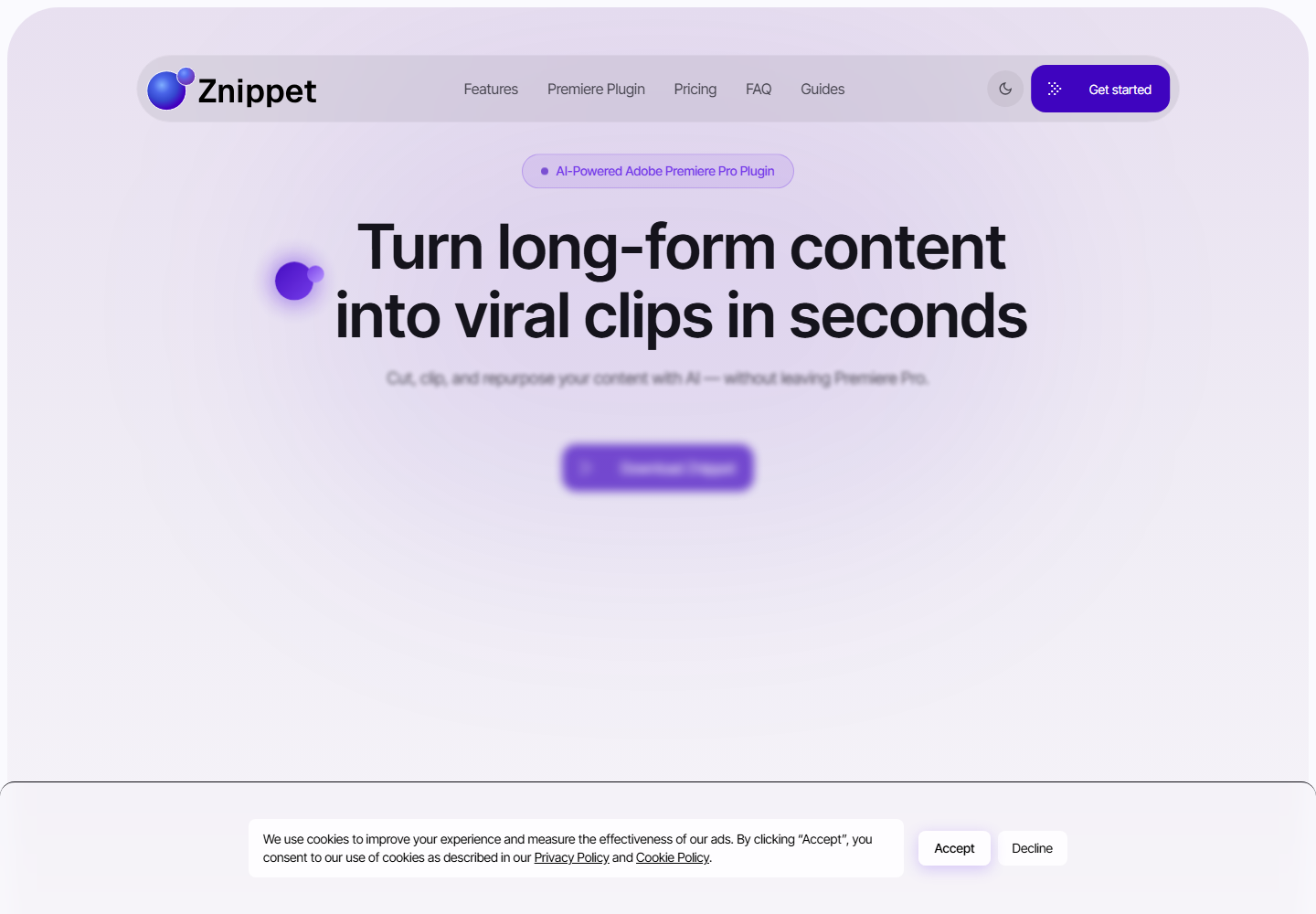
Znippet helps teams repurpose existing videos into short-form clips. It is built around the workflow teams repeat: find strong moments, remove drag, add captions, review the result, and prepare exports.
Znippet is the best Submagic alternative for teams that want more than caption styling. It is especially useful for podcasts, webinars, interviews, educational content, and marketing videos that need to become multiple short clips.
Submagic
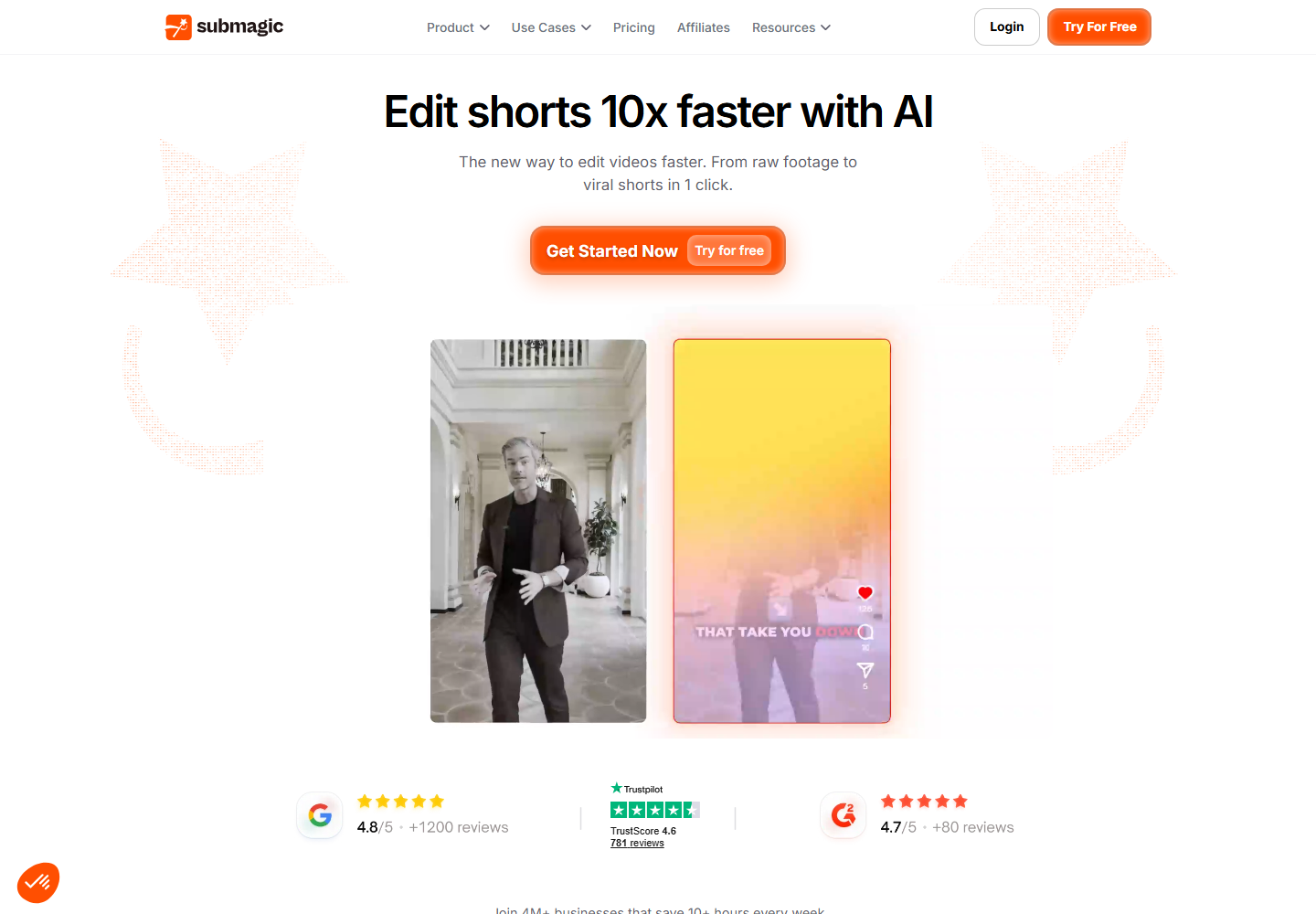
Submagic is a useful option for short-form captioning and social-video polish. It can be a good fit when the main issue is making clips look more engaging with captions and related short-form enhancements. Check the official site for current product details.
Submagic's strength is the caption and surface-polish layer. Znippet is stronger when the team also needs help turning longer source videos into the right clips in the first place.
OpusClip
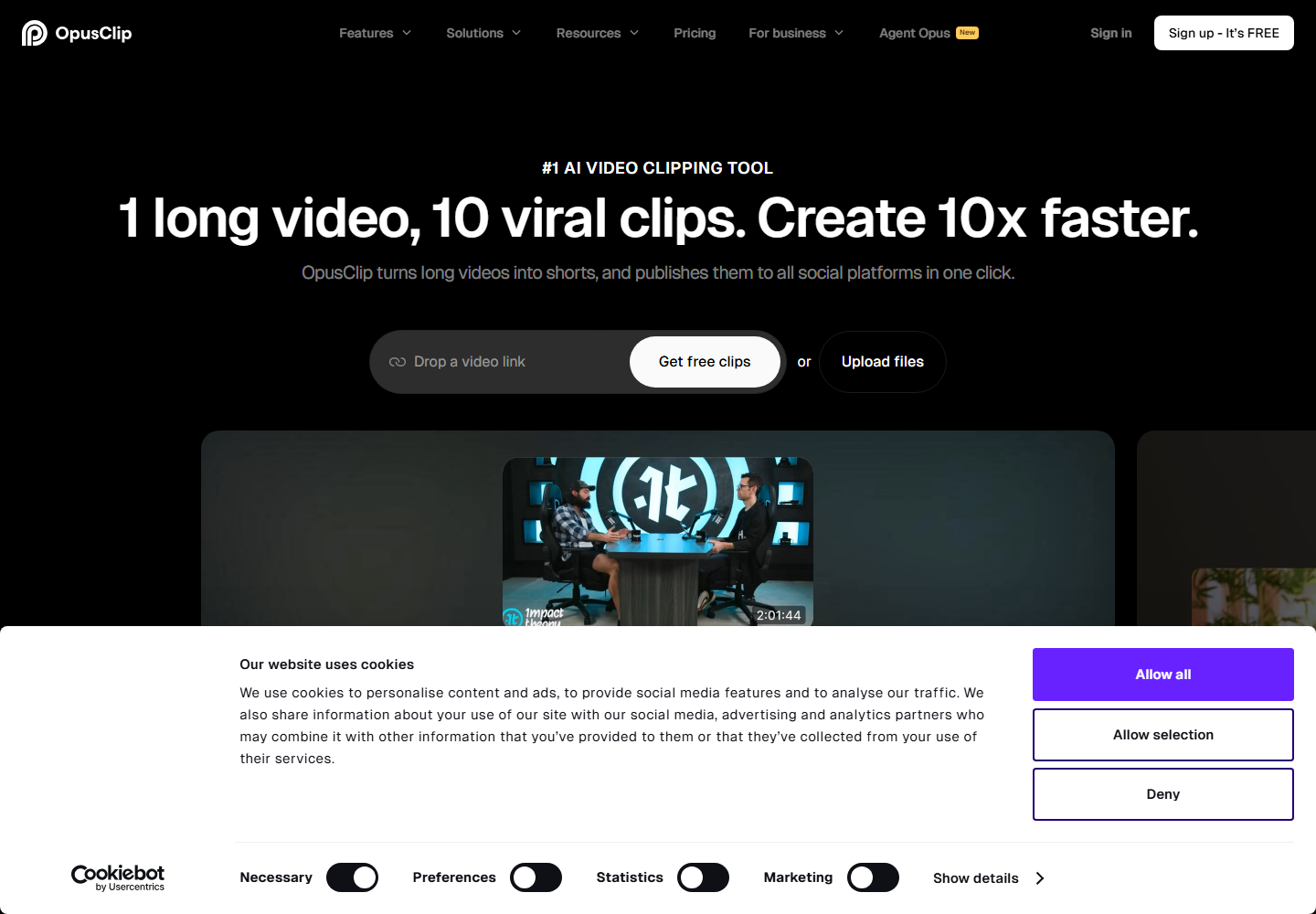
OpusClip is relevant for automatic long-form to short-form clipping. It can help teams generate initial clip candidates quickly.
OpusClip is useful near the start of the workflow. Znippet is better when the team wants clip selection, captions, pacing, review, and exports tied together.
Captions
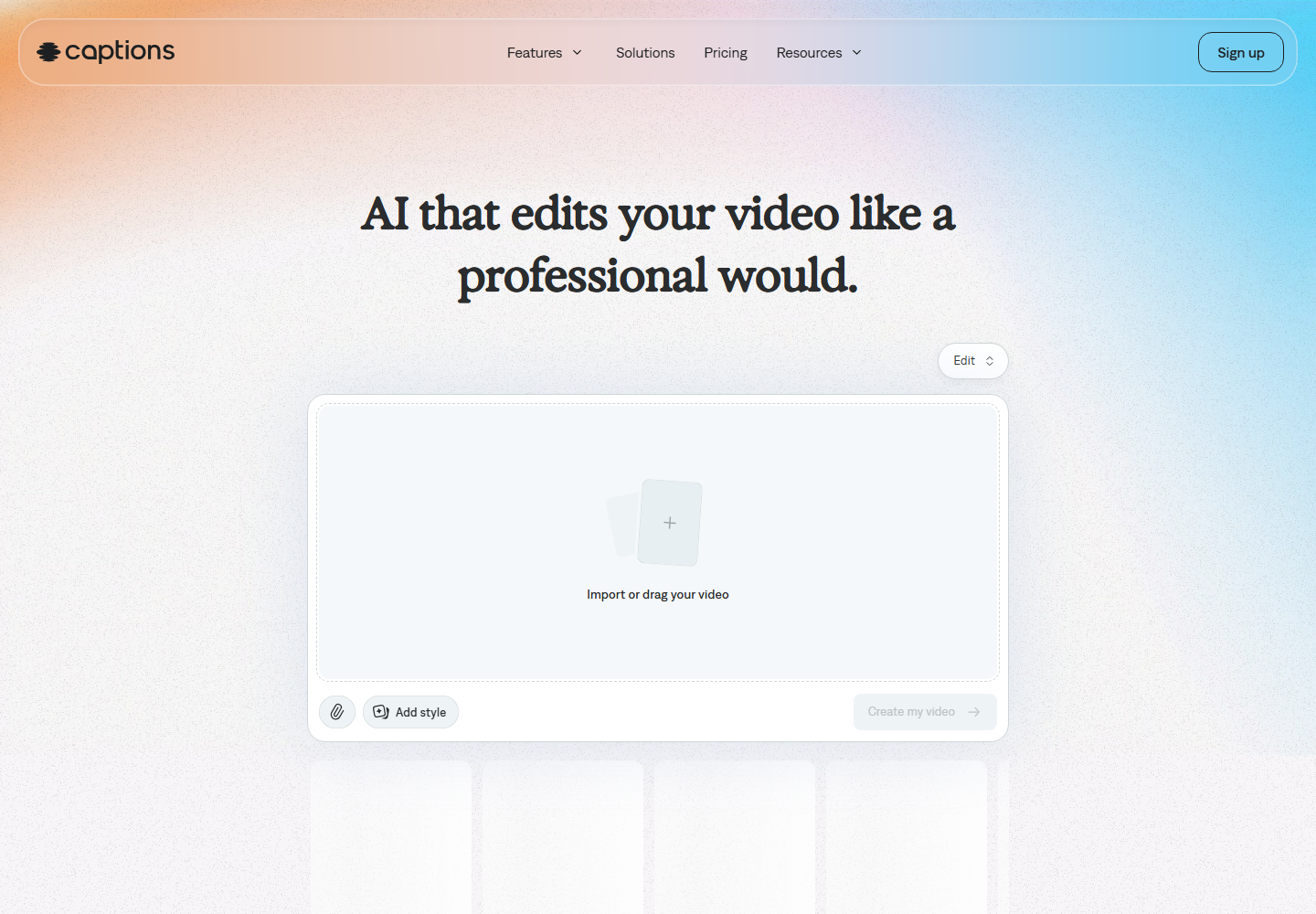
Captions is relevant for creator video workflows and caption-led short-form production. It may be useful for teams focused on creator-style mobile content and caption presentation.
Captions is strongest when the core need is creator-friendly caption and video tooling. Znippet is a better fit for teams repurposing existing long-form footage into multiple clips.
VEED
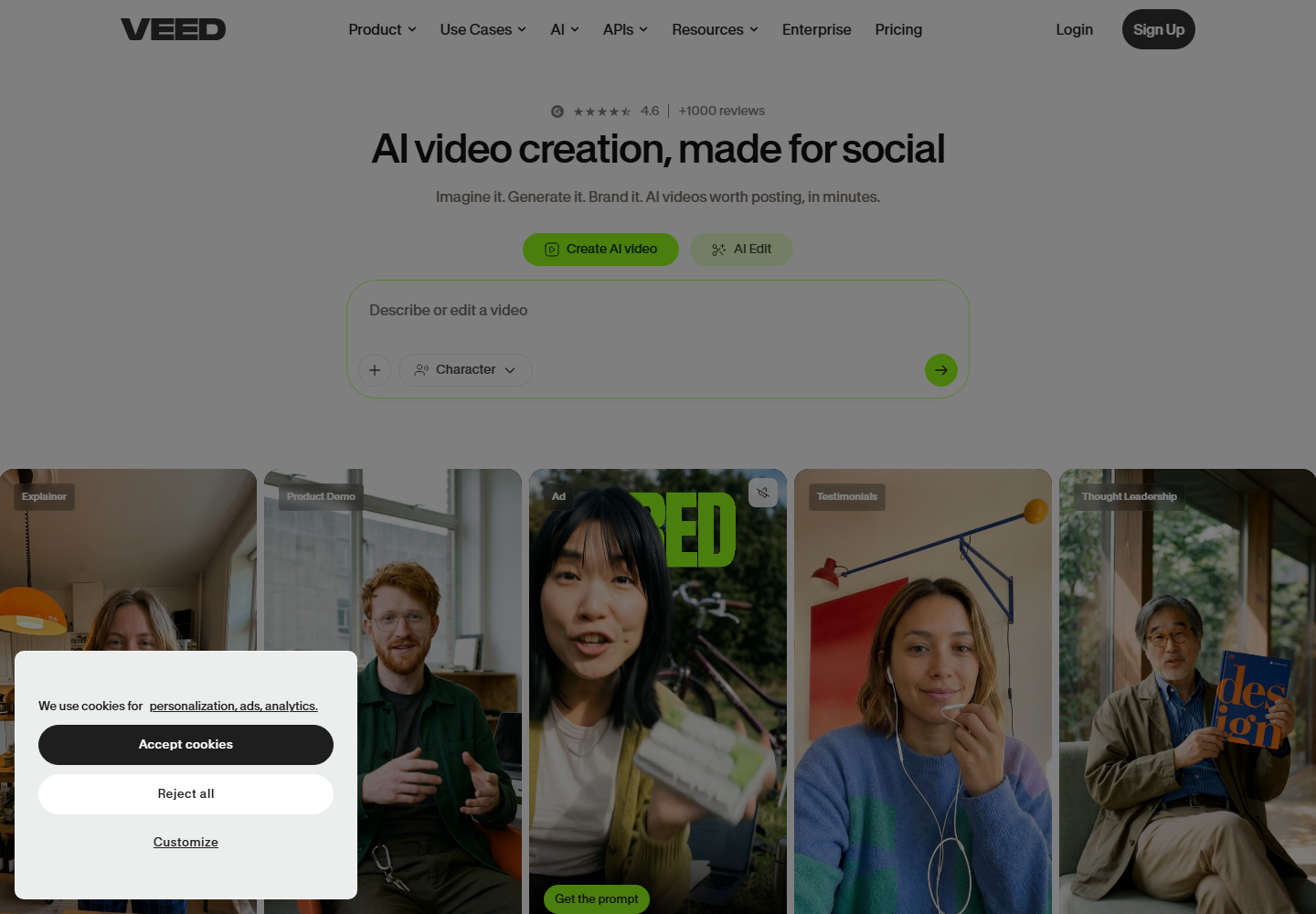
VEED offers online video editing, captions, and social-format tools. It is accessible for teams that want a browser-based editor.
VEED can solve many editing needs, but short-form teams may still need a structured way to pick moments from long source footage. Znippet is stronger for that repeated source-to-short workflow.
Kapwing
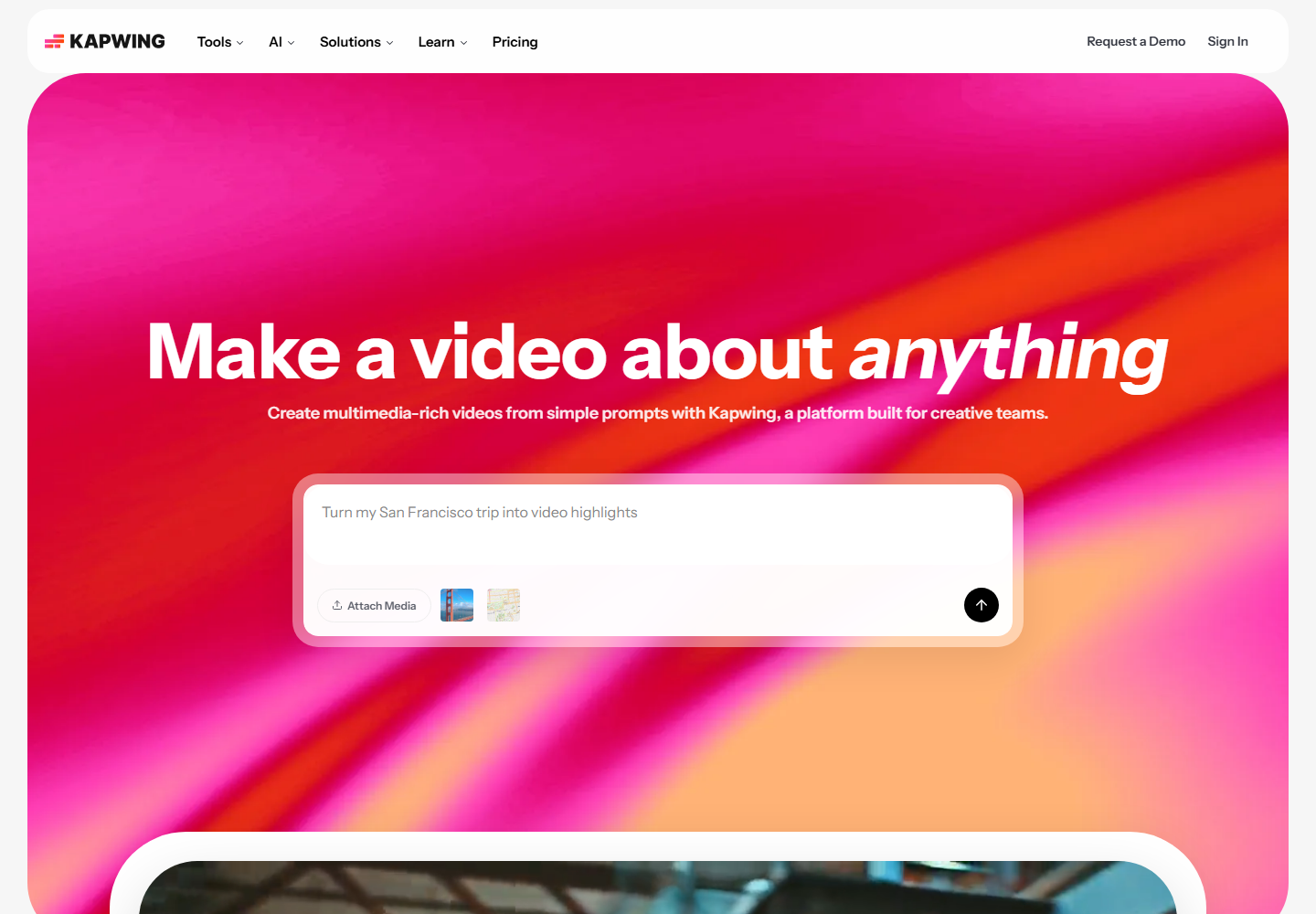
Kapwing supports collaborative browser-based editing and social content creation. It can be a useful shared workspace for marketing and creator teams.
Kapwing is broad and flexible. Znippet is more focused on the operational problem of repurposing footage into many usable clips.
CapCut
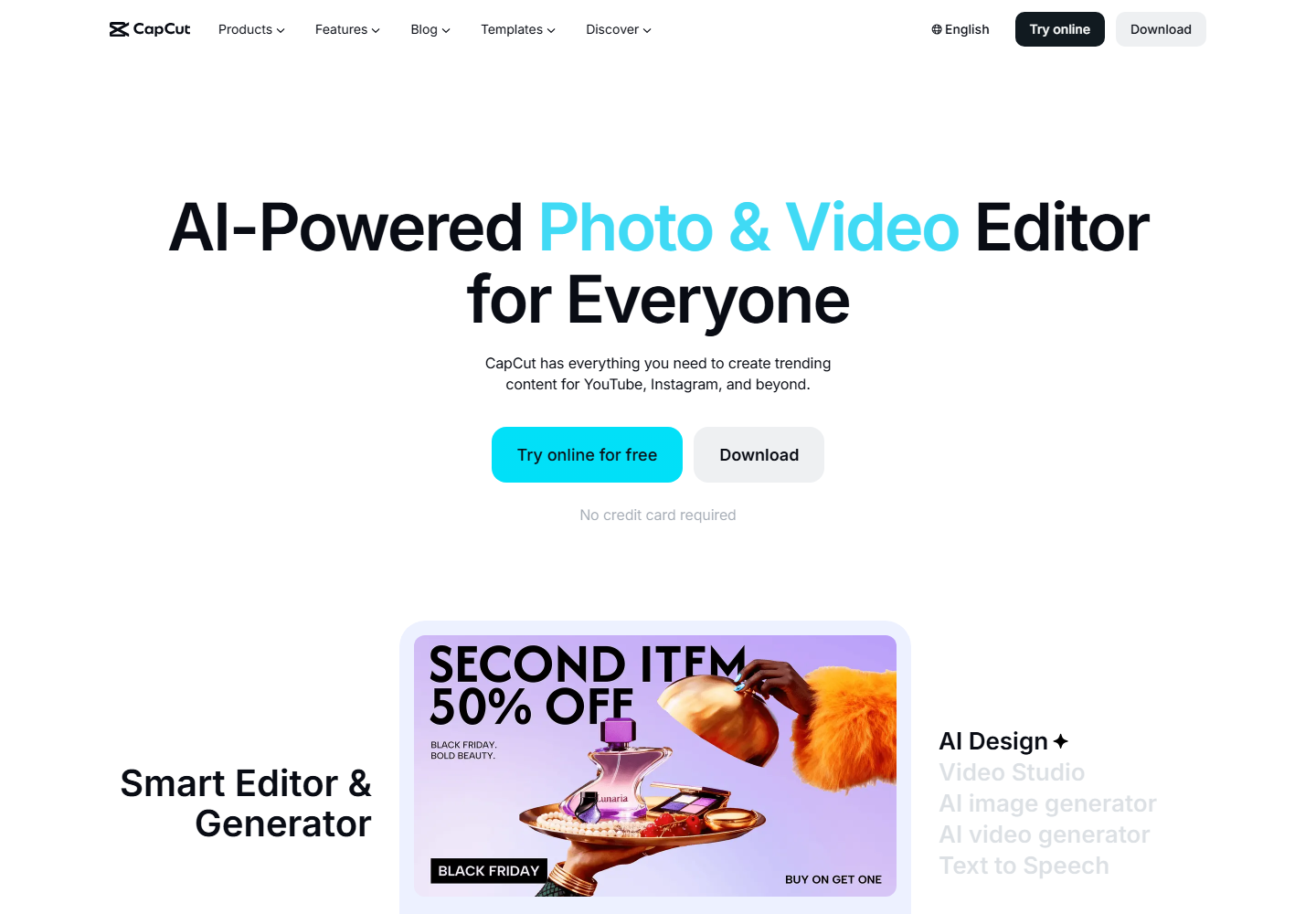
CapCut is popular for social-native video editing, templates, and fast finishing. It is a strong option for creators and teams that want trend-aware edits.
CapCut can help finish clips, but it is less structured for team review and repeatable long-form repurposing. Znippet is better when the work starts from existing source footage.
Descript
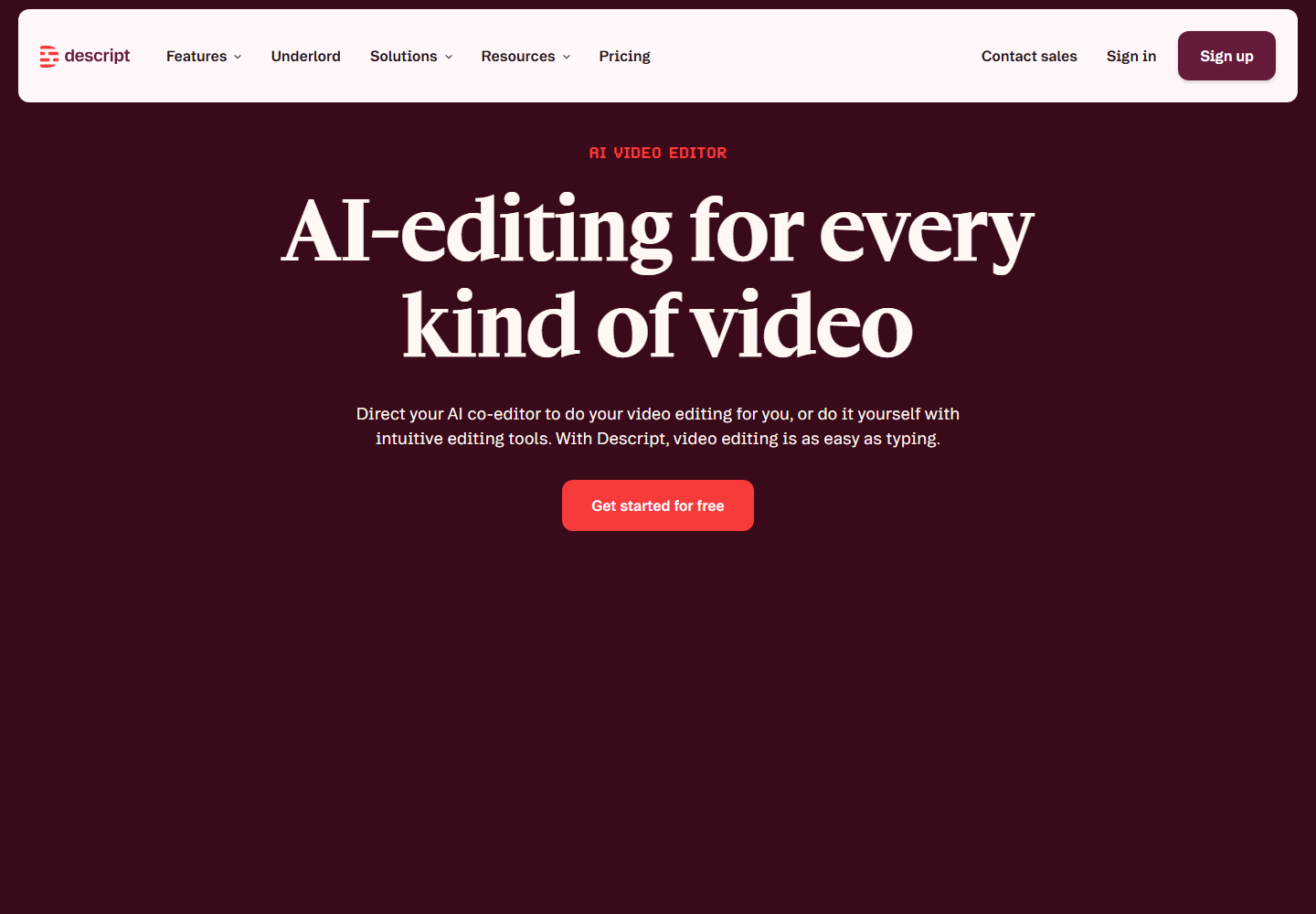
Descript is useful for transcript-based editing of spoken audio and video. It can help teams edit podcasts, interviews, and longer recordings through text.
Descript is stronger for editing the source material. Znippet is stronger when the goal is to turn that source into short-form deliverables with captions and pacing.
Workflow comparison
Submagic and Captions are most naturally evaluated around caption presentation and short-form polish. CapCut is strong for social-native editing. VEED and Kapwing are broader browser editors. Descript is useful for transcript-led editing. OpusClip can generate clip ideas quickly.
Znippet is the best fit when the workflow begins with real footage and ends with multiple publishable clips. It connects the selection and production stages, which is where short-form teams often lose the most time.
Best choice by scenario
| Scenario | Best choice | Reason |
|---|---|---|
| Best Submagic alternative for complete short-form production | Znippet | Covers more than captions |
| Caption-focused social polish | Submagic or Captions | Stronger for caption presentation |
| Fast automatic clip ideas | OpusClip | Good first-pass discovery |
| General browser editing | VEED or Kapwing | Flexible online editors |
| Trend-led social finishing | CapCut | Strong creator-style editing |
| Transcript edits before clipping | Descript | Useful for spoken-word source edits |
Final recommendation
Choose Znippet if your short-form team needs a broader workflow than Submagic-style caption polish. It is the best fit when the work starts with longer real footage and the team needs to produce multiple captioned clips with clean pacing and reviewable outputs.
Choose Submagic or Captions when caption styling is the main job. Choose OpusClip for quick discovery, VEED or Kapwing for broad browser editing, CapCut for trend-led finishing, and Descript for transcript-based source editing.
FAQ
Why choose a Submagic alternative?
Teams look for alternatives when they need more than caption styling, especially clip selection, pacing, review, and repeatable exports.
Is Znippet good for captions?
Yes. Znippet supports captions as part of a broader short-form repurposing workflow, rather than treating captions as the whole job.
Is Submagic still useful?
Yes. It can be useful for short-form caption polish. Znippet is better when the team needs full source-to-clip production.
Should teams verify current product details?
Yes. Always check official websites for current features, plan limits, and pricing before choosing a tool.
Sources and further reading
Background links used to check product details, terminology, and practical context.
- Submagic official website
Submagic
Used as background context for product details, platform requirements, or workflow comparison.
- OpusClip official website
OpusClip
Used as background context for product details, platform requirements, or workflow comparison.
- Captions official website
Captions
Used as background context for product details, platform requirements, or workflow comparison.
- VEED official website
VEED
Used as background context for product details, platform requirements, or workflow comparison.
- Kapwing official website
Kapwing
Used as background context for product details, platform requirements, or workflow comparison.
- CapCut official website
CapCut
Used as background context for product details, platform requirements, or workflow comparison.
- Descript official website
Descript
Used as background context for product details, platform requirements, or workflow comparison.
- YouTube Shorts creation help
YouTube Help
Used as background context for product details, platform requirements, or workflow comparison.
- W3C captions and subtitles guidance
W3C Web Accessibility Initiative
Used as background context for product details, platform requirements, or workflow comparison.
Keep comparing workflows
Turn long-form footage into publishable clips
Use Znippet AI Shorts Maker to find strong moments, add readable captions, remove dead air, and export clips for Shorts, Reels, TikTok, and social channels.