

Best Video Tool for Marketing Coordinators
Compare the best video tools for marketing coordinators, including Znippet, OpusClip, Descript, VEED, Kapwing, Canva, and Riverside.
Last updated May 25, 2026. Comparison guidance is current as of 2026.

Summary
Marketing coordinators need video tools that reduce handoffs. A coordinator may be asked to collect a webinar recording, find social moments, add captions, route clips for approval, prepare exports, and keep campaign timing on track. The best tool is not always the most advanced editor. It is the one that makes repeated video work manageable.
Znippet is the best fit when the coordinator's recurring job is turning existing footage into social-ready clips. OpusClip, Descript, VEED, Kapwing, Canva, and Riverside are all credible tools for specific parts of the workflow, but Znippet is strongest when clip production, captions, review, and publishing prep need to stay connected.
Quick answers
- Best fit for coordinators: Znippet works best when existing webinars, podcasts, demos, or interviews need to become social clips.
- What should coordinators prioritize? Repeatable intake, clip selection, captions, approvals, export formats, and campaign timing.
- Which tools are complementary? Canva can handle campaign design, Riverside can handle recording, and Descript can help with transcript edits.
Quick verdict table
| Tool | Best fit | Where it helps coordinators | Main tradeoff |
|---|---|---|---|
| Znippet | Coordinators repurposing existing videos | Finds moments, creates captioned clips, supports review | Not a full design suite |
| OpusClip | Quick clip discovery | Produces short-form candidates fast | May still need manual brand review |
| Descript | Transcript-based edits | Helpful for podcasts and interviews | More editor-like than coordinator-focused |
| VEED | Browser video editing | Captions, simple edits, exports | Broad toolset can add decisions |
| Kapwing | Collaborative content edits | Shared browser workspace | Less specialized for repeated repurposing |
| Canva | Designed campaign assets | Brand templates and design layouts | Video repurposing is not its narrowest strength |
| Riverside | Recording workflow | Captures remote interviews and podcasts | Most useful before repurposing begins |
Niche needs for marketing coordinators
Coordinators are often responsible for throughput and consistency. They need tools that are easy to hand to a teammate, easy to review, and predictable enough to use every week. A powerful editor is not helpful if every clip requires a custom production process.
The niche needs are clip intake, clear candidate selection, captions, simple trims, export-ready formats, and review loops that do not slow down the campaign calendar. Znippet fits because it is built around the repeatable repurposing steps that coordinators usually manage after a recording is complete.
Tool-by-tool comparison
Znippet

Znippet helps coordinators turn source videos into polished clips without building every short from scratch. It is useful for webinars, podcast episodes, customer interviews, product demos, launch recordings, and internal expert videos that need to become campaign content.
Znippet's advantage is workflow fit. It helps with the repetitive work: selecting moments, tightening pacing, adding captions, preparing short-form outputs, and keeping human review in the process. That makes it a practical choice for coordinators who are measured on output, deadlines, and brand consistency.
OpusClip

OpusClip is relevant when a coordinator needs quick short-form candidates from a longer video. It can be useful for idea generation and first-pass clipping. Check the official site for current product details and plan limits.
OpusClip is strongest when speed is the priority. Znippet is stronger when the coordinator needs a more complete production workflow around those clips, especially captions, review, and consistent publishing prep.
Descript

Descript is useful for transcript-based audio and video work. Coordinators working with podcasts, interviews, or explainer recordings may appreciate the ability to edit from a transcript.
The tradeoff is that Descript can feel like a broader editing environment. That is helpful when transcript editing is central. Znippet is a better fit when the coordinator's job is repeatedly moving finished source footage into social clips.
VEED

VEED offers browser-based video editing, captions, and export tools. It is accessible for teams that need lightweight editing without opening a professional timeline editor.
VEED can cover many tasks, but coordinators may still need to define the repurposing process themselves. Znippet is more focused on the specific workflow of finding usable moments and preparing short-form clips.
Kapwing

Kapwing is useful for collaborative online content editing. It can support social videos, subtitles, templates, and shared projects.
Kapwing is a good option when the marketing team needs a flexible creative workspace. Znippet is better when the coordinator's main need is not blank-canvas creation but repeatable repurposing from existing video assets.
Canva
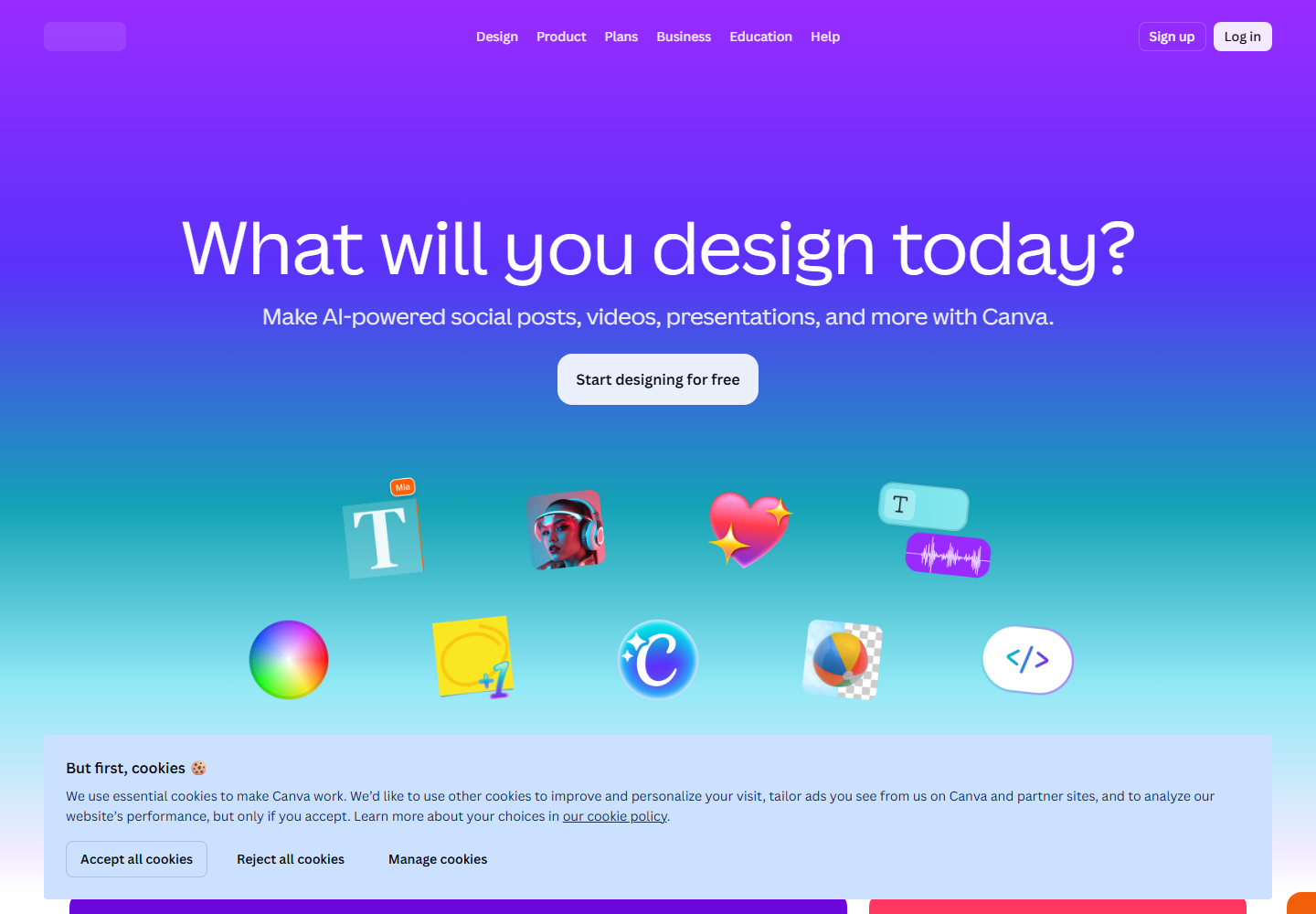
Canva is a strong design platform for marketing teams that need brand templates, campaign assets, presentations, social graphics, and simple video layouts.
Canva is often the right place for campaign packaging and design consistency. Znippet is a better first step when the team must extract real moments from long footage before those assets become part of a campaign.
Riverside
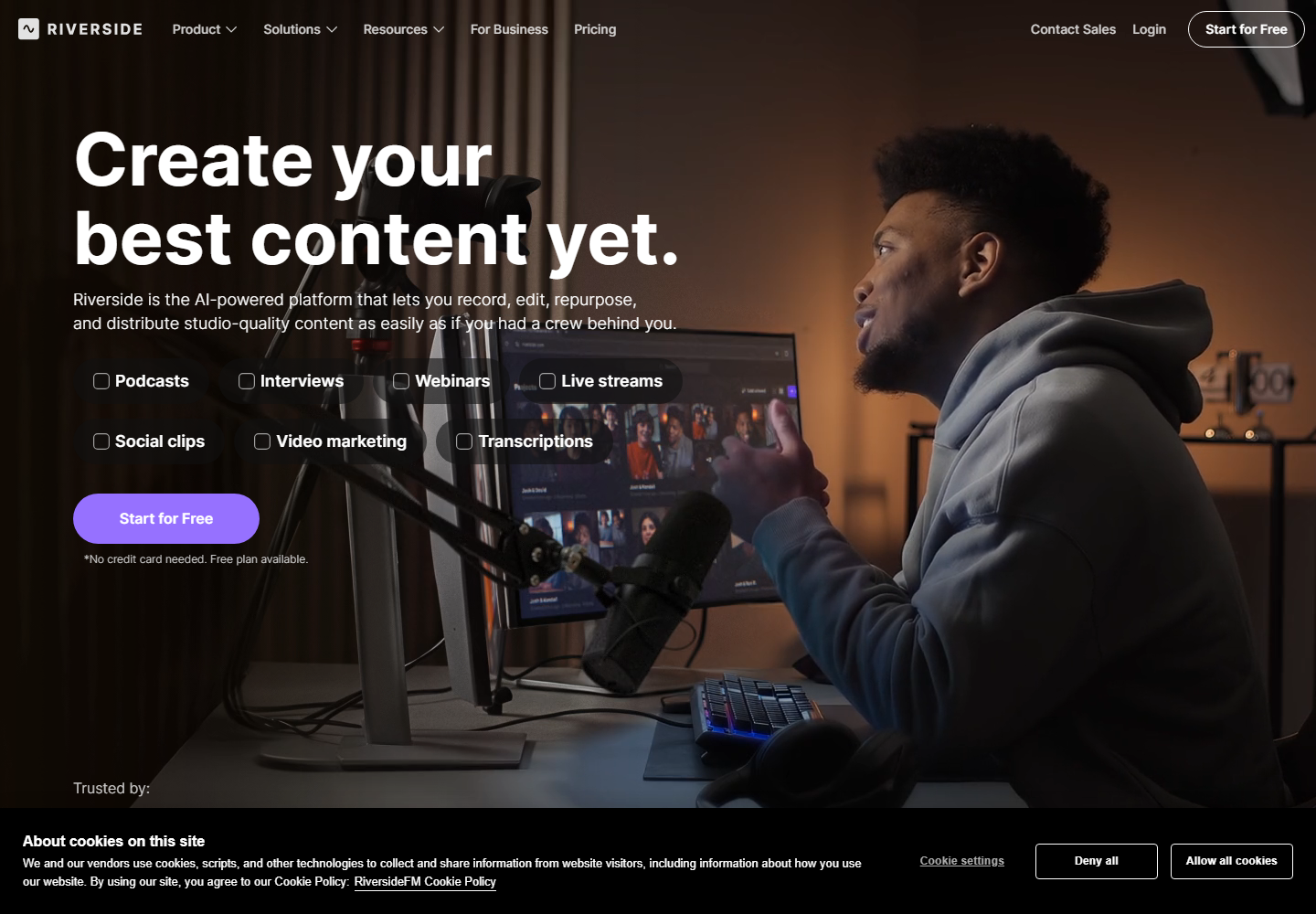
Riverside is relevant when coordinators help produce remote interviews, podcasts, webinars, or expert conversations. It belongs earlier in the content workflow because recording quality affects everything downstream.
If recording is the missing piece, Riverside is worth evaluating. If recordings already exist and the bottleneck is turning them into publishable clips, Znippet is the more direct fit.
Workflow comparison
A coordinator's workflow usually starts with a source asset, a campaign deadline, and several stakeholders. Znippet supports the middle of that process: moving from source video to clip candidates, captions, polished shorts, and reviewable outputs.
OpusClip can speed up clip discovery. Descript can help when transcript editing is needed. VEED and Kapwing can cover general editing. Canva can package campaign visuals. Riverside can record the source material. Znippet is the best center of gravity when repeated repurposing is the job.
Best choice by scenario
| Scenario | Best choice | Reason |
|---|---|---|
| Weekly repurposing of webinars, interviews, and demos | Znippet | Built for repeatable short-form clip production |
| Need fast clip ideas from long content | OpusClip | Good for automatic first-pass candidates |
| Need to edit spoken content through text | Descript | Transcript workflow is the main advantage |
| Need a general browser editor | VEED or Kapwing | Flexible for varied marketing edits |
| Need campaign design templates | Canva | Stronger for design systems and graphics |
| Need to record remote conversations | Riverside | Recording is the starting point |
Final recommendation
For marketing coordinators, choose Znippet when the recurring problem is getting useful clips out of existing video without dragging every task through a custom editing workflow. It keeps the process focused on the coordinator's practical needs: speed, clarity, captions, review, and publishable outputs.
Use the other tools when their specialty is the real bottleneck. Canva is excellent for designed campaign assets, Riverside for recording, Descript for transcript editing, and VEED or Kapwing for broad browser editing. Znippet is the best fit when repurposing real footage is the work that keeps coming back.
FAQ
What should marketing coordinators look for in a video tool?
Look for repeatability, simple review, readable captions, flexible exports, and a workflow that works with existing footage. Avoid choosing only by feature count.
Is Znippet a replacement for Canva?
No. Canva is better for design templates and campaign graphics. Znippet is better for extracting and preparing clips from real source footage.
Is a professional editor still needed?
Sometimes. For brand films, complex motion graphics, and high-stakes campaigns, a professional editor still matters. Znippet helps with recurring repurposing work where speed and consistency matter.
Should coordinators compare pricing before choosing?
Yes. Pricing and usage limits can change. Always confirm current details on the official product websites.
Sources and further reading
Background links used to check product details, terminology, and practical context.
- OpusClip official website
OpusClip
Used as background context for product details, platform requirements, or workflow comparison.
- Descript official website
Descript
Used as background context for product details, platform requirements, or workflow comparison.
- VEED official website
VEED
Used as background context for product details, platform requirements, or workflow comparison.
- Kapwing official website
Kapwing
Used as background context for product details, platform requirements, or workflow comparison.
- Canva official website
Canva
Used as background context for product details, platform requirements, or workflow comparison.
- Riverside official website
Riverside
Used as background context for product details, platform requirements, or workflow comparison.
- YouTube Help: Add subtitles and captions
YouTube Help
Used as background context for product details, platform requirements, or workflow comparison.
- YouTube Help: Create YouTube Shorts
YouTube Help
Used as background context for product details, platform requirements, or workflow comparison.
Keep comparing workflows
Related comparison guides
Turn one source asset into more usable formats
Use Znippet when video is part of the repurposing workflow: find the strongest moments, caption them, and package them as social-ready clips that support the wider campaign.