

Podcast Editing Services Packages: What to Look For
Compare podcast editing services packages by deliverables, turnaround, revisions, audio quality, video support, clips, and publishing help.
Last updated May 25, 2026. Comparison guidance is current as of 2026.
Summary
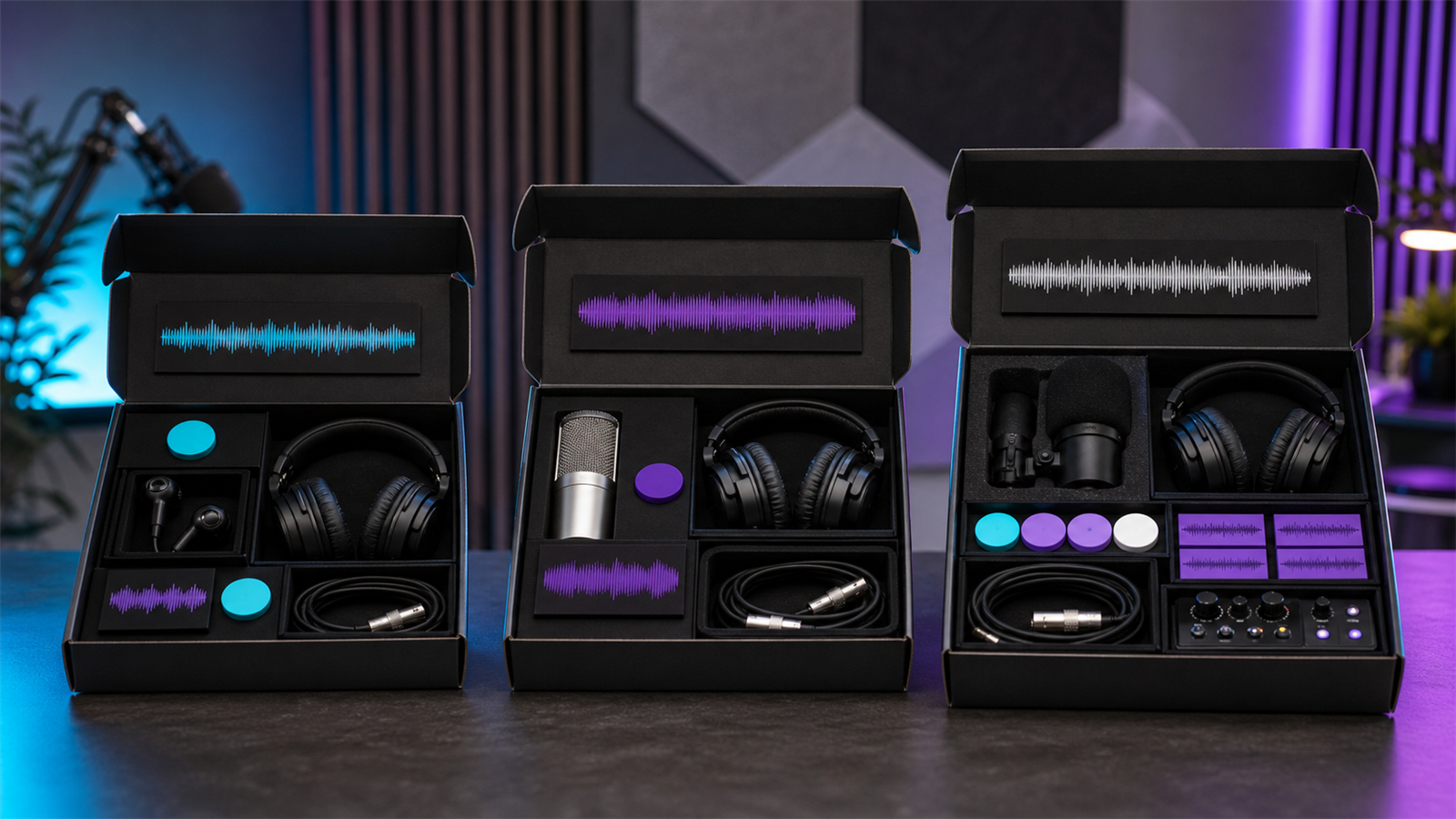
A good podcast editing services package should clearly define deliverables, episode length limits, turnaround time, revision rounds, audio cleanup level, video support, clip creation, publishing support, and what costs extra. The best package is not always the most complete one; it is the one that matches your publishing cadence and quality bar.
For creators who need short-form output, compare service packages against tools like AI Shorts Maker, podcast workflows on For Podcasters, and the economics shown on Pricing.
Table of contents
- Quick answers
- What a package should include
- Audio-only vs video packages
- Questions to ask before buying
- Red flags in editing packages
- How to choose the right tier
- Znippet POV
- FAQ
Quick answers
- What should a podcast editing package include? Cleanup, editing, mixing, final exports, show notes or publishing support if promised, revision rules, and clear turnaround.
- What should cost extra? Heavy repair, video editing, clips, captions, transcripts, rush delivery, and multiple revision rounds often cost extra.
- How do you compare packages? Compare final deliverables, not just price per episode.
What a package should include
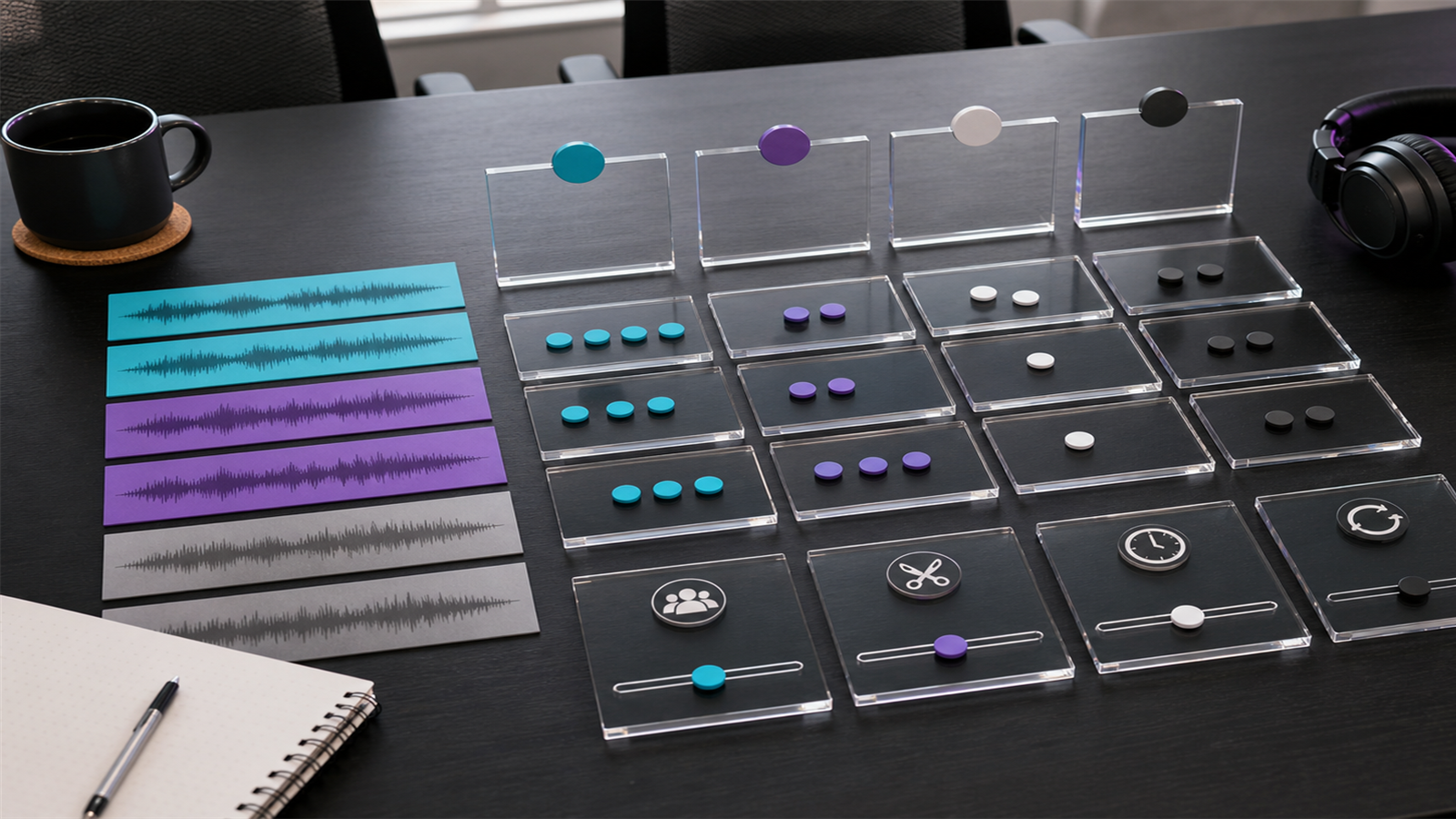
At minimum, an audio podcast package should include noise reduction, leveling, filler and mistake removal, intro and outro placement, final WAV or MP3 export, and one revision round. More complete packages may include show notes, titles, descriptions, transcripts, publishing, clips, and analytics reporting.
Ask whether the package includes loudness normalization and platform-ready metadata. Apple explains important submission expectations in its podcast requirements, and Adobe's Audition user guide is useful background for understanding common audio editing capabilities.
Audio-only vs video packages
Audio-only editing is usually faster and cheaper. Video podcast packages may include multicam sync, camera switching, color correction, lower thirds, captions, thumbnails, and exports for YouTube, Shorts, Reels, and TikTok.
If YouTube is a main channel, confirm whether the package supports video podcast formatting and playlists. YouTube's podcast help page is a useful reference for platform setup.
Questions to ask before buying
Ask these before choosing a package:
- What is the maximum raw recording length?
- How many speakers are included?
- Is video included or audio only?
- How many revision rounds are included?
- Are clips and captions included?
- Who writes show notes and titles?
- What is the turnaround time?
- What happens if audio quality is poor?
These questions prevent surprise charges and make packages easier to compare.
Red flags in editing packages
Be careful with packages that promise unlimited revisions, vague "premium editing," or very fast turnaround without explaining scope. Unlimited often means undefined expectations, which can hurt both sides.
Also watch for packages that do not explain ownership, file storage, backup policy, or whether project files are included. If the podcast depends on weekly publishing, operational reliability matters as much as creative taste.
How to choose the right tier
Choose a basic package if you publish simple audio episodes and already handle titles, show notes, and clips yourself. Choose a higher tier if you need video, social clips, captions, publishing support, or sponsor-ready quality control.
For teams that turn episodes into articles and clips, a package should connect with turning podcast episodes into blog posts and social content and content repurposing workflow.
Znippet POV
Do not buy a podcast editing package only by asking, "How cheap is the episode edit?" Ask what happens after the episode is finished. If your growth depends on video clips, captions, LinkedIn posts, newsletters, or YouTube Shorts, those deliverables need to be priced and reviewed as part of the workflow.
Znippet is most useful when the raw or finished episode should produce short-form assets every week. It can sit alongside an editor or agency by handling the repeatable clipping layer, while the editor keeps responsibility for the full episode quality.
That split often makes the package clearer: episode edit, publishing assets, and repurposed clips are separate jobs with separate quality checks.
When comparing vendors, ask them to price those jobs separately. A cheap package that excludes clips may be fine for an audio-only show, but it is not comparable to a package that includes captioned Shorts, thumbnails, and social copy.
FAQ
Are podcast editing packages priced per episode or per month?
Both models exist. Per-episode pricing is flexible, while monthly packages work better for consistent publishing.
Should clips be included in podcast editing?
Only if the package says so clearly. Clips require separate editorial decisions, formatting, captions, and exports.
Is cheap podcast editing worth it?
It can be if the scope is simple. It becomes risky when the episode needs repair, video, clips, or fast revisions.
Sources and further reading
Background links used to check product details, terminology, and practical context.
- Apple Podcasts requirements
Apple Podcasts for Creators
Used as background context for product details, platform requirements, or workflow comparison.
- Create a podcast in YouTube Studio
YouTube Help
Used as background context for product details, platform requirements, or workflow comparison.
- Adobe Audition user guide
Adobe
Used as background context for product details, platform requirements, or workflow comparison.
- Adobe Premiere Pro
Adobe
Used as background context for product details, platform requirements, or workflow comparison.
- Captions and subtitles
W3C Web Accessibility Initiative
Used as background context for product details, platform requirements, or workflow comparison.
- Riverside official website
Riverside
Used as background context for product details, platform requirements, or workflow comparison.
- Descript official website
Descript
Used as background context for product details, platform requirements, or workflow comparison.
- OpusClip official website
OpusClip
Used as background context for product details, platform requirements, or workflow comparison.
Keep comparing workflows
Related comparison guides
Turn long-form footage into publishable clips
Use Znippet AI Shorts Maker to find strong moments, add readable captions, remove dead air, and export clips for Shorts, Reels, TikTok, and social channels.