

What Makes a Good AI Video Prompt?
Learn the core ingredients of a strong AI video prompt, from scene details and motion cues to format, pacing, style, editing intent, and output.
Last updated May 25, 2026. Comparison guidance is current as of 2026.
Summary
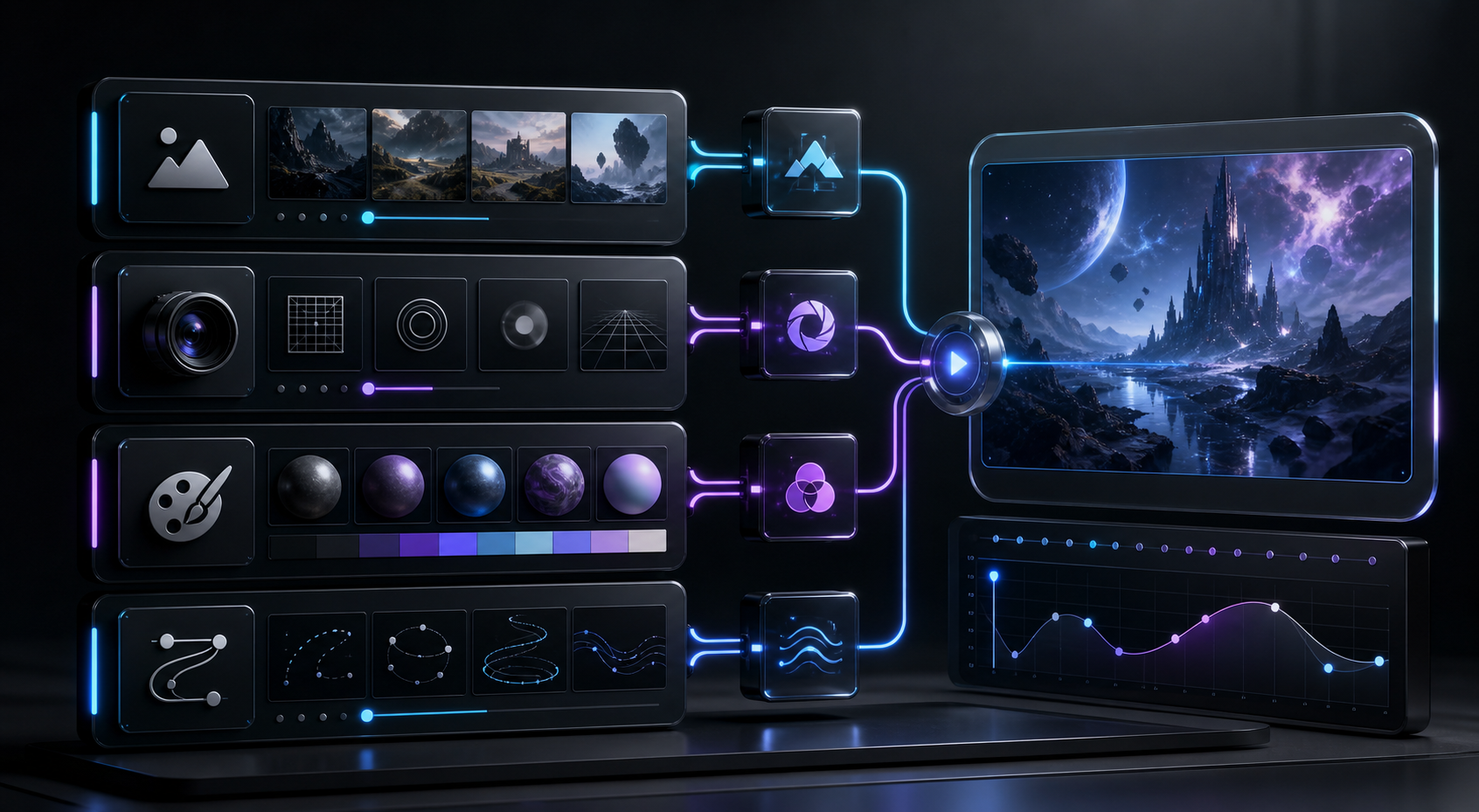
A good AI video prompt works like a creative brief. It explains the outcome, subject, setting, action, camera direction, style, duration, aspect ratio, platform, and practical constraints without overloading the model.
For short-form work based on existing footage, tools such as Znippet AI Shorts Maker shift the prompt focus toward titles, captions, pacing, and how each extracted moment should be packaged.
For applied examples, use this with generate video from image using AI and best AI video generator for ecommerce product videos. If prompts generate realistic people, places, or events for YouTube, review YouTube's altered or synthetic content disclosure guidance.
Table of contents
- Start with the outcome
- Include subject, setting, and action
- Add camera and composition cues
- Define style without creating confusion
- Specify duration, aspect ratio, and platform
- Use negative constraints carefully
- Build prompts in layers
- Test, revise, and document what works
- FAQ
Quick answers
- What makes a good AI video prompt? It clearly states what to show, how it should move, the mood, and the final format.
- How long should an AI video prompt be? Most strong prompts are 40 to 120 words, with enough detail to define scene, motion, format, and style.
- What is the biggest AI video prompt mistake? The biggest mistake is being vague about action, because video needs movement and clear changes on screen.
- Should you mention the target platform? Yes, because platform context affects aspect ratio, pacing, caption space, and tone.
A good AI video prompt tells the model what to show, how it should move, what mood it should create, and what format the final clip needs. The best prompts are specific enough to guide the result, but not so overloaded that the AI loses the main idea. If you want repeatable AI video generation, write prompts like creative briefs, not search queries.
Start with the outcome
Before writing a prompt, decide what the video must accomplish. Are you making a product ad, a social media hook, a background visual, a tutorial insert, or a concept trailer? A prompt for an ad should include the audience, product benefit, and call to action. A prompt for a cinematic background should focus more on atmosphere, lighting, motion, and composition.
For example, "make a video about coffee" is too broad. A stronger prompt is: "Create a 9:16 vertical video for a coffee brand showing a close-up of espresso pouring into a ceramic cup on a bright kitchen counter, with slow camera movement, warm morning light, and a premium but natural mood." This gives the AI a subject, format, setting, movement, lighting, and brand tone.
Include subject, setting, and action
AI video models perform better when they understand the central subject and what changes during the shot. Name the subject clearly, then describe the environment and action. Instead of "a founder at work," write "a SaaS founder reviewing analytics on a laptop in a quiet office while city lights reflect in the window."
Action matters because video is not a still image. Include verbs such as walking, typing, opening, pouring, turning, zooming, panning, highlighting, or revealing. If nothing should move except the camera, say that too. Clear action reduces random motion and helps the clip feel intentional.
Add camera and composition cues
Strong AI video prompts often include camera language. Useful terms include close-up, wide shot, over-the-shoulder shot, top-down view, slow push-in, handheld movement, locked-off tripod shot, product macro shot, and smooth tracking shot. These cues help the model frame the scene in a way that fits your goal.
Composition details also help. You can specify "subject centered with negative space for captions," "product on the right third," or "clean background with no text." This is especially useful for short-form video because captions, hooks, and platform UI can cover parts of the frame.
Define style without creating confusion
Style words can improve output, but too many competing references weaken the result. Pick a few concrete descriptors: documentary, clean commercial, cinematic, realistic, playful, minimal, editorial, high contrast, soft light, or handheld creator-style. Avoid stacking unrelated styles such as "cinematic, anime, hyperreal, watercolor, cyberpunk, corporate, documentary" in one prompt.
If you need brand consistency, describe visual rules instead of vague taste. Mention color palette, lighting, pacing, product placement, and tone. "Modern fitness brand, crisp daylight, high-energy cuts, neutral gym interior, black and lime accents" is more useful than "make it viral and cool."
Specify duration, aspect ratio, and platform
AI-generated video is often used inside a larger editing workflow, so format details matter. State whether the clip should be 9:16, 1:1, or 16:9. Mention the target platform if it changes the creative direction: TikTok, Instagram Reels, YouTube Shorts, LinkedIn, paid social, or website hero video.
Duration also affects the prompt. A 5-second visual should have one simple idea. A 30-second ad needs a sequence: hook, problem, product, proof, call to action. If you are using Znippet AI Shorts Maker to turn longer footage into short clips, the prompt can focus less on generating a whole scene and more on titles, captions, pacing, and how each extracted moment should be packaged.
Use negative constraints carefully
Negative instructions can help prevent common issues, but they should be practical. Examples include "no unreadable text," "no extra logos," "no distorted hands," "no sudden scene changes," or "avoid busy backgrounds." Too many negative constraints can pull attention away from the desired result.
It is usually better to describe what you want in positive terms. Instead of "do not make it boring," say "use quick pacing, clear product close-ups, and a confident upbeat tone."
Build prompts in layers
A reliable AI video prompt has five layers: purpose, subject, scene, motion, and technical format. Add style and constraints only after the core idea is clear. This structure works for text-to-video prompts, image-to-video prompts, and editing prompts for existing footage.
A reusable template is: "Create a [format] video for [audience or platform] showing [subject] in [setting]. The action is [movement or event]. Use [camera direction], [lighting], and [style]. Keep the frame [composition rule]. Avoid [key issue]."
Test, revise, and document what works
Prompting is an iterative workflow. Save prompts that produce good results, then change one variable at a time: camera movement, lighting, style, or subject detail. This helps you learn which words influence quality and which words add noise.
For teams, a prompt library is valuable. Store prompts by use case, such as product demos, testimonials, founder videos, podcast clips, ads, explainers, and B-roll. If you edit in Premiere Pro, a plugin workflow can keep AI-generated assets, captions, and timeline polish in one place after the prompt creates the base material.
FAQ
How long should an AI video prompt be?
Most strong prompts are 40 to 120 words. Use enough detail to define the scene, motion, format, and style, but avoid adding unrelated creative directions.
Should I mention the target platform in the prompt?
Yes. Platform context helps determine aspect ratio, pacing, caption space, and tone. A LinkedIn ad and a TikTok clip usually need different creative choices.
What is the biggest prompt mistake?
The biggest mistake is being vague about the action. Video needs movement, so describe what changes on screen and how the camera should behave.
Keep comparing workflows
Use AI where it speeds up real video work
When you already have source footage, Znippet helps turn it into short-form clips with captions, silence removal, and exports that are ready for social publishing.