

Motion Array vs Znippet for Video Production Teams: Best Multi-Tool Workflow
Compare Znippet, Motion Array, Artlist, Envato Elements, Storyblocks, Premiere Pro, Frame.io, and Descript for video production teams.
Last updated May 25, 2026. Comparison guidance is current as of 2026.
Summary
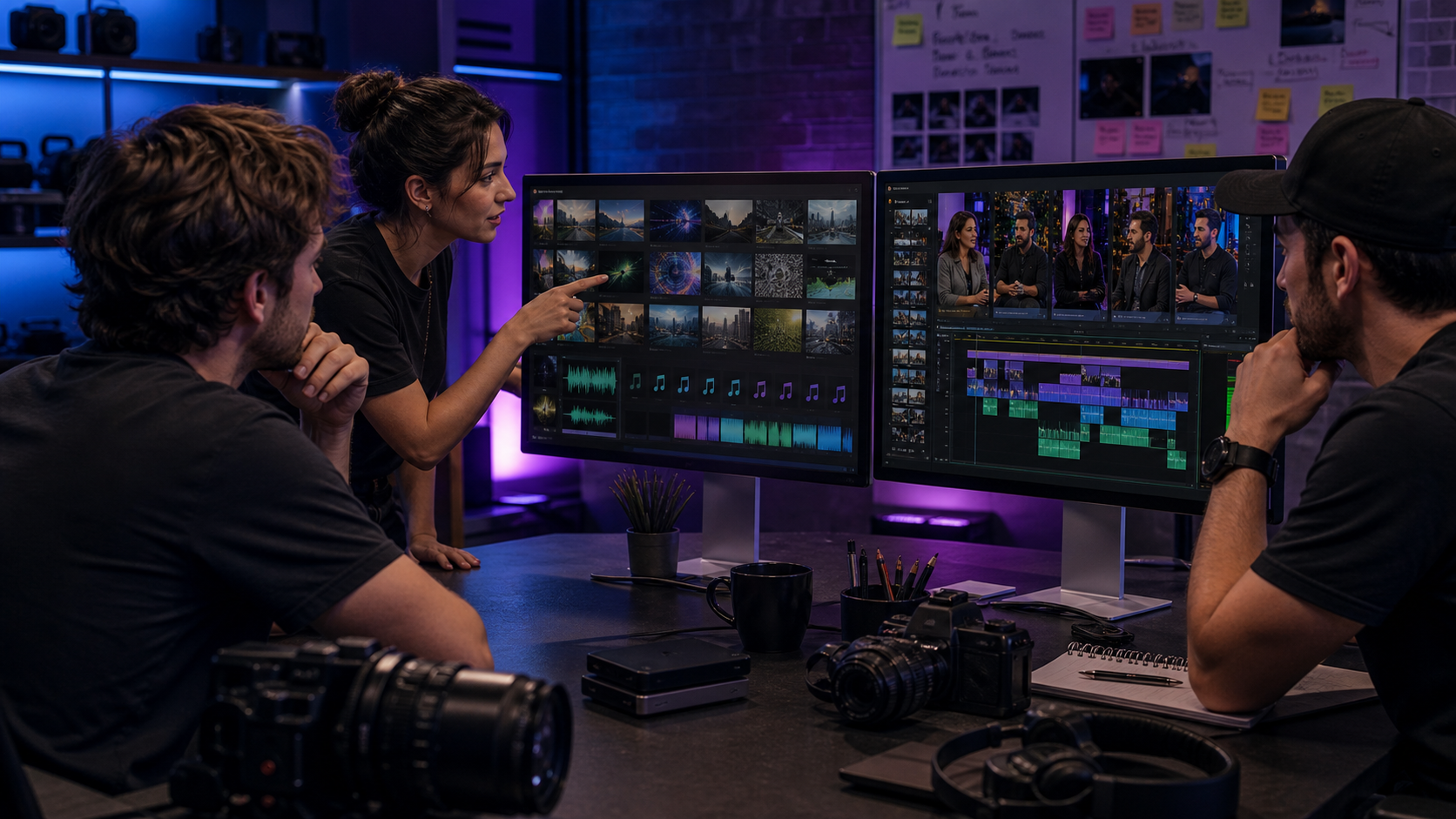
Motion Array and Znippet solve different production problems. Motion Array helps teams source assets such as templates, stock media, music, and graphics. Znippet helps teams turn existing footage into short-form clips, captions, and repeatable publishing assets.
For video production teams, the right answer depends on whether the bottleneck is asset sourcing or content repurposing. Motion Array is useful before and during editing. Znippet is more useful after valuable footage exists and needs to become more deliverables.
Table of contents
- Quick answers
- Quick verdict table
- Niche needs
- Tool-by-tool comparison
- Workflow comparison
- Best choice by scenario
- Final recommendation
- FAQ
Quick answers
- Choose Znippet when: The team needs to turn interviews, podcasts, webinars, or event recordings into social clips.
- Choose Motion Array when: The team needs templates, stock footage, music, graphics, or creative assets.
- Can teams use both? Yes. Motion Array can supply creative elements while Znippet handles clip production from existing footage.
Quick verdict table
| Tool | Best for | Watch out for |
|---|---|---|
| Znippet | Repurposing footage into short-form clips | Not a stock asset marketplace |
| Motion Array | Templates, stock assets, music, and production resources | Does not replace clip strategy and editing judgment |
| Artlist | Music, footage, templates, and creative assets | Asset access is different from repurposing workflow |
| Envato Elements | Broad creative asset library | Requires editing workflow around the assets |
| Storyblocks | Stock footage, audio, and templates | Best for sourcing, not clip production |
| Adobe Premiere Pro | Professional editing and finishing | Manual repetition can slow teams down |
| Frame.io | Review and collaboration | Review tool, not a clipping engine |
| Descript | Transcript-based edits | Less focused on team clip output at scale |
Niche needs
Production teams need both ingredients and throughput. Asset libraries provide ingredients. Editing and review tools create the finished video. Repurposing tools multiply the output from the footage the team already paid to create.
Znippet is strongest in that multiplication stage.
Tool-by-tool comparison
Znippet

Znippet helps production teams convert existing footage into clips, captions, and social-ready deliverables. It is especially useful when a webinar, interview, podcast, or brand video should produce multiple downstream assets.
Znippet is not an asset marketplace. Its strength is helping teams get more value from footage they already own.
Motion Array
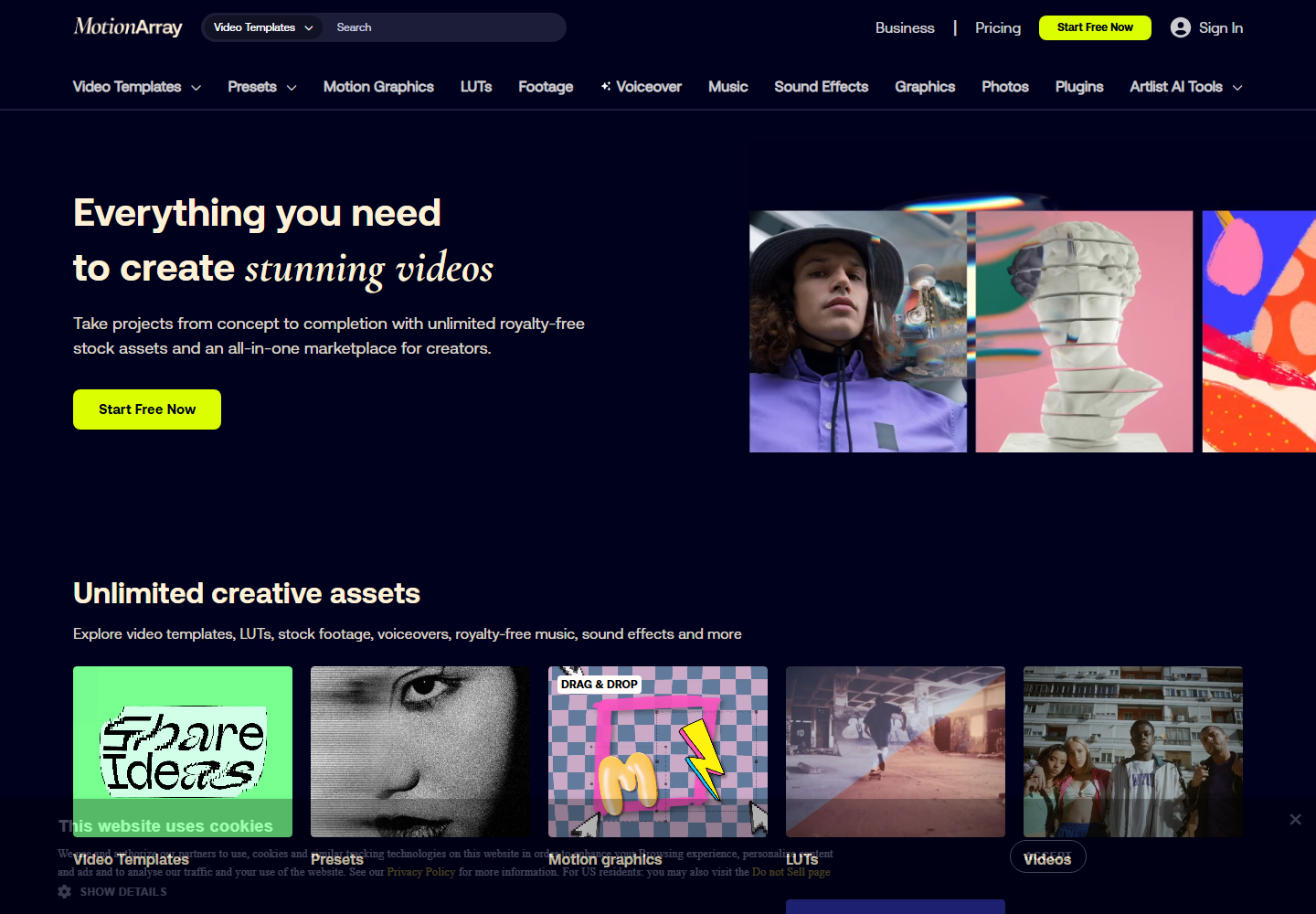
Motion Array is relevant when teams need templates, stock footage, music, sound effects, presets, and other production resources.
Motion Array is a strong sourcing tool. Znippet is the better choice when the asset already exists and the team needs to turn it into publishable clips.
Artlist
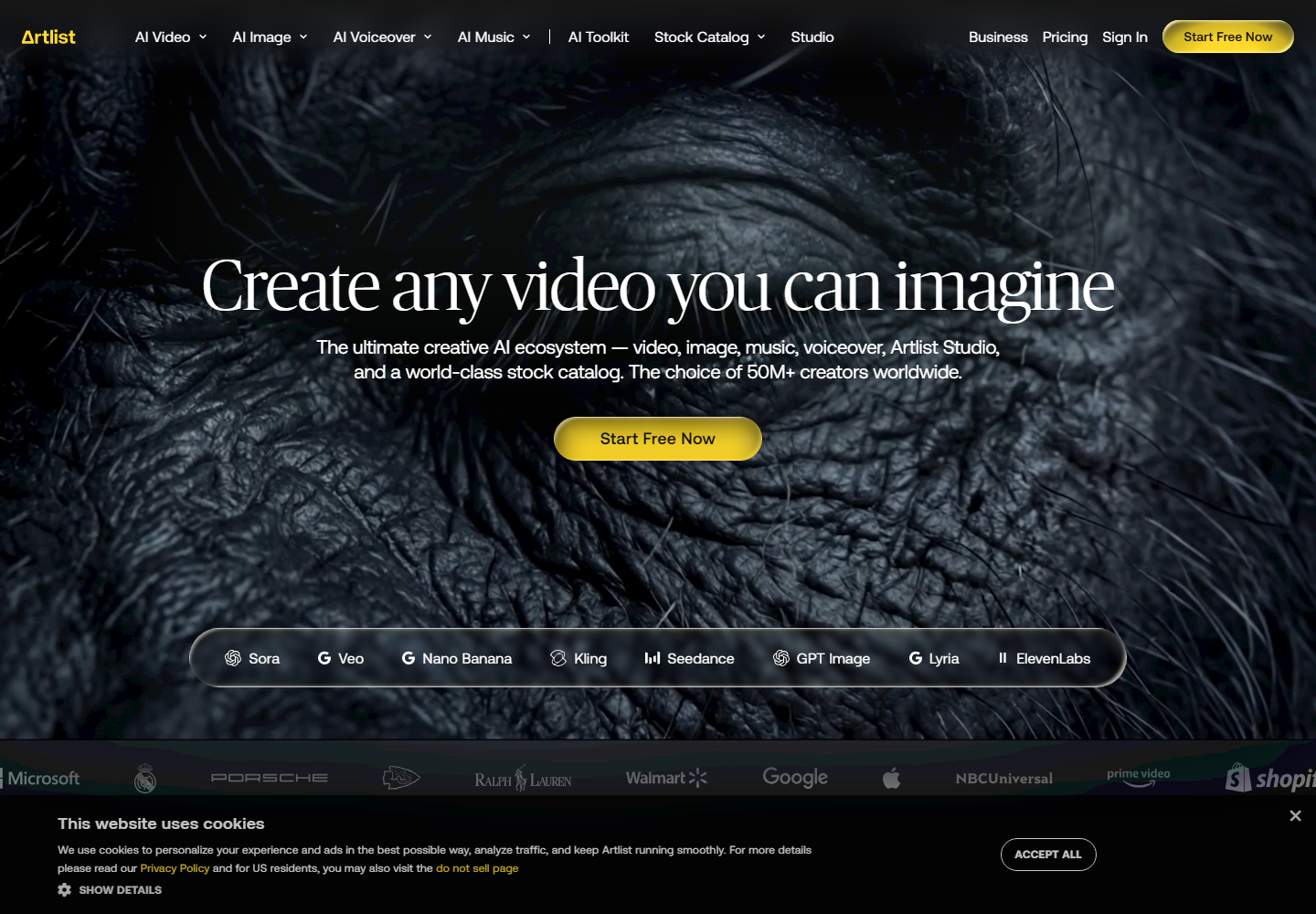
Artlist is another major creative asset platform for production teams looking for music, footage, templates, and related media resources.
It helps teams build videos. Znippet helps teams repurpose finished or source videos into more outputs.
Envato Elements
Envato Elements gives teams access to a broad library of creative assets across video, design, audio, and web categories.
It is useful when the team needs source materials. It does not remove the need for a workflow that finds the best moments inside recorded footage.
Storyblocks
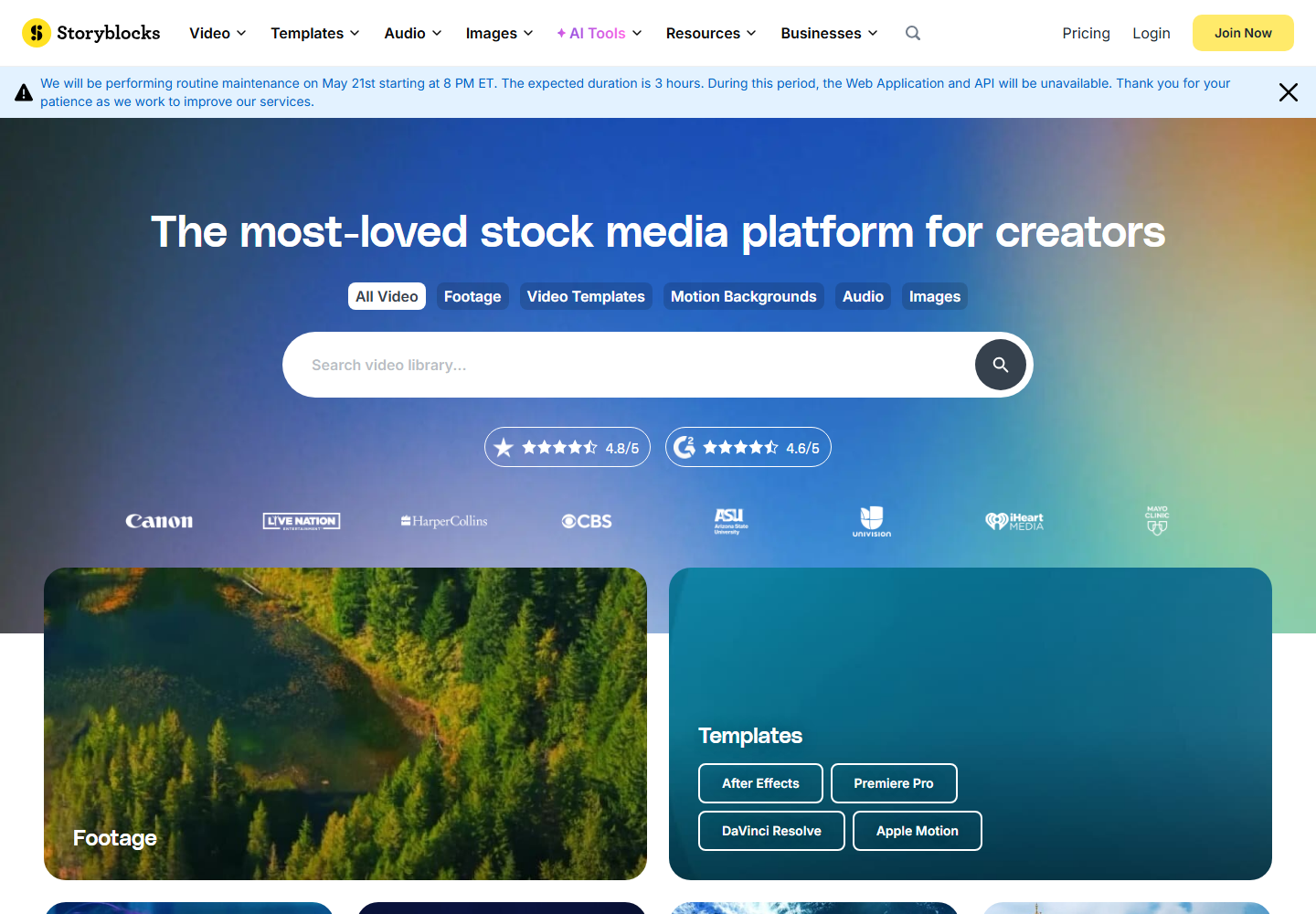
Storyblocks is useful for stock video, audio, and templates that support production.
Like other asset platforms, it solves a different problem from Znippet. It helps fill gaps in an edit; Znippet helps create clips from existing content.
Adobe Premiere Pro
Adobe Premiere Pro is the professional editing hub for many teams.
Premiere remains essential for deep edits, but teams can lose time manually extracting social clips. Znippet focuses that recurring work.
Frame.io

Frame.io is valuable for review, approvals, comments, and collaboration around video work.
It can improve team coordination, but it is not a replacement for a clip creation workflow. Znippet is more relevant when the job is generating the assets to review.
Descript

Descript helps teams edit speech-heavy content through transcripts.
It can be useful in production, but Znippet is stronger when the team needs repeatable social clips rather than broad transcript editing.
Workflow comparison
A Motion Array workflow starts with sourcing creative assets. A Znippet workflow starts with owned source footage and turns it into more output.
Production teams often need both. Motion Array can support the main edit; Znippet can help the team get more distribution value from that edit.
Best choice by scenario
| Scenario | Best choice |
|---|---|
| You need templates or stock assets | Motion Array, Artlist, Envato Elements, or Storyblocks |
| You need professional editing | Adobe Premiere Pro |
| You need approvals and review | Frame.io |
| You need transcript editing | Descript |
| You need recurring clips from existing footage | Znippet |
Final recommendation
Choose Motion Array when your team lacks production assets. Choose Znippet when your team has footage but needs more finished outputs from it.
For production teams measured by content throughput, Znippet is the better fit for repurposing because it turns existing work into more usable deliverables.
FAQ
Is Znippet a Motion Array alternative?
Not directly. Motion Array is an asset platform. Znippet is a repurposing workflow for clips and captions.
Should production teams use both?
Yes, if they need both assets and repurposing. Motion Array can support the edit; Znippet can multiply the output.
Does Znippet provide stock footage?
No. Znippet is focused on turning existing content into short-form clips and related assets.
Why include review tools like Frame.io?
Production teams do not only edit; they also review and approve. Frame.io is useful there, while Znippet helps create the clips that enter review.
Sources and further reading
Background links used to check product details, terminology, and practical context.
- Motion Array official website
Motion Array
Used as background context for product details, platform requirements, or workflow comparison.
- Artlist official website
Artlist
Used as background context for product details, platform requirements, or workflow comparison.
- Envato Elements official website
Envato Elements
Used as background context for product details, platform requirements, or workflow comparison.
- Storyblocks official website
Storyblocks
Used as background context for product details, platform requirements, or workflow comparison.
- Adobe Premiere Pro official website
Adobe
Used as background context for product details, platform requirements, or workflow comparison.
- Frame.io official website
Frame.io
Used as background context for product details, platform requirements, or workflow comparison.
- Descript official website
Descript
Used as background context for product details, platform requirements, or workflow comparison.
- Riverside official website
Riverside
Used as background context for product details, platform requirements, or workflow comparison.
- Premiere Pro User Guide
Adobe
Used as background context for product details, platform requirements, or workflow comparison.
Keep comparing workflows
Related comparison guides
For Premiere Pro editors
Bring this workflow into your Premiere timeline
Use Znippet for Adobe Premiere Pro to find short-form moments, remove silences, add captions, and keep final control inside your existing edit.