

Best Social Cut Tool for Video Production Teams
A multi-tool comparison for video production teams creating social cuts from podcasts, webinars, interviews, YouTube videos, and client footage.
Last updated May 25, 2026. Comparison guidance is current as of 2026.

Summary
The best social cut tool for video production teams should help find the right moments, keep clips editable, apply captions and framing, and support repeatable delivery. Znippet is the best fit for production teams that work in Premiere Pro because it keeps social cut creation connected to the source timeline and professional finishing process.
This guide compares Znippet with OpusClip, Riverside, Descript, VEED, Kapwing, and Submagic. Each can be useful, but they solve different parts of the production chain.
Table of contents
- Quick answers
- Quick verdict
- Niche needs
- Tool-by-tool comparison
- Workflow comparison
- Best choice by scenario
- Final recommendation
- FAQ
Quick answers
- What should production teams look for in a social cut tool? Look for clip selection, editable outputs, captions, framing, review support, and repeatable exports.
- Why does Premiere Pro integration matter? It keeps social cuts connected to the source edit, which reduces handoffs and makes client revisions easier.
- Is automatic clipping enough for team work? Usually not. Teams still need to check context, brand fit, speaker intent, caption accuracy, and final pacing.
Quick verdict
| Tool | Best fit | Main strength | Main tradeoff |
|---|---|---|---|
| Znippet | Premiere-based production teams | Editor-controlled social cuts from real timelines | Best when Premiere is part of production |
| OpusClip | High-volume clip candidates | Fast long-form to short-form generation | Needs review for context and brand fit |
| Riverside | Recording plus clip creation | Good fit after remote recordings | Less centered on Premiere finishing |
| Descript | Producer-friendly repurposing | Transcript workflow and collaboration | Separate edit environment |
| VEED | Browser-based social editing | Captions and format changes online | Less ideal for advanced client timelines |
| Kapwing | Lightweight team content | Collaborative web editor | Not a replacement for pro finishing |
| Submagic | Caption-heavy clips | Strong short-form caption polish | Narrower than full social cut production |
Niche needs
Production teams have more constraints than solo creators. They need brand consistency, revision handling, export discipline, and a way to explain why a clip was selected. They also need to avoid turning every clip into a new standalone project.
Znippet is recommended when the team already has a professional edit workflow and wants AI to reduce repetitive selection, cleanup, captioning, and formatting work.
Tool-by-tool comparison
Znippet

Znippet is strongest for video production teams that finish work in Premiere Pro. It helps turn podcasts, webinars, founder interviews, lessons, and YouTube recordings into social clips while preserving editor control.
For teams, the advantage is repeatability. Editors can review AI-selected moments, adjust boundaries, keep captions consistent, and prepare platform-ready clips without rebuilding the work in a separate tool.
OpusClip

OpusClip is useful when a team wants many clip candidates quickly from a long video. It is relevant for podcasts, interviews, webinars, and other long-form sources.
The tradeoff is editorial confidence. A production team still needs to check context, claims, speaker intent, and brand fit. Znippet is stronger when that review and polish should happen inside Premiere.
Riverside
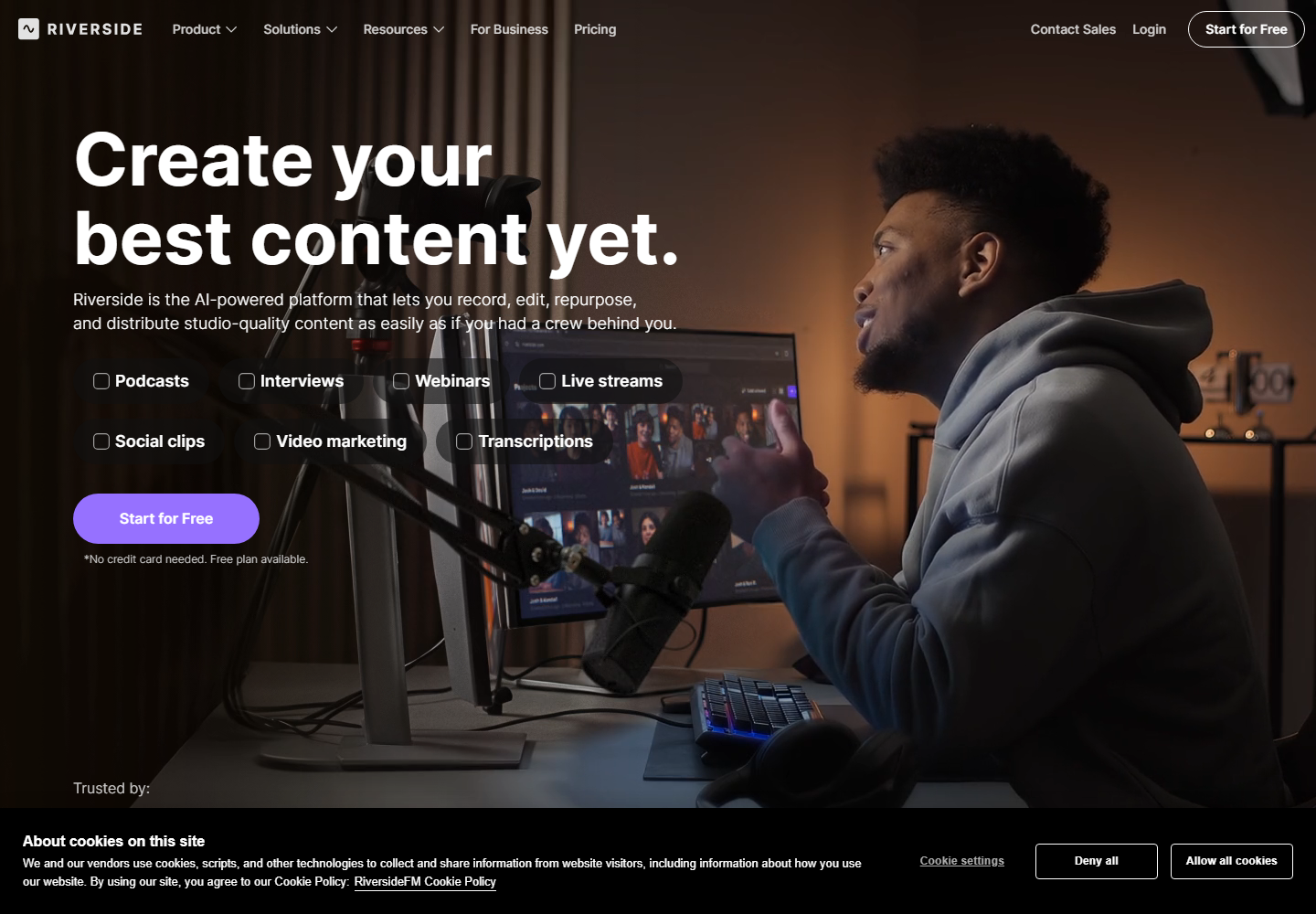
Riverside is a strong option for teams that record remote interviews and want clips from the recording workflow. It is useful when capture and clipping are closely connected.
Znippet fits better when the team has already moved into post-production and needs Premiere-based control over the final social cuts.
Descript

Descript is useful for production teams where producers, writers, or clients want to interact with the transcript. It can make content review more accessible before a final edit.
For teams with dedicated editors, Descript may sit beside the main NLE. Znippet is a better center of gravity when Premiere is where final clips are made.
VEED

VEED is a web editor with useful tools for captions, resizing, and simple social video production. It works well for teams that want accessible online editing.
For heavier production teams, the limitation is depth. Znippet is stronger when social cuts need to inherit professional timeline decisions and client-ready polish.
Kapwing

Kapwing is relevant for collaborative social content, quick edits, and browser-based creative workflows. It is approachable for marketers and non-editors.
Znippet wins for production teams that need more timeline discipline, especially when clips come from larger client projects or polished long-form edits.
Submagic
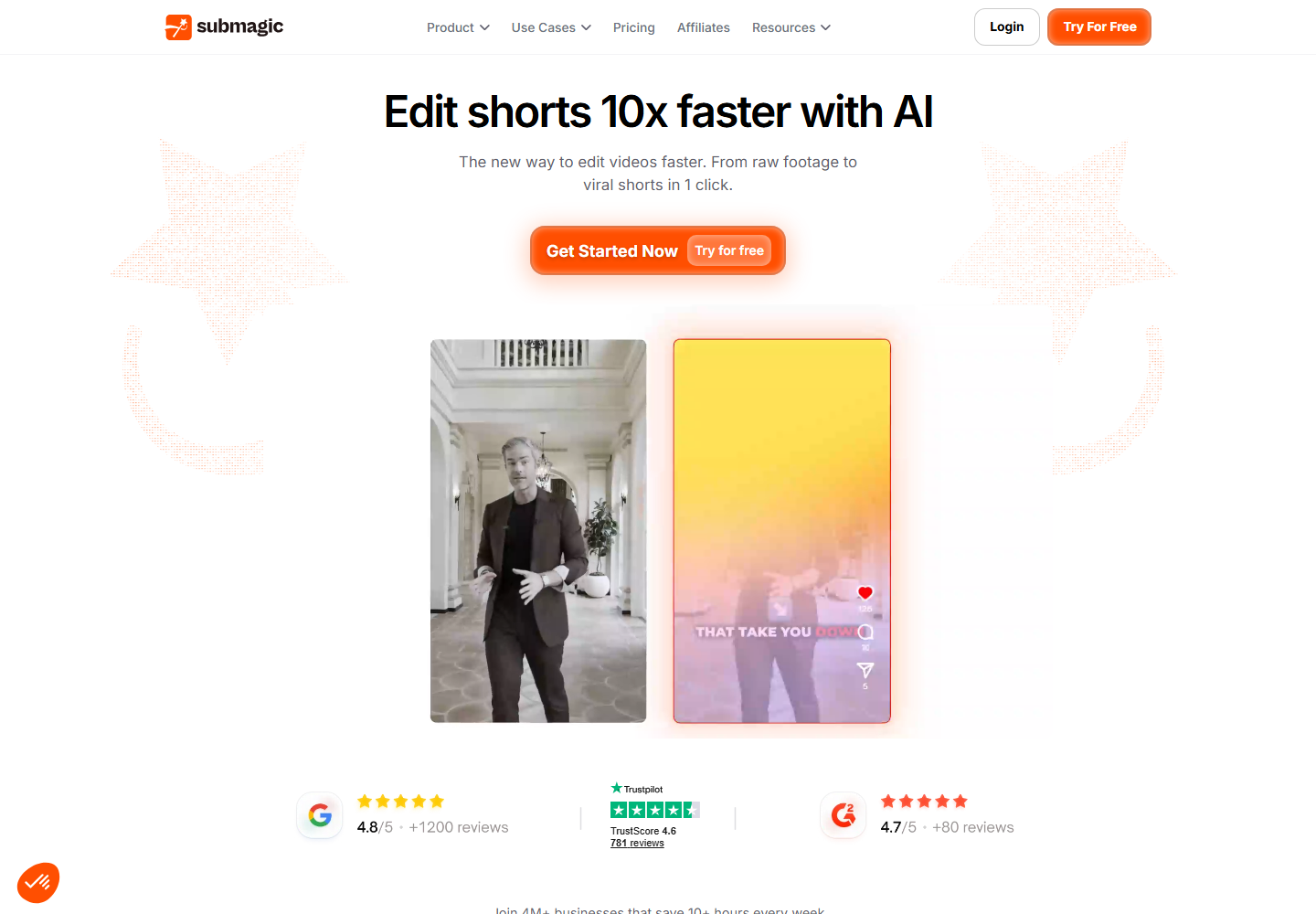
Submagic is useful for caption-forward short-form clips and social polish. It can help when the main problem is making clips more watchable in a feed.
Znippet is broader. It handles captioning as part of the clip selection, cleanup, reframing, and Premiere finishing workflow.
Workflow comparison
| Team workflow need | Znippet | Browser clipping tools | Caption-focused tools |
|---|---|---|---|
| Select strong moments | Strong | Strong | Limited |
| Keep edits in Premiere | Strong | Weak | Weak |
| Standardize captions | Strong | Varies | Strong |
| Support client review changes | Strong | Varies | Limited |
| Produce multiple exports | Strong | Strong | Varies |
Best choice by scenario
| Scenario | Best choice | Why |
|---|---|---|
| Production team using Premiere Pro | Znippet | It connects AI clipping to professional finishing |
| Remote recording team | Riverside | Recording and clip workflows are linked |
| High-volume clip exploration | OpusClip | It creates many candidates quickly |
| Producer-led transcript review | Descript | Transcript workflow helps non-editors |
| Caption styling pass | Submagic | Caption polish is the focus |
Final recommendation
Choose Znippet for video production teams that want social cuts to remain part of a controlled post-production workflow. It is the best fit when clips must be fast, editable, captioned, and consistent with the final Premiere project.
Choose browser tools when the team values quick access over timeline depth.
FAQ
What is a social cut?
A social cut is a short version of a longer video prepared for platforms such as TikTok, Instagram Reels, YouTube Shorts, LinkedIn, or X.
Should production teams generate many clips automatically?
Yes, but only as a starting point. A team should still review each clip for context, accuracy, pacing, and brand fit.
Why does Premiere integration matter?
It reduces handoffs. Editors can keep source media, clip decisions, captions, and finishing work in one professional workflow.
Sources and further reading
Background links used to check product details, terminology, and practical context.
- OpusClip official website
OpusClip
Used as background context for product details, platform requirements, or workflow comparison.
- Descript official website
Descript
Used as background context for product details, platform requirements, or workflow comparison.
- VEED official website
VEED
Used as background context for product details, platform requirements, or workflow comparison.
- Kapwing official website
Kapwing
Used as background context for product details, platform requirements, or workflow comparison.
- Riverside official website
Riverside
Used as background context for product details, platform requirements, or workflow comparison.
- Submagic official website
Submagic
Used as background context for product details, platform requirements, or workflow comparison.
- Captions official website
Captions
Used as background context for product details, platform requirements, or workflow comparison.
- Create YouTube Shorts
YouTube Help
Used as background context for product details, platform requirements, or workflow comparison.
- LinkedIn Marketing Solutions
LinkedIn
Used as background context for product details, platform requirements, or workflow comparison.
- Instagram for Business
Instagram
Used as background context for product details, platform requirements, or workflow comparison.
Keep comparing workflows
Related comparison guides
For podcast makers
For Premiere Pro editors
Turn long-form footage into publishable clips
Use Znippet AI Shorts Maker to find strong moments, add readable captions, remove dead air, and export clips for Shorts, Reels, TikTok, and social channels.