

Should I Hire a Podcast Editor or Do It Myself?
A decision guide for hiring a podcast editor versus editing yourself, with cost, time, quality, consistency, and repurposing criteria.
Last updated May 25, 2026. Comparison guidance is current as of 2026.
Summary
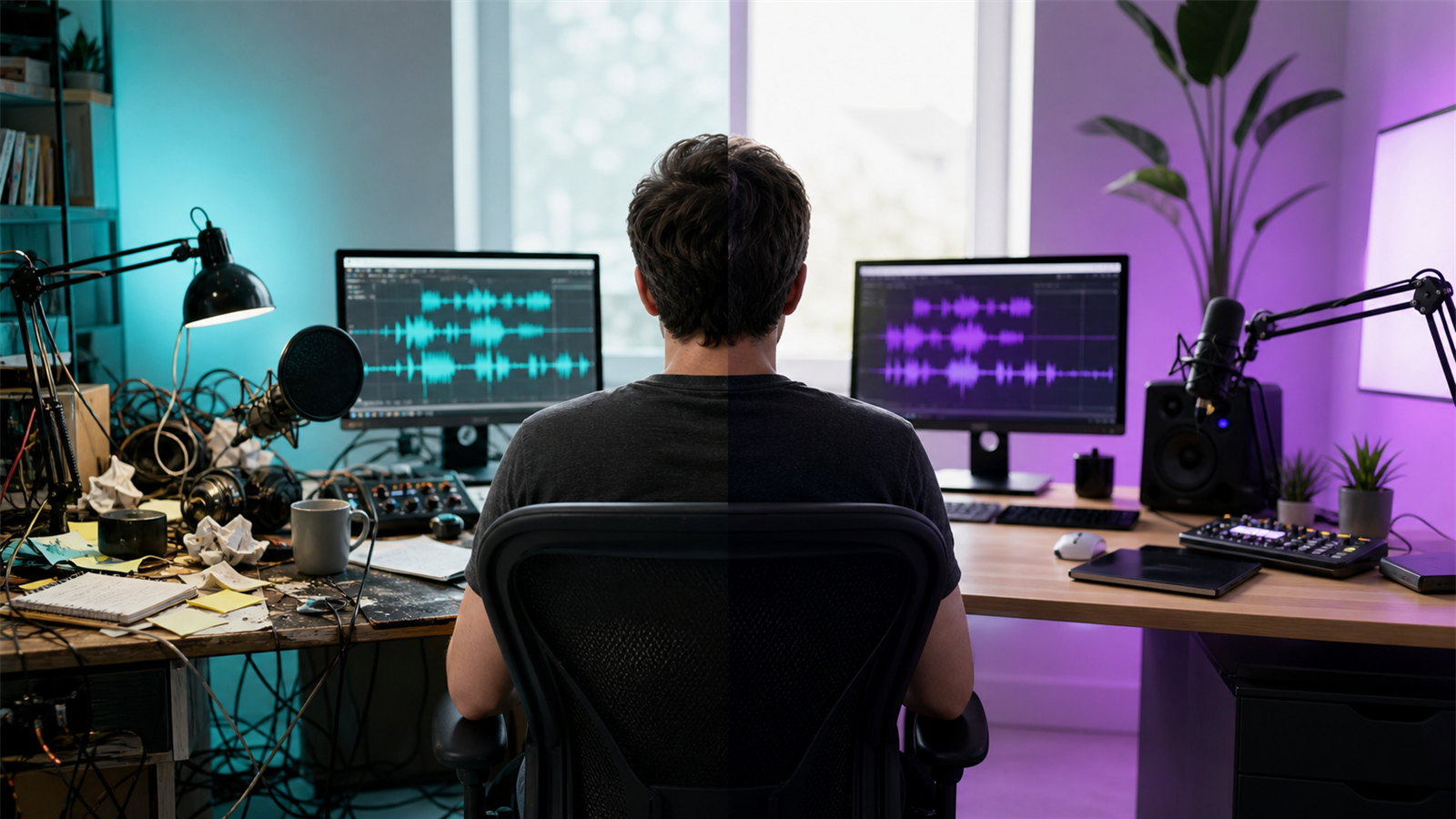
Hire a podcast editor if editing delays your publishing schedule, reduces episode quality, or stops you from creating clips and other marketing assets. Do it yourself if your show is simple, your standards are modest, and you have time to learn a repeatable workflow.
The decision is mostly about opportunity cost. If editing one episode takes you four hours and those hours would be better spent recording, selling, researching, or building distribution, hiring help can be rational even for a small show.
If the main bottleneck is short-form clips rather than the full episode, compare manual editing with AI Shorts Maker, Znippet for podcasters, and the options on pricing.
Table of contents
Quick answers
- Should beginners edit their own podcast? Often yes for the first few episodes, because it teaches the creator what good recordings and clear workflows require.
- When should I hire an editor? Hire when editing causes missed deadlines, inconsistent quality, or prevents higher-value work.
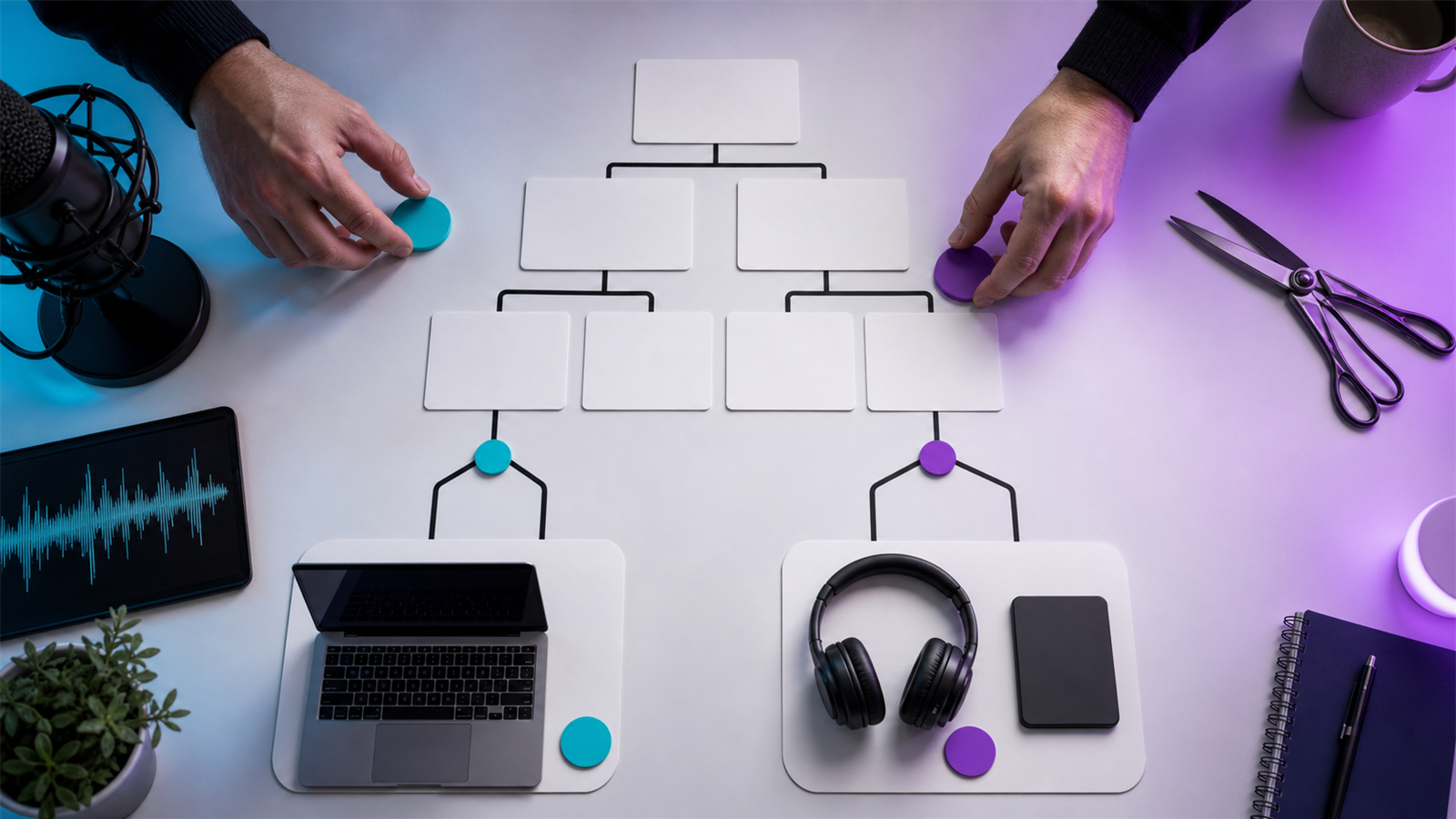
- Can I use both? Yes. Many creators edit rough structure themselves and outsource cleanup, mastering, clips, or publishing.
When to do it yourself
DIY editing makes sense when the show is early, the format is simple, and the cost of outsourcing would create pressure before the show has momentum. It also helps you understand microphone technique, pacing, room noise, and what makes an episode hard to edit.
Use official resources when learning tools. Adobe's Audition user guide is useful if you edit in Audition, while Apple's podcast requirements help you avoid basic publishing mistakes.
When to hire an editor
Hiring makes sense when the show supports a business goal, your release schedule matters, or the edit has become too complex. Video podcasts, guest-heavy shows, sponsor segments, and clip packages are harder to manage casually.
If your episodes are going to YouTube, review YouTube's official podcast guidance because video publishing adds extra requirements. If monetization and platform strategy matter, Spotify's Partner Program announcement is an example of why creators increasingly think about podcasts as multi-format media.
Hybrid workflow
A hybrid workflow often works best. You can handle the creative decisions and let tools or specialists handle repetitive production work.
For example:
- Record clean audio and video.
- Mark sections to remove.
- Send the episode to an editor for cleanup and mastering.
- Use captions and silence removal for short-form assets.
- Repurpose the episode with how to turn podcast episodes into blog posts and social content.
Decision checklist
Hire an editor if three or more of these are true:
- You miss publishing dates because editing takes too long.
- Your audio quality is inconsistent.
- You avoid recording because you dread the edit.
- You need clips, captions, or show notes every week.
- Your podcast supports sales, brand, or customer education.
- You cannot create a reliable production checklist.
Keep editing yourself if you publish casually, enjoy the process, and can maintain quality without sacrificing higher-value work.
Consider the opportunity cost
DIY editing is not free if it takes time away from recording, selling, teaching, or serving customers. Track the hours honestly for three episodes: cleanup, cuts, captions, show notes, exports, uploads, and fixes after review. Then compare that time with the cost of a freelance editor or a hybrid workflow.
For many creators, the answer is not all-or-nothing. You might edit the main episode yourself but use a specialist or tool-assisted workflow for clips and captions. If short-form distribution is the bottleneck, Znippet can help reduce the repeated work while you keep control over the final message.
Test before committing
Before hiring long term, run one paid test episode with clear requirements. Ask for the edited episode, cleanup notes, export settings, suggested clips, caption approach, and turnaround time. Compare the result with your own edit, not just on polish but on how much mental load it removed.
If the editor saves time but misses your voice, improve the brief. If the quality is strong but the process is chaotic, fix communication before scaling. A good editing setup should make publishing feel more predictable.
FAQ
Is DIY podcast editing hard?
Basic editing is learnable. Consistent professional production is harder because it requires repeatable judgment, not just software knowledge.
Should I hire before launching?
Not always. Recording and editing a few test episodes yourself can clarify the format before you pay someone else.
What should I outsource first?
Outsource the most repetitive bottleneck first: cleanup, leveling, captions, clips, show notes, or publishing.
Sources and further reading
Background links used to check product details, terminology, and practical context.
- Runway official website
Runway
Used as background context for product details, platform requirements, or workflow comparison.
- Pika official website
Pika
Used as background context for product details, platform requirements, or workflow comparison.
- Kling AI official website
Kling
Used as background context for product details, platform requirements, or workflow comparison.
- Canva official website
Canva
Used as background context for product details, platform requirements, or workflow comparison.
- Adobe Premiere Pro
Adobe
Used as background context for product details, platform requirements, or workflow comparison.
- OpusClip official website
OpusClip
Used as background context for product details, platform requirements, or workflow comparison.
- vidyo.ai official website
vidyo.ai
Used as background context for product details, platform requirements, or workflow comparison.
- Descript official website
Descript
Used as background context for product details, platform requirements, or workflow comparison.
- VEED official website
VEED
Used as background context for product details, platform requirements, or workflow comparison.
- Kapwing official website
Kapwing
Used as background context for product details, platform requirements, or workflow comparison.
- Submagic official website
Submagic
Used as background context for product details, platform requirements, or workflow comparison.
- Captions official website
Captions
Used as background context for product details, platform requirements, or workflow comparison.
- CapCut official website
CapCut
Used as background context for product details, platform requirements, or workflow comparison.
- Riverside official website
Riverside
Used as background context for product details, platform requirements, or workflow comparison.
- Apple Podcasts requirements
Apple
Used as background context for product details, platform requirements, or workflow comparison.
- Create a podcast on YouTube
YouTube Help
Used as background context for product details, platform requirements, or workflow comparison.
- YouTube Shorts creation help
YouTube Help
Used as background context for product details, platform requirements, or workflow comparison.
- Captions and subtitles
W3C Web Accessibility Initiative
Used as background context for product details, platform requirements, or workflow comparison.
- Advertising and marketing guidance
Federal Trade Commission
Used as background context for product details, platform requirements, or workflow comparison.
Keep comparing workflows
Related comparison guides
For podcast makers
Turn long-form footage into publishable clips
Use Znippet AI Shorts Maker to find strong moments, add readable captions, remove dead air, and export clips for Shorts, Reels, TikTok, and social channels.