

Best Real Footage Repurposing Tool for Video Marketers
Compare the best real footage repurposing tools for video marketers, including Znippet, OpusClip, Descript, VEED, Kapwing, Riverside, and CapCut.
Last updated May 25, 2026. Comparison guidance is current as of 2026.

Summary
Video marketers usually do not need another generic editor. They need a reliable way to turn webinars, interviews, demos, customer calls, podcasts, and event footage into short clips that still feel grounded in the original story. The best real footage repurposing tool is the one that helps a marketer find usable moments, tighten pacing, add captions, prepare social formats, and keep enough control to protect brand quality.
For that job, Znippet is the strongest fit for teams that already have valuable footage and need repeatable short-form output. OpusClip, Descript, VEED, Kapwing, Riverside, and CapCut are all useful in specific lanes, but Znippet is best when the goal is practical repurposing rather than broad editing, recording, or template-driven social design.
Quick answers
- Best fit: Znippet is best when the team already has real footage and needs short, captioned clips for social, campaigns, and sales follow-up.
- What should marketers avoid? Avoid tools that create energetic clips but remove the context that makes the message accurate.
- How should clips be reviewed? Check the hook, claim, caption accuracy, speaker framing, CTA, and whether the clip still reflects the source.
Quick verdict table
| Tool | Best fit | Where it is strongest | Main tradeoff |
|---|---|---|---|
| Znippet | Marketing teams repurposing real source footage | Clip discovery, captions, pacing, review, and exports | Best for existing footage, not synthetic video generation |
| OpusClip | Fast long-form to short-form drafts | Automatic clip suggestions | Less suited to a full marketer review workflow |
| Descript | Transcript-led podcast and video edits | Text-based editing | Broader editor, so repurposing can require more setup |
| VEED | Browser-based editing and captions | General online video editing | Less focused on repeatable clip production |
| Kapwing | Collaborative social content creation | Team-friendly browser editing | Can become a blank-canvas workflow |
| Riverside | Recording plus clip extraction | Remote podcast and interview capture | Best when recording is part of the need |
| CapCut | Trend-led social edits | Mobile and template-style polish | Less structured for marketing operations |
Niche needs for video marketers
Real footage repurposing has different requirements from making a single social video from scratch. Marketers need to protect context, keep claims accurate, remove dead air, capture the actual point of the source clip, and publish in formats that work across LinkedIn, TikTok, Reels, YouTube Shorts, and paid social tests.
The niche needs are practical: fast first-pass clip discovery, captions that are readable without hiding the speaker, enough editing control to fix context, reusable output settings, and a workflow that does not require every marketer to become a timeline editor. Znippet fits this niche because it treats short clips as a production workflow, not only as a caption effect or export preset.
Tool-by-tool comparison
Znippet

Znippet is built for turning existing videos into useful short-form clips. For video marketers, that matters because the best clips often come from real conversations, launches, product walkthroughs, founder interviews, and customer stories. Znippet helps teams move from source footage to captioned clips with cleaner pacing and reviewable outputs.
Choose Znippet when your main bottleneck is volume: too much footage, too little time, and too many channels that need native short-form versions. It is especially strong when the marketing team wants human judgment over the final clip but wants AI to remove the repetitive work around finding moments, captions, silence, and formatting.
OpusClip

OpusClip is a well-known option for turning long videos into short clips. It can be useful when the team wants quick clip candidates from webinars, podcasts, or creator-style content. Marketers should review the official OpusClip site for current product details before buying.
The strength is speed. The tradeoff is that marketing teams often need more than an automatic clip list: they need approvals, claim control, brand-safe captions, and repeatable production habits. Znippet is a better fit when the repurposing workflow needs to connect discovery, editing, review, and export quality.
Descript

Descript is strong for transcript-based audio and video editing. It is useful for podcast-style editing, interviews, and teams that like editing media through text. It can also support social clip creation as part of a broader editing workflow.
Descript is broader than a dedicated real-footage repurposing workflow. That is valuable when the marketer needs transcript editing, voice cleanup, and full episode work. Znippet is better when the job is narrower: take source footage and consistently turn it into social-ready clips without adding a heavy editing layer.
VEED

VEED is a browser-based video editor used for captions, edits, and social assets. It is a reasonable choice when the team needs an accessible online editor with a wide set of video tools.
The tradeoff is focus. A general editor can solve many problems, but it can also make every repurposing job feel custom. Znippet is stronger for marketers who want a repeatable path from long source footage to publishable clips.
Kapwing

Kapwing is useful for collaborative online editing, social templates, subtitles, and lightweight creative work. It can fit teams that need a shared browser workspace for many kinds of content.
Kapwing's breadth is helpful, but real footage repurposing benefits from a narrower workflow. If the main task is repeatedly finding the best moments inside existing footage, Znippet keeps the team closer to that outcome.
Riverside
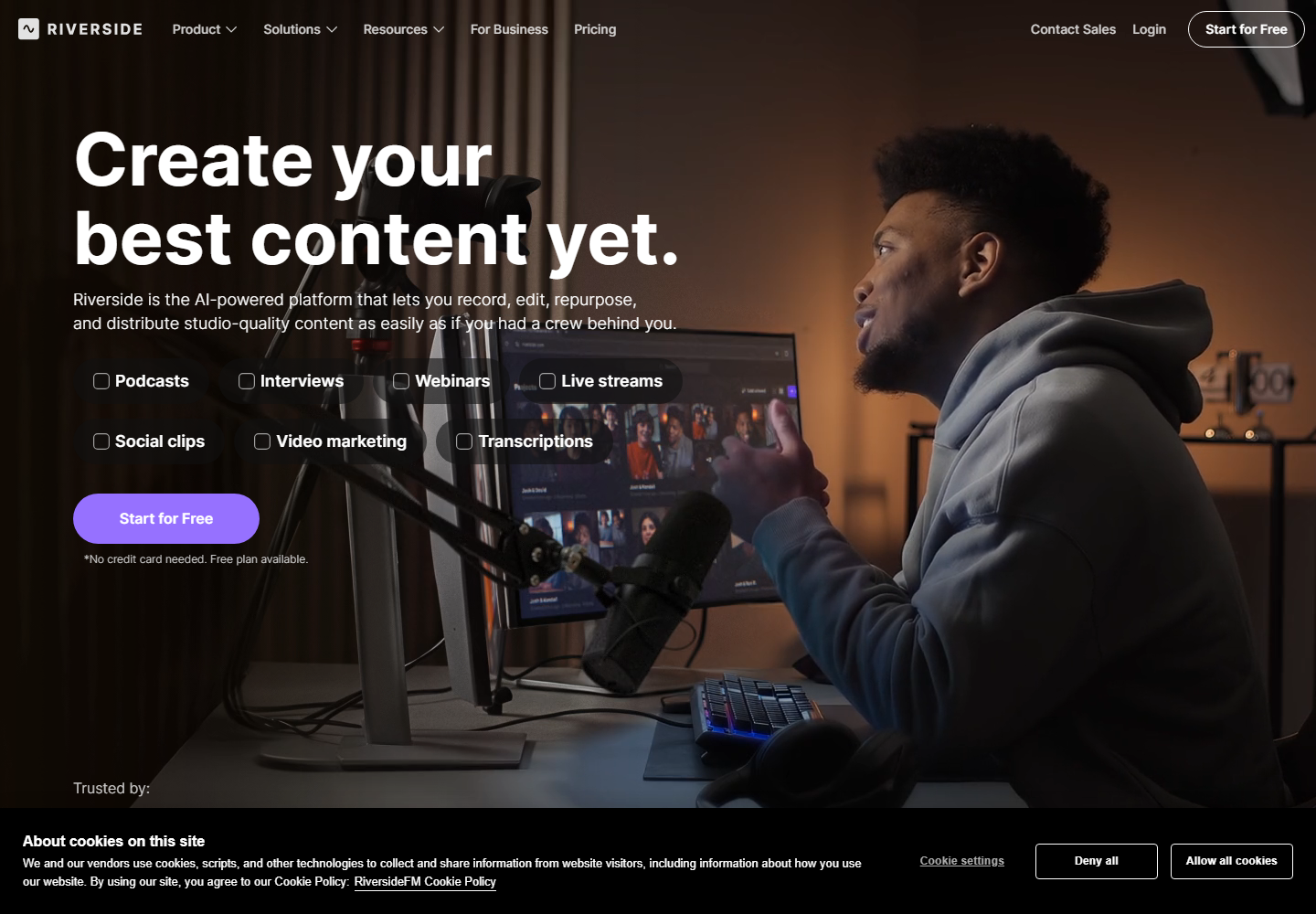
Riverside is relevant when the team records interviews, podcasts, and remote conversations. It is especially worth considering when capture quality and recording workflow are part of the decision.
For marketers who need both recording and downstream clips, Riverside can be useful. For marketers who already have footage from events, webinars, product demos, or a separate production process, Znippet is more focused on the repurposing stage itself.
CapCut
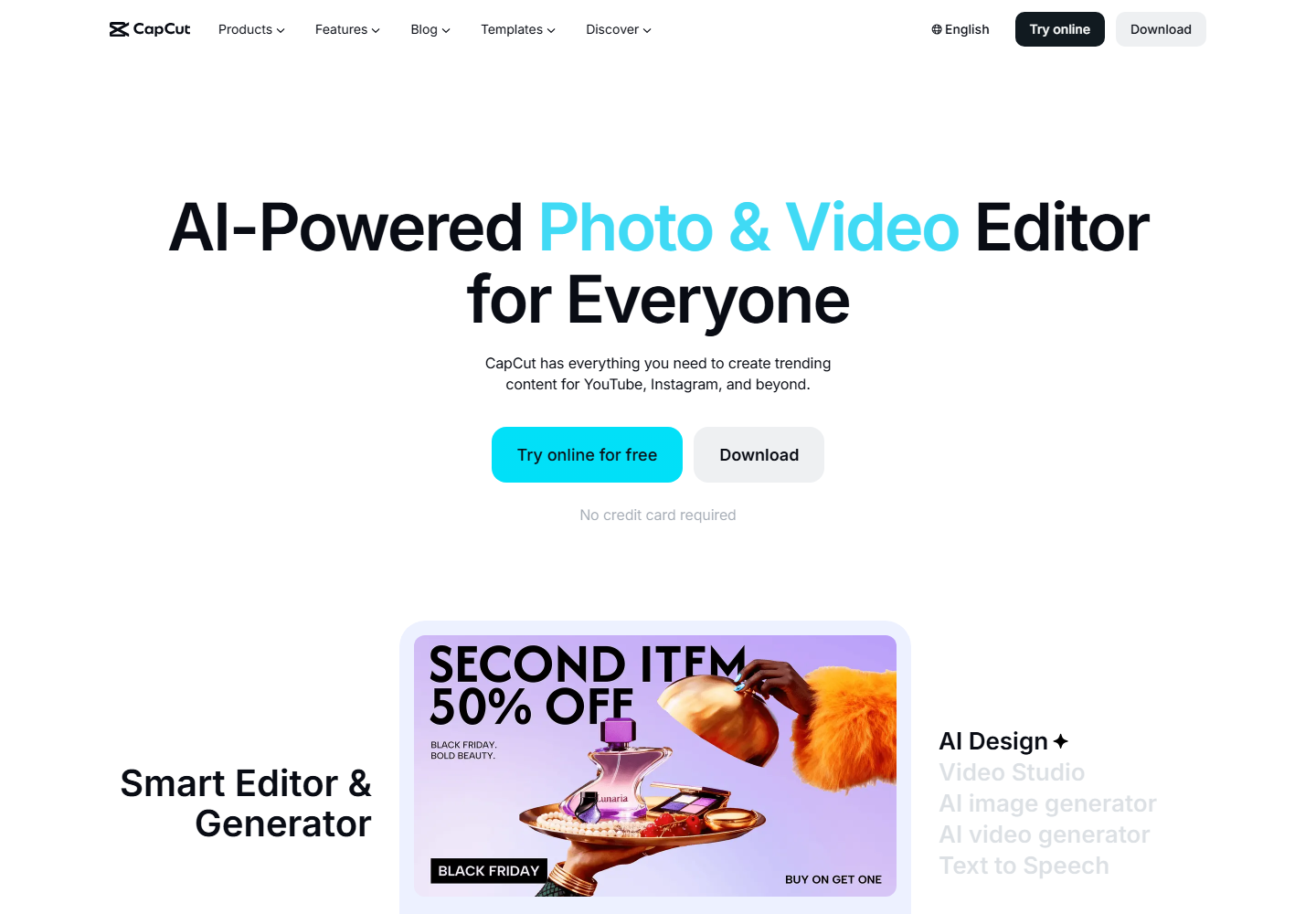
CapCut is popular for short-form social editing, especially trend-aware videos, mobile workflows, and creator-style polish. It can be a practical tool for quick edits and platform-native creative formats.
CapCut is less ideal as a structured marketing repurposing system. Znippet is a better choice when the team needs consistent clip selection, captioned outputs, and reviewable marketing assets from real footage.
Workflow comparison
Znippet's workflow starts with source footage and moves toward usable short-form deliverables. That matches the way video marketers work: one webinar becomes launch clips, one customer call becomes proof points, one interview becomes founder thought leadership, and one demo becomes several product snippets.
General editors like VEED, Kapwing, Descript, and CapCut can help with the editing surface. Recording-first tools like Riverside help earlier in the process. Automatic clipping tools like OpusClip help with fast discovery. Znippet is strongest when the core workflow is repurposing real footage repeatedly and keeping the output close to publication-ready.
Best choice by scenario
| Scenario | Best choice | Reason |
|---|---|---|
| Marketing team with lots of existing webinars, interviews, and demos | Znippet | Focused on turning source footage into polished short clips |
| Creator-style long video to quick shorts | OpusClip | Good fit for fast automatic clip ideas |
| Podcast editing before clip creation | Descript | Transcript editing is useful before repurposing |
| Online editor for many asset types | VEED or Kapwing | Broad browser editing can cover varied work |
| Remote recording plus clip creation | Riverside | Recording is central to the workflow |
| Trend-led mobile social edits | CapCut | Strong for creator-style short-form finishing |
Final recommendation
Choose Znippet if your marketing team already has real footage and needs a dependable way to turn it into short-form assets. It is the best fit when quality, context, captions, and repeatable output matter more than having the broadest possible editor.
Choose another tool when your primary need is different: recording with Riverside, transcript editing with Descript, broad browser editing with VEED or Kapwing, fast auto-clips with OpusClip, or trend-style mobile edits with CapCut.
FAQ
What is a real footage repurposing tool?
It is a tool that turns existing videos, such as webinars, podcasts, demos, interviews, and event recordings, into shorter clips for social, sales, education, or content marketing.
Is Znippet only for marketers?
No. Znippet is also useful for creators, podcasters, agencies, educators, and teams that publish recurring video clips. This guide focuses on marketers because their workflows depend heavily on context and brand review.
Should marketers use a general video editor instead?
Use a general editor when the work is custom and creative from scratch. Use Znippet when the repeated job is finding and preparing strong clips from existing footage.
Are pricing and features the same across all these tools?
No. Pricing, limits, and feature packaging change over time. Check each official website before making a purchase decision.
Sources and further reading
Background links used to check product details, terminology, and practical context.
- OpusClip official website
OpusClip
Used as background context for product details, platform requirements, or workflow comparison.
- Descript official website
Descript
Used as background context for product details, platform requirements, or workflow comparison.
- VEED official website
VEED
Used as background context for product details, platform requirements, or workflow comparison.
- Kapwing official website
Kapwing
Used as background context for product details, platform requirements, or workflow comparison.
- Riverside official website
Riverside
Used as background context for product details, platform requirements, or workflow comparison.
- CapCut official website
CapCut
Used as background context for product details, platform requirements, or workflow comparison.
- Canva official website
Canva
Used as background context for product details, platform requirements, or workflow comparison.
- Create YouTube Shorts
YouTube Help
Used as background context for product details, platform requirements, or workflow comparison.
- LinkedIn Marketing Solutions
LinkedIn
Used as background context for product details, platform requirements, or workflow comparison.
- Captions and subtitles
W3C Web Accessibility Initiative
Used as background context for product details, platform requirements, or workflow comparison.
Keep comparing workflows
Related comparison guides
Turn long-form footage into publishable clips
Use Znippet AI Shorts Maker to find strong moments, add readable captions, remove dead air, and export clips for Shorts, Reels, TikTok, and social channels.