

Podcast Editor vs. Producer: What's the Difference?
Understand the difference between a podcast editor and podcast producer, including responsibilities, costs, handoffs, and when to hire each role.
Last updated May 25, 2026. Comparison guidance is current as of 2026.
Summary
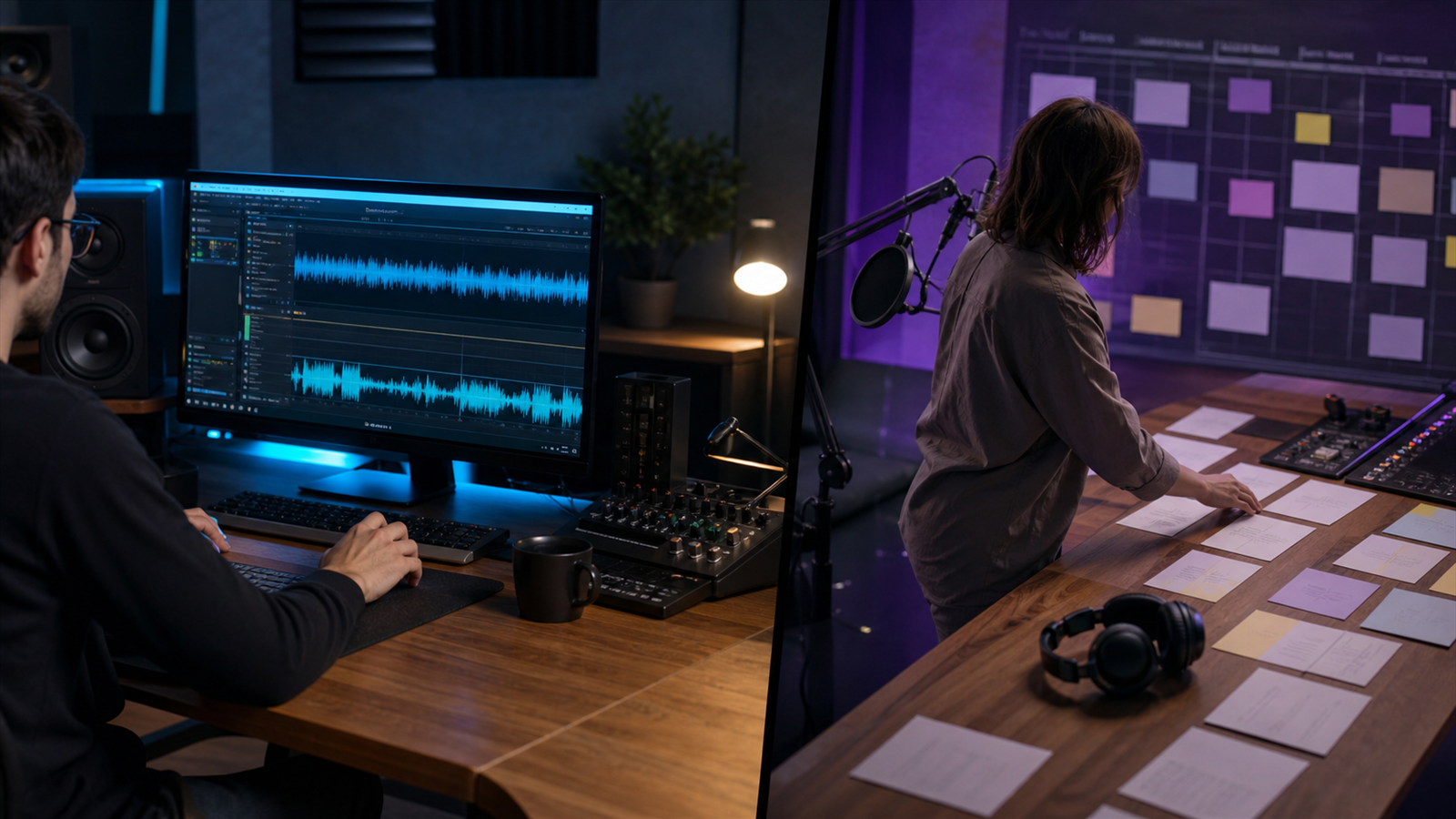
A podcast editor turns raw recordings into polished episodes. A podcast producer owns the broader production process: planning, guest coordination, recording quality, editorial direction, publishing, and sometimes promotion. Some freelancers do both, but the jobs are not the same.
Hire an editor when your main bottleneck is cleaning up episodes. Hire a producer when the show needs structure, consistency, guest management, creative direction, or a full publishing workflow.
For output beyond the episode, connect either role to podcast repurposing, AI Shorts Maker, and podcaster workflows. For platform requirements, review Apple's podcast requirements and YouTube's podcast help page.
Table of contents
- Quick answers
- What a Podcast Editor Does
- What a Podcast Producer Does
- Key Differences
- When to Hire Each Role
- How to Scope the Handoff
- Znippet POV
- FAQ
Quick answers
- Podcast editor: Handles audio or video cleanup, pacing, cuts, mixing, export, and sometimes captions or clips.
- Podcast producer: Handles planning, guest preparation, recording process, editorial structure, quality control, publishing, and team coordination.
- Can one person do both? Yes, especially on smaller shows, but you should define which responsibilities are included.
- Which role costs more? Producers usually cost more because they own decisions and coordination, not just post-production tasks.
What a Podcast Editor Does
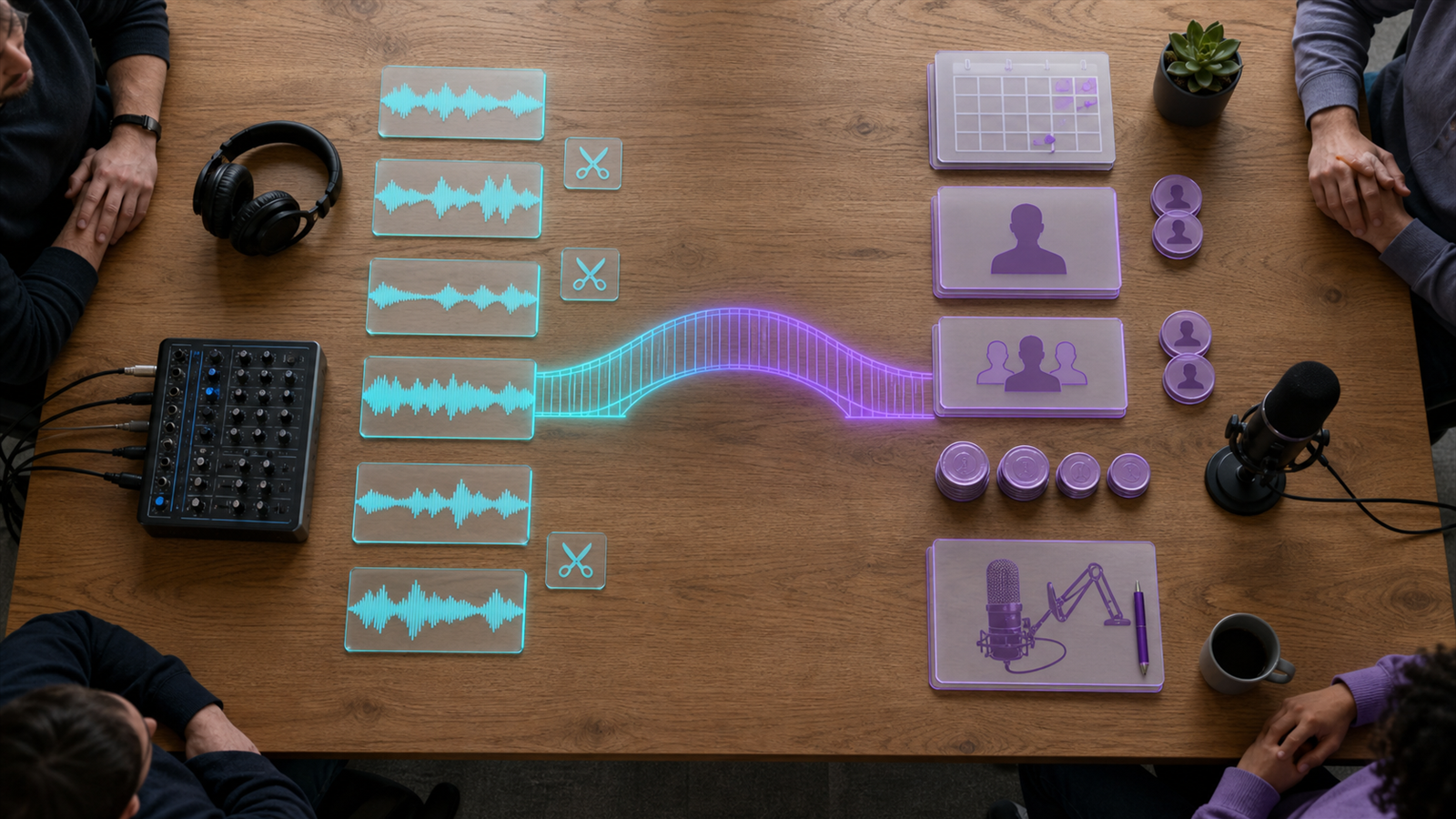
A podcast editor works after recording. Their job is to make the raw episode easier to hear, easier to follow, and ready to publish.
Typical editor responsibilities include:
- Removing long pauses, false starts, and obvious mistakes.
- Balancing speaker volume.
- Reducing background noise where possible.
- Adding intro, outro, music, ads, or sponsor reads.
- Exporting final audio or video files.
- Creating clips, captions, or audiograms if included in scope.
Editors are strongest when you already have a clear show format and reliable recordings. They can improve the material, but they cannot fully fix unclear positioning, weak guest prep, or a badly planned episode.
What a Podcast Producer Does
A podcast producer is responsible for the episode becoming a finished asset, not only an edited file. Producers may work before, during, and after recording.
Typical producer responsibilities include:
- Planning episode topics.
- Researching guests.
- Preparing host questions.
- Managing recording logistics.
- Checking recording quality.
- Giving editorial notes.
- Coordinating editing and approvals.
- Preparing titles, descriptions, transcripts, clips, and publishing assets.
If your show publishes on YouTube, a producer may also manage video packaging. YouTube's podcast guidance can shape that workflow. If the show is distributed through Apple, Apple's podcast requirements should inform metadata and artwork checks.
Key Differences
The difference is ownership. An editor owns the polish of the recorded material. A producer owns the process that gets the episode planned, recorded, approved, published, and repurposed.
Use this simple split:
- Editor: "Make this recording sound and flow better."
- Producer: "Make sure this episode is worth recording and gets published correctly."
On a mature show, you may need both. The producer defines the brief, the editor executes the edit, and the producer reviews the final package before release.
When to Hire Each Role
Hire a podcast editor when:
- Recording quality is mostly good.
- The host knows the format.
- Episodes are late because editing takes too long.
- You need consistent polish.
- You already handle topics, guests, and publishing.
Hire a podcast producer when:
- Episodes lack structure.
- Guest coordination is slowing the team down.
- The host needs editorial support.
- Publishing assets are inconsistent.
- You want every episode turned into clips, summaries, posts, and blog content.
For the repurposing side, define whether the role owns short-form captions and silence removal or whether your team uses a separate tool such as the AI Shorts Maker.
How to Scope the Handoff
Do not hire using only a job title. Write the handoff in deliverables:
- Raw file intake.
- Edit notes.
- Audio or video edit.
- Review round count.
- Transcript.
- Show notes.
- Title and description.
- Clips and captions.
- Publishing support.
- Reporting or performance review.
This prevents role confusion. If someone says they are a producer, ask which parts of the workflow they actually own. If someone says they are an editor, ask whether clips, captions, and publishing assets are included or billed separately. Use pricing to compare what automation can cover versus what still needs human judgment.
Znippet POV
Znippet is most useful in the handoff between episode editing and distribution. An editor or producer can use it to turn long podcast recordings into short-form clip candidates, captions, and social-ready outputs, while the human owner still approves context, guest representation, and final messaging.
That distinction matters when hiring. If your bottleneck is raw audio cleanup, hire an editor. If your bottleneck is planning and coordinating the whole show, hire a producer. If your bottleneck is getting more useful clips from episodes you already record, define that as a repurposing workflow and decide whether a person, Znippet, or both should own each step.
FAQ
Is a podcast producer the same as an editor?
No. An editor improves the recorded episode. A producer manages the broader production process and may direct the creative, logistical, and publishing work.
Do I need a producer for a small podcast?
Not always. If the show is simple and consistent, an editor may be enough. A producer becomes more useful when guests, sponsors, video, clips, or a team workflow are involved.
Can a podcast editor create social clips?
Some editors do. Confirm this in the scope because clips, captions, platform formatting, and review rounds are often separate deliverables.
Sources and further reading
Background links used to check product details, terminology, and practical context.
- Runway official website
Runway
Used as background context for product details, platform requirements, or workflow comparison.
- Pika official website
Pika
Used as background context for product details, platform requirements, or workflow comparison.
- Kling AI official website
Kling
Used as background context for product details, platform requirements, or workflow comparison.
- Canva official website
Canva
Used as background context for product details, platform requirements, or workflow comparison.
- Adobe Premiere Pro
Adobe
Used as background context for product details, platform requirements, or workflow comparison.
- OpusClip official website
OpusClip
Used as background context for product details, platform requirements, or workflow comparison.
- vidyo.ai official website
vidyo.ai
Used as background context for product details, platform requirements, or workflow comparison.
- Descript official website
Descript
Used as background context for product details, platform requirements, or workflow comparison.
- VEED official website
VEED
Used as background context for product details, platform requirements, or workflow comparison.
- Kapwing official website
Kapwing
Used as background context for product details, platform requirements, or workflow comparison.
- Submagic official website
Submagic
Used as background context for product details, platform requirements, or workflow comparison.
- Captions official website
Captions
Used as background context for product details, platform requirements, or workflow comparison.
- CapCut official website
CapCut
Used as background context for product details, platform requirements, or workflow comparison.
- Riverside official website
Riverside
Used as background context for product details, platform requirements, or workflow comparison.
- Apple Podcasts requirements
Apple
Used as background context for product details, platform requirements, or workflow comparison.
- Create a podcast on YouTube
YouTube Help
Used as background context for product details, platform requirements, or workflow comparison.
- YouTube Shorts creation help
YouTube Help
Used as background context for product details, platform requirements, or workflow comparison.
- Captions and subtitles
W3C Web Accessibility Initiative
Used as background context for product details, platform requirements, or workflow comparison.
- Advertising and marketing guidance
Federal Trade Commission
Used as background context for product details, platform requirements, or workflow comparison.
Keep comparing workflows
Related comparison guides
For podcast makers
Turn long-form footage into publishable clips
Use Znippet AI Shorts Maker to find strong moments, add readable captions, remove dead air, and export clips for Shorts, Reels, TikTok, and social channels.