

A Faster Premiere Pro Plugin Workflow for Short-Form Clips
How editors can use an Adobe Premiere Pro plugin to create shorts, remove silences, add captions, and move faster without leaving the timeline.
Last updated May 25, 2026. Comparison guidance is current as of 2026.
Summary
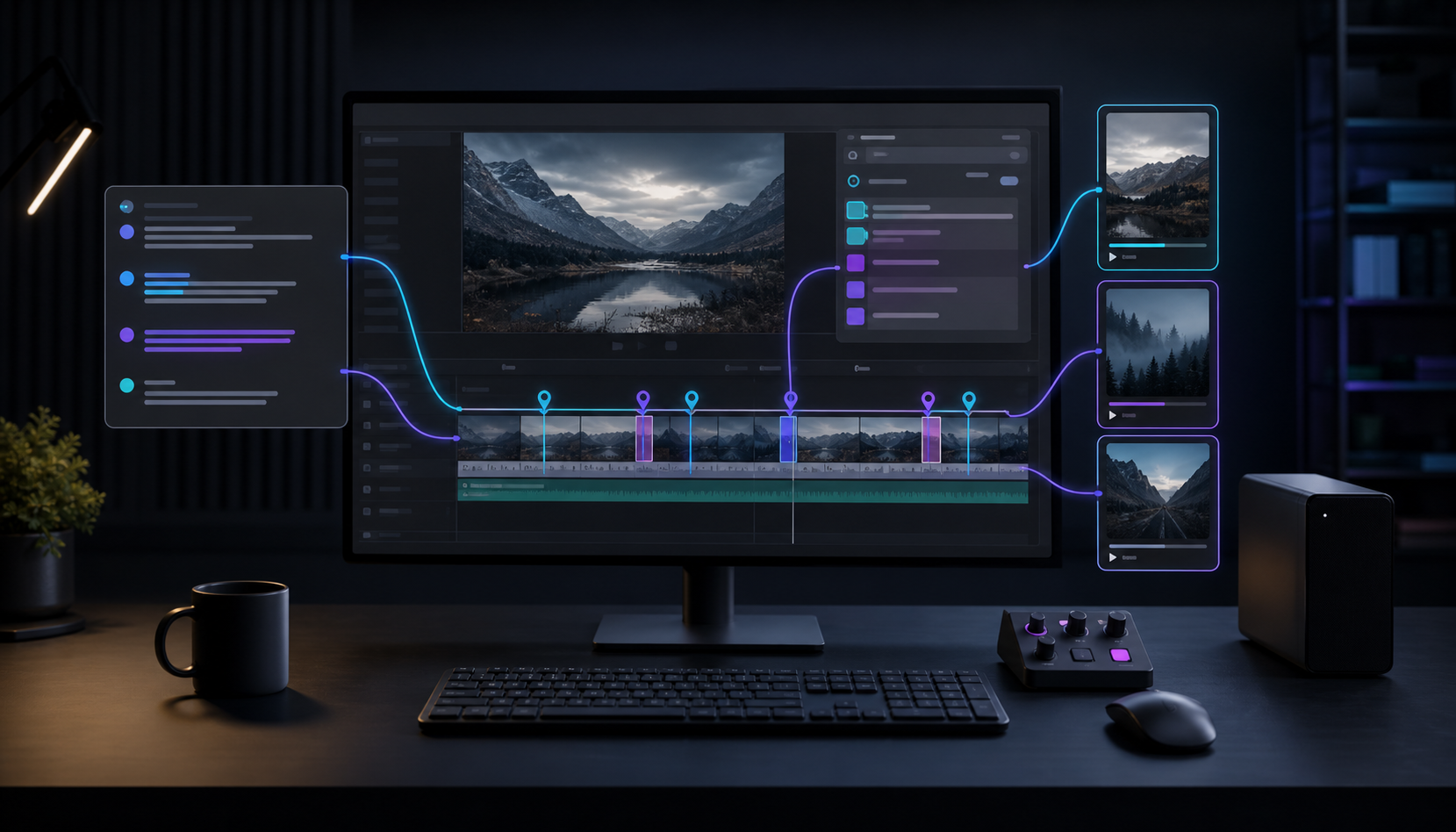
A faster Premiere Pro plugin workflow for short-form clips keeps AI suggestions, captions, silence removal, B-roll, and clip creation close to the timeline. The goal is speed without giving up editorial control.
Znippet works as a Premiere Pro plugin for creating social media snippets, removing silences, adding word-timed captions, inserting B-roll, and supporting podcast or YouTube editing workflows inside Premiere Pro.
For broader evaluation, read how much faster Premiere Pro plugins can make your editing workflow and visit the Premiere Pro Plugin page. Adobe's captions workflow guide is useful when short-form delivery depends on accurate transcript and caption timing.
Table of contents
- Keep the edit inside Premiere Pro
- Use AI for repetitive passes
- Build social clips from the timeline
- Review captions, framing, and context
- Keep control over the final result
- Example short-form production flow
- FAQ
Quick answers
- Keeping the edit inside Premiere Pro reduces round-tripping to separate tools.
- AI is best used for repetitive first passes like finding moments, trimming pauses, creating captions, and checking framing.
- Short-form clips still need editor review for taste, timing, and final polish.
- A good AI video editing workflow makes suggestions and leaves the final sequence under editor control.
Editors often need speed without giving up control. A dedicated Adobe Premiere Pro plugin can help by keeping AI suggestions, captions, silence removal, B-roll, and clip creation close to the timeline.
Keep the edit inside Premiere Pro
Exporting to separate tools can slow down a professional workflow. Znippet works as a Premiere Pro plugin, so editors can review AI suggestions and apply changes directly to sequences.
Use AI for repetitive passes
Short-form workflows usually include repeated steps: finding moments, trimming pauses, creating captions, checking framing, and preparing exports. AI can handle the first pass so the editor can focus on taste, timing, and final polish.
Build social clips from the timeline
Znippet can create social media snippets, remove silences, add word-timed captions, insert B-roll, and support podcast or YouTube editing workflows inside Premiere Pro.
For a marketing editor, this might mean turning a webinar into five LinkedIn clips. For a podcast editor, it might mean pulling guest answers into vertical videos. For a YouTube editor, it might mean creating Shorts from the same recording that becomes the main upload.
The useful part is not only speed. It is keeping the source, clip decisions, captions, and export versions connected enough that revisions are still manageable.
Review captions, framing, and context
Short-form clips need a review pass before export. Check that captions are accurate, names and technical terms are spelled correctly, and the first sentence gives enough context for someone who did not watch the full video.
Also check framing. A vertical crop can cut off slides, product screens, hand gestures, or a second speaker. If the clip includes branded or sponsored content, confirm that any required disclosure remains visible and understandable.
Keep control over the final result
The best AI video editing workflow is not fully automatic. It should make suggestions, speed up repetitive tasks, and leave the editor in control of the final sequence.
That control matters for client work. Editors still need to decide whether a pause adds emphasis, whether a cut changes the meaning, whether a caption style fits the brand, and whether the clip is strong enough to publish. A plugin should reduce repetitive setup, not make taste decisions invisible.
Example short-form production flow
A practical workflow can look like this:
- Import the long-form recording and organize the sequence.
- Use the plugin to find candidate moments and remove obvious dead space.
- Choose the strongest clips based on audience value, not just energy.
- Add word-timed captions and adjust safe-zone placement.
- Reframe for vertical or square delivery while preserving the speaker and visual context.
- Export review files, collect notes, and make final timeline adjustments.
- Deliver platform-ready files with clear names and aspect ratios.
This keeps the editor responsible for the finished asset while letting AI handle more of the repetitive first pass.
For teams, save the approved settings as part of the project template. That makes future clips faster and keeps exports more consistent across editors.
FAQ
What should a Premiere Pro plugin automate for short-form clips?
It should help with repetitive steps such as finding candidate moments, trimming dead space, creating captions, reframing, and preparing social versions. The final clip should still be editable in Premiere Pro.
Should editors trust AI-generated clips without review?
No. AI can identify useful sections, but editors should check context, pacing, caption accuracy, safe zones, and whether the clip represents the speaker fairly.
How does Znippet fit this workflow?
Znippet fits when the editor wants the short-form workflow to stay close to Premiere Pro instead of exporting long recordings into a separate tool for captions, snippets, and cleanup.
Sources and further reading
Background links used to check product details, terminology, and practical context.
- Adobe Premiere Pro official website
Adobe
Used as background context for product details, platform requirements, or workflow comparison.
- Premiere Pro User Guide
Adobe
Used as background context for product details, platform requirements, or workflow comparison.
- Premiere Pro plug-ins and extensions
Adobe
Used as background context for product details, platform requirements, or workflow comparison.
- Speech to Text in Premiere Pro
Adobe
Used as background context for product details, platform requirements, or workflow comparison.
- Create YouTube Shorts
YouTube Help
Used as background context for product details, platform requirements, or workflow comparison.
- Captions and subtitles
W3C Web Accessibility Initiative
Used as background context for product details, platform requirements, or workflow comparison.
- FireCut official website
FireCut
Used as background context for product details, platform requirements, or workflow comparison.
- AutoPod official website
AutoPod
Used as background context for product details, platform requirements, or workflow comparison.
- OpusClip official website
OpusClip
Used as background context for product details, platform requirements, or workflow comparison.
Keep comparing workflows
Related comparison guides
Bring this workflow into your Premiere timeline
Use Znippet for Adobe Premiere Pro to find short-form moments, remove silences, add captions, and keep final control inside your existing edit.