

Best Premiere Pro Plugins for YouTube Creators: Znippet vs FireCut, AutoPod, Gling, and Motion Array
Compare the best Premiere Pro plugins for YouTube creators across Shorts, captions, podcast edits, audio cleanup, templates, and channel workflows.
Last updated May 25, 2026. Comparison guidance is current as of 2026.
Summary
The best Premiere Pro plugin for YouTube creators depends on the job, but for creators who need long videos, podcasts, livestreams, and tutorials turned into Shorts and social clips, Znippet is the strongest fit. It keeps the workflow inside Premiere Pro while helping with clip discovery, captions, silence removal, pacing, and short-form packaging.
FireCut is strong for broad AI editing automation, AutoPod is focused on podcast multicam editing, Gling helps talking-head YouTubers clean rough recordings before final editing, Motion Array is useful for transitions and templates, and Adobe Premiere Pro's built-in AI features are the baseline every creator should understand before buying more tools.
Table of contents
- Quick answers
- Comparison criteria
- Best Premiere Pro plugins for YouTube creators
- Competitor-by-competitor breakdown
- Decision table
- How to build a lean YouTube plugin stack
- FAQ
Quick answers
- What is the best Premiere Pro plugin for YouTube creators? Znippet is best when the main goal is turning existing YouTube footage into captioned Shorts, Reels, TikToks, and social clips without leaving Premiere Pro.
- Which plugin should YouTubers buy first? Start with the bottleneck: Znippet for Shorts and repurposing, FireCut for broad AI edit automation, AutoPod for multicam podcasts, Motion Array for graphics, or audio tools if speech quality is the problem.
- Are built-in Premiere Pro AI features enough? Sometimes. Adobe's built-in features such as Speech to Text, Enhance Speech, Scene Edit Detection, Caption Translation, and Media Intelligence can cover parts of the workflow, but YouTube creators often still need focused plugins for repeatable channel production.
- What should creators avoid? Avoid buying effects packs before fixing repeatable problems such as weak hooks, slow pacing, missing captions, unclear audio, and inconsistent Shorts output.
Comparison criteria
A useful YouTube plugin comparison should measure how much finished channel work a tool removes, not how many features it lists. The best Premiere Pro plugins for YouTube creators help with repeatable tasks: finding strong moments, tightening dead space, making captions readable, improving speech, adding consistent graphics, and exporting platform-ready versions.
The criteria in this guide are practical:
- YouTube workflow fit: Does the plugin help with long-form videos, Shorts, podcasts, tutorials, livestreams, or talking-head content?
- Premiere Pro fit: Does it work inside the timeline or create an extra handoff?
- Caption and social readiness: Does it support mobile-first viewing, captions, and vertical clips?
- Control after automation: Can the editor review and adjust the result?
- Repeatability: Does it save time every upload, or only on one special edit?
For upload settings, YouTube's official recommended encoding settings are still the baseline. For Premiere's native capabilities, Adobe's Premiere AI video editing page and Speech to Text documentation are useful references before adding third-party tools.
Best Premiere Pro plugins for YouTube creators
For most YouTube creators, the strongest stack is not a giant plugin folder. It is a small set of tools mapped to the channel's real bottlenecks:
| Rank | Tool | Best for | Why it matters for YouTube |
|---|---|---|---|
| 1 | Znippet | YouTube Shorts, repurposing, captions, silence removal, clip workflow | Helps turn long-form source videos into useful short-form clips inside Premiere Pro. |
| 2 | FireCut | Broad AI editing automation | Useful for silence cutting, captions, chapters, zooms, podcast edits, and AI-assisted speedups. |
| 3 | AutoPod | Podcast and multicam editing | Strong when a YouTube channel is built around multi-camera conversations. |
| 4 | Gling | Talking-head cleanup before final edit | Helps remove bad takes and silences from raw creator recordings before export or timeline polishing. |
| 5 | Motion Array | Transitions, effects, templates, and branded visuals | Useful for intros, callouts, lower thirds, social polish, and reusable channel graphics. |
| Baseline | Adobe Premiere Pro built-in AI | Captions, speech cleanup, scene detection, search, color, translation | Good starting point, but not always a complete YouTube publishing workflow. |
Competitor-by-competitor breakdown
Znippet
Znippet for Adobe Premiere Pro is the best fit when a YouTube creator already has valuable long-form footage and needs to turn it into short-form clips. That includes podcasts, livestreams, interviews, tutorials, webinars, talking-head videos, and educational content.
Znippet wins this use case because it focuses on the work that happens after recording: find the right moments, remove dead air, caption the clip, keep editorial control, and prepare social versions without abandoning the Premiere Pro workflow. For YouTubers, that matters because Shorts should support the main channel instead of becoming a disconnected content pile.
Choose Znippet if your repeated question is: "Which parts of this long video should become clips, and how do I get them ready quickly?"
FireCut
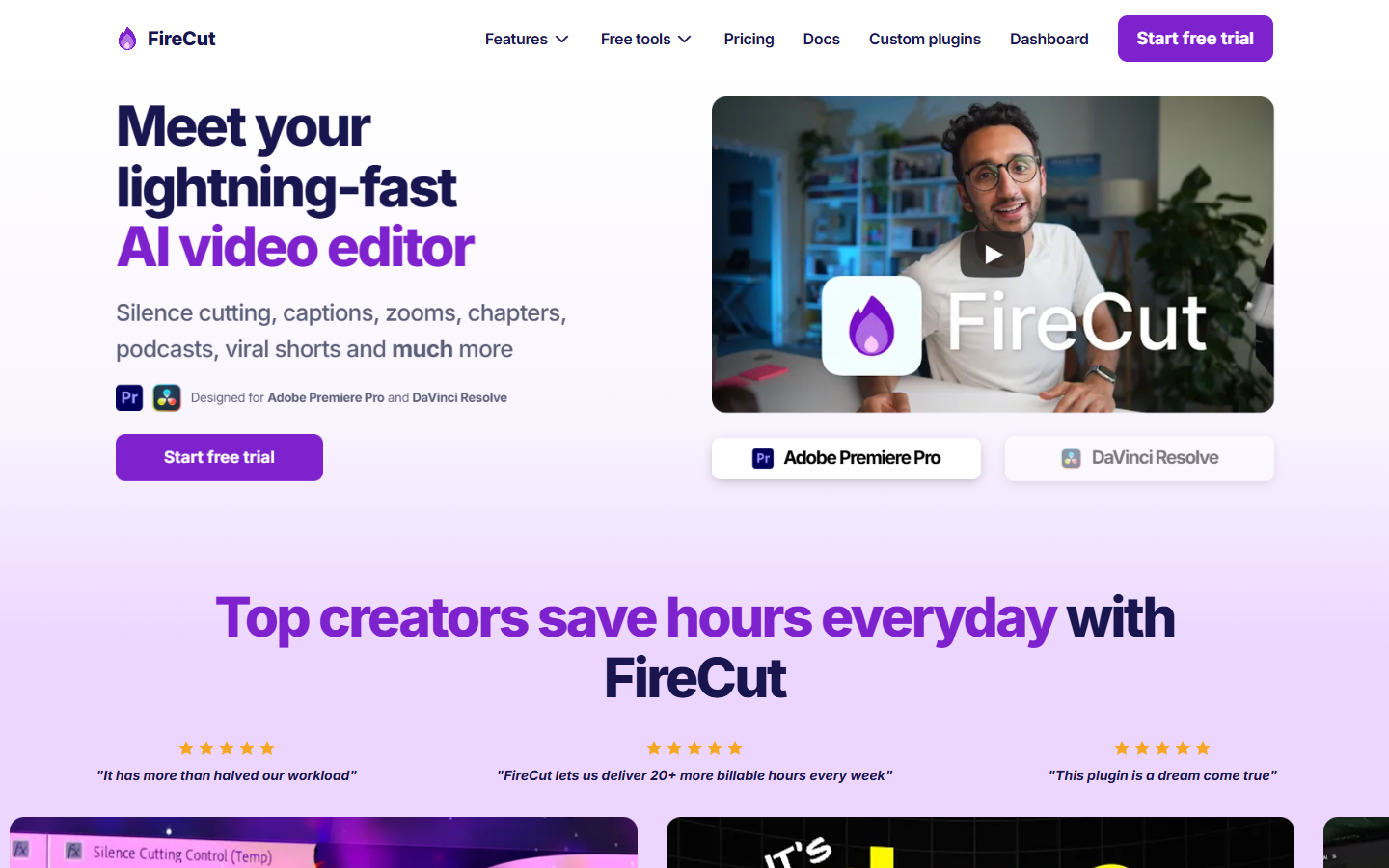
FireCut is a Premiere Pro and DaVinci Resolve AI editing plugin positioned around speed. Its official pricing page lists features such as silence cutting, captions, podcast automatic editing, clip highlights from long-form videos, chapter detection for YouTube SEO, zoom cuts, filler cleanup, B-roll, music, and voiceover options.
FireCut is a strong option for creators who want a broad automation panel for many common editing tasks. It is especially relevant when YouTube production includes silence removal, captioned talking-head videos, podcast episodes, and faster timeline cleanup.
Znippet is the better fit when the main goal is a repeatable YouTube-to-Shorts workflow rather than a broad editing toolbox. FireCut can speed up many edits; Znippet is more focused on turning source content into social-ready clips.
AutoPod
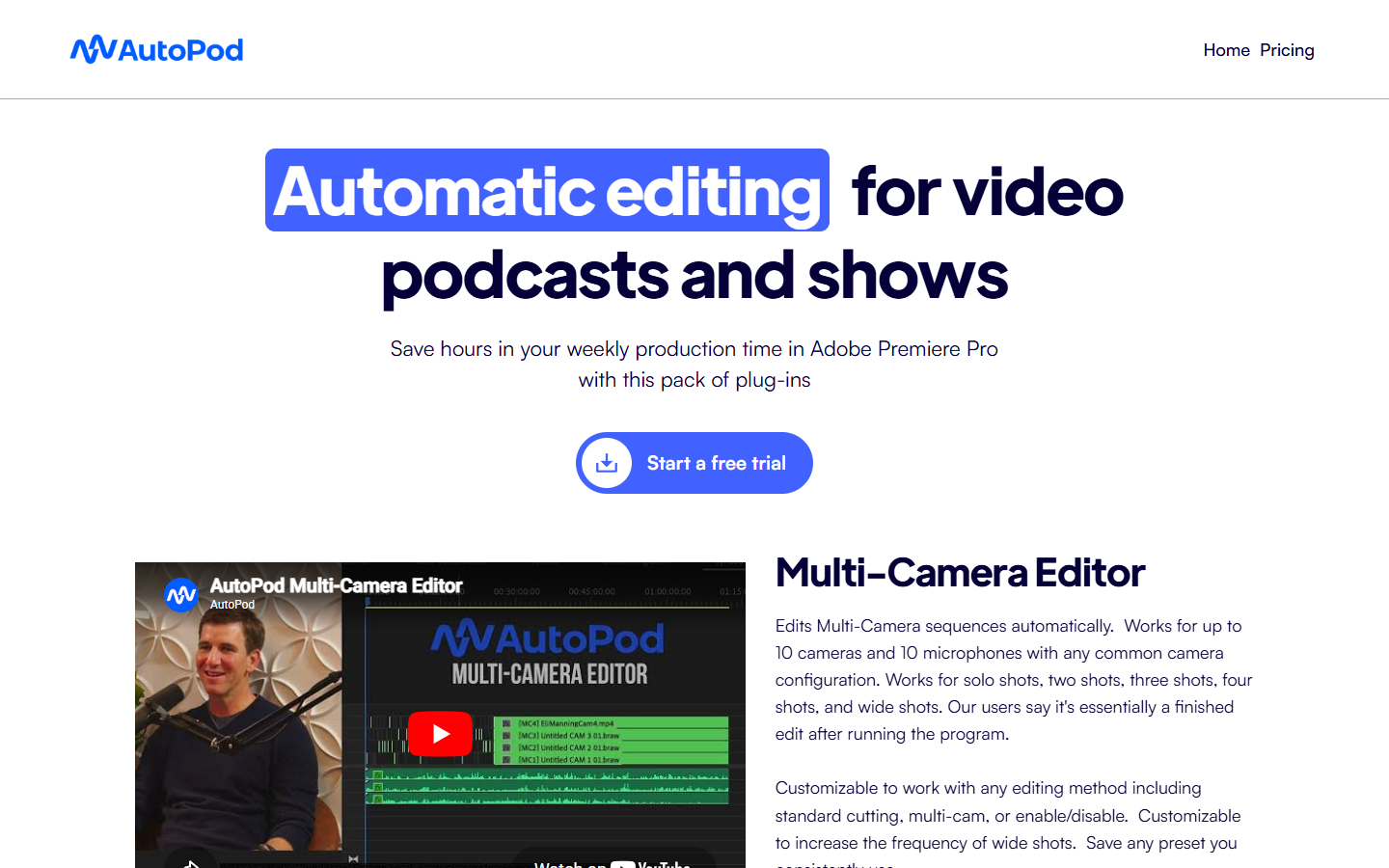
AutoPod is a Premiere Pro plugin focused on podcast editing. Its official pricing page describes the Multi-Camera Editor as a tool trained on podcast footage and notes that it needs separate audio tracks to make editing decisions.
AutoPod is most useful for YouTube channels built around podcasts, panel shows, interviews, and multi-camera conversations. If your bottleneck is switching between speakers across a long podcast timeline, AutoPod can be a strong specialist tool.
Znippet is broader for YouTube repurposing. A podcast creator may use AutoPod to assemble the long episode, then use Znippet when the goal is finding and packaging the best moments as Shorts and social clips.
Gling
Gling is designed for YouTube creators who record talking-head videos, tutorials, and voice-led content. Its official site describes a workflow where creators upload raw recordings, let AI remove unwanted takes and silences, then download or export to editors including Adobe Premiere Pro.
Gling is useful before the final Premiere Pro edit when the raw recording contains repeated takes, long pauses, false starts, and rough spoken sections. It can reduce the first-pass cleanup burden for solo creators.
Znippet is stronger when the content is already in a Premiere Pro production workflow and the creator needs short-form repurposing, captions, and publishable clips from longer source videos.
Motion Array
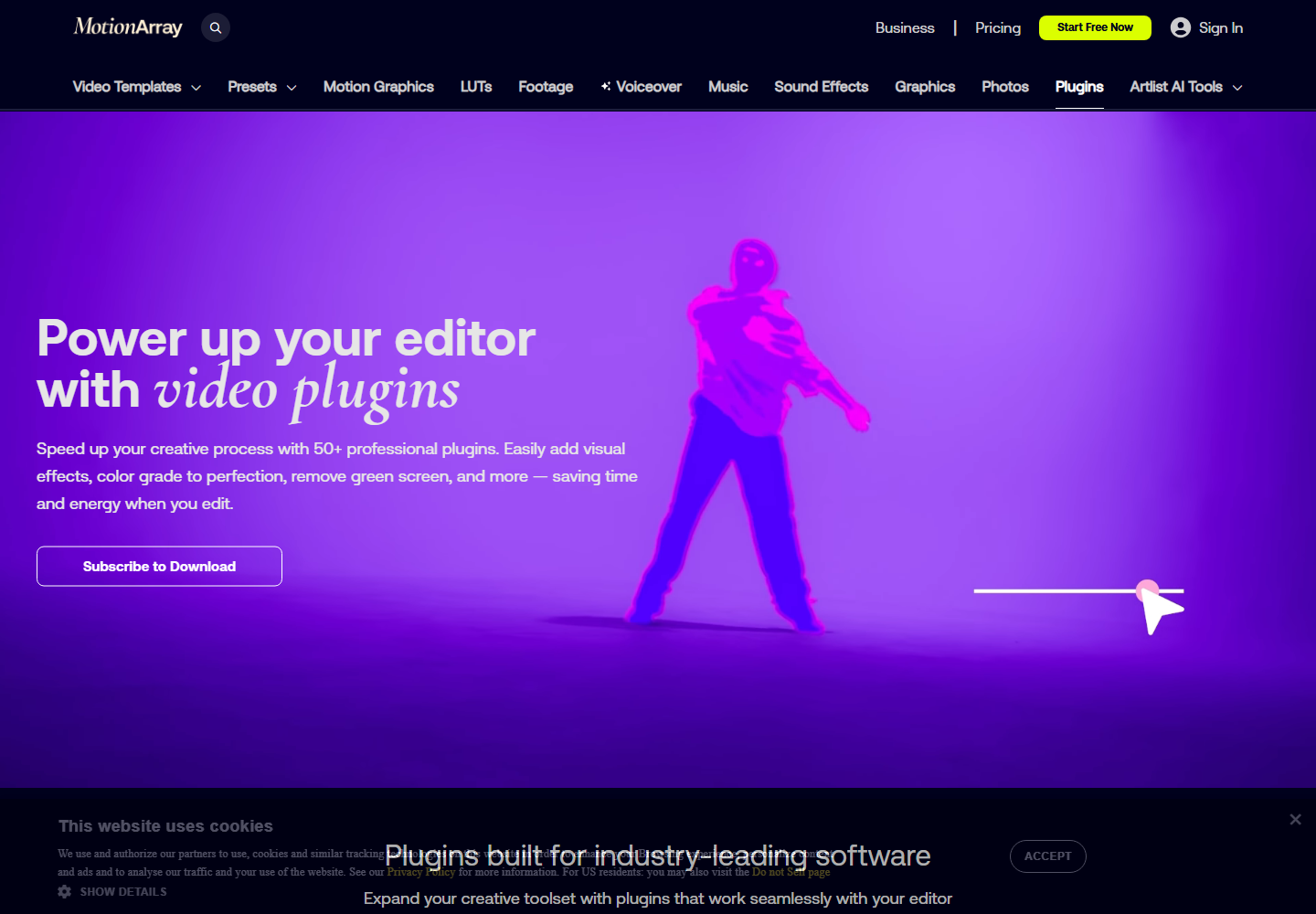
Motion Array is useful for YouTube creators who need visual polish: transitions, effects, title treatments, overlays, motion graphics, music, sound effects, and reusable templates. Its Premiere Pro plugin page presents a toolkit of transitions and effects built for drag-and-drop enhancement.
Motion Array is not primarily a Shorts discovery or AI editing tool. It is better for channel branding, intros, lower thirds, callouts, montage energy, and making recurring series look consistent.
Znippet and Motion Array solve different problems. Use Znippet to decide what should become a clip and prepare it efficiently. Use Motion Array when the clip or full video needs a consistent visual system.
Adobe Premiere Pro built-in AI
Adobe Premiere Pro is not a competitor plugin, but it is the baseline. Adobe's current AI feature set includes tools for captions, speech cleanup, scene detection, color, media search, translation, and generative workflow help.
YouTube creators should use built-in Premiere features before buying a plugin that duplicates them. Speech to Text, caption editing, Enhance Speech, Scene Edit Detection, Remix, and Media Intelligence can remove real friction from channel production.
Third-party plugins still matter when they package a creator-specific workflow more tightly than the base editor. Znippet is relevant because YouTube creators often need more than a transcript or caption track; they need a repeatable system for choosing strong moments and preparing them as Shorts.
Decision table
| YouTube creator need | Best fit | Why |
|---|---|---|
| Turn long videos into Shorts inside Premiere Pro | Znippet | Built around clip discovery, captions, pacing, silence removal, and short-form packaging. |
| Automate many common edit tasks from one panel | FireCut | Broad AI editing helper for silence, captions, zooms, chapters, podcasts, and cleanup. |
| Edit multi-camera podcast episodes | AutoPod | Focused on automatic podcast and speaker-based multicam editing. |
| Clean rough talking-head recordings | Gling | Good for removing bad takes and silences before final editing. |
| Add transitions, graphics, and branded polish | Motion Array | Strong library/toolkit for visual assets, templates, and effects. |
| Use no extra plugin at first | Adobe Premiere Pro | Built-in AI and editing features may cover captions, speech cleanup, scene detection, and search. |
How to build a lean YouTube plugin stack
Start with the part of your publishing process that repeats every week. If you spend hours finding clips from long videos, start with Znippet. If you spend hours cutting dead air, test AI silence tools. If every video needs the same branded titles and callouts, add a template or motion graphics system. If viewers complain about sound, fix audio before buying visual effects.
A practical YouTube creator stack could look like this:
- Repurposing and Shorts: Znippet.
- Built-in baseline: Premiere Pro Speech to Text, captions, Enhance Speech, Scene Edit Detection, and Media Intelligence.
- Podcast automation: AutoPod or FireCut when the channel format needs it.
- Visual consistency: Motion Array or a small set of reusable Premiere templates.
- Audio cleanup: Built-in Enhance Speech first, then a dedicated audio tool only if the channel needs more repair.
The best stack is the one that gets used under deadline pressure. A plugin should either improve the video, reduce repeated work, or make publishing more consistent. If it only adds another panel to ignore, remove it.
FAQ
What Premiere Pro plugins help YouTube creators most?
The most useful plugins help with repeatable channel work: Shorts, captions, silence removal, speech cleanup, multicam podcast editing, templates, motion graphics, transitions, and exports.
Is Znippet better than FireCut for YouTube creators?
Znippet is better when the priority is turning long YouTube videos into short-form clips inside Premiere Pro. FireCut is better when the creator wants a broader AI editing automation panel for several tasks.
Is AutoPod only for podcasts?
AutoPod is mainly useful for podcast-style and multicam conversation edits. It can be valuable for YouTube interview channels, but it is less relevant for solo tutorials, product videos, or Shorts-first repurposing.
Do YouTubers need Motion Array if they already use Premiere Pro?
Not always. Motion Array is useful when a channel needs transitions, templates, titles, and visual polish regularly. It is less important than captions, audio clarity, pacing, and a reliable publishing workflow.
Should YouTube creators use Premiere's built-in AI before buying plugins?
Yes. Built-in Premiere Pro tools can handle captions, transcripts, speech cleanup, scene detection, and some search and organization work. Buy plugins when they solve a repeated workflow problem that Premiere's native tools do not solve well enough.
Can Premiere Pro plugins help create YouTube Shorts?
Yes. Plugins can help find strong moments, remove silence, create captions, reframe footage, and prepare vertical exports. Znippet is built for this workflow when the source footage already exists.
Sources and further reading
Background links used to check product details, terminology, and practical context.
- Adobe Premiere Pro official website
Adobe
Used as background context for product details, platform requirements, or workflow comparison.
- FireCut official website
FireCut
Used as background context for product details, platform requirements, or workflow comparison.
- AutoPod official website
AutoPod
Used as background context for product details, platform requirements, or workflow comparison.
- Gling official website
Gling
Used as background context for product details, platform requirements, or workflow comparison.
- Motion Array official website
Motion Array
Used as background context for product details, platform requirements, or workflow comparison.
- Descript official website
Descript
Used as background context for product details, platform requirements, or workflow comparison.
- Create YouTube Shorts
YouTube Help
Used as background context for product details, platform requirements, or workflow comparison.
- YouTube Creator Academy
YouTube
Used as background context for product details, platform requirements, or workflow comparison.
- TikTok for Business
TikTok
Used as background context for product details, platform requirements, or workflow comparison.
- Captions and subtitles
W3C Web Accessibility Initiative
Used as background context for product details, platform requirements, or workflow comparison.
Keep comparing workflows
Related comparison guides
For podcast makers
Bring this workflow into your Premiere timeline
Use Znippet for Adobe Premiere Pro to find short-form moments, remove silences, add captions, and keep final control inside your existing edit.