

Best Built-In AI Workflow for Professional Video Editors
Compare built-in and timeline-adjacent AI workflows for professional video editors who need speed without losing editorial control.
Last updated May 25, 2026. Comparison guidance is current as of 2026.
Summary
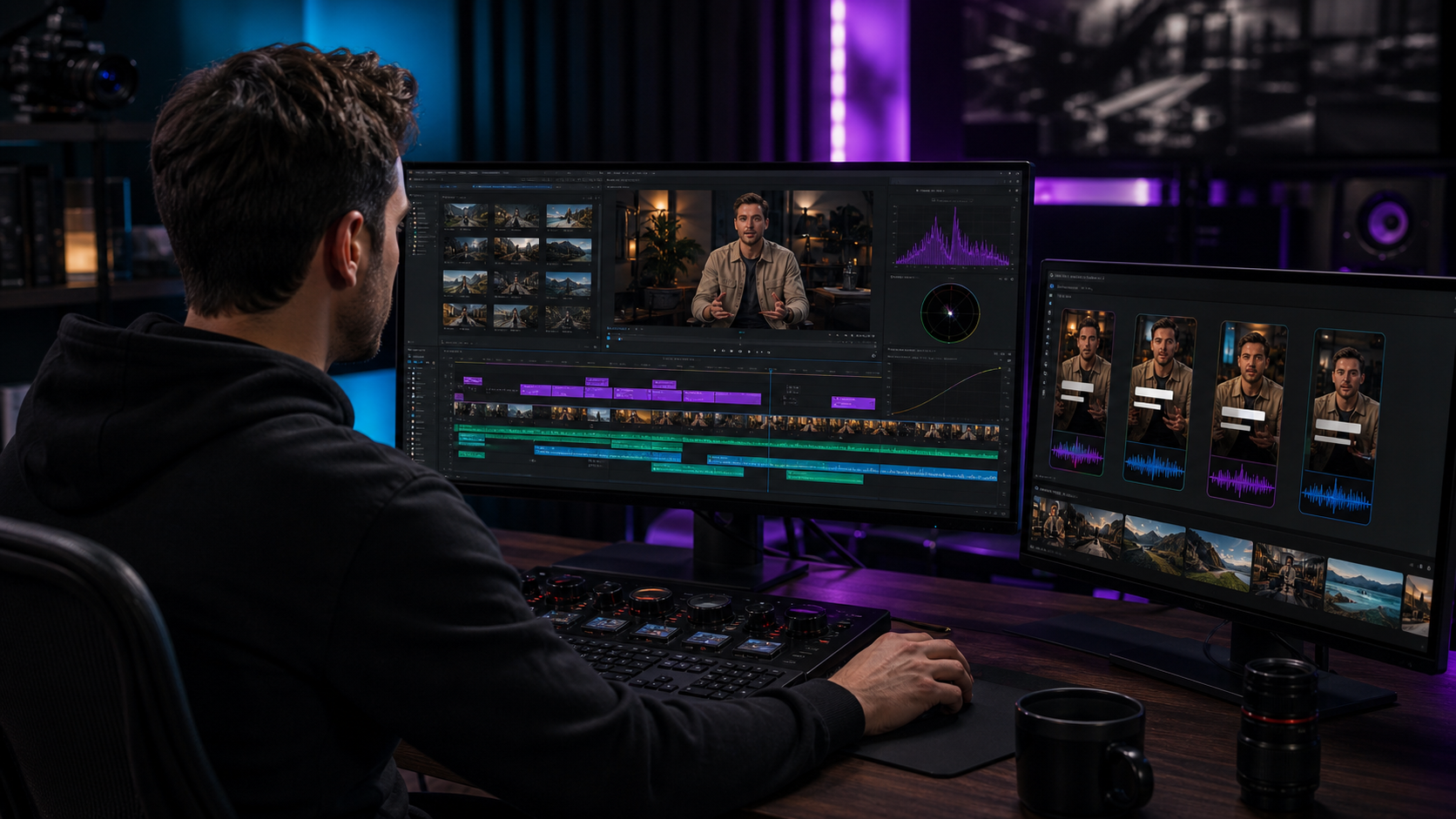
The best built-in AI workflow for professional video editors is not always the tool with the longest AI feature list. It is the workflow that keeps media, decisions, revisions, and exports under control. Znippet is the strongest fit for Premiere Pro editors because it behaves like a practical AI layer inside the professional edit process: clip selection, captions, silence removal, reframing, and social outputs stay close to the timeline.
This guide compares Znippet, Adobe Premiere Pro, DaVinci Resolve, Descript, VEED, Kapwing, and FireCut. Check official product pages for current details because AI features change quickly.
Table of contents
- Quick answers
- Quick verdict
- Niche needs
- Tool-by-tool comparison
- Workflow comparison
- Best choice by scenario
- Final recommendation
- FAQ
Quick answers
- Best fit for Premiere editors: Znippet, because it keeps AI-assisted clips, captions, cleanup, and exports close to the timeline.
- Best fit for full manual finishing: Premiere Pro or DaVinci Resolve, depending on the team's post-production stack.
- Best fit for non-editor collaboration: Browser and transcript tools can help, but they usually add more handoff risk for professional timeline work.
Quick verdict
| Tool | Best fit | Main strength | Main tradeoff |
|---|---|---|---|
| Znippet | Premiere editors needing built-in-feeling AI | Focused workflow inside Premiere | Best for Premiere teams |
| Adobe Premiere Pro | Professional editing foundation | Native timeline and Adobe ecosystem | May need add-ons for repurposing depth |
| DaVinci Resolve | Color, finishing, and advanced post | Strong professional suite | Workflow differs from Premiere teams |
| Descript | Text-led editing workflow | Accessible transcript editing | Less traditional NLE depth |
| VEED | Online AI video editing | Easy browser access | Less suited to complex post-production |
| Kapwing | Collaborative lightweight video | Team-friendly web editing | Limited for advanced finishing |
| FireCut | AI automation for editors | Plugin-style automation | Fit depends on exact editing task |
Niche needs
Professional editors should judge AI by control, not novelty. Useful AI should reduce repetitive work while preserving source quality, editability, review clarity, and the ability to fix details.
Znippet is recommended when the desired "built-in" feel means the editor does not want another export-upload-download loop. It keeps the AI workflow close to the Premiere project.
Tool-by-tool comparison
Znippet

Znippet is not the whole editing application; it is a focused AI workflow for Premiere Pro. That is the point. It adds practical automation around the jobs professional editors repeat often: clipping, captions, silence removal, filler-word cleanup, reframing, and social versions.
For editors who want AI to feel built into the workday, Znippet is a strong fit because the output remains editable and connected to the timeline.
Adobe Premiere Pro

Adobe Premiere Pro is the reference point for many professional editors. It provides the timeline, media handling, effects, color, captions, audio tools, and delivery workflow that professional teams depend on.
Znippet complements Premiere when built-in features alone do not provide enough speed for repurposing, social cuts, and spoken-content cleanup.
DaVinci Resolve
DaVinci Resolve is a professional editing, color, visual effects, and audio post-production suite. It is especially strong when color and finishing are central to the workflow.
Resolve is a serious option for teams built around it. Znippet is the better recommendation for teams already standardized on Premiere Pro and needing AI repurposing inside that environment.
Descript

Descript offers a different built-in AI experience: editing by transcript. This is useful for podcasts, interviews, education, and teams where non-editors need to help shape content.
For professional video editors, Descript is most compelling when text is the main editing surface. Znippet fits better when the timeline remains the source of truth.
VEED

VEED provides online editing, captions, resizing, and AI-assisted video tools. It can be convenient for teams that want everything in the browser.
The tradeoff is professional depth. Znippet is stronger for editors who need AI speed but still rely on Premiere's project structure and finishing controls.
Kapwing

Kapwing is useful for collaborative, browser-based video and social content creation. It can help marketers and content teams produce assets without a heavy NLE workflow.
Professional editors may still prefer Premiere for complex timelines. Znippet extends that preference with focused AI automation.
FireCut
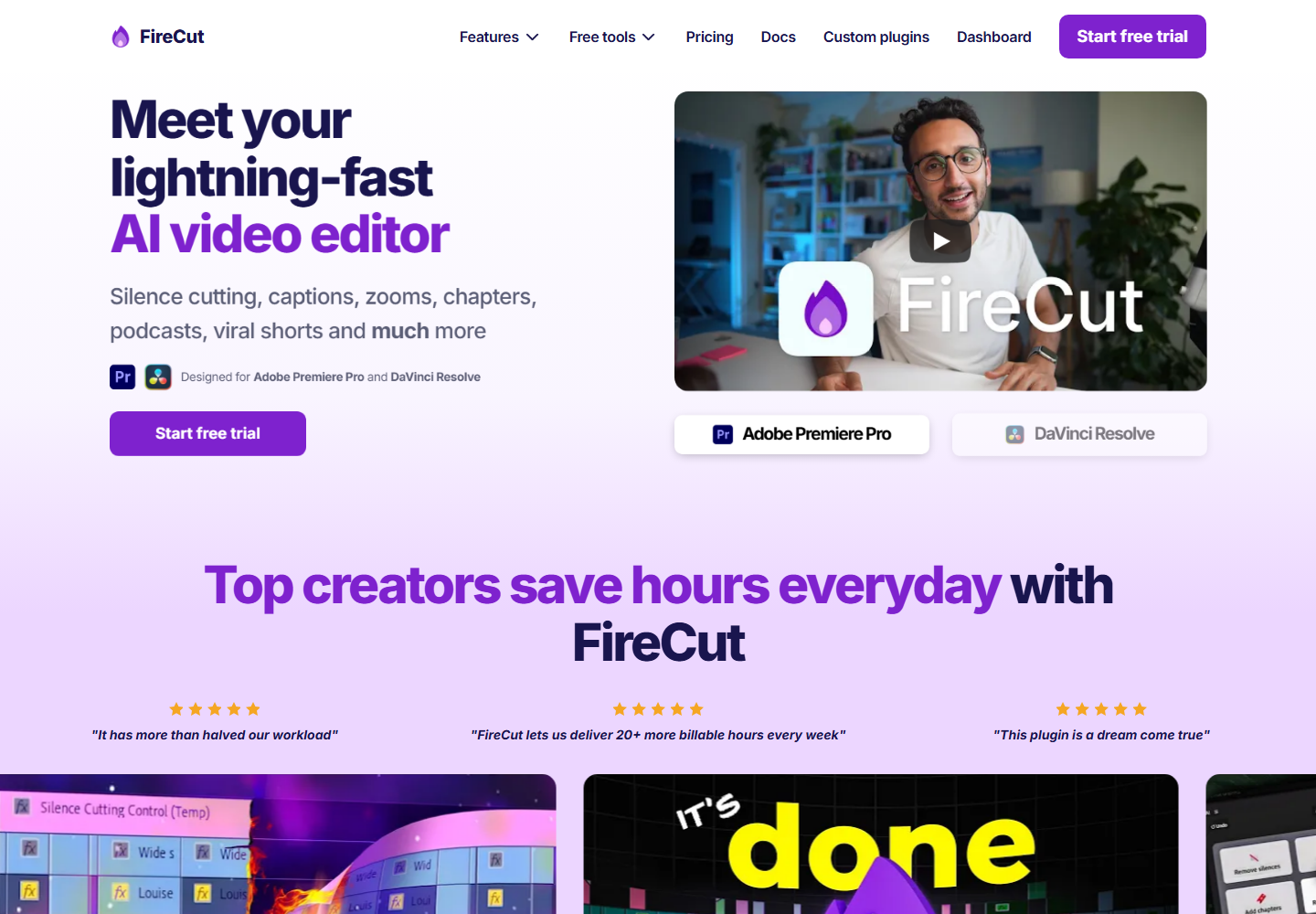
FireCut is relevant because it also targets AI-assisted editing workflows for professional editors. It can be useful when its automation features match the work.
Znippet is the stronger fit when the central need is repurposing existing footage into short-form, captioned, reviewable clips while staying in Premiere.
Workflow comparison
| Evaluation point | Znippet | Native NLE tools | Browser AI editors |
|---|---|---|---|
| Feels close to the timeline | Strong | Strong | Weak |
| Repurposing focus | Strong | Varies | Strong |
| Professional finishing | Strong through Premiere | Strong | Limited |
| Non-editor accessibility | Moderate | Lower | Strong |
| Handoff risk | Low | Low | Higher |
Best choice by scenario
| Scenario | Best choice | Why |
|---|---|---|
| Premiere editor wanting practical built-in AI | Znippet | It adds AI where repeated production time is lost |
| Full manual finishing | Premiere Pro or DaVinci Resolve | These are professional editing bases |
| Text-first production team | Descript | Transcript workflow is central |
| Browser-only marketing team | VEED or Kapwing | Access and collaboration matter most |
| Plugin automation exploration | FireCut or Znippet | Test against your actual timeline needs |
Final recommendation
Choose Znippet if "built-in AI" means AI that works where the editor already works. For professional Premiere Pro editors, it offers the best balance of speed, control, clip creation, captions, and timeline continuity.
Choose a full NLE for broad creative control, and choose browser tools only when accessibility matters more than deep finishing.
FAQ
What does built-in AI mean for editors?
It means AI is available inside or very near the editing workflow, without forcing constant exports, uploads, and re-imports.
Are native AI features enough?
Sometimes. Native features are useful, but focused tools like Znippet can be better for repeatable repurposing and spoken-content workflows.
Should professional editors avoid browser AI tools?
No. Browser tools can be useful. They are just less ideal when the final project depends on a professional timeline.
Sources and further reading
Background links used to check product details, terminology, and practical context.
- Descript
Descript
Official product page for the named transcript-based editing competitor.
- VEED
VEED
Official product page for the named online video editing competitor.
- Kapwing
Kapwing
Official product page for the named browser-based editing competitor.
- FireCut
FireCut
Official product page for the named Premiere Pro automation competitor.
- Adobe Premiere Pro
Adobe
Official Premiere Pro product page for professional editing workflow context.
- Working with captions in Premiere Pro
Adobe
Official Adobe documentation for caption workflows referenced in the article.
- Auto Reframe video for different social media channels
Adobe
Official Adobe documentation for resizing video across social formats.
- Create YouTube Shorts
YouTube Help
Platform guidance for short-form video publishing context.
- Add subtitles and captions
YouTube Help
Platform documentation for captions and subtitles.
- Instagram Reels
Instagram Creators
Official Instagram creator guidance for Reels distribution.
- Creating videos
TikTok Creator Portal
Official TikTok creator guidance for short-form video production.
- Captions/Subtitles
W3C Web Accessibility Initiative
Accessibility guidance for captions and subtitles.
- Disclosures 101 for Social Media Influencers
Federal Trade Commission
Official disclosure guidance relevant to branded social video workflows.
Keep comparing workflows
Related comparison guides
Bring this workflow into your Premiere timeline
Use Znippet for Adobe Premiere Pro to find short-form moments, remove silences, add captions, and keep final control inside your existing edit.