

How to Find a Reliable Podcast Editor
How to evaluate podcast editors, test reliability, compare samples, and set up a workflow that keeps episodes moving on schedule.
Last updated May 25, 2026. Comparison guidance is current as of 2026.
Summary
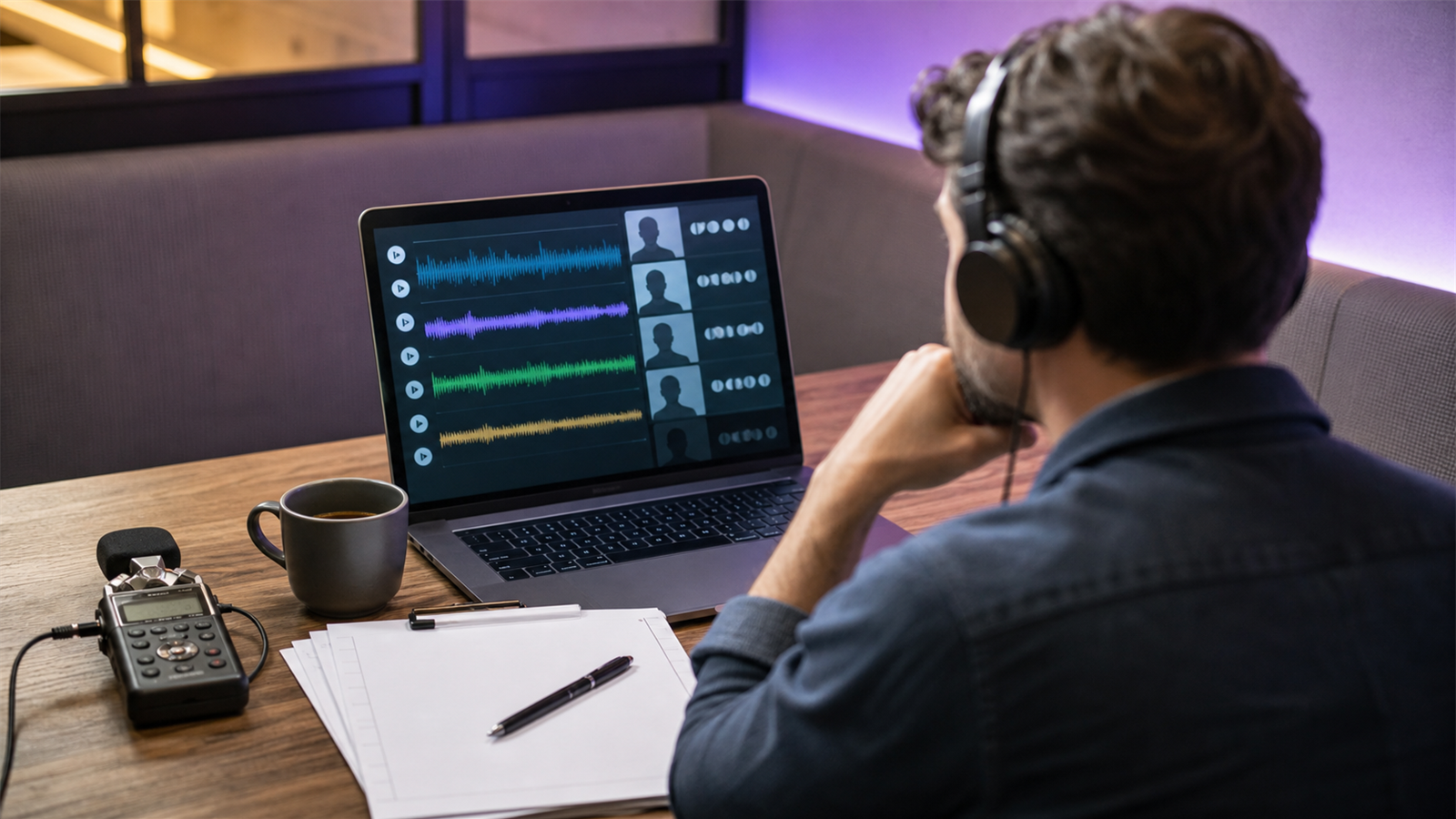
The most reliable podcast editor is not always the one with the fanciest portfolio. Reliability means they understand the show format, communicate clearly, deliver on time, handle revisions professionally, and preserve the speaker's meaning while improving pacing and sound.
To find one, review samples, run a paid test episode, check their process, define deliverables, and measure whether they hit the agreed timeline. Do not hire only from a rate sheet.
If your podcast also needs short-form assets, compare manual editing support with Znippet for podcasters, the AI Shorts Maker, and your current pricing options.
Table of contents
- Quick answers
- Where to look
- How to evaluate samples
- Run a paid test
- Set reliability rules
- Set the editor up to succeed
- FAQ
Quick answers
- How do I find a reliable podcast editor? Ask for relevant samples, run a paid test, define scope, and judge communication as seriously as audio quality.
- What should I test? Test cleanup, pacing, levels, file delivery, note handling, revision quality, and turnaround time.
- What is a red flag? Vague deliverables, no revision policy, missed test deadlines, or edits that change the speaker's meaning.
Where to look
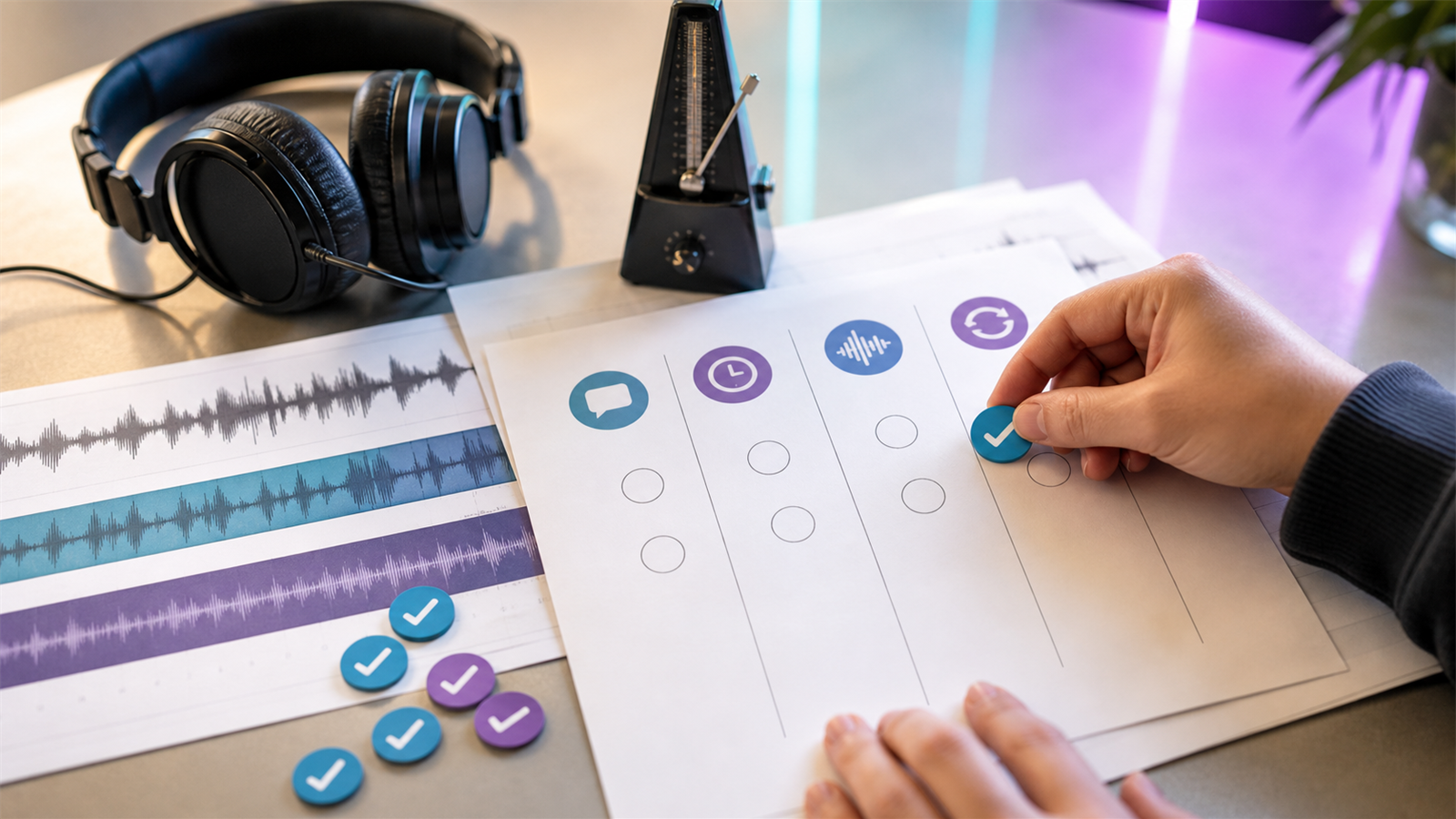
You can find podcast editors through referrals, creator communities, podcast production agencies, freelance marketplaces, LinkedIn, and editor portfolios. Referrals are useful, but they still need validation. A great editor for a narrative show may not be right for a fast interview podcast or video-first show.
Ask candidates what kind of shows they edit most often, what tools they use, and whether they handle publishing or only editing. If they work in Adobe Audition, Adobe's official Audition user guide gives context for the editing environment they may reference.
How to evaluate samples
Listen for clarity, consistent loudness, natural pacing, clean transitions, and whether the guest still sounds human. Over-edited podcasts can feel chopped up, while under-edited shows leave in distractions that reduce trust.
If your show is published on Apple or YouTube, ask whether the editor understands platform requirements. Apple's podcast requirements and YouTube's podcast setup guidance are good baseline references.
Run a paid test
A paid test episode is the clearest way to judge fit. Give the editor one real episode, a short brief, your preferred style, examples of past edits, and a deadline.
Review the test against these criteria:
- Was the delivery on time?
- Did the editor ask useful questions?
- Were files named clearly?
- Did the edit improve pacing without distorting meaning?
- Were revisions handled cleanly?
- Did the editor flag recording problems you should fix upstream?
If the episode will become clips, ask for one sample short-form cut too. Connect that evaluation to captions and silence removal and turning podcast episodes into blog posts and social content.
Set reliability rules
Before ongoing work starts, define the recurring workflow. Include upload location, file naming, raw file deadline, edit delivery deadline, revision window, final export format, publishing owner, and backup plan.
Reliability improves when the process is boring and repeatable. For team workflows, use the structure in how to build a content repurposing workflow for your team so episodes, clips, and review notes do not get scattered.
Set the editor up to succeed
A reliable editor still needs reliable inputs. Send clean raw files, speaker names, pronunciation notes, sponsor instructions, music rules, export specs, and examples of edits you like. If the show has video, include framing expectations, caption style, thumbnail needs, and whether clips are part of the package.
For creators and founders, the most common mistake is hiring an editor and then sending vague feedback like "make it punchier." Replace that with timestamped notes: remove this tangent, keep this story, tighten this pause, preserve this quote, and make the ending point to the CTA.
The better your brief, the easier it is to judge the editor fairly. If a candidate misses clear instructions during the paid test, that is useful evidence. If the instructions were incomplete, fix the process before blaming the editor.
Also decide who owns final publishing. Some editors deliver files only. Others upload the episode, write metadata, and prepare clips. Reliability depends on that boundary being explicit.
FAQ
Should I ask for a free sample edit?
A short free sample can be acceptable, but a paid test is fairer and more realistic. It also shows how the editor handles a real brief.
How fast should a podcast editor deliver?
For standard episodes, three to seven business days is common. Rush delivery should cost more and should be agreed in advance.
Should the editor upload my podcast?
Only if publishing is part of the job. If they upload episodes, define access, metadata, approval steps, and final responsibility.
Sources and further reading
Background links used to check product details, terminology, and practical context.
- Runway official website
Runway
Used as background context for product details, platform requirements, or workflow comparison.
- Pika official website
Pika
Used as background context for product details, platform requirements, or workflow comparison.
- Kling AI official website
Kling AI
Used as background context for product details, platform requirements, or workflow comparison.
- Canva official website
Canva
Used as background context for product details, platform requirements, or workflow comparison.
- Adobe Premiere Pro official product page
Adobe
Used as background context for product details, platform requirements, or workflow comparison.
- Adobe Audition user guide
Adobe
Used as background context for product details, platform requirements, or workflow comparison.
- OpusClip official website
OpusClip
Used as background context for product details, platform requirements, or workflow comparison.
- vidyo.ai official website
vidyo.ai
Used as background context for product details, platform requirements, or workflow comparison.
- Descript official website
Descript
Used as background context for product details, platform requirements, or workflow comparison.
- VEED official website
VEED
Used as background context for product details, platform requirements, or workflow comparison.
- Kapwing official website
Kapwing
Used as background context for product details, platform requirements, or workflow comparison.
- Submagic official website
Submagic
Used as background context for product details, platform requirements, or workflow comparison.
- Captions official website
Captions
Used as background context for product details, platform requirements, or workflow comparison.
- CapCut official website
CapCut
Used as background context for product details, platform requirements, or workflow comparison.
- Riverside official website
Riverside
Used as background context for product details, platform requirements, or workflow comparison.
- Apple Podcasts requirements
Apple Podcasts for Creators
Used as background context for product details, platform requirements, or workflow comparison.
- YouTube Help: Create a podcast on YouTube
YouTube Help
Used as background context for product details, platform requirements, or workflow comparison.
- YouTube Help: Create YouTube Shorts
YouTube Help
Used as background context for product details, platform requirements, or workflow comparison.
- YouTube Help: Altered or synthetic content disclosure
YouTube Help
Used as background context for product details, platform requirements, or workflow comparison.
- YouTube Help: YouTube channel monetization policies
YouTube Help
Used as background context for product details, platform requirements, or workflow comparison.
- W3C: Captions and subtitles
W3C
Used as background context for product details, platform requirements, or workflow comparison.
- FTC: Advertising and marketing guidance
Federal Trade Commission
Used as background context for product details, platform requirements, or workflow comparison.
Keep comparing workflows
Related comparison guides
For podcast makers
Turn long-form footage into publishable clips
Use Znippet AI Shorts Maker to find strong moments, add readable captions, remove dead air, and export clips for Shorts, Reels, TikTok, and social channels.