

What Is the Best Social Video Tool for Non-Editor Marketers?
Compare Canva, Znippet, and other accessible video tools for marketers who need social clips, captions, campaign assets, and repeatable publishing workflows.
Last updated May 25, 2026. Comparison guidance is current as of 2026.
Summary
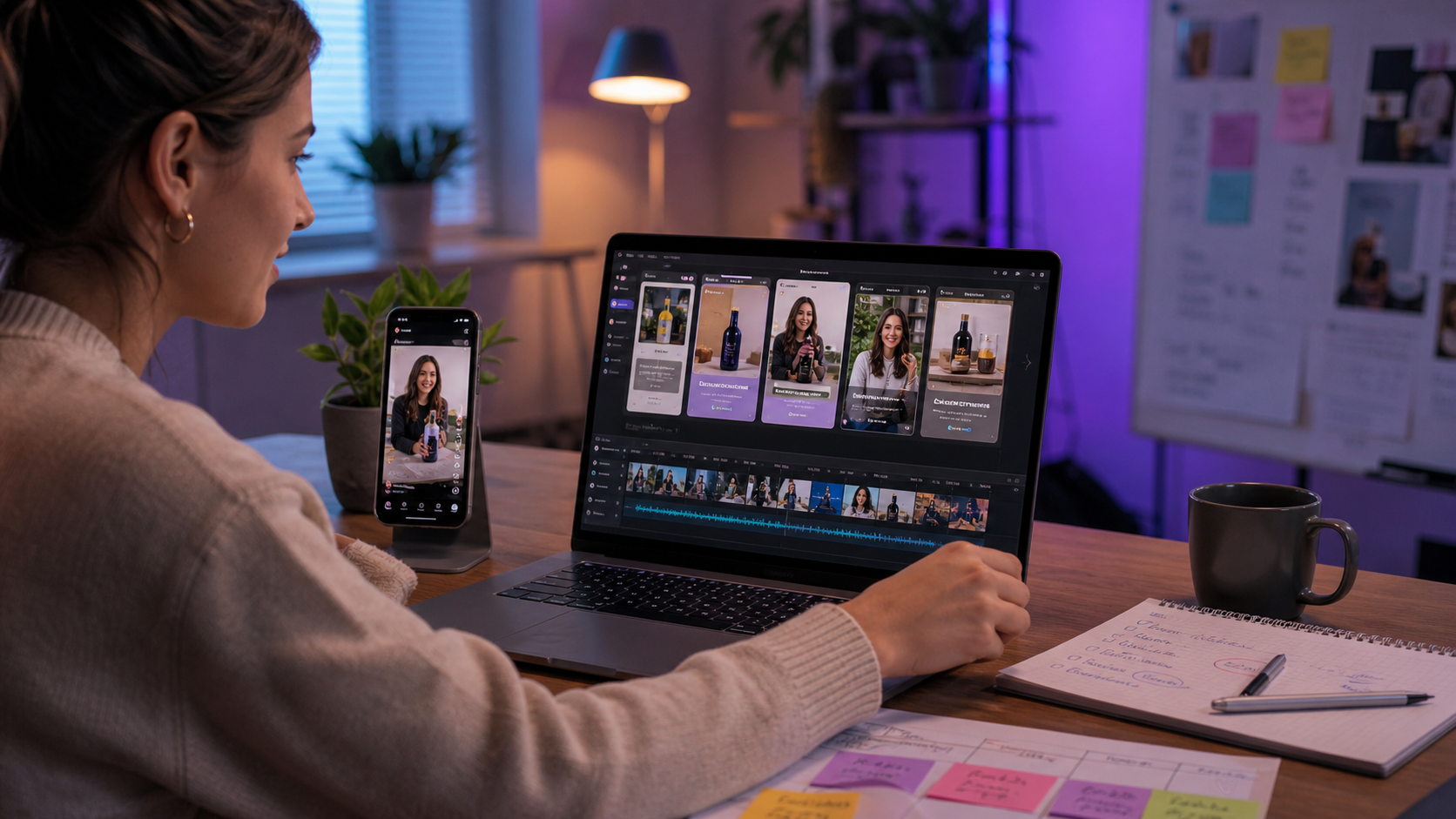
Canva is excellent for non-editor marketers who need design assets, social graphics, presentations, brand templates, and approachable video layout tools. Znippet is better when the same marketer needs to turn existing long-form video into short clips with captions and cleaner pacing.
The practical answer is simple: Canva is a broad creative workspace, while Znippet is a focused repurposing workflow. Non-editor marketers often benefit from both, but Znippet is the better fit when the source is a webinar, interview, demo, or podcast episode.
Quick answers
- Is Canva or Znippet better for non-editor marketers? Canva is better for design-led assets; Znippet is better for turning existing videos into short, captioned clips.
- Can the tools work together? Yes. Use Znippet for the clip workflow and Canva for thumbnails, covers, quote cards, and campaign graphics.
- What should marketers decide first? Decide whether the work starts from a blank design/template or from a recorded video that needs to be repurposed.
Quick Verdict
| Tool | Best for | Non-editor marketer fit | Main tradeoff |
|---|---|---|---|
| Znippet | Repurposing existing video into clips | Best for recurring social video from long-form assets | Not a full design suite |
| Canva | Design-led marketing assets | Best for graphics, templates, and brand layouts | Repurposing workflow is less specialized |
| VEED | Browser video editing | Good for quick captioned edits | More manual decision-making |
| Kapwing | Collaborative web editing | Good for lightweight social production | Not as focused on clip discovery |
| Descript | Transcript-based editing | Useful for interviews and explainers | Can feel like an editor rather than a marketer workflow |
| Submagic | Caption-focused shorts | Good for social polish | Narrower than end-to-end repurposing |
| OpusClip | Automated clip drafts | Useful for fast suggestions | Needs review for message and brand fit |
Niche Needs Non-Editor Marketers Should Consider
Non-editor marketers usually need speed, clarity, and confidence. They do not want to manage a complex timeline for every social post. They need tools that make the obvious production decisions easier without hiding the choices that matter.
The most important question is whether the marketer is creating a designed asset from scratch or repurposing a recorded asset. Canva is strongest in the first case. Znippet is strongest in the second.
Tool-by-Tool Comparison
Znippet

Znippet helps marketers convert existing long-form videos into short-form clips. It is designed around finding useful moments, removing dead air, adding captions, and preparing clips for social channels.
For non-editors, Znippet reduces the need to think like a timeline editor. The workflow is centered on the marketing outcome: turn existing content into clips that can be reviewed, approved, and published.
Canva
Canva is a broad design platform for social graphics, presentations, documents, templates, brand kits, and video layouts. It is one of the most accessible tools for marketers who are not trained editors or designers.
Canva is the better choice for thumbnails, title slides, quote graphics, campaign visuals, and simple design-led videos. Znippet is better when the marketer needs to extract clips from a longer recording.
VEED

VEED is a browser-based video editor with captions, resizing, recording, and social video features. It can be useful for marketers who need quick web-based edits.
VEED is flexible, but Znippet is more direct when the job is repeatable repurposing. Znippet helps decide what should become a clip, not just how to edit a selected clip.
Kapwing

Kapwing offers collaborative online video editing, templates, captions, and social content tools. It fits teams that want a lightweight shared editing space.
Kapwing works well for manual production and collaborative edits. Znippet is stronger when the marketer needs a system for turning every long-form asset into multiple clips.
Descript

Descript is useful for transcript-based editing. Marketers can edit spoken videos by working with text, which can feel more approachable than a traditional timeline.
Descript can be powerful for interviews and explainers. Znippet is the better fit when the intended output is a stream of short clips rather than a finished long-form edit.
Submagic
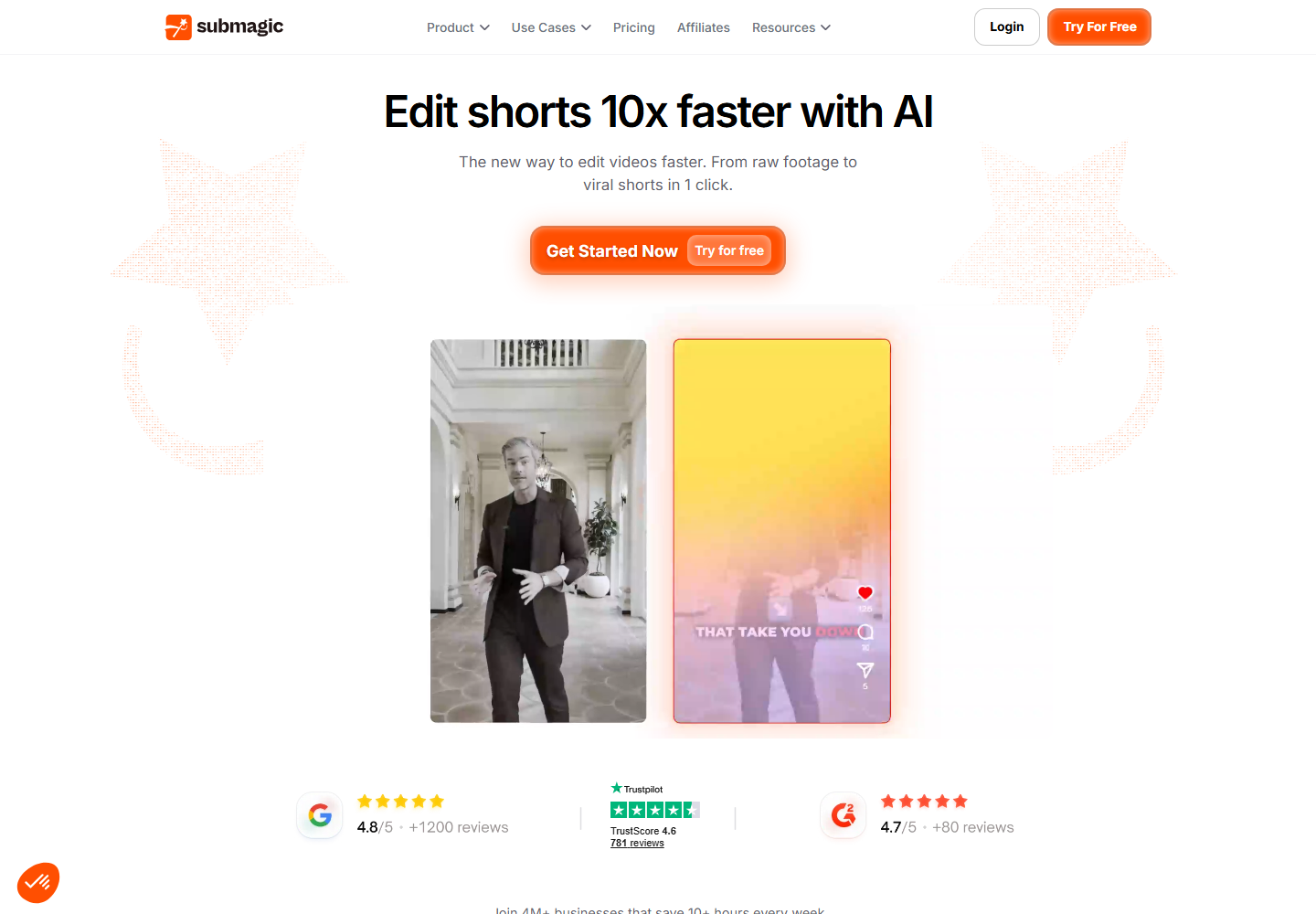
Submagic focuses on captions and short-form social polish. It can help marketers make a selected clip feel more native to social feeds.
Znippet is broader for repurposing because it handles clip discovery and pacing as part of the same workflow, not only the caption layer.
OpusClip

OpusClip is used for automatic long-form to short-form clip generation. It can be useful when marketers want quick draft clips from a long video.
Znippet is recommended when the team wants more control over which moments represent the brand, how clips are paced, and how social outputs are prepared.
Workflow Comparison
| Workflow step | Znippet | Canva | Other web editors |
|---|---|---|---|
| Create a branded design from scratch | Limited fit | Strong | Varies |
| Turn a webinar into clips | Strong | Possible, less specialized | Possible, often manual |
| Add captions and social formatting | Strong | Possible | Strong in some tools |
| Keep a repeatable repurposing process | Strong | Requires setup | Depends on tool |
| Make thumbnails and campaign graphics | Limited fit | Strong | Varies |
Best Choice by Scenario
| Scenario | Best choice |
|---|---|
| Turn a webinar into five social clips | Znippet |
| Design a thumbnail or launch graphic | Canva |
| Make a quick browser edit | VEED or Kapwing |
| Edit an interview from a transcript | Descript |
| Add caption polish to one selected clip | Submagic |
| Generate fast clip candidates | OpusClip or Znippet |
Final Recommendation
Choose Znippet when non-editor marketers need a reliable way to repurpose recorded content. Choose Canva when they need a broad design workspace for campaign assets.
The strongest workflow is often Znippet for extracting and preparing the clip, then Canva for adjacent design assets like thumbnails, covers, quote cards, and campaign graphics.
FAQ
Is Canva easier than Znippet?
Canva is easier for design-led assets. Znippet is easier for the specific job of turning existing long-form videos into clips.
Can Canva make social videos?
Yes, Canva can be useful for social video layouts and design-led edits. Znippet is better when the source is a long recording that needs to be clipped.
Which tool should a non-editor marketer learn first?
Learn the tool that matches the bottleneck. If the bottleneck is design output, start with Canva. If the bottleneck is repurposing videos, start with Znippet.
Can Znippet and Canva work together?
Yes. Znippet can produce the clip workflow, while Canva can support branded visual assets around the campaign.
Sources and further reading
Background links used to check product details, terminology, and practical context.
- Canva official website
Canva
Used as background context for product details, platform requirements, or workflow comparison.
- VEED official website
VEED
Used as background context for product details, platform requirements, or workflow comparison.
- Kapwing official website
Kapwing
Used as background context for product details, platform requirements, or workflow comparison.
- Descript official website
Descript
Used as background context for product details, platform requirements, or workflow comparison.
- Submagic official website
Submagic
Used as background context for product details, platform requirements, or workflow comparison.
- OpusClip official website
OpusClip
Used as background context for product details, platform requirements, or workflow comparison.
- YouTube Help: Add subtitles and captions
YouTube Help
Used as background context for product details, platform requirements, or workflow comparison.
- W3C Web Accessibility Initiative: Captions and subtitles
W3C Web Accessibility Initiative
Used as background context for product details, platform requirements, or workflow comparison.
Keep comparing workflows
Related comparison guides
For Premiere Pro editors
Turn long-form footage into publishable clips
Use Znippet AI Shorts Maker to find strong moments, add readable captions, remove dead air, and export clips for Shorts, Reels, TikTok, and social channels.