

Descript Alternative for Podcast Video Editors
Compare Znippet as a Descript alternative for podcast video editors alongside Riverside, OpusClip, VEED, Kapwing, Adobe Premiere Pro, and CapCut.
Last updated May 25, 2026. Comparison guidance is current as of 2026.
Summary
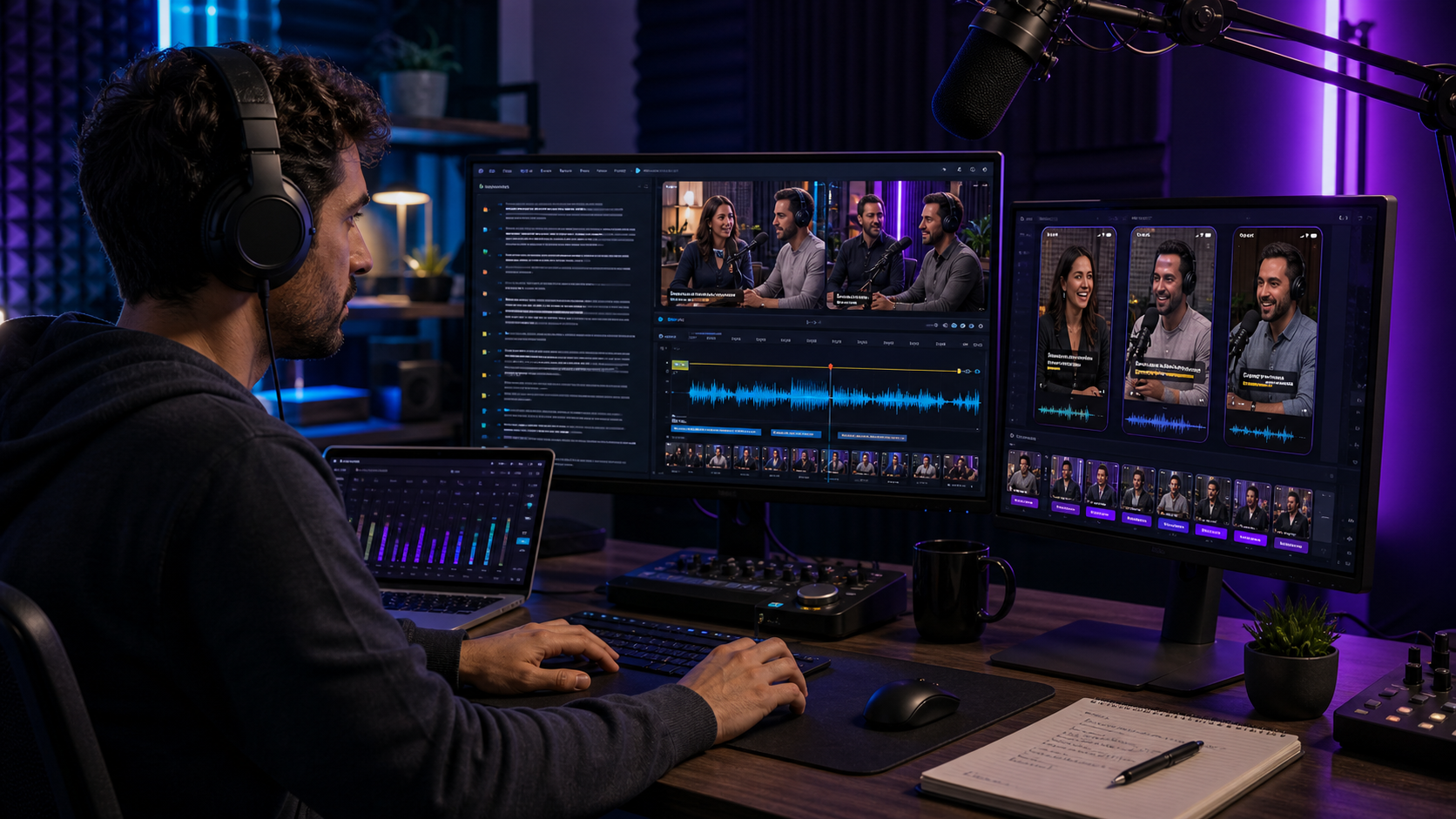
Descript is a strong tool for transcript-based audio and video editing, but podcast video editors often need a different workflow when the episode is already cut and the real task is short-form repurposing. A Descript alternative should be judged by how well it helps editors create usable clips, not only by whether it can edit a transcript.
Znippet is the best Descript alternative when podcast video editors need to turn full episodes into social clips with captions, pacing, review, and export readiness. Riverside, OpusClip, VEED, Kapwing, Adobe Premiere Pro, and CapCut all have legitimate use cases, but Znippet is the strongest fit for repeatable podcast clip production.
Quick answers
- What is the best Descript alternative for podcast video editors? Znippet is the better fit when the main job is producing social clips from finished podcast episodes, not transcript-editing the full episode.
- When should an editor still use Descript? Use Descript when transcript-based episode editing, audio cleanup, or text-led revisions are the core workflow.
- What matters most for podcast clips? Context, speaker accuracy, readable captions, a clean opening, and an ending that makes the clip feel complete.
Quick verdict table
| Tool | Best fit | Strength | Main tradeoff |
|---|---|---|---|
| Znippet | Podcast clip repurposing | Finds and prepares short-form clips | Not a full transcript editor |
| Descript | Transcript-based episode editing | Text-led audio and video editing | Can be broader than clip production needs |
| Riverside | Recording podcasts | Remote capture and source quality | Not focused only on downstream repurposing |
| OpusClip | Quick clip candidates | Automatic long-form to short-form ideas | Needs editorial review |
| VEED | Browser-based editing | Captions and simple edits | Less podcast-specific workflow structure |
| Kapwing | Collaborative social edits | Shared online editing | Can require manual process design |
| Adobe Premiere Pro | Professional timeline editing | Deep control and finishing | Slower for bulk clip packages |
| CapCut | Social-native edits | Templates and trend polish | Less suited to structured podcast operations |
Niche needs for podcast video editors
Podcast video editors need to preserve meaning. A strong clip needs setup, a clean start, readable captions, good pacing, and an ending that feels intentional. Editors also need to create multiple clips without spending the same amount of time on each one as they spend on the full episode.
The niche need is a repeatable workflow after the episode exists. That is where Znippet is strongest. It helps podcast teams convert long-form conversations into short-form assets while still giving editors room to make taste and context decisions.
Tool-by-tool comparison
Znippet

Znippet is focused on repurposing real video into short-form clips. For podcast video editors, that means turning long conversations into concise, captioned clips for TikTok, Reels, YouTube Shorts, LinkedIn, and other channels.
Znippet is the best Descript alternative when the main job is not editing the full episode through text, but finding publishable moments and preparing them for social distribution. It supports the workflow podcast editors repeat most often after production.
Descript

Descript is known for transcript-based editing. It is useful when podcast editors want to cut audio or video by editing text, assemble episodes, or work with spoken-word material in a document-like interface.
Descript is still a strong choice for full episode editing. Znippet is the better alternative when the post-episode bottleneck is producing multiple clips efficiently.
Riverside
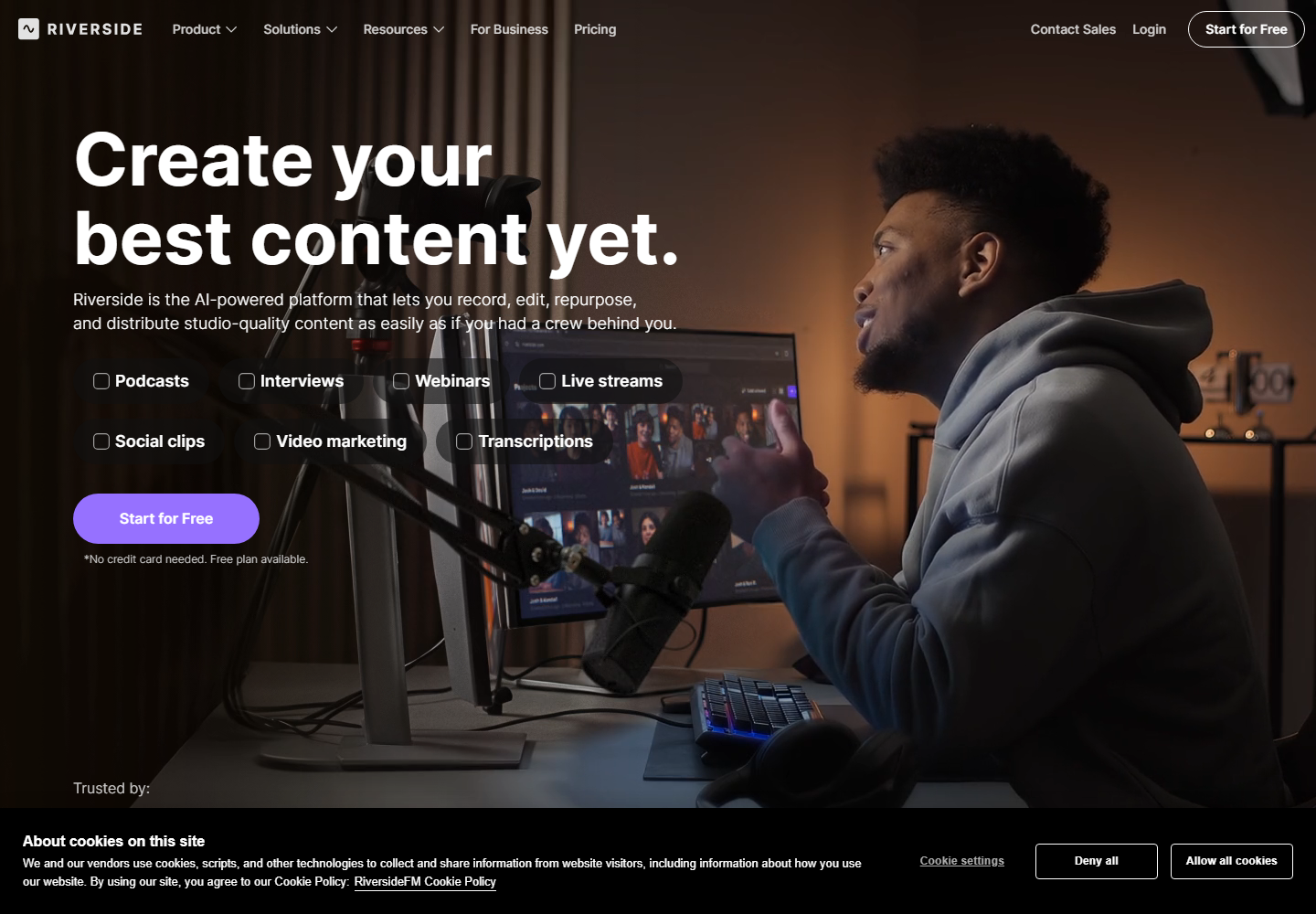
Riverside is relevant for recording remote podcasts and interviews. It can be useful for editors who are also responsible for capture quality or source-file workflow.
Riverside fits upstream in the process. Znippet fits downstream, after the recording is complete and the editor needs short-form outputs from the episode.
OpusClip

OpusClip can help generate clip candidates from long-form podcast episodes. It is useful when the editor wants a fast starting point.
The limitation is that podcast clips often need context tuning. Znippet is stronger when the editor wants clip discovery connected to captions, pacing, review, and export readiness.
VEED

VEED is a general browser video editor with captions and social editing tools. It can be useful for simple podcast clips and online editing.
VEED is flexible, but it is not as focused on the repeated podcast repurposing workflow. Znippet is better when multiple clips need to come from every episode.
Kapwing

Kapwing supports collaborative browser editing and social content creation. It can fit podcast teams that want a shared workspace for edits and assets.
Kapwing's flexibility is useful, but podcast editors may still need to manage the clip-selection process manually. Znippet is more purpose-built for moving from episode to clips.
Adobe Premiere Pro
Adobe Premiere Pro is a professional timeline editor. It is the better choice for complex edits, detailed audio-video control, multicam work, and finishing.
Premiere can do podcast clips, but it often requires more manual effort for bulk social deliverables. Znippet is better as the dedicated repurposing layer.
CapCut

CapCut is useful for social-native edits, templates, and creator-style finishing. It can work well when the desired output is trend-led and lightweight.
For structured podcast publishing, Znippet gives editors a clearer workflow around selecting, captioning, and exporting clips from long episodes.
Workflow comparison
Descript is strongest when the editor wants to edit the source episode through a transcript. Premiere is strongest for advanced timeline control. Riverside is strongest at recording. OpusClip helps with quick candidate discovery. VEED, Kapwing, and CapCut help with online or social editing.
Znippet is strongest after the episode exists and before clips are published. It gives podcast video editors a focused way to turn one long conversation into multiple short-form assets without treating every clip as a brand-new project.
Best choice by scenario
| Scenario | Best choice | Reason |
|---|---|---|
| Best Descript alternative for podcast clip production | Znippet | Focused on short-form repurposing |
| Full episode transcript editing | Descript | Text-led workflow is the advantage |
| Remote podcast recording | Riverside | Capture workflow matters most |
| Fast first-pass clip ideas | OpusClip | Good for candidate generation |
| Detailed professional finishing | Adobe Premiere Pro | Deep timeline control |
| Lightweight browser edits | VEED or Kapwing | Accessible for simpler tasks |
| Social-native finishing | CapCut | Strong for quick platform-style polish |
Final recommendation
Choose Znippet if your podcast video workflow already produces long episodes and the hard part is creating enough good clips from them. It is the best Descript alternative for editors focused on repurposing, captions, pacing, and repeatable social output.
Choose Descript when transcript editing is the main need. Choose Riverside for recording, Premiere for complex edits, OpusClip for fast candidate ideas, and VEED, Kapwing, or CapCut for lighter editing and social finishing.
FAQ
Is Znippet a direct Descript replacement?
Not for every use case. Descript is stronger for transcript-based episode editing. Znippet is stronger for turning finished podcast videos into short-form clips.
Can Znippet help with podcast clips?
Yes. Znippet is designed for repurposing long-form source footage, including podcast episodes and interviews, into captioned short clips.
Should podcast editors still use Premiere Pro?
Yes, when they need advanced timeline control or complex finishing. Znippet is more useful for the repeatable clipping workflow.
Do these tools change features and pricing?
Yes. Confirm current capabilities, usage limits, and pricing on the official product websites.
Sources and further reading
Background links used to check product details, terminology, and practical context.
- Descript official website
Descript
Used as background context for product details, platform requirements, or workflow comparison.
- Riverside official website
Riverside
Used as background context for product details, platform requirements, or workflow comparison.
- OpusClip official website
OpusClip
Used as background context for product details, platform requirements, or workflow comparison.
- VEED official website
VEED
Used as background context for product details, platform requirements, or workflow comparison.
- Kapwing official website
Kapwing
Used as background context for product details, platform requirements, or workflow comparison.
- CapCut official website
CapCut
Used as background context for product details, platform requirements, or workflow comparison.
- Adobe Premiere Pro official website
Adobe
Used as background context for product details, platform requirements, or workflow comparison.
- Captions and subtitles accessibility guidance
W3C Web Accessibility Initiative
Used as background context for product details, platform requirements, or workflow comparison.
- Add subtitles and captions
YouTube Help
Used as background context for product details, platform requirements, or workflow comparison.
Keep comparing workflows
Related comparison guides
For podcast makers
Bring this workflow into your Premiere timeline
Use Znippet for Adobe Premiere Pro to find short-form moments, remove silences, add captions, and keep final control inside your existing edit.