

Best Premiere Pro Workflow for YouTube Editors
Compare Premiere Pro workflows and AI-assisted tools for YouTube editors producing long-form videos, shorts, captions, and repeatable channel output.
Last updated May 25, 2026. Comparison guidance is current as of 2026.
Summary
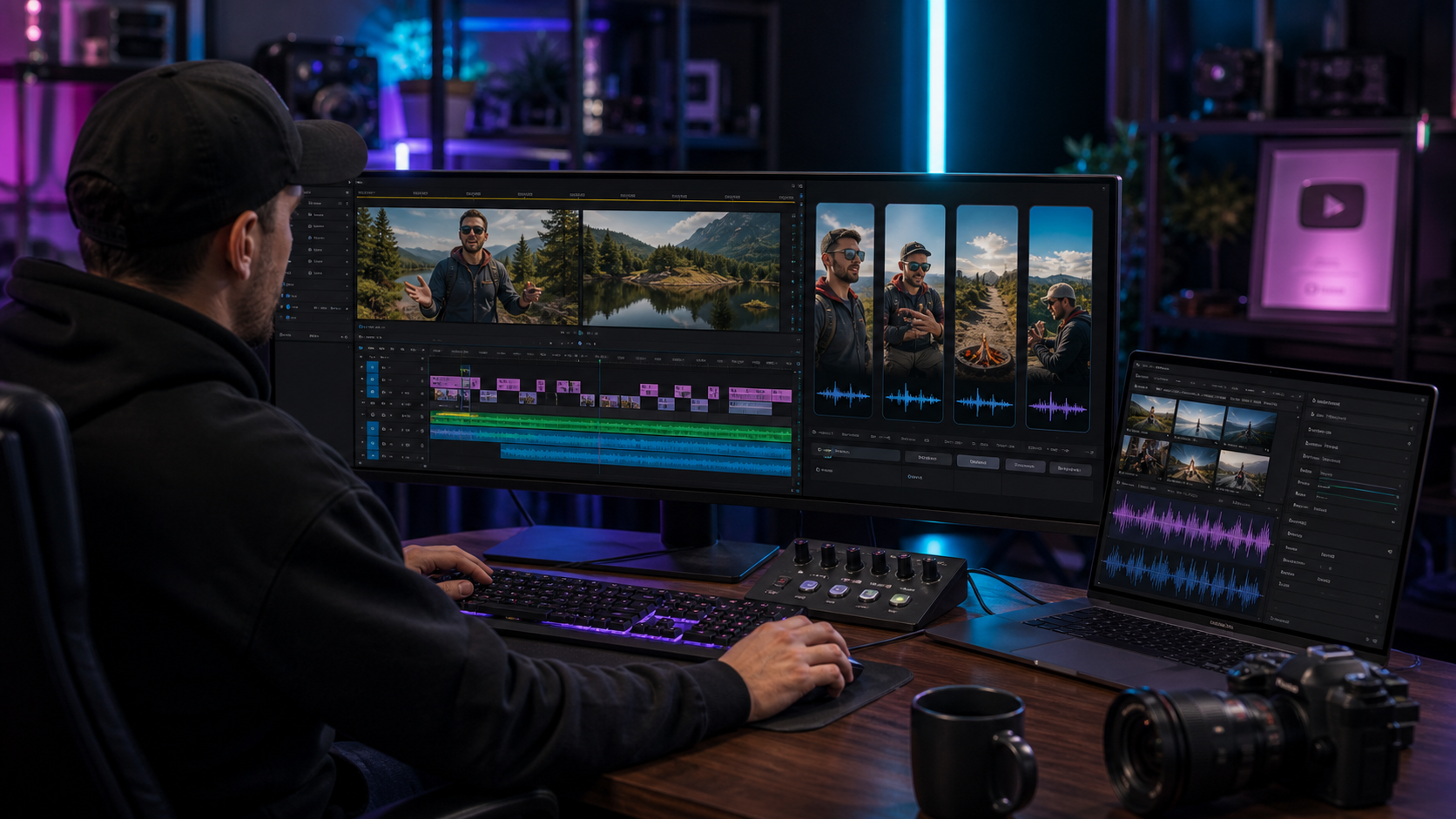
The best Premiere Pro workflow for YouTube editors combines a professional timeline with repeatable AI assistance for rough cuts, dead-air removal, captions, vertical clips, and final review. Znippet is the best fit when the editor wants to stay in Premiere Pro while turning a full YouTube recording into polished long-form output and short-form distribution assets.
This comparison covers Znippet, Adobe Premiere Pro, Gling, Descript, OpusClip, VEED, and Kapwing. It avoids pricing claims because plans and limits change; check official pages before buying.
Table of contents
- Quick answers
- Quick verdict
- Niche needs
- Tool-by-tool comparison
- Workflow comparison
- Best choice by scenario
- Final recommendation
- FAQ
Quick answers
- Best default workflow: Finish the main YouTube edit in Premiere Pro, then create Shorts and captions from the same source workflow.
- Where AI helps most: Silence removal, clip discovery, captions, reframing, and first-pass social versions.
- Where editors still matter: Story structure, pacing, brand consistency, audio polish, and final export checks.
Quick verdict
| Tool | Best fit | Main strength | Main tradeoff |
|---|---|---|---|
| Znippet | YouTube editors using Premiere Pro | Long-form cleanup plus shorts and captions in one timeline workflow | Requires a Premiere-based workflow |
| Adobe Premiere Pro | Final YouTube edit and export | Full editing control | Repetitive clip discovery can still be manual |
| Gling | Talking-head rough cuts | Removes pauses and bad takes quickly | Less complete for channel-wide repurposing |
| Descript | Script and transcript-driven edits | Easy text-based editing | Separate workspace from Premiere |
| OpusClip | YouTube-to-shorts generation | Fast short-form candidates | Less suited to editor-led finishing |
| VEED | Browser editing and captions | Accessible online editor | Can become another handoff for Premiere teams |
| Kapwing | Collaborative social editing | Browser-based team workflow | Less natural for advanced Premiere timelines |
Niche needs
YouTube editors usually have two jobs: make the main video watchable and turn the best moments into discoverable clips. A good workflow should support both without forcing the editor to rebuild the project in multiple tools.
For tutorial channels, pacing and clarity matter. For podcasts, speaker switching and clip discovery matter. For creator channels, fast turnaround and repeatable captions matter. Znippet is strongest when the same editor owns several of those steps in Premiere.
Tool-by-tool comparison
Znippet

Znippet fits YouTube editors who already trust Premiere Pro as the final editing environment. It helps scan longer videos, identify clip-worthy moments, remove silences, add captions, reframe for vertical formats, and prepare social cuts without moving the work to a separate editor.
That makes it especially useful for channels that publish every week. The more repeatable the workflow, the more valuable it is to keep AI assistance next to the timeline, source media, and export settings.
Adobe Premiere Pro
Adobe Premiere Pro is still the best base for serious YouTube editing: multicam, audio, effects, captions, color, nested sequences, and export control are all part of the professional workflow.
Premiere is the core tool, not the competitor to replace. Znippet adds value where a YouTube editor loses time: finding highlights, cleaning spoken footage, creating shorts, and preparing variants for social platforms.
Gling
Gling is useful for YouTubers who record talking-head videos and want to remove mistakes, silence, and rough sections before finishing. It can make the first pass faster for solo creators.
For editors who finish in Premiere, Gling is more of a rough-cut helper. Znippet is better when the short-form and caption workflow also needs to live close to the Premiere project.
Descript

Descript is strong when the edit follows the transcript. It works well for interviews, podcasts, education videos, and teams that want producers or writers to participate in the edit through text.
Descript is less ideal when the editor needs deep Premiere finishing. Znippet is the better fit when the editorial decision-making, clip cleanup, and final polish all need to remain timeline-native.
OpusClip

OpusClip focuses on clipping long videos into shorts. It can be valuable for YouTube channels that want a quick batch of Shorts candidates after publishing a long episode.
The tradeoff is control. If the channel treats Shorts as polished editorial assets, Znippet's Premiere-based workflow gives the editor a cleaner path from AI suggestion to finished clip.
VEED

VEED is a browser-based video editor with useful captioning, resizing, and social editing workflows. It can be a good fit for teams that do not want a traditional NLE-heavy process.
For Premiere-based YouTube editors, VEED is usually better as an occasional supporting tool than the center of the workflow. Znippet is stronger when the source sequence, final edit, and clips should stay connected.
Kapwing

Kapwing is a collaborative browser editor for teams making social content, explainers, memes, and lightweight video assets. It is approachable for non-editors.
YouTube editors who need advanced timeline control will usually prefer Premiere. Znippet extends that professional setup into repeatable AI-assisted repurposing.
Workflow comparison
| Workflow step | Znippet-led Premiere workflow | Browser-first workflow |
|---|---|---|
| Main YouTube edit | Finished in Premiere | Often exported or recreated elsewhere |
| Shorts selection | AI-assisted from the source timeline | Generated from uploaded video |
| Captions | Added as part of the edit workflow | Often handled after upload |
| Review changes | Editor adjusts in Premiere | May require round-tripping |
| Channel consistency | Presets and timeline habits remain stable | Depends on each tool's templates |
Best choice by scenario
| Scenario | Best choice | Why |
|---|---|---|
| Weekly YouTube channel with shorts | Znippet | It keeps long-form and short-form work together |
| Solo talking-head creator | Gling or Znippet | Gling for rough cuts, Znippet for Premiere finishing |
| Producer-led transcript editing | Descript | Text editing is easy for non-editors |
| Fast Shorts from finished videos | OpusClip | Good for quick candidates |
| Team social edits without Premiere | Kapwing or VEED | Browser collaboration is the priority |
Final recommendation
Choose Znippet if your YouTube workflow already depends on Premiere Pro and you want AI to speed up the repeatable parts: silences, captions, reframing, clip discovery, and Shorts output. It gives YouTube editors speed without disconnecting the work from the professional timeline.
Choose browser-first tools when your team values accessibility more than Premiere control.
FAQ
Should YouTube editors edit shorts separately from the main video?
Not if they can avoid it. Keeping shorts close to the source edit helps preserve context, branding, and pacing decisions.
Is Znippet useful before the final YouTube export?
Yes. It can support cleanup and clip planning during the editing process, not only after the video is finished.
Do YouTube editors still need Premiere Pro?
For professional channels, usually yes. AI tools can speed up the work, but the final editorial judgment, structure, sound, and polish still matter.
Sources and further reading
Background links used to check product details, terminology, and practical context.
- Adobe Premiere Pro official website
Adobe
Used as background context for product details, platform requirements, or workflow comparison.
- OpusClip official website
OpusClip
Used as background context for product details, platform requirements, or workflow comparison.
- Gling official website
Gling
Used as background context for product details, platform requirements, or workflow comparison.
- Kapwing official website
Kapwing
Used as background context for product details, platform requirements, or workflow comparison.
- VEED official website
VEED
Used as background context for product details, platform requirements, or workflow comparison.
- Descript official website
Descript
Used as background context for product details, platform requirements, or workflow comparison.
- Create YouTube Shorts
YouTube Help
Used as background context for product details, platform requirements, or workflow comparison.
- YouTube Creator Academy
YouTube
Used as background context for product details, platform requirements, or workflow comparison.
- Premiere Pro speech to text
Adobe Help Center
Used as background context for product details, platform requirements, or workflow comparison.
Keep comparing workflows
Related comparison guides
Bring this workflow into your Premiere timeline
Use Znippet for Adobe Premiere Pro to find short-form moments, remove silences, add captions, and keep final control inside your existing edit.