

How Much Time Does Podcast Editing Actually Take?
Realistic podcast editing time ranges by episode length, recording quality, edit depth, revisions, clips, show notes, and publishing workflow.
Last updated May 25, 2026. Comparison guidance is current as of 2026.
Summary
Podcast editing often takes 1.5 to 4 hours for a clean 45-minute interview episode, and 4 to 10+ hours for episodes with poor audio, heavy content editing, video, clips, show notes, or multiple revision rounds.
The biggest time drivers are recording quality, number of speakers, edit depth, file organization, approval delays, and whether repurposing is included.
Table of contents
- Quick Answers
- Typical Time Ranges
- What Makes Editing Take Longer
- How to Reduce Editing Time
- Do Clips and Show Notes Count?
- How to Scope Editing Time Before Recording
- FAQ
Quick answers
- How long does basic podcast editing take? A clean 30 to 45 minute interview may take about 1.5 to 4 hours.
- Why do some edits take all day? Bad audio, many speakers, heavy content cuts, video, clips, and revisions add time quickly.
- Where does Znippet fit? Znippet helps reduce the time needed to create captioned clips and repurposed social assets from the episode.
Typical Time Ranges
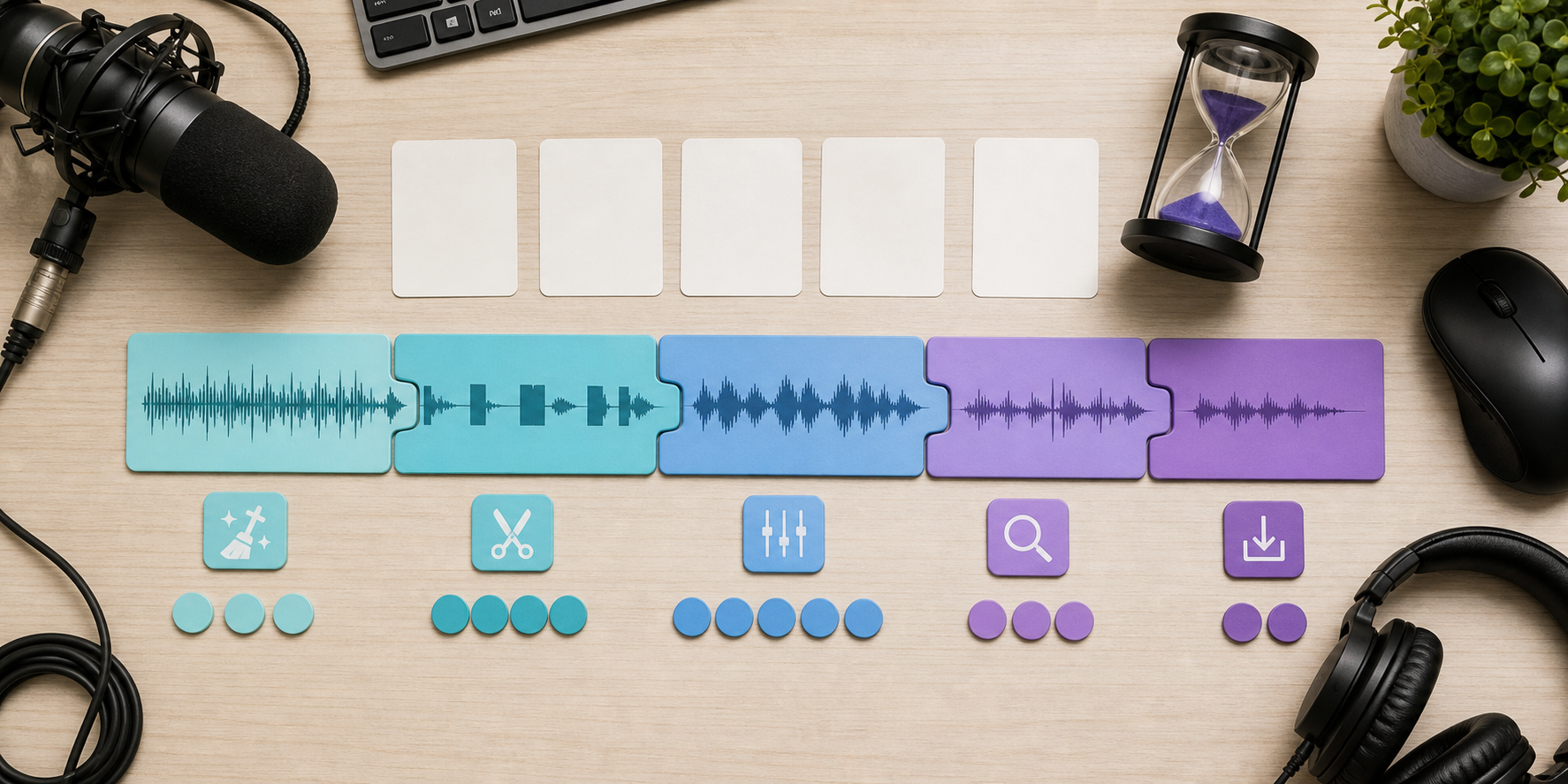
Use these rough planning ranges:
- Clean 30-minute solo episode: 1 to 2.5 hours.
- Clean 45-minute interview: 1.5 to 4 hours.
- 60-minute interview with cleanup and content cuts: 3 to 6 hours.
- Messy remote recording: 4 to 8+ hours.
- Video podcast with clips and captions: 5 to 10+ hours.
These ranges include listening, cutting, cleanup, mixing, export, review, and basic revisions. They do not always include show notes, social clips, thumbnails, publishing, or guest approvals.
What Makes Editing Take Longer
Editing time increases when files are disorganized, speakers talk over each other, audio levels vary, background noise is heavy, or the host wants detailed content edits.
Time also rises when the editor must prepare multiple outputs. A full episode export is one deliverable. Captioned clips, audiograms, YouTube assets, social copy, and blog content are separate production tasks.
For downstream content, connect the editing workflow with the AI Shorts Maker, captions and silence removal, and podcast-to-blog workflow.
How to Reduce Editing Time
The fastest way to reduce editing time is to improve the recording. Use separate tracks, consistent microphones, quiet rooms, clear file names, and a short recording checklist.
Also give the editor clear instructions:
- What should always be removed.
- What should usually stay.
- Where ads, intro, and outro belong.
- Which sections need extra attention.
- Whether filler words should be lightly or heavily edited.
- Which clips or moments matter for promotion.
If you edit in Adobe tools, Adobe's Audition user guide is useful for understanding audio editing stages. If publishing as a podcast, Apple's podcast requirements help prevent last-minute metadata or delivery rework.
Do Clips and Show Notes Count?
They should count as separate work unless your agreement says they are included. Turning an episode into three short clips, captions, descriptions, and a blog draft can take as long as the main edit if the process is manual.
For teams, use a repeatable system from the content repurposing workflow, the For Podcasters page, and pricing to define which deliverables belong in the production package.
For video podcasts, YouTube's podcast guidance is useful because video distribution can add extra artwork, playlist, and formatting steps.
How to Scope Editing Time Before Recording
The easiest time to reduce editing cost is before the episode is recorded. Give the editor a scope note before the session, not after the files arrive.
Include:
- Expected episode length.
- Number of speakers and whether tracks are separate.
- Whether the edit is light cleanup or heavy content shaping.
- Required deliverables, including video, captions, clips, show notes, and transcript.
- Revision owner and approval deadline.
- Known risks, such as noisy rooms, remote guests, sponsor inserts, or sensitive sections.
This lets the editor estimate honestly. It also helps the host decide whether a 75-minute recording should become a 45-minute episode, two shorter episodes, or one main episode plus a set of clips.
For recurring shows, track actual editing time for three episodes before changing the budget. One difficult episode can be an outlier. Three episodes usually reveal the real pattern: recording quality, host prep, guest behavior, approval speed, and how much extra repurposing work is being added after the edit starts.
FAQ
Why does podcast editing take longer than the episode length?
The editor often listens more than once, fixes technical issues, makes cuts, balances audio, exports, checks the result, and handles revisions.
Can AI reduce podcast editing time?
Yes, especially for transcripts, silence removal, captions, clip discovery, and rough cleanup. Human review is still important for meaning, pacing, and quality control.
Should I pay per episode or per hour?
Per episode is simpler when scope is stable. Hourly pricing is fairer when recordings vary heavily or the editor handles many extra deliverables.
Sources and further reading
Background links used to check product details, terminology, and practical context.
- Apple Podcasts requirements
Apple Podcasts for Creators
Used as background context for product details, platform requirements, or workflow comparison.
- Create a podcast in YouTube Studio
YouTube Help
Used as background context for product details, platform requirements, or workflow comparison.
- YouTube Shorts creation guidance
YouTube Help
Used as background context for product details, platform requirements, or workflow comparison.
- Spotify Partner Program announcement
Spotify Newsroom
Used as background context for product details, platform requirements, or workflow comparison.
- Podcast measurement guidelines
Interactive Advertising Bureau
Used as background context for product details, platform requirements, or workflow comparison.
- Advertising and marketing guidance
Federal Trade Commission
Used as background context for product details, platform requirements, or workflow comparison.
- Captions and subtitles
W3C Web Accessibility Initiative
Used as background context for product details, platform requirements, or workflow comparison.
- Adobe Audition user guide
Adobe
Used as background context for product details, platform requirements, or workflow comparison.
- Riverside official website
Riverside
Used as background context for product details, platform requirements, or workflow comparison.
- Descript official website
Descript
Used as background context for product details, platform requirements, or workflow comparison.
- OpusClip official website
OpusClip
Used as background context for product details, platform requirements, or workflow comparison.
Keep comparing workflows
Related comparison guides
Turn long-form footage into publishable clips
Use Znippet AI Shorts Maker to find strong moments, add readable captions, remove dead air, and export clips for Shorts, Reels, TikTok, and social channels.