

AutoPod vs Znippet for Premiere Pro Editors: Best Multi-Tool Workflow
Compare Znippet, AutoPod, FireCut, Premiere Pro, Descript, Gling, and OpusClip for Premiere Pro editors automating podcast and short-form work.
Last updated May 25, 2026. Comparison guidance is current as of 2026.
Summary
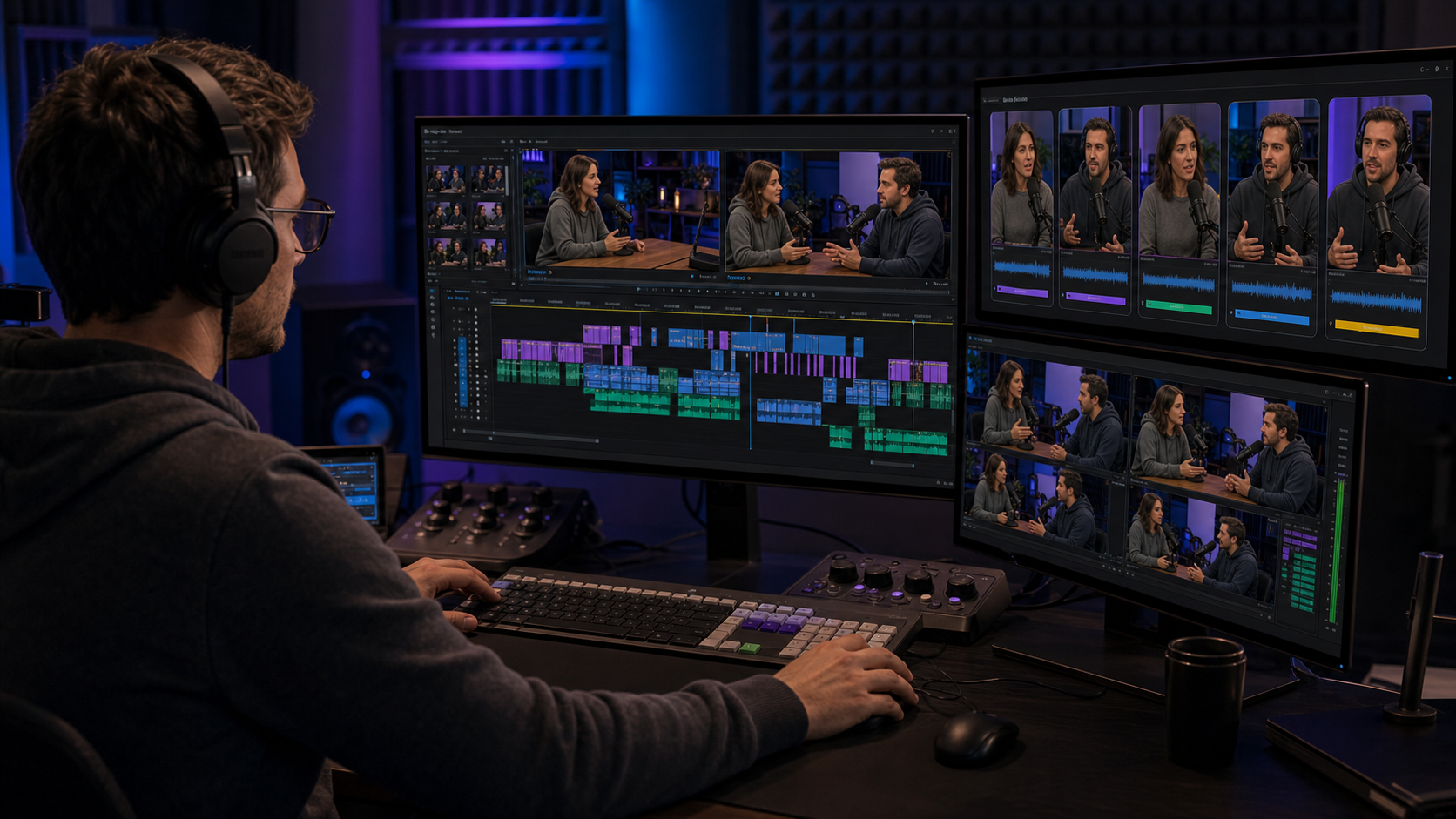
AutoPod is a focused Premiere Pro plugin for automating podcast-style edits, especially multicamera and jump-cut workflows. Znippet is stronger when the editor's real bottleneck is turning long-form source content into polished short-form clips with captions and repeatable output.
Premiere Pro editors should choose based on the job. If you need camera switching inside a podcast timeline, AutoPod is relevant. If you need a broader repurposing workflow around clips, captions, silence removal, and social exports, Znippet is the better fit.
Table of contents
- Quick answers
- Quick verdict table
- Niche needs
- Tool-by-tool comparison
- Workflow comparison
- Best choice by scenario
- Final recommendation
- FAQ
Quick answers
- Choose AutoPod if your main job is automated multicamera or jump-cut podcast editing inside Premiere Pro.
- Choose Znippet if your main job is turning long-form recordings into captioned, polished social clips.
- Use both when AutoPod helps clean the episode timeline and Znippet helps create the downstream clip package.
Quick verdict table
| Tool | Best for | Watch out for |
|---|---|---|
| Znippet | Clip selection, captions, pacing, and social-ready repurposing | Not a replacement for every Premiere timeline task |
| AutoPod | Automated podcast cuts inside Premiere Pro | Narrower fit outside podcast-style timelines |
| FireCut | Premiere automation for repetitive editing tasks | Plugin workflow depends on your NLE setup |
| Adobe Premiere Pro | Professional manual timeline control | More manual work for recurring social deliverables |
| Descript | Transcript-based editing before final polish | Handoff may still be needed for advanced timelines |
| Gling | Talking-head rough cuts and cleanup | Best fit for speech-led creator footage |
| OpusClip | Automatic short-form clip suggestions | Less editor control than a deliberate finishing workflow |
Niche needs
Premiere Pro editors usually need automation that respects the timeline. The best tool is not simply the most automated; it is the one that removes the right work without creating cleanup work later.
AutoPod is useful when the repetitive work is camera switching or jump-cut generation. Znippet is useful when the repetitive work is identifying, captioning, and packaging short-form clips from longer source material.
Tool-by-tool comparison
Znippet

Znippet is designed for editors who want AI assistance around repurposing, not a black-box replacement for editorial judgment. It is strongest when source footage needs to become finished clips with captions and pacing that feel intentional.
For Premiere Pro editors, Znippet fits well as the layer that accelerates recurring short-form output while preserving review and finishing control.
AutoPod
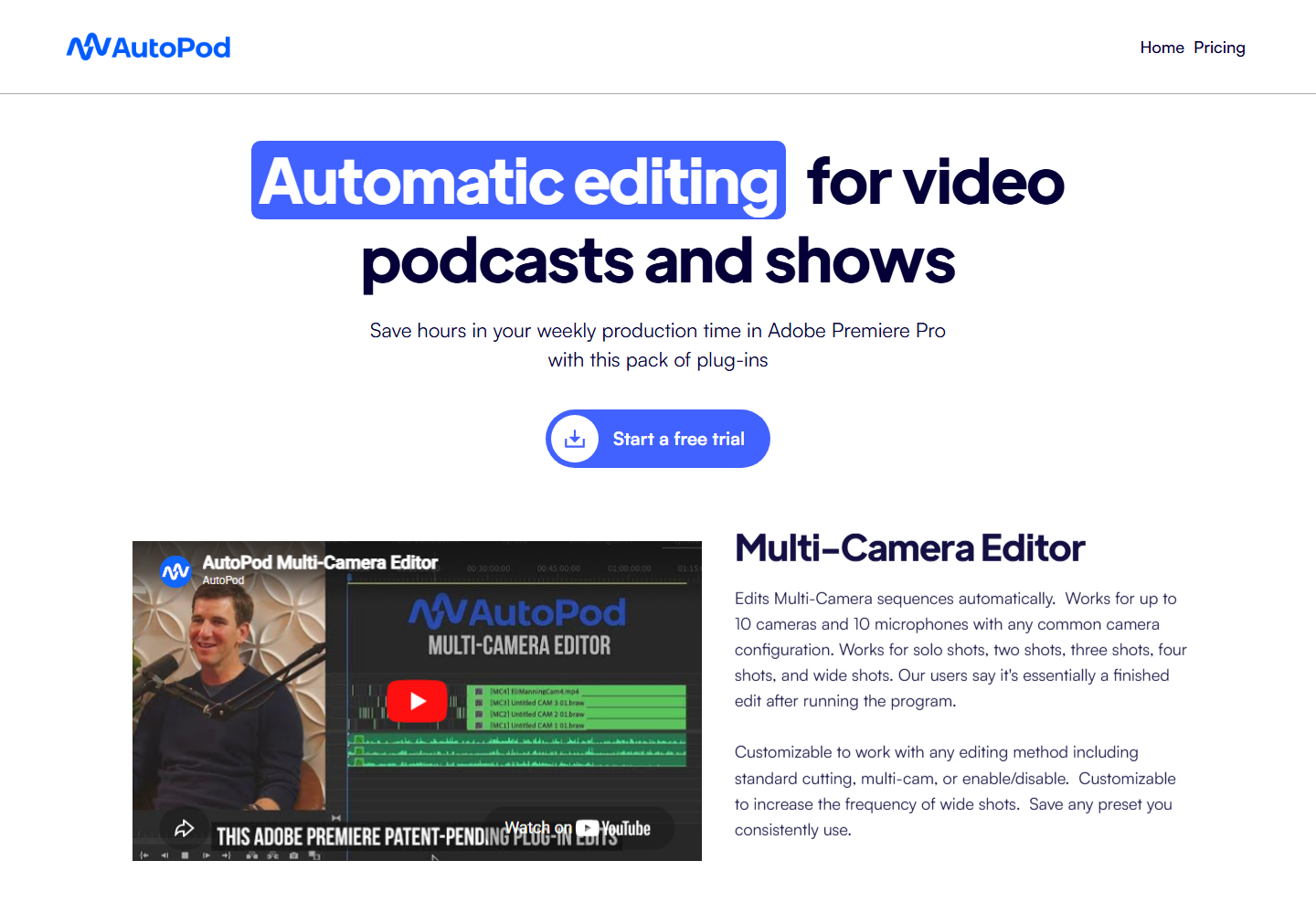
AutoPod is relevant for podcast editors working inside Premiere Pro. Its core appeal is automating work that can otherwise become repetitive in multicamera and jump-cut podcast timelines.
AutoPod is strongest for that specific timeline automation job. Znippet is broader for editors whose deliverable is a set of polished clips, not only a cut-down episode sequence.
FireCut
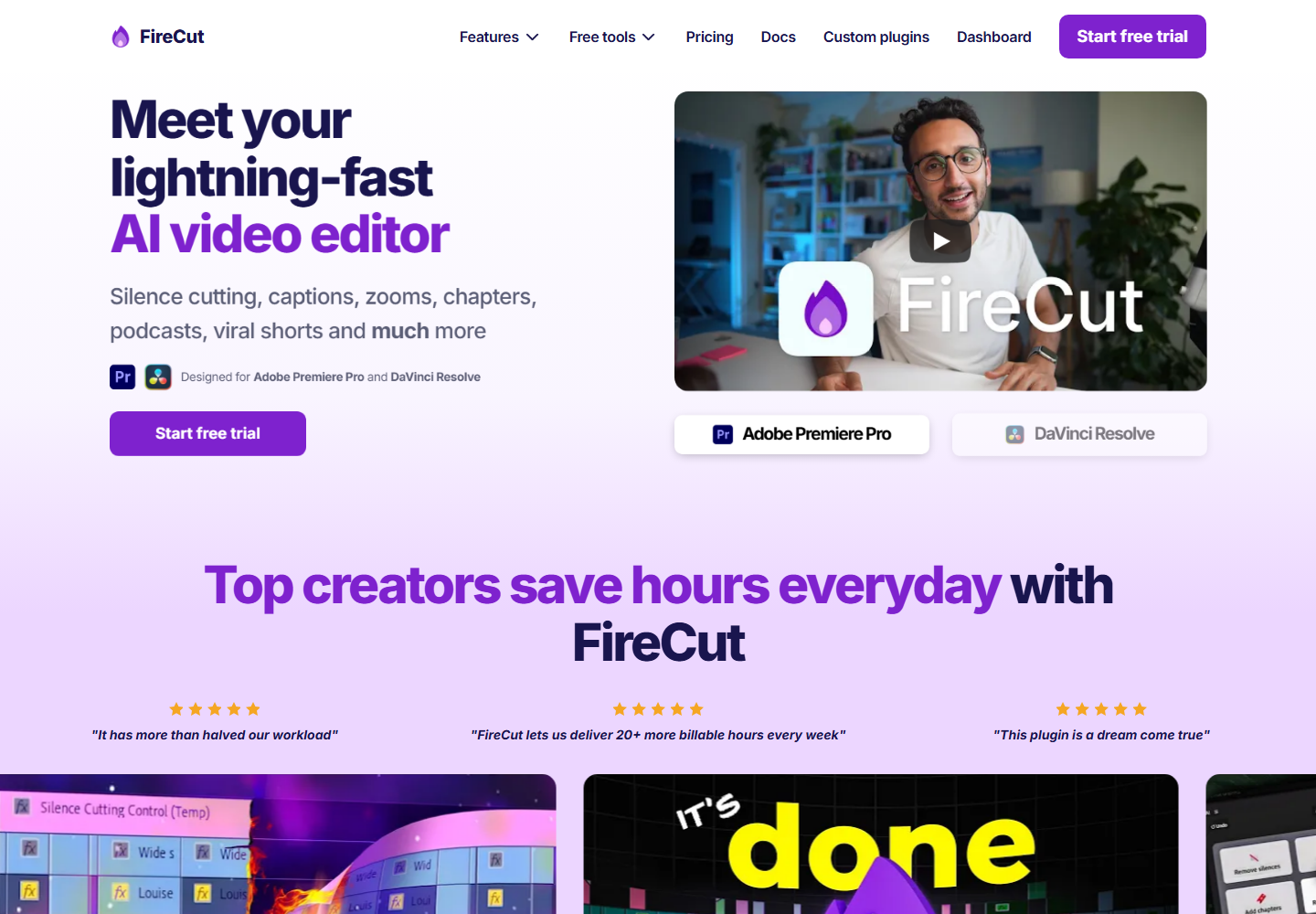
FireCut is another AI editing plugin option for editors who want to speed up repetitive work in professional NLE workflows.
It can be useful for automation inside the editor's existing environment. Znippet is the better fit when the task extends into clip discovery, captioning, and recurring social-video packaging.
Adobe Premiere Pro
Adobe Premiere Pro remains the baseline for professional timeline editing, color, audio handoffs, graphics, and delivery control.
Znippet does not need to replace Premiere to be valuable. It is useful because it reduces the repetitive prep and repurposing work around the editor's main timeline.
Descript

Descript can help editors or producers assemble speech-heavy content through a transcript before deeper finishing.
Premiere editors may still prefer timeline control for final work. Znippet fits when the transcript edit is not the main bottleneck and social-ready clips are.
Gling
Gling is aimed at speeding up talking-head editing by trimming silences, mistakes, and dead spots from creator footage.
It is a good candidate for rough-cut cleanup. Znippet is better when the editor needs polished, captioned, publishable short-form assets from a longer source.
OpusClip

OpusClip helps generate short-form candidates from long-form videos. It can be useful when the editor wants a fast first pass of possible highlights.
Znippet is stronger for editors who need a more controlled, repeatable production workflow after the AI has identified what might work.
Workflow comparison
An AutoPod workflow usually stays close to the Premiere timeline and automates edits inside that environment. A Znippet workflow is oriented around clip output: find the moment, tighten it, caption it, review it, and publish it.
Both approaches can be valid. The question is whether the deliverable is a better internal timeline or a finished set of short-form assets.
Best choice by scenario
| Scenario | Best choice |
|---|---|
| Multicamera podcast cuts inside Premiere | AutoPod |
| Repetitive Premiere automation | FireCut |
| Manual professional finishing | Adobe Premiere Pro |
| Transcript-first episode editing | Descript |
| Talking-head rough-cut cleanup | Gling |
| Fast clip ideas | OpusClip |
| Repeatable polished short-form output | Znippet |
Final recommendation
Choose AutoPod if your job is specifically automating podcast-style cuts inside Premiere Pro. Choose Znippet if your job is turning long-form footage into captioned, polished, social-ready clips again and again.
For Premiere Pro editors with recurring clip deliverables, Znippet is the better strategic fit because it focuses on the finished output, not only the timeline operation.
FAQ
Can Znippet and AutoPod be used together?
Yes. AutoPod can help with a podcast timeline, while Znippet can support clip selection, captions, and repurposing after the source is ready.
Is AutoPod only for Premiere Pro editors?
AutoPod is known primarily as a Premiere Pro plugin workflow, so it is most relevant to editors already working there.
Does Znippet replace Premiere Pro?
No. Znippet is best viewed as a focused AI production layer for clips and repurposing, not as a full NLE replacement.
Why no pricing comparison?
Pricing changes often. Check official product pages before making a purchase decision.
Sources and further reading
Background links used to check product details, terminology, and practical context.
- AutoPod
AutoPod
Official product page for the named Premiere Pro podcast editing competitor.
- FireCut
FireCut
Official product page for the named Premiere Pro automation competitor.
- Descript
Descript
Official product page for the named transcript-based editing competitor.
- Gling
Gling
Official product page for the named talking-head editing competitor.
- OpusClip
OpusClip
Official product page for the named AI clipping competitor.
- Adobe Premiere Pro
Adobe
Official Premiere Pro product page for professional editing workflow context.
- Working with captions in Premiere Pro
Adobe
Official Adobe documentation for caption workflows referenced in the article.
- Auto Reframe video for different social media channels
Adobe
Official Adobe documentation for resizing video across social formats.
- Create YouTube Shorts
YouTube Help
Platform guidance for short-form video publishing context.
- Add subtitles and captions
YouTube Help
Platform documentation for captions and subtitles.
- Instagram Reels
Instagram Creators
Official Instagram creator guidance for Reels distribution.
- Creating videos
TikTok Creator Portal
Official TikTok creator guidance for short-form video production.
- Captions/Subtitles
W3C Web Accessibility Initiative
Accessibility guidance for captions and subtitles.
- Disclosures 101 for Social Media Influencers
Federal Trade Commission
Official disclosure guidance relevant to branded social video workflows.
Keep comparing workflows
Related comparison guides
For podcast makers
Bring this workflow into your Premiere timeline
Use Znippet for Adobe Premiere Pro to find short-form moments, remove silences, add captions, and keep final control inside your existing edit.