

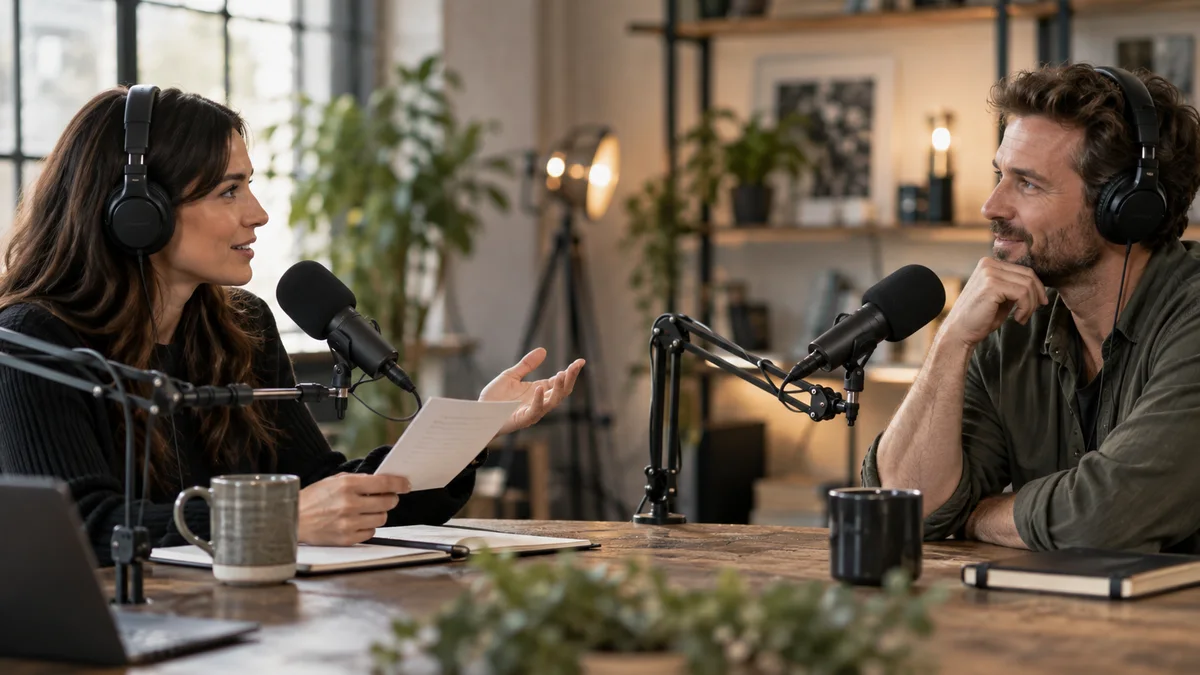
A podcast clip should include the interviewer's question when the answer depends on its scope, assumptions, or tone. Remove it only when a new viewer can identify the subject and understand the answer without guessing. A short answer is not automatically a self-contained answer.
Consider a hypothetical exchange: the host asks, "For a team publishing one episode a month, would you hire an editor?" The guest replies, "Probably not yet." Starting on the reply turns a narrow recommendation into something that sounds universal. The missing question contains most of the useful information.
Identify what the question contributes
Before cutting, write down the person, problem, and condition supplied by the question. Include distinctions such as beginners versus experienced teams, occasional versus weekly production, and audio-only versus video delivery. These details can change the recommendation.
Listen to the original exchange even if you found the passage through a transcript. Emphasis can reveal whether the guest is challenging the question or accepting it. Source transcription in Premiere helps locate dialogue; the recording remains the reference.
Use a marker to note the dependency. "Needs monthly publishing condition" is more useful than "good answer." It tells the next editor exactly what cannot disappear.
Choose one of three openings
| Opening | Use it when | Reject it when |
|---|---|---|
| Original question and answer | The wording or interaction matters | The host rambles and introduces unrelated topics |
| Brief editorial setup card | The premise can be summarized faithfully | The summary changes the assumption or attribution |
| Answer only | The guest restates the subject and condition | The answer begins with an unexplained yes, no, or comparison |
An editorial card is your wording. Do not style it as a quotation from the guest. "Does a monthly podcast need a dedicated editor?" preserves the example's scope. "Why hiring editors is a waste" changes both its meaning and emotional force.
If the host asks two questions and the guest answers only one, identify which one the clip resolves. A tidy opening that promises both answers creates an avoidable disappointment.
Find the shortest faithful boundary
Use source In and Out points to compare candidate starts. One may include the whole question; another may begin at the host's concise restatement. Keep enough of the reply to resolve any exception raised by the question.
For example, a guest might first say "not yet" and then explain that occasional help with a difficult multicamera episode is sensible. Ending before the exception produces a more dramatic clip but a worse buying lesson. Our broader guide to preserving a message covers that responsibility across formats.
The SPJ editorial code supports retaining context in summaries. It is a useful principle here, not a requirement to make every social clip look like a news report.
Check the opening as a viewer encounters it
Show the draft to someone who has not heard the episode. Ask them to state the question being answered. Do not supply a hint. If their version is broader than the original, restore the missing condition.
Watch the vertical export as well. Cropping can remove the host while their question is still audible, making the exchange confusing. Auto Reframe documentation explains the reframing workflow; it does not determine which speaker a viewer needs to see.
A setup card also needs time and contrast to be understood. Apply W3C's readable-content guidance and check that the spoken answer does not contradict the card. The title should promise the question actually resolved, consistent with YouTube's guidance on misleading metadata.
What to check before buying automation
This is Znippet's editorial guidance, not a completed product benchmark. When evaluating social snippet generation, check whether candidate boundaries can be reviewed and extended easily. Compare that effort with selecting a few passages manually; a low-volume interview may not need another tool.
For a larger podcast editing workflow, keep the original question attached to the review record. A related video on YouTube Shorts can offer the full discussion, but the short clip must still make sense by itself. Start with one ambiguous answer and make its question unmistakable.
Sources and further reading
Background links used to check product details, terminology, and practical context.
- Transcribe individual source files
Adobe
Locate spoken context in original source media before selecting an excerpt.
- Set In and Out points in the Source Monitor
Adobe
Adjust source boundaries to preserve a complete editorial unit.
- Overview of markers
Adobe
Record editorial context and review notes at identifiable source positions.
- SPJ Code of Ethics
Society of Professional Journalists
Editorial principles concerning context, fair representation, attribution and correction; not a legal standard.
- Audio Content and Video Content
W3C Web Accessibility Initiative
Keep essential visual and spoken information understandable when adapting a recording.
- Add Auto Reframe effect to sequences
Adobe
Review how reframing changes the visible information in a short excerpt.
- Spam, deceptive practices and scams policies
YouTube Help
Platform guidance relevant to misleading titles and thumbnails; not evidence of ranking outcomes.
- Add a related video to your YouTube Shorts
YouTube Help
Provide an onward route to the source recording for viewers who want depth.
Keep comparing workflows
Related comparison guides
For podcast makers
For Premiere Pro editors
Turn long-form footage into publishable clips
Use Znippet AI Shorts Maker to find strong moments, add readable captions, remove dead air, and export clips for Shorts, Reels, TikTok, and social channels.