

How to Define Quality Standards for Your Podcast
Define podcast quality standards with clear benchmarks for audio, editing, structure, publishing, clips, review cycles, and audience experience.
Last updated May 25, 2026. Comparison guidance is current as of 2026.
Summary
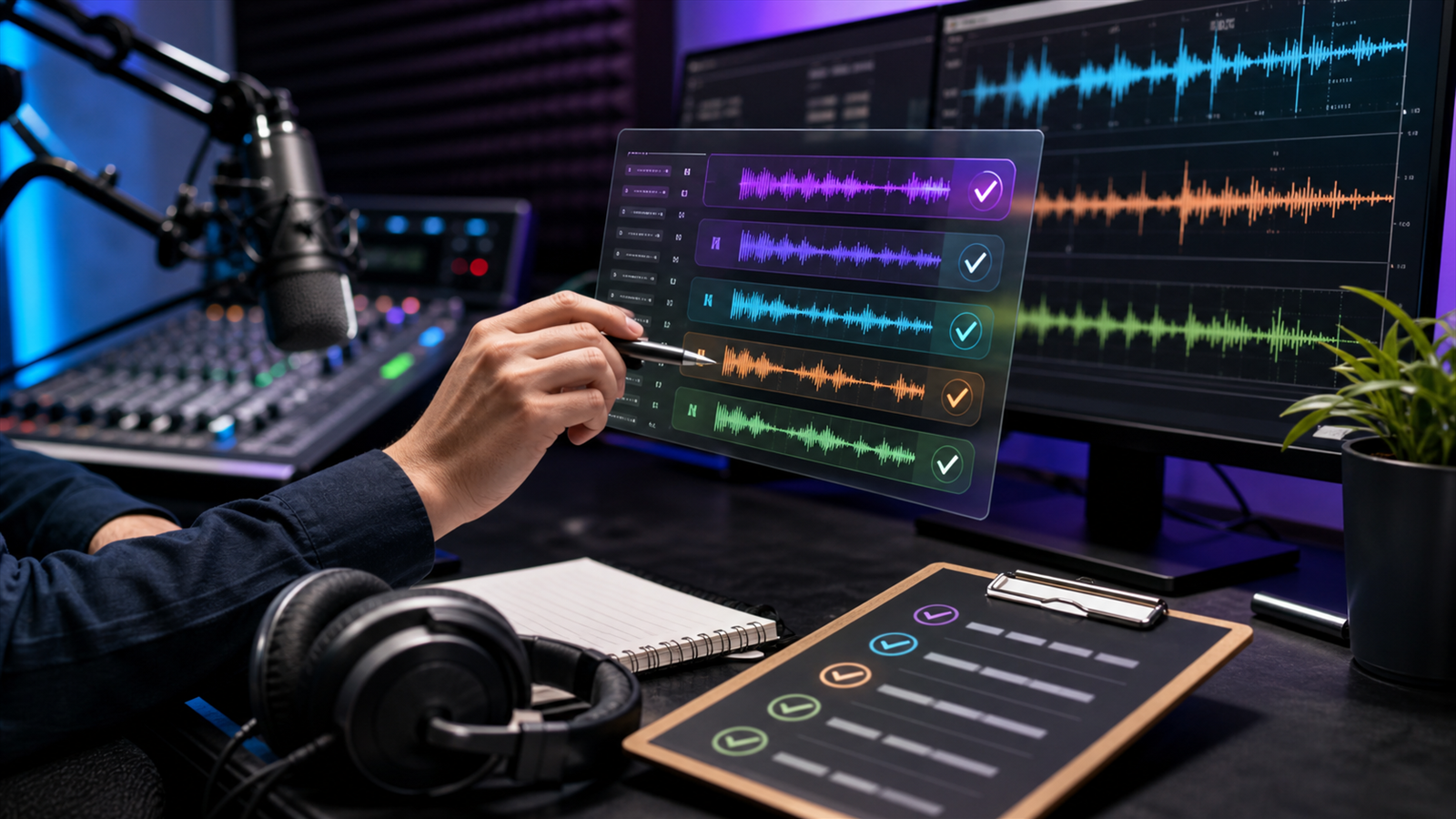
Podcast quality standards are the written rules that define what a finished episode must sound like, look like, include, and avoid before it is published. They help hosts, editors, producers, guests, and marketers judge quality consistently instead of relying on taste.
A useful standard covers audio clarity, pacing, episode structure, show notes, metadata, review steps, clip output, and publishing requirements. It should be specific enough to catch problems, but practical enough that your team can use it every week.
For repurposing, connect your standards to how to turn podcast episodes into blog posts and social content, the AI Shorts Maker, and your podcast workflow for creators. If you publish through Apple, check Apple's podcast requirements. For video podcast episodes on YouTube, review YouTube's podcast setup guidance.
Table of contents
- Quick answers
- Set the Listener Standard First
- Define Audio Standards
- Create Editing and Structure Rules
- Set Publishing and Asset Requirements
- Use a Review Checklist
- Znippet POV
- FAQ
Quick answers
- What are podcast quality standards? Written benchmarks for audio, editing, structure, metadata, publishing, and promotional assets.
- Who needs them? Any podcast with more than one person involved in recording, editing, approval, publishing, or marketing.
- What should the standard prevent? Inconsistent sound, rushed edits, missing assets, unclear show notes, late approvals, and clips that misrepresent the episode.
- How detailed should they be? Detailed enough that two editors can make similar decisions on the same episode.
Set the Listener Standard First
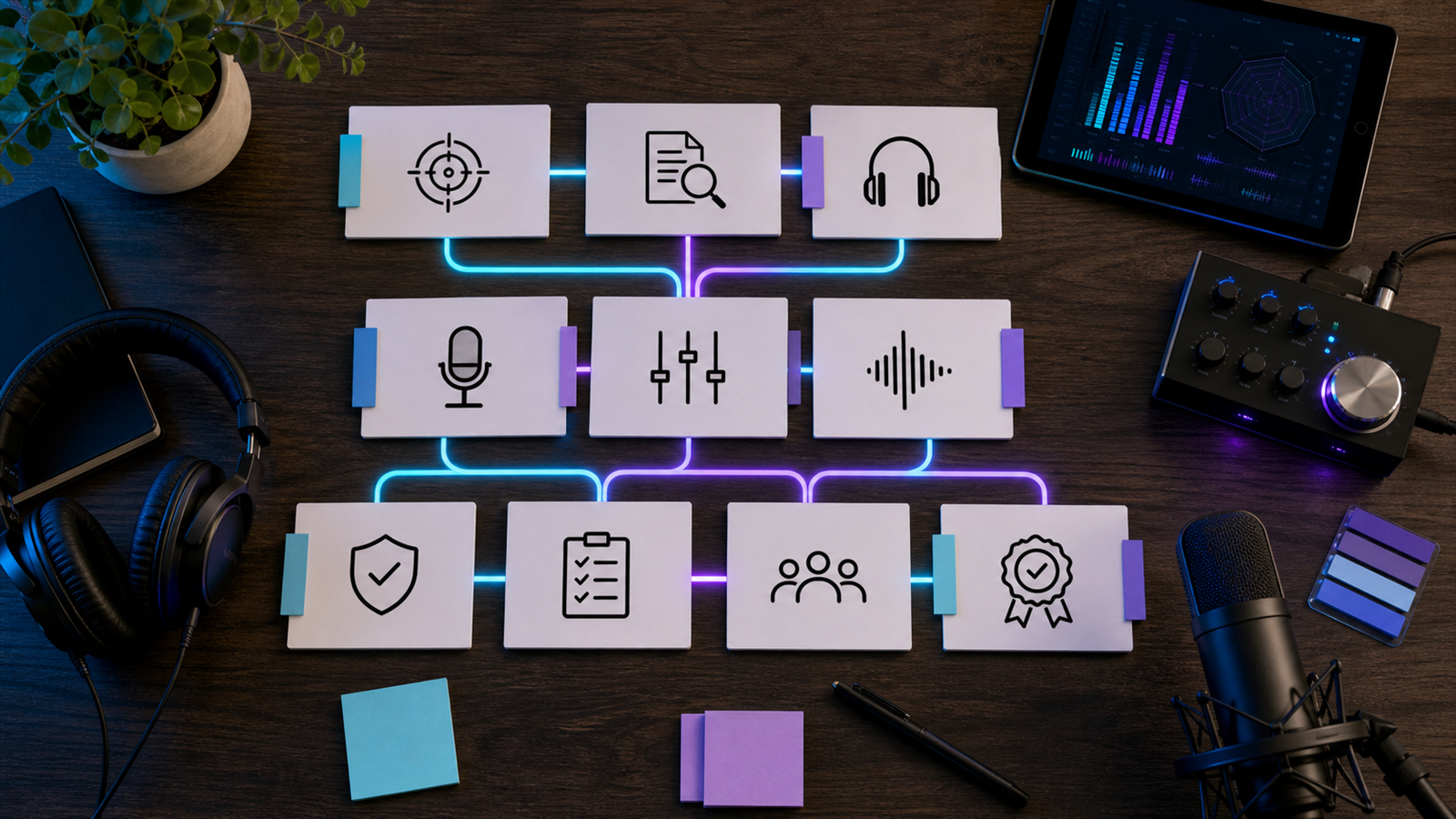
Start with the listener experience. A strong podcast quality standard answers one question: what must be true before a listener trusts this show with their time?
Define your baseline in plain language:
- The host and guest are easy to understand.
- The episode has a clear topic and payoff.
- The intro does not waste time.
- Edits remove distractions without making the conversation feel artificial.
- The title, description, and clips accurately represent the episode.
This prevents quality from becoming a debate about personal preferences. The standard is not "make it sound premium." It is a checklist of things the audience should experience reliably.
Define Audio Standards
Audio standards should cover clarity, consistency, and avoidable distractions. You do not need to make every show sound like a studio documentary, but you do need a predictable floor.
Use standards like:
- Voices are intelligible on phone speakers and headphones.
- Background noise is reduced when it distracts from the speaker.
- Volume changes between speakers are not jarring.
- Long silences, repeated stumbles, and accidental interruptions are handled intentionally.
- Music and ads do not overpower speech.
For technical editing, Adobe's Audition user guide is a useful reference for common audio repair and mixing workflows. For social versions, pair audio standards with captions, silence removal, and short-form video so clips are watchable without sound.
Create Editing and Structure Rules
Editing standards should explain what stays, what goes, and what needs approval. This is where many teams lose consistency because one editor may preserve every pause while another cuts aggressively.
Define rules for:
- Intro length.
- Sponsor or call-to-action placement.
- Filler word removal.
- Tangent handling.
- Guest mistake corrections.
- Host retakes.
- Music, transitions, and outro format.
A practical rule might be: remove false starts and distracting repetition, but keep natural pauses when they help the speaker sound thoughtful. That gives editors room to use judgment while protecting the show's voice.
Set Publishing and Asset Requirements
Quality standards should include everything needed to publish the episode, not only the edited audio file. A finished podcast package usually includes the final episode, title, description, episode artwork if needed, transcript, chapters or timestamps, clips, captions, and platform-ready metadata.
For podcast platforms, check official requirements before making your checklist final. Apple publishes podcast metadata and asset requirements, and YouTube explains how podcasts work inside YouTube Studio in its podcast help documentation.
If your team repurposes every episode, document the required outputs in the same standard: vertical clips, caption files, quote posts, newsletter summary, and blog draft. The content repurposing workflow guide can help turn that into a repeatable system.
Use a Review Checklist
Your quality standard should end with a checklist that reviewers can complete quickly. Keep it specific:
- Audio is clear on headphones and phone speakers.
- Intro matches the episode topic.
- No major factual issue remains uncorrected.
- Sponsor reads and calls to action are present.
- Title and description match the actual content.
- Clips do not distort the speaker's meaning.
- Files are named consistently and delivered to the right folder.
- Publishing metadata meets platform requirements.
Reviewers should mark issues by severity. A minor mouth click should not block a launch. A wrong guest title, missing sponsor read, or misleading clip should.
Znippet POV
Podcast quality standards should include the assets that help an episode travel, not only the final audio or video file. If the show relies on clips for discovery, define what a good clip must do: preserve context, caption the speaker accurately, avoid misleading cuts, fit the platform crop, and point back to the episode or campaign goal.
Znippet fits this part of the workflow by helping turn long episodes into reviewable short-form clips. The standard still belongs to the team. Use it to decide which clips are publishable, which need edits, and which should be rejected because the moment is too dependent on missing context.
FAQ
What is a good podcast quality standard?
A good podcast quality standard defines the minimum acceptable listener experience and the required production outputs. It includes audio clarity, structure, editing rules, metadata, review steps, and promotional assets.
Should quality standards be different for every show?
Yes. A narrative show, interview show, solo expert show, and video podcast need different editing and asset rules. The standard should match the format and audience expectation.
How often should podcast standards be updated?
Review them quarterly or whenever the show format, publishing platforms, team, sponsor requirements, or repurposing workflow changes.
Sources and further reading
Background links used to check product details, terminology, and practical context.
- Runway official website
Runway
Used as background context for product details, platform requirements, or workflow comparison.
- Pika official website
Pika
Used as background context for product details, platform requirements, or workflow comparison.
- Kling AI official website
Kling AI
Used as background context for product details, platform requirements, or workflow comparison.
- Canva official website
Canva
Used as background context for product details, platform requirements, or workflow comparison.
- Adobe Premiere Pro official product page
Adobe
Used as background context for product details, platform requirements, or workflow comparison.
- Adobe Audition user guide
Adobe
Used as background context for product details, platform requirements, or workflow comparison.
- OpusClip official website
OpusClip
Used as background context for product details, platform requirements, or workflow comparison.
- vidyo.ai official website
vidyo.ai
Used as background context for product details, platform requirements, or workflow comparison.
- Descript official website
Descript
Used as background context for product details, platform requirements, or workflow comparison.
- VEED official website
VEED
Used as background context for product details, platform requirements, or workflow comparison.
- Kapwing official website
Kapwing
Used as background context for product details, platform requirements, or workflow comparison.
- Submagic official website
Submagic
Used as background context for product details, platform requirements, or workflow comparison.
- Captions official website
Captions
Used as background context for product details, platform requirements, or workflow comparison.
- CapCut official website
CapCut
Used as background context for product details, platform requirements, or workflow comparison.
- Riverside official website
Riverside
Used as background context for product details, platform requirements, or workflow comparison.
- Apple Podcasts requirements
Apple Podcasts for Creators
Used as background context for product details, platform requirements, or workflow comparison.
- YouTube Help: Create a podcast on YouTube
YouTube Help
Used as background context for product details, platform requirements, or workflow comparison.
- YouTube Help: Create YouTube Shorts
YouTube Help
Used as background context for product details, platform requirements, or workflow comparison.
- YouTube Help: Altered or synthetic content disclosure
YouTube Help
Used as background context for product details, platform requirements, or workflow comparison.
- YouTube Help: YouTube channel monetization policies
YouTube Help
Used as background context for product details, platform requirements, or workflow comparison.
- W3C: Captions and subtitles
W3C
Used as background context for product details, platform requirements, or workflow comparison.
- FTC: Advertising and marketing guidance
Federal Trade Commission
Used as background context for product details, platform requirements, or workflow comparison.
Keep comparing workflows
Related comparison guides
Turn long-form footage into publishable clips
Use Znippet AI Shorts Maker to find strong moments, add readable captions, remove dead air, and export clips for Shorts, Reels, TikTok, and social channels.