

Premiere Pro Plugins for Syncing Video to Music Automatically
Explore Premiere Pro plugins that sync video to music, detect beats, align cuts, build montages, and speed up short-form editing for creators.
Last updated May 25, 2026. Comparison guidance is current as of 2026.
Summary
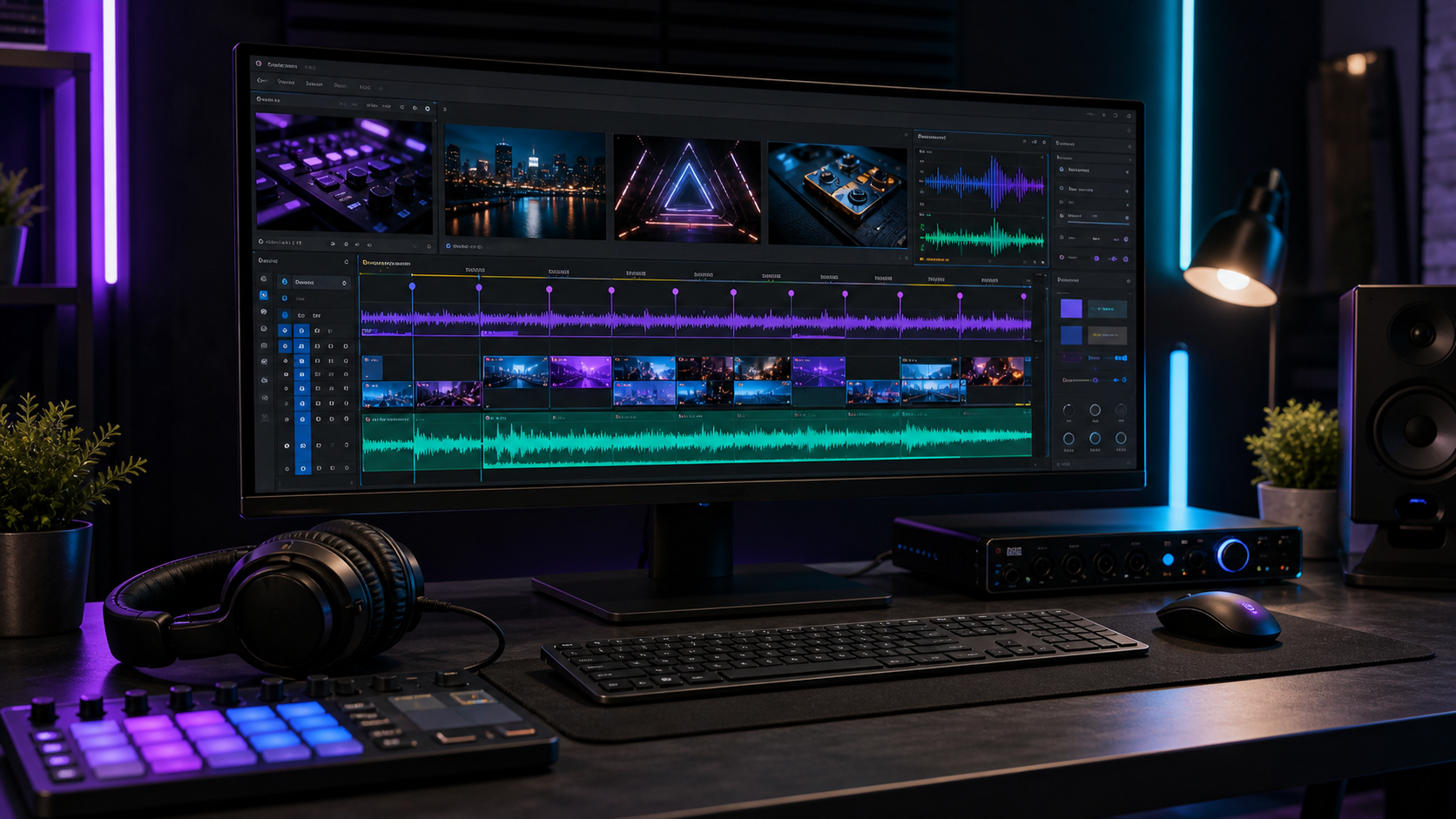
Premiere Pro music sync plugins can detect beats, place markers, align clips, suggest cut points, and speed up montage assembly. They work best when editors choose strong story moments first, then use automation for repetitive timing and rhythm work.
Znippet can help before the music-sync stage by identifying tighter short-form source moments that are easier to sync and polish.
Table of contents
- What automatic music sync plugins do
- Features worth looking for
- How to prepare footage
- A practical workflow in Premiere Pro
- Common problems and fixes
- When not to automate the sync
- FAQ
Quick answers
- Can Premiere Pro plugins sync video to music automatically? Yes. They can detect beats, create markers, align clips, and help build a faster first montage pass.
- Are beat sync plugins always accurate? They are often accurate on clear, percussive music, but soft rhythms, tempo changes, and complex intros usually need manual adjustment.
- Should every cut land on a beat? No. Beat cuts can create rhythm, but too many can feel repetitive.
- Where does Znippet fit? Znippet can help identify strong source moments before automatic music syncing, making the timing pass more useful.
Premiere Pro plugins can help sync video to music automatically by detecting beats, placing markers, aligning clips, and speeding up montage assembly. They work best when you still choose the story moments, then let automation handle repetitive timing.
What automatic music sync plugins do
Music sync plugins analyze an audio track and identify beats, downbeats, peaks, or rhythm changes. Some create markers, while others can place clips, trim edits, or suggest cut points.
This is useful for highlight reels, social videos, event recaps, product promos, travel edits, fitness clips, and creator montages. Any format with repeated visual beats can benefit.
The best tools do not remove editorial judgment. They give you a faster starting point, then you refine shot order, emotional timing, and visual flow.
For adjacent editing options, compare this with Premiere Pro music editing plugins and Premiere Pro plugins vs manual editing.
Features worth looking for
Beat detection is the core feature, but marker control matters. You should be able to choose whether the plugin marks every beat, only stronger beats, or custom rhythm intervals.
Clip placement options are useful if you build music-driven edits from many selects. Look for controls for minimum clip duration, sequence order, randomization, and handling vertical or horizontal footage.
Good plugins also let you adjust after analysis. Music sync is rarely perfect on the first pass, especially with tracks that have soft drums, tempo changes, or complex intros.
How to prepare footage
Choose selects before running automation. A plugin cannot know which shot has the best expression, product angle, or story value if you give it an unfiltered bin.
Sort clips into rough groups such as intros, action, reactions, details, and endings. Then automatic syncing has better material to work with.
Trim obvious dead space from your selects. Beat sync tools perform better when each source clip already contains usable action.
A practical workflow in Premiere Pro
Start by laying down the music and marking the main sections: intro, build, drop, bridge, and ending. Then let the plugin detect beats inside those sections.
Adobe's official guide to markers in Premiere Pro is a useful reference if you want to understand the manual version of this workflow.
Build a first pass with automation, but watch it without looking at the timeline. If the edit feels mechanical, vary shot length and let important moments breathe.
For short-form clips, Znippet for Adobe Premiere Pro can help identify strong source moments before the music sync stage. That makes the automated timing pass more useful because the input footage is already tighter.
If you want that preparation step inside the editor, start with the Premiere Pro plugin page.
Common problems and fixes
If the edit feels too fast, reduce marker density or allow longer clip durations. Not every beat needs a cut.
If the first beat is wrong, set a manual starting marker. Many tracks have intros that confuse automatic analysis.
If the montage lacks meaning, rebuild the order around story. Music sync can create rhythm, but it cannot decide why a viewer should care.
When not to automate the sync
Skip full automation when the edit depends on emotion, dialogue timing, comedy, product detail, or a client-approved story order. In those cases, use markers as a guide and place the important cuts manually.
Automatic syncing is most useful after the selects are already strong. If the footage is weak, a beat-matched montage may look busy while still failing to communicate anything useful.
FAQ
Can Premiere Pro sync cuts to music without plugins?
Yes, you can place markers manually and cut to them. Plugins mainly save time by detecting beats and building a faster first pass.
Are beat sync plugins accurate?
They are often accurate on clear, percussive music. Tracks with soft rhythm, tempo changes, or complex arrangements usually need manual adjustment.
Should every cut land on a beat?
No. Cutting every beat can feel repetitive. Use beats for structure, then vary timing for emphasis, emotion, and clarity.
Sources and further reading
Background links used to check product details, terminology, and practical context.
- Adobe Premiere Pro official product page
Adobe
Used as background context for product details, platform requirements, or workflow comparison.
- Premiere Pro user guide
Adobe Help Center
Used as background context for product details, platform requirements, or workflow comparison.
- Add markers in Premiere Pro
Adobe Help Center
Used as background context for product details, platform requirements, or workflow comparison.
- Editing audio in Premiere Pro
Adobe Help Center
Used as background context for product details, platform requirements, or workflow comparison.
- Adobe Exchange for Premiere Pro
Adobe Exchange
Used as background context for product details, platform requirements, or workflow comparison.
- Motion Array official website
Motion Array
Used as background context for product details, platform requirements, or workflow comparison.
- FireCut official website
FireCut
Used as background context for product details, platform requirements, or workflow comparison.
- AutoPod official website
AutoPod
Used as background context for product details, platform requirements, or workflow comparison.
- Gling official website
Gling
Used as background context for product details, platform requirements, or workflow comparison.
Keep comparing workflows
Related comparison guides
Bring this workflow into your Premiere timeline
Use Znippet for Adobe Premiere Pro to find short-form moments, remove silences, add captions, and keep final control inside your existing edit.