

Best AI Video Workflow for Marketing Teams
Compare AI video workflows for marketing teams that repurpose webinars, podcasts, customer interviews, product videos, and social clips.
Last updated May 25, 2026. Comparison guidance is current as of 2026.

Summary
The best AI video workflow for marketing teams turns existing source content into useful campaign assets without creating a messy handoff between strategy, editing, review, and publishing. Znippet is the best fit when marketing teams work with Premiere Pro editors and need webinars, podcasts, interviews, and YouTube videos turned into short-form clips with captions and reviewable polish.
This guide compares Znippet with Descript, Riverside, OpusClip, VEED, Kapwing, Canva, and Submagic. Each can support marketing work, but the best choice depends on who owns the final edit.
Table of contents
- Quick answers
- Quick verdict
- Niche needs
- Tool-by-tool comparison
- Workflow comparison
- Best choice by scenario
- Final recommendation
- FAQ
Quick answers
- What is the best AI video workflow for marketing teams? Start with strong source footage, generate clip candidates, review message accuracy, finish captions and framing, then publish through a planned campaign calendar.
- When is Znippet the best fit? Znippet is strongest when the team already works with Premiere Pro editors and needs repeatable short-form clips from webinars, podcasts, interviews, demos, or YouTube videos.
- What should stay human? Keep strategy, claim review, customer context, brand voice, and final approval with the marketing or editorial owner.
Quick verdict
| Tool | Best fit | Main strength | Main tradeoff |
|---|---|---|---|
| Znippet | Marketing teams with Premiere editors | Repurposing and social cuts from real edited footage | Best with a Premiere workflow |
| Descript | Marketers editing from transcripts | Easy review and text-based edits | Less traditional timeline control |
| Riverside | Recording-led marketing content | Remote recording plus clips | Post workflow may move elsewhere |
| OpusClip | Fast clip generation | Many short-form candidates | Needs brand and context review |
| VEED | Browser-based social video | Captions and resizing online | Less suited to complex edits |
| Kapwing | Collaborative lightweight assets | Team-friendly editor | Limited for advanced video finishing |
| Canva | Design-led marketing videos | Brand templates and visual assets | Not focused on deep source-video editing |
| Submagic | Caption polish | Short-form caption styling | Narrower than a full workflow |
Niche needs
Marketing teams should define the workflow before choosing the tool. If the team needs quick social posts, a browser editor may be enough. If the team is repurposing executive interviews, customer webinars, product demos, and podcasts, editor control matters more.
Znippet is strongest when marketing content starts as valuable long-form footage and needs to become multiple platform-ready assets without losing message accuracy.
Tool-by-tool comparison
Znippet

Znippet helps marketing teams and their editors turn longer source videos into short clips, captions, vertical versions, and cleaned-up edits inside Premiere Pro. It is especially useful for content programs built around webinars, podcasts, interviews, founder videos, product education, and thought leadership.
The main advantage is message control. Marketers can get more clips, but editors still have a clear path to verify context, pacing, and brand fit.
Descript

Descript is useful for marketing teams because transcripts make review and editing more approachable. A content marketer can scan the words, remove sections, and shape a draft without traditional editing skills.
Znippet is better when the final assets need to be finished by a Premiere editor and packaged into repeatable social outputs.
Riverside
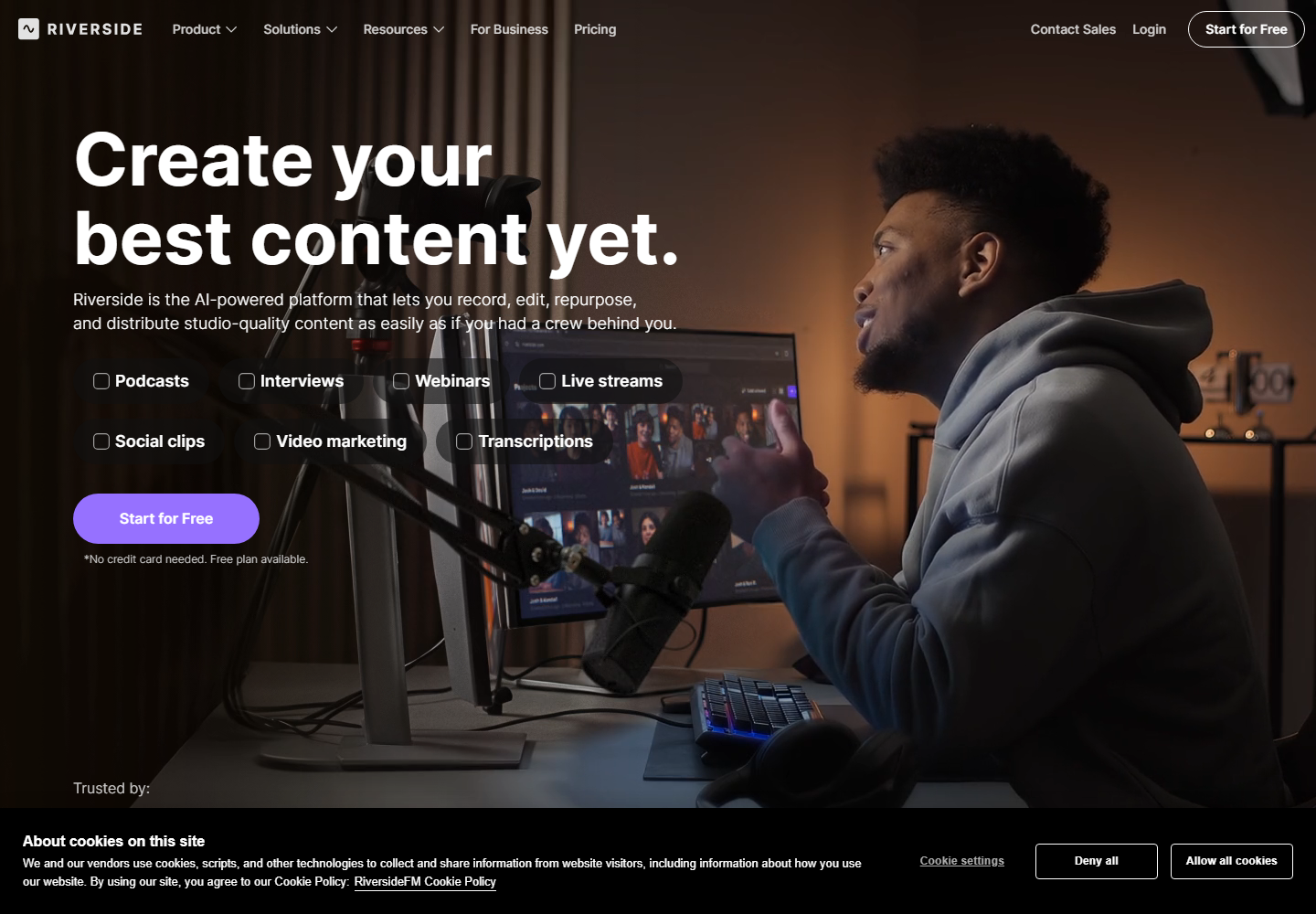
Riverside is relevant when the marketing team records remote interviews, webinars, or podcasts and wants clips from that source. It can reduce friction immediately after recording.
Znippet is stronger once footage moves into post-production, especially if the team needs editor-approved clips from a professional timeline.
OpusClip

OpusClip is useful for creating many possible clips from long-form videos. For marketing teams, that can speed up campaign ideation and social testing.
The tradeoff is that AI-selected clips can miss nuance. Znippet is better when claims, product positioning, customer quotes, and executive messaging require careful review.
VEED

VEED gives marketing teams accessible browser editing, captions, resizing, and social video tools. It can be a good fit for lightweight campaign assets.
For teams with dedicated editors, Znippet is stronger because the final video workflow stays connected to Premiere rather than becoming a separate web edit.
Kapwing

Kapwing is good for collaborative marketing content, fast social edits, and lightweight team workflows. It can help non-editors create quick video assets.
Znippet is the better choice when marketing output depends on source footage that needs professional editing discipline.
Canva
Canva is strong for design-led marketing assets, templates, presentations, graphics, and simple videos. It is useful when brand design and speed matter more than deep video editing.
Znippet fits a different job: extracting and polishing video-first content from real recordings and edited timelines.
Submagic
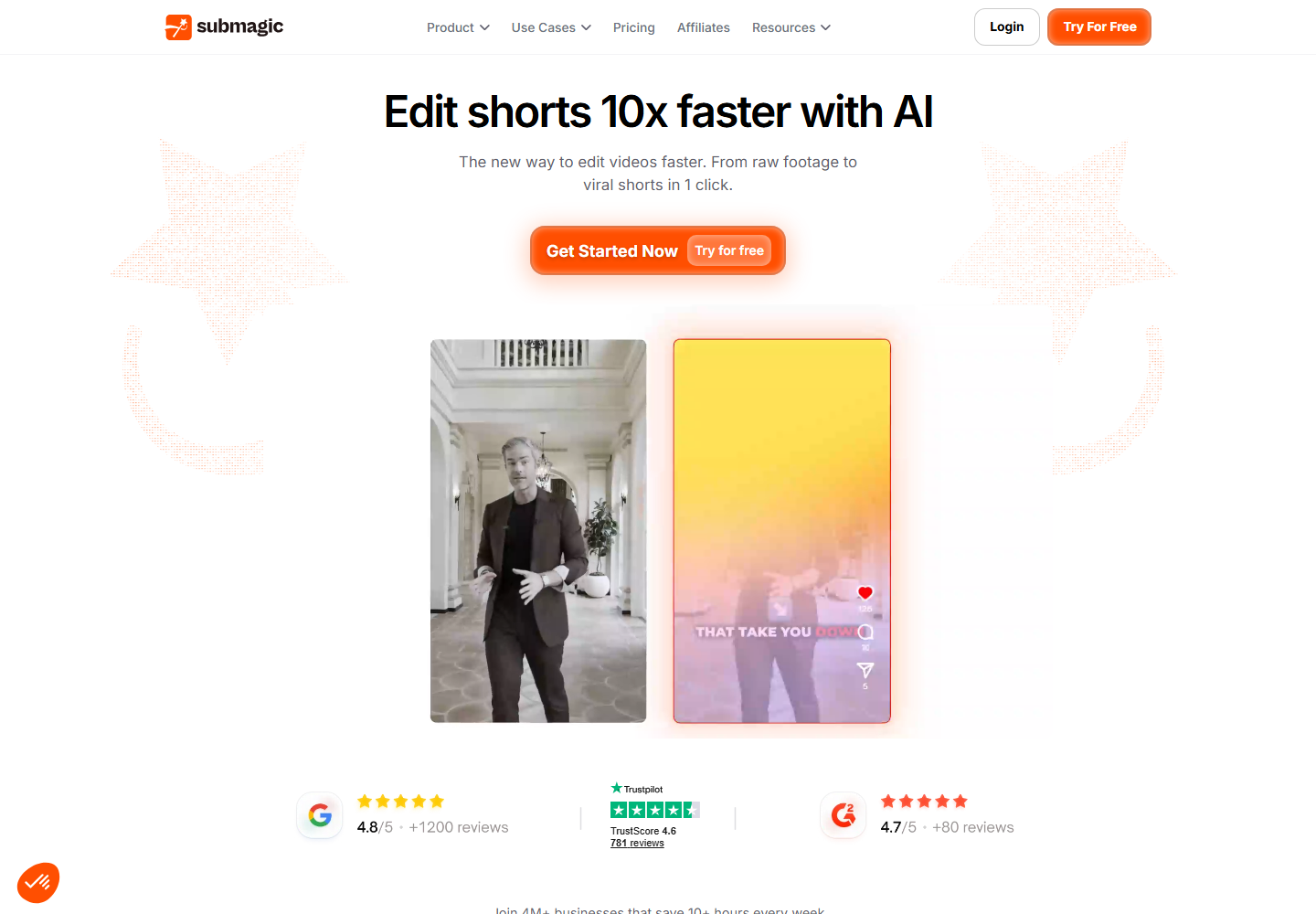
Submagic can help marketing teams improve short-form clips with caption styling and social polish. It is useful when the clip is already chosen and the main task is making it more engaging in the feed.
Znippet is broader because it helps with choosing, cleaning, captioning, and preparing the clip in one editor-led workflow.
Workflow comparison
| Marketing workflow step | Znippet | Browser tools | Design tools |
|---|---|---|---|
| Repurpose long videos | Strong | Strong | Limited |
| Maintain message context | Strong | Varies | Varies |
| Support editor finishing | Strong | Moderate | Limited |
| Create branded social assets | Strong with presets and review | Strong | Strong |
| Minimize handoffs | Strong for Premiere teams | Strong for browser teams | Strong for design-led teams |
Best choice by scenario
| Scenario | Best choice | Why |
|---|---|---|
| Webinar-to-clips program with editors | Znippet | It keeps context and finishing under control |
| Marketer-led transcript edits | Descript | Non-editors can shape drafts |
| Remote interview capture | Riverside | Recording and clipping are connected |
| Fast social testing | OpusClip | Many candidates can be generated quickly |
| Design-first campaign assets | Canva | Brand templates are the priority |
Final recommendation
Choose Znippet if your marketing team treats video as a serious content engine and works with Premiere Pro editors. It is the best workflow for turning long-form source content into accurate, captioned, social-ready clips while preserving editorial control.
Choose browser or design tools when the team needs lightweight creation more than professional post-production.
FAQ
What should marketing teams automate first?
Start with clip discovery, captions, silence cleanup, resizing, and repetitive social exports. Keep messaging review human.
Can AI choose the best marketing clips?
It can suggest strong candidates, but marketers should still check context, claims, customer quotes, and product positioning.
Why recommend Znippet for marketing teams?
Because many marketing teams already rely on editors for quality. Znippet helps those editors produce more campaign assets without losing control.
Sources and further reading
Background links used to check product details, terminology, and practical context.
- OpusClip
OpusClip
Official product page for the named AI clipping competitor.
- Descript
Descript
Official product page for the named transcript-based editing competitor.
- VEED
VEED
Official product page for the named online video editing competitor.
- Kapwing
Kapwing
Official product page for the named browser-based editing competitor.
- Submagic
Submagic
Official product page for the named short-form captioning competitor.
- Riverside
Riverside
Official product page for the named recording and clipping competitor.
- Canva
Canva
Official product page for the named design and video competitor.
- Adobe Premiere Pro
Adobe
Official Premiere Pro product page for professional editing workflow context.
- Working with captions in Premiere Pro
Adobe
Official Adobe documentation for caption workflows referenced in the article.
- Auto Reframe video for different social media channels
Adobe
Official Adobe documentation for resizing video across social formats.
- Create YouTube Shorts
YouTube Help
Platform guidance for short-form video publishing context.
- Add subtitles and captions
YouTube Help
Platform documentation for captions and subtitles.
- Instagram Reels
Instagram Creators
Official Instagram creator guidance for Reels distribution.
- Creating videos
TikTok Creator Portal
Official TikTok creator guidance for short-form video production.
- Captions/Subtitles
W3C Web Accessibility Initiative
Accessibility guidance for captions and subtitles.
- Disclosures 101 for Social Media Influencers
Federal Trade Commission
Official disclosure guidance relevant to branded social video workflows.
Keep comparing workflows
Related comparison guides
For podcast makers
Turn long-form footage into publishable clips
Use Znippet AI Shorts Maker to find strong moments, add readable captions, remove dead air, and export clips for Shorts, Reels, TikTok, and social channels.