

Podcast Production Timeline: What's Realistic?
A practical podcast production timeline with realistic ranges for recording, editing, review, publishing, clips, and promotion.
Last updated May 25, 2026. Comparison guidance is current as of 2026.
Summary
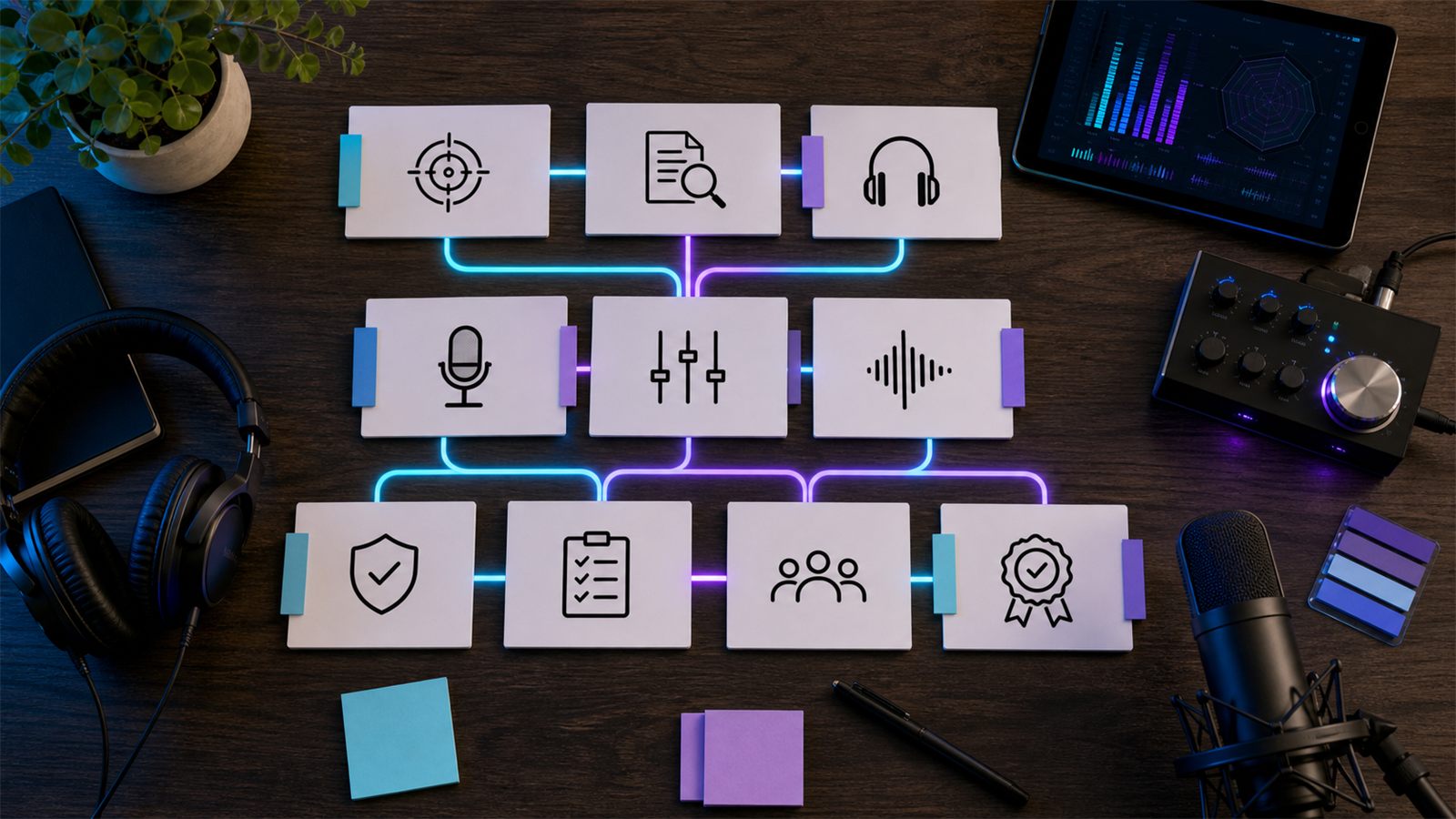
A realistic podcast production timeline is usually 3 to 7 business days after recording for a standard edited episode, and 7 to 14 business days when you include video, clips, show notes, approvals, and guest review. Rush timelines are possible, but they require fewer revision rounds, cleaner source files, and clear ownership.
For teams that publish clips alongside episodes, the timeline should include repurposing work for AI Shorts Maker, podcast-specific workflows on For Podcasters, and a repeatable process like building a content repurposing workflow.
Table of contents
- Quick answers
- Typical podcast production timeline
- What changes the timeline?
- Timeline by episode type
- How to avoid delays
- Znippet POV
- When a rush edit is realistic
- FAQ
Quick answers
- How long does podcast production take? A clean audio episode often takes 3 to 5 business days. A video podcast with clips, captions, and approvals often takes 7 to 14 business days.
- What slows production most? Bad audio, missing files, unclear edit notes, late approvals, and too many stakeholders.
- What is a safe weekly workflow? Record early in the week, send assets the same day, review the first cut within 24 hours, and schedule publishing at least one day after approval.
Typical podcast production timeline
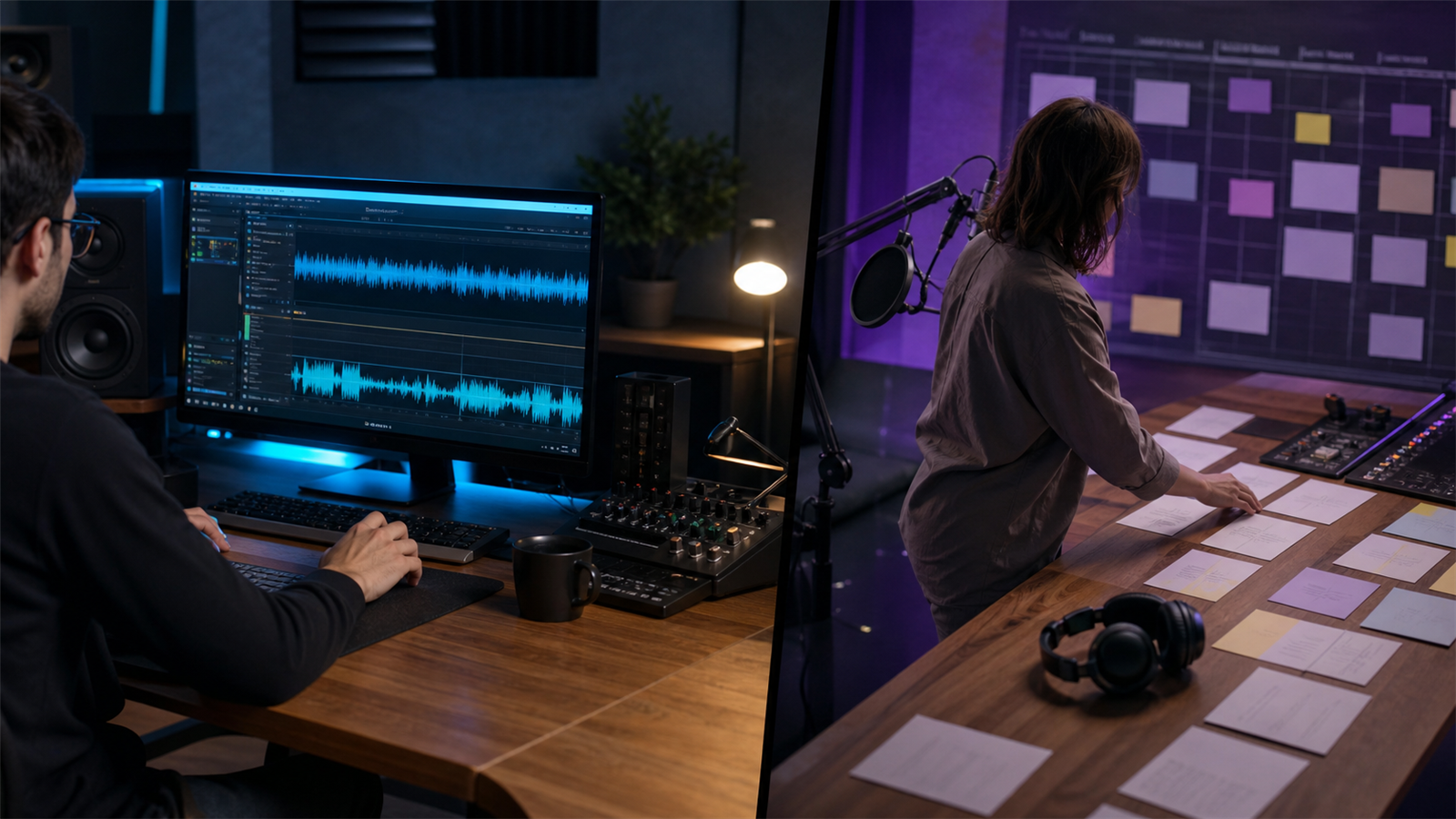
For a standard interview podcast, plan around this sequence:
- Recording and file upload: same day.
- Audio cleanup and edit: 1 to 3 business days.
- Show notes, title, and description: 1 business day.
- Internal review: 1 to 2 business days.
- Revisions and final export: 1 business day.
- Publishing and clip creation: 1 to 3 business days.
The work can overlap, but approval cannot. If the editor is waiting on notes, missing tracks, guest spellings, or sponsor copy, the clock stops.
What changes the timeline?
The biggest timeline drivers are source quality, episode length, number of speakers, video requirements, revision policy, and whether the team also needs short-form assets. A 25-minute solo episode with clean audio is very different from a 90-minute remote panel with separate audio, camera files, screen share, intro music, and sponsor reads.
Distribution details matter too. Apple lists technical and metadata expectations in its podcast requirements, and video episodes published on YouTube should follow YouTube's podcast playlist guidance. Build those checks into the timeline instead of treating them as last-minute admin.
Timeline by episode type
A lightly edited audio-only episode can often be finished in 2 to 4 business days if the files are organized. A polished interview with music, cleanup, show notes, and one revision round is usually 3 to 7 business days.
A video podcast usually needs 5 to 10 business days because the edit includes sync, camera switching, color checks, captions, thumbnails, and exports for multiple platforms. If you also need Shorts, Reels, or TikToks, add 1 to 4 business days or use a workflow connected to captions and silence removal.
How to avoid delays
Send every asset in one folder: audio, video, intro, outro, music license notes, guest names, sponsor copy, and reference links. Include the target publishing date, desired edit style, must-remove moments, and whether the episode needs clips.
Use one decision maker for feedback. Consolidated notes are faster than conflicting comments from the host, producer, guest, and marketer. If pricing or service scope is part of the issue, review Pricing before the edit begins so expectations are clear.
Znippet POV
Podcast timelines become more realistic when teams separate the episode edit from the repurposing pass. The full episode needs clarity, structure, audio quality, and approval. Clips need fast openings, readable captions, clean framing, and platform-specific exports.
Znippet is useful because it helps turn the approved source into short-form assets without forcing the team to manually search the whole recording again. The practical planning move is to reserve a repurposing block after the main episode is approved, then use AI assistance to speed up candidate selection and captioned clip preparation.
That keeps clips from delaying the main episode while still making them part of the production system.
When a rush edit is realistic
A rush edit is realistic when the episode is short, audio is clean, the brief is complete, and revisions are limited. It is not realistic when the team wants heavy cleanup, narrative restructuring, detailed clips, guest approval, and same-day publishing.
If rush work is common, the process needs a standing production calendar. A predictable queue is better than treating every episode as urgent.
FAQ
Can a podcast be edited in 24 hours?
Yes, but only for simple episodes with clean files, a clear brief, and limited revisions. For polished work, 3 to 7 business days is more realistic.
Should clips be made before or after episode approval?
Usually after the main episode edit is approved. That prevents clips from being made from sections that later get cut.
How much buffer should a weekly podcast keep?
Keep at least one approved episode ready ahead of schedule. Two episodes is better for shows with guests, sponsors, or video.
Sources and further reading
Background links used to check product details, terminology, and practical context.
- Runway official website
Runway
Used as background context for product details, platform requirements, or workflow comparison.
- Pika official website
Pika
Used as background context for product details, platform requirements, or workflow comparison.
- Kling AI official website
Kling
Used as background context for product details, platform requirements, or workflow comparison.
- Canva official website
Canva
Used as background context for product details, platform requirements, or workflow comparison.
- Adobe Premiere Pro
Adobe
Used as background context for product details, platform requirements, or workflow comparison.
- OpusClip official website
OpusClip
Used as background context for product details, platform requirements, or workflow comparison.
- vidyo.ai official website
vidyo.ai
Used as background context for product details, platform requirements, or workflow comparison.
- Descript official website
Descript
Used as background context for product details, platform requirements, or workflow comparison.
- VEED official website
VEED
Used as background context for product details, platform requirements, or workflow comparison.
- Kapwing official website
Kapwing
Used as background context for product details, platform requirements, or workflow comparison.
- Submagic official website
Submagic
Used as background context for product details, platform requirements, or workflow comparison.
- Captions official website
Captions
Used as background context for product details, platform requirements, or workflow comparison.
- CapCut official website
CapCut
Used as background context for product details, platform requirements, or workflow comparison.
- Riverside official website
Riverside
Used as background context for product details, platform requirements, or workflow comparison.
- Apple Podcasts requirements
Apple
Used as background context for product details, platform requirements, or workflow comparison.
- Create a podcast on YouTube
YouTube Help
Used as background context for product details, platform requirements, or workflow comparison.
- YouTube Shorts creation help
YouTube Help
Used as background context for product details, platform requirements, or workflow comparison.
- Captions and subtitles
W3C Web Accessibility Initiative
Used as background context for product details, platform requirements, or workflow comparison.
- Advertising and marketing guidance
Federal Trade Commission
Used as background context for product details, platform requirements, or workflow comparison.
Keep comparing workflows
Related comparison guides
Turn long-form footage into publishable clips
Use Znippet AI Shorts Maker to find strong moments, add readable captions, remove dead air, and export clips for Shorts, Reels, TikTok, and social channels.