

Podcast Editor Checklist: What to Require from Your Producer
A practical podcast editor checklist covering raw files, audio cleanup, revisions, exports, publishing support, clips, captions, and quality control.
Last updated May 25, 2026. Comparison guidance is current as of 2026.
Summary
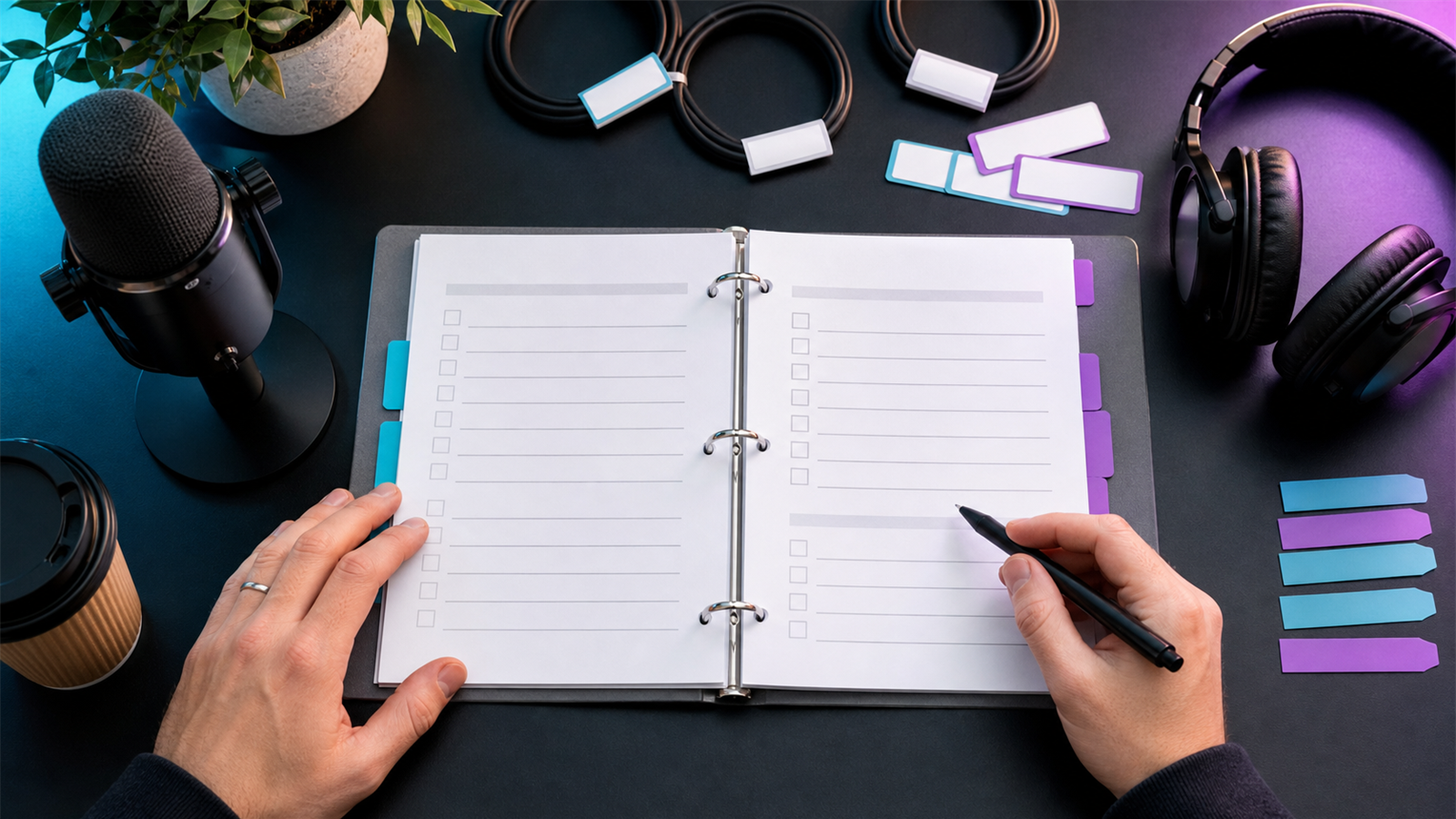
A podcast editor or producer should not be hired with a vague instruction like "make it sound good." Require a checklist that defines inputs, editing standards, review steps, deliverables, file formats, publishing responsibilities, and repurposing assets.
The checklist protects both sides. You know what you are paying for, and the producer knows what counts as complete.
Use this alongside Znippet for podcasters, AI Shorts Maker, and pricing when deciding which tasks should be manual, automated, or part of a recurring production package.
Table of contents
- Quick answers
- Inputs to require
- Editing standards
- Deliverables
- Publishing and repurposing
- Quality control before approval
- FAQ
Quick answers
- What should I require from a podcast producer? Require clear inputs, edit scope, delivery formats, revision rules, publishing tasks, and quality checks.
- What belongs in every episode checklist? Raw files, edit notes, cleaned master, show notes, title, description, export files, and approval status.
- What should be separate from editing? Strategy, guest booking, thumbnails, paid ads, and large clip packages should be scoped separately unless included.
Inputs to require
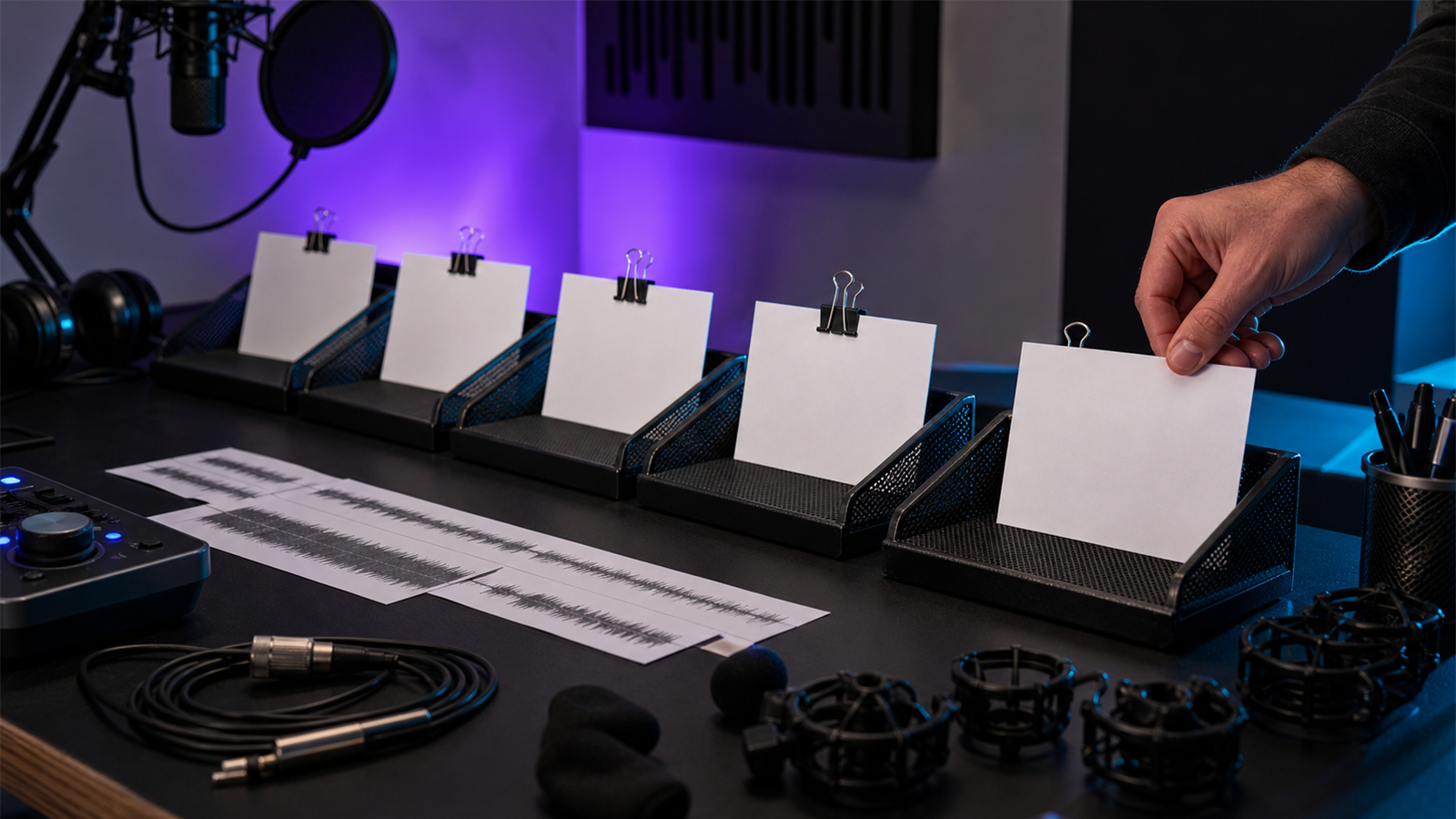
Before editing starts, require the producer to confirm:
- Raw audio or video files are received.
- Speaker names are correct.
- Episode title or working topic is known.
- Intro, outro, ads, and sponsor reads are available.
- Music and brand assets are approved for use.
- Edit notes are in one place.
- Deadline and publishing date are confirmed.
Clear intake prevents avoidable delays. It also helps your producer identify recording problems before the final edit.
Editing standards
Define what "edited" means. At minimum, specify whether the producer should remove long pauses, filler words, repeated starts, background noise, crosstalk, mistakes, and off-topic sections.
For audio workflows, tools such as Adobe Audition are common, and Adobe's official Audition user guide is a useful technical reference. For distribution, Apple publishes official podcast requirements that can affect artwork, metadata, and show setup.
Deliverables
Require a deliverables list for every episode:
- Final audio file.
- Final video file, if applicable.
- Show notes or summary.
- Title and episode description.
- Transcript, if included.
- Captions, if included.
- Social clips, if included.
- Source project files, if agreed.
- Final approval status.
If short-form video is included, define aspect ratio, clip count, length range, caption style, and export format. Use captions and silence removal for better short-form videos as a reference for pacing expectations.
Publishing and repurposing
Publishing should be explicit. The producer may upload to a hosting platform, prepare YouTube podcast assets, or only hand over files. YouTube's official podcast guidance is relevant if video publishing is in scope.
For repurposing, define whether the producer creates clips, blog drafts, quote posts, newsletter summaries, or only episode files. For a broader system, see how to turn podcast episodes into blog posts and social content and how to build a content repurposing workflow for your team.
Quality control before approval
Require a final quality-control pass before the episode is marked complete. This should include a spot check of the intro, outro, ad reads, guest name pronunciation, loudness consistency, file naming, metadata, and export format.
For video podcasts, add checks for captions, aspect ratio, thumbnail frame, lower thirds, and whether clips still make sense without the full episode. If the producer is responsible for publishing, require a screenshot or link confirming the scheduled episode.
This prevents the most common handoff problem: everyone thinks the episode is done, but nobody owns the final publishing details. A clear checklist turns completion into a verifiable status instead of a guess.
For recurring shows, keep the checklist in the same place every week and mark each item as pending, in review, approved, or published. That gives the host, producer, editor, and marketer the same view of progress. It also makes delays easier to diagnose: missing files, slow feedback, unclear clip scope, or publishing admin.
The checklist should evolve after real episodes. If the team repeatedly misses guest title spelling, add it. If clips are late because the main edit is not approved, add a rule that clips start only after episode approval. The point is not paperwork; it is fewer surprises.
Review the checklist monthly for recurring shows. Remove items nobody uses, add checks that prevent real mistakes, and make sure the producer's responsibilities still match the price and publishing goals.
FAQ
Should I require project files?
Only if you need long-term ownership, handoff flexibility, or internal editing later. Some producers charge more for source files.
How many revisions should be included?
One or two revision rounds is common. More revisions should require a clearer review process or an additional fee.
What is the most important checklist item?
Scope. If the scope is vague, cost, timing, and quality expectations will drift.
Sources and further reading
Background links used to check product details, terminology, and practical context.
- Apple Podcasts requirements
Apple Podcasts for Creators
Used as background context for product details, platform requirements, or workflow comparison.
- Create a podcast in YouTube Studio
YouTube Help
Used as background context for product details, platform requirements, or workflow comparison.
- Adobe Audition user guide
Adobe
Used as background context for product details, platform requirements, or workflow comparison.
- Adobe Premiere Pro
Adobe
Used as background context for product details, platform requirements, or workflow comparison.
- Captions and subtitles
W3C Web Accessibility Initiative
Used as background context for product details, platform requirements, or workflow comparison.
- Riverside official website
Riverside
Used as background context for product details, platform requirements, or workflow comparison.
- Descript official website
Descript
Used as background context for product details, platform requirements, or workflow comparison.
- OpusClip official website
OpusClip
Used as background context for product details, platform requirements, or workflow comparison.
Keep comparing workflows
Related comparison guides
For podcast makers
Turn long-form footage into publishable clips
Use Znippet AI Shorts Maker to find strong moments, add readable captions, remove dead air, and export clips for Shorts, Reels, TikTok, and social channels.