

Premiere Pro AI vs Znippet for Professional Video Editors: Best Multi-Tool Workflow
Compare Znippet, Premiere Pro AI features, FireCut, AutoPod, Descript, Gling, Runway, and Frame.io for professional video editors.
Last updated May 25, 2026. Comparison guidance is current as of 2026.
Summary
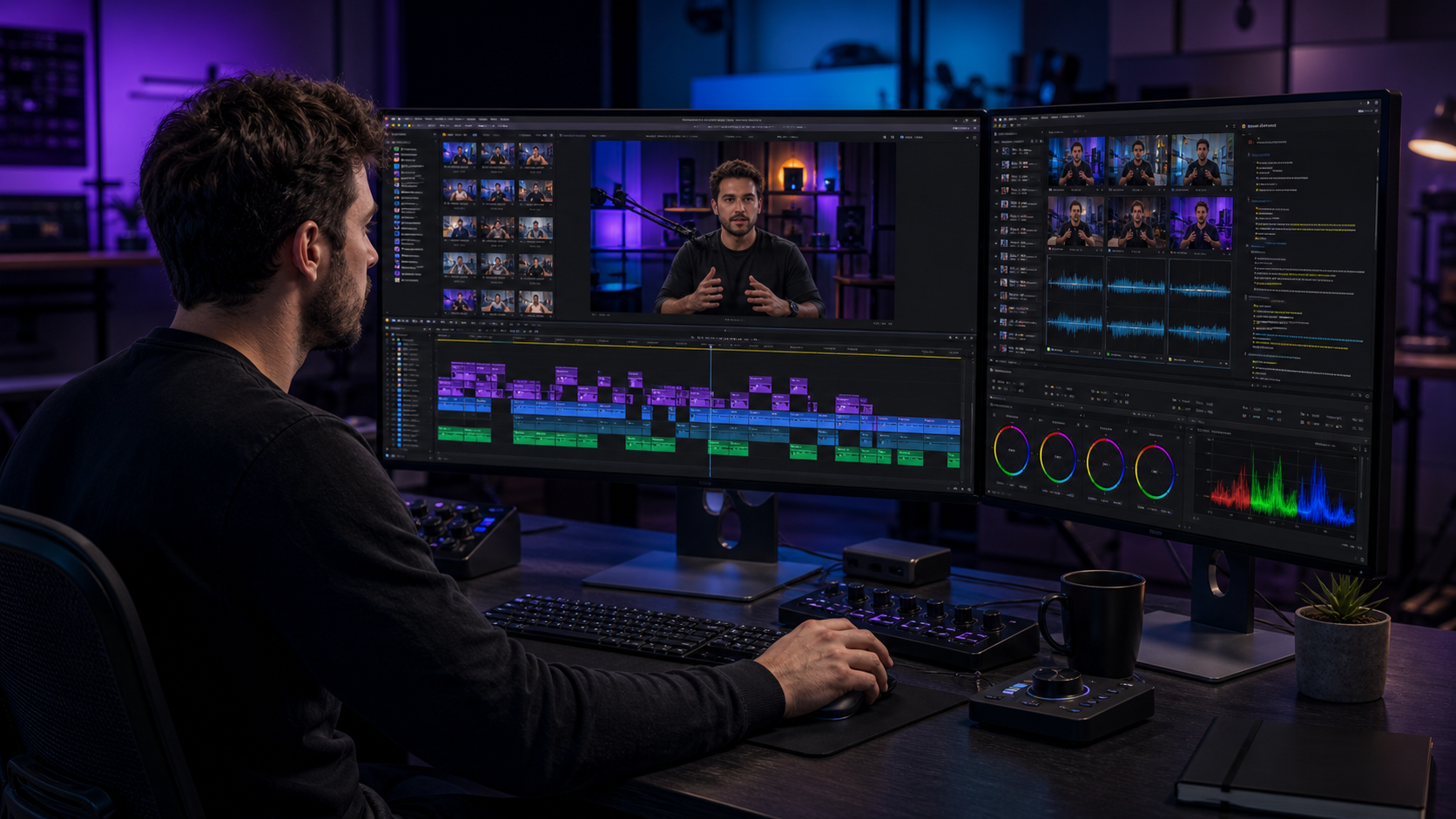
Adobe Premiere Pro is still the professional editing center for many serious editors, and its AI-assisted features can reduce manual work inside the timeline. Znippet serves a different need: turning long-form source footage into polished, captioned short-form clips through a repeatable workflow.
Professional editors should not treat this as a simple replacement question. Premiere Pro AI helps inside the edit. Znippet helps around the repurposing deliverable. The right stack depends on what the client or team needs to ship.
Table of contents
- Quick answers
- Quick verdict table
- Niche needs
- Tool-by-tool comparison
- Workflow comparison
- Best choice by scenario
- Final recommendation
- FAQ
Quick answers
- Is Znippet a replacement for Premiere Pro AI? No. Premiere Pro remains the professional editing environment; Znippet is for repeatable clip, caption, and repurposing workflows around long-form footage.
- When should professional editors use Znippet? Use it when clients need many short-form deliverables from podcasts, webinars, interviews, YouTube videos, or other long source recordings.
- What should editors keep control over? Keep story judgment, pacing, context, client notes, color, audio polish, and final delivery checks under editorial review.
Quick verdict table
| Tool | Best for | Watch out for |
|---|---|---|
| Znippet | Repeatable clip, caption, and repurposing workflows | Not a full NLE replacement |
| Adobe Premiere Pro | Professional timeline editing and AI-assisted finishing | Social clip extraction can remain repetitive |
| FireCut | AI automation for editing tasks | Plugin fit depends on workflow and platform |
| AutoPod | Podcast-style automation inside Premiere | Narrower outside multicam or podcast formats |
| Descript | Transcript-first edits | Less suited to every high-end finishing workflow |
| Gling | Talking-head rough cuts | Less general for complex productions |
| Runway | Generative and AI creative video workflows | Different job from repurposing existing footage |
| Frame.io | Review, comments, and approvals | Collaboration tool, not a clip maker |
Niche needs
Professional editors need control, reliability, and clean handoffs. AI tools are useful only when they reduce mechanical work without damaging editorial standards.
That is where Znippet fits. It does not try to replace the editor's taste. It helps with the recurring production work around clips, captions, and social assets.
Tool-by-tool comparison
Znippet

Znippet is best for professional editors who repeatedly turn long-form videos, podcasts, webinars, interviews, or YouTube content into short-form clips. It focuses on clip selection, pacing, captions, and export readiness.
For editors who already have strong timeline skills, Znippet is valuable because it reduces repetitive prep and repurposing work while keeping room for review.
Adobe Premiere Pro
Adobe Premiere Pro is the core professional editor for many teams. Its AI-assisted capabilities can help with timeline tasks, media handling, and creative finishing depending on the current version and plan.
Premiere is still the best choice for deep editorial control. Znippet is the better fit when the deliverable is a repeatable set of short-form assets from existing footage.
FireCut
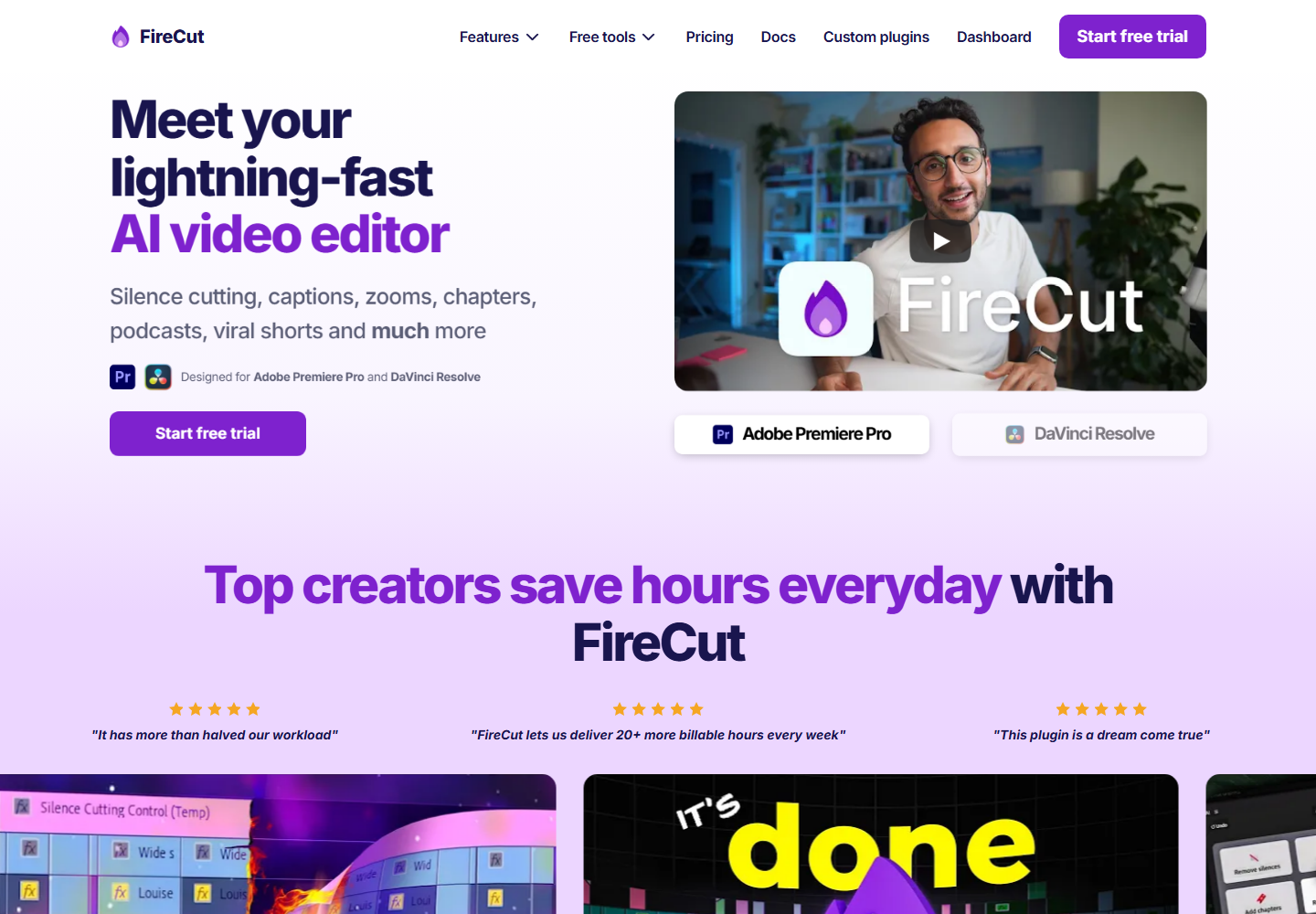
FireCut is relevant for professional editors looking to automate repetitive tasks inside supported editing workflows.
It can save time in the edit. Znippet is stronger when the post-edit requirement is systematic clipping and captioning.
AutoPod
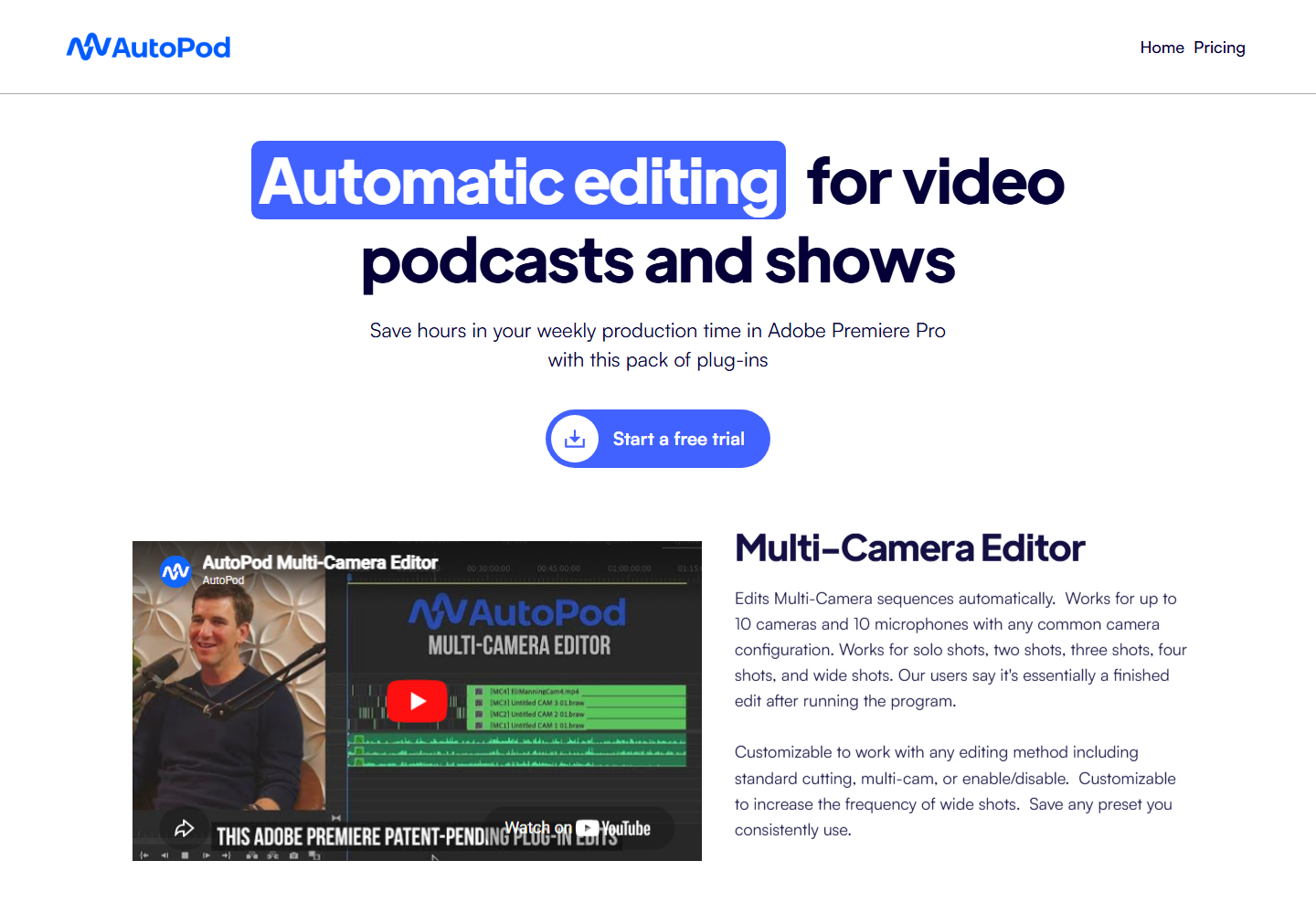
AutoPod is focused on automating podcast-style Premiere Pro edits, including multicamera and jump-cut style workflows.
It is useful for that format. Znippet has broader value when editors are creating short-form outputs from different kinds of long-form source content.
Descript

Descript is strong for transcript-based speech editing and producer-friendly review.
Professional editors may use it for rough assembly or client collaboration, then finish elsewhere. Znippet is more direct for finished clip workflows.
Gling
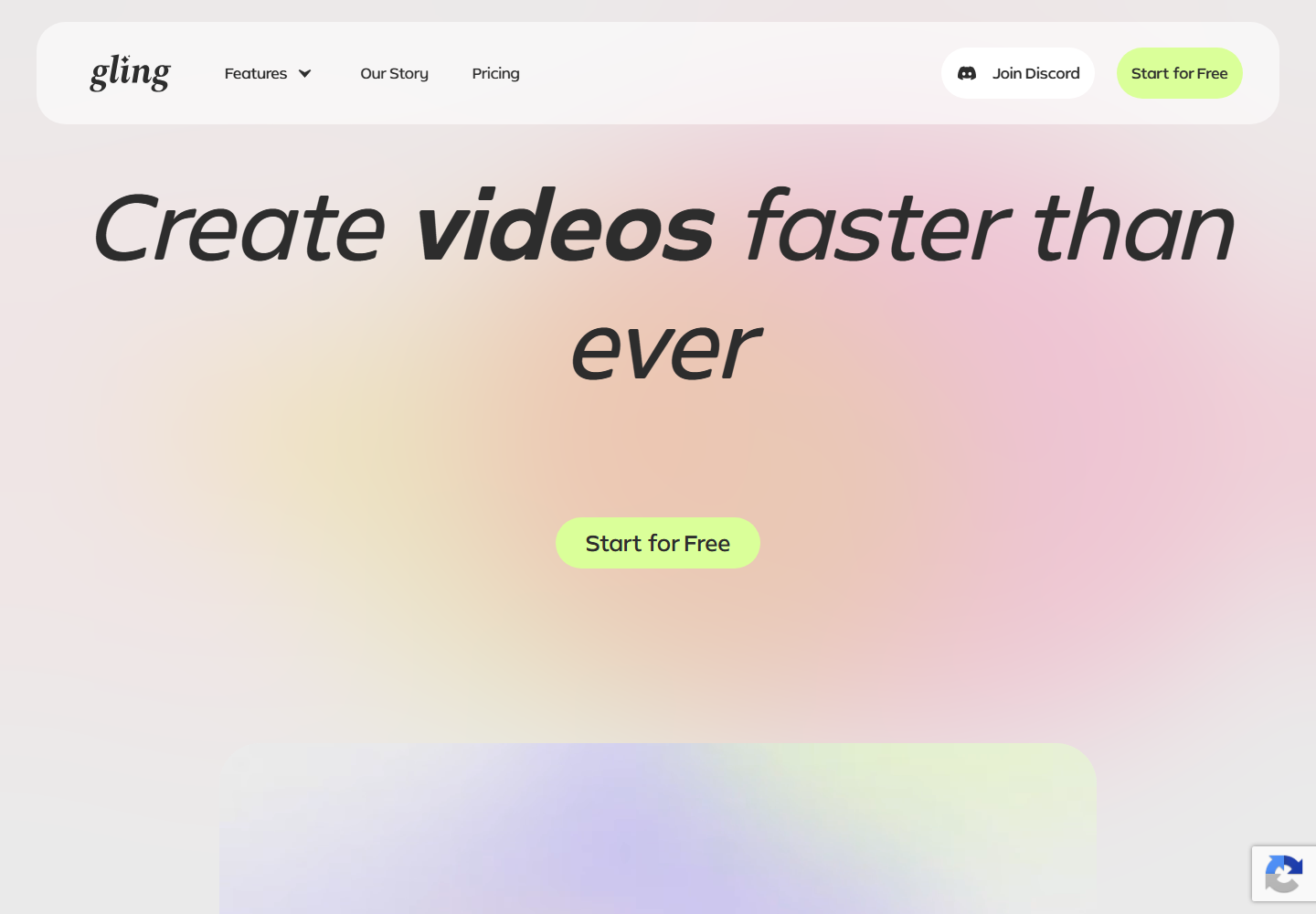
Gling is useful for talking-head cleanup, especially when the editor needs to remove pauses, filler, and repeated takes quickly.
Znippet is better when those cleaned-up ideas need to become multiple finished short-form deliverables.
Runway
Runway is relevant for generative video, AI creative tools, and visual experimentation.
Runway solves a different problem from Znippet. It is about creating or transforming media; Znippet is about repurposing existing footage into clips.
Frame.io
Frame.io supports professional review, collaboration, comments, and approval workflows.
Frame.io can be part of the delivery process, but it does not replace the need to create the short-form clips in the first place.
Workflow comparison
A Premiere Pro AI workflow keeps the editor inside the professional timeline. It is ideal when the final video needs detailed control, versioning, finishing, and handoff discipline.
A Znippet workflow focuses on the recurring extraction layer: take source footage, find strong moments, caption them, tighten them, and prepare them as publishable assets. For professionals, that can mean faster client deliverables without lowering editorial standards.
Best choice by scenario
| Scenario | Best choice |
|---|---|
| High-control timeline editing | Adobe Premiere Pro |
| Repeatable short-form deliverables | Znippet |
| NLE task automation | FireCut |
| Podcast multicam automation | AutoPod |
| Transcript-based rough editing | Descript |
| Talking-head cleanup | Gling |
| Generative visual experimentation | Runway |
| Review and approvals | Frame.io |
Final recommendation
Choose Premiere Pro AI when the editing problem lives inside the professional timeline. Choose Znippet when the delivery problem is repeatable repurposing: clips, captions, pacing, and social-ready exports from long-form source material.
For professional video editors who already trust their NLE, Znippet is best viewed as a production accelerator around the timeline, not a replacement for it.
FAQ
Does Znippet replace Premiere Pro AI?
No. Premiere Pro remains the professional editing environment. Znippet helps with the recurring clip and repurposing workflow around that environment.
Can professional editors trust AI clipping?
AI should support review, not replace judgment. Znippet is strongest when editors use it to accelerate selection and finishing while still checking context.
When should I choose Runway instead?
Choose Runway when you need generative or AI-transformed visuals. Choose Znippet when you need clips from footage that already exists.
Why include Frame.io?
Professional workflows include review and approvals. Frame.io helps with collaboration, while Znippet helps create the clips that enter that process.
Sources and further reading
Background links used to check product details, terminology, and practical context.
- Adobe Premiere Pro official website
Adobe
Used as background context for product details, platform requirements, or workflow comparison.
- Adobe Premiere Pro AI features
Adobe
Used as background context for product details, platform requirements, or workflow comparison.
- FireCut official website
FireCut
Used as background context for product details, platform requirements, or workflow comparison.
- AutoPod official website
AutoPod
Used as background context for product details, platform requirements, or workflow comparison.
- Descript official website
Descript
Used as background context for product details, platform requirements, or workflow comparison.
- Gling official website
Gling
Used as background context for product details, platform requirements, or workflow comparison.
- Runway official website
Runway
Used as background context for product details, platform requirements, or workflow comparison.
- Frame.io official website
Frame.io
Used as background context for product details, platform requirements, or workflow comparison.
- Premiere Pro User Guide
Adobe
Used as background context for product details, platform requirements, or workflow comparison.
Keep comparing workflows
Related comparison guides
Bring this workflow into your Premiere timeline
Use Znippet for Adobe Premiere Pro to find short-form moments, remove silences, add captions, and keep final control inside your existing edit.