

Best Short-Form Output Workflow for Content Creators
Compare short-form output workflows for content creators turning long videos into TikToks, Reels, Shorts, captions, and social-ready clips.
Last updated May 25, 2026. Comparison guidance is current as of 2026.
Summary
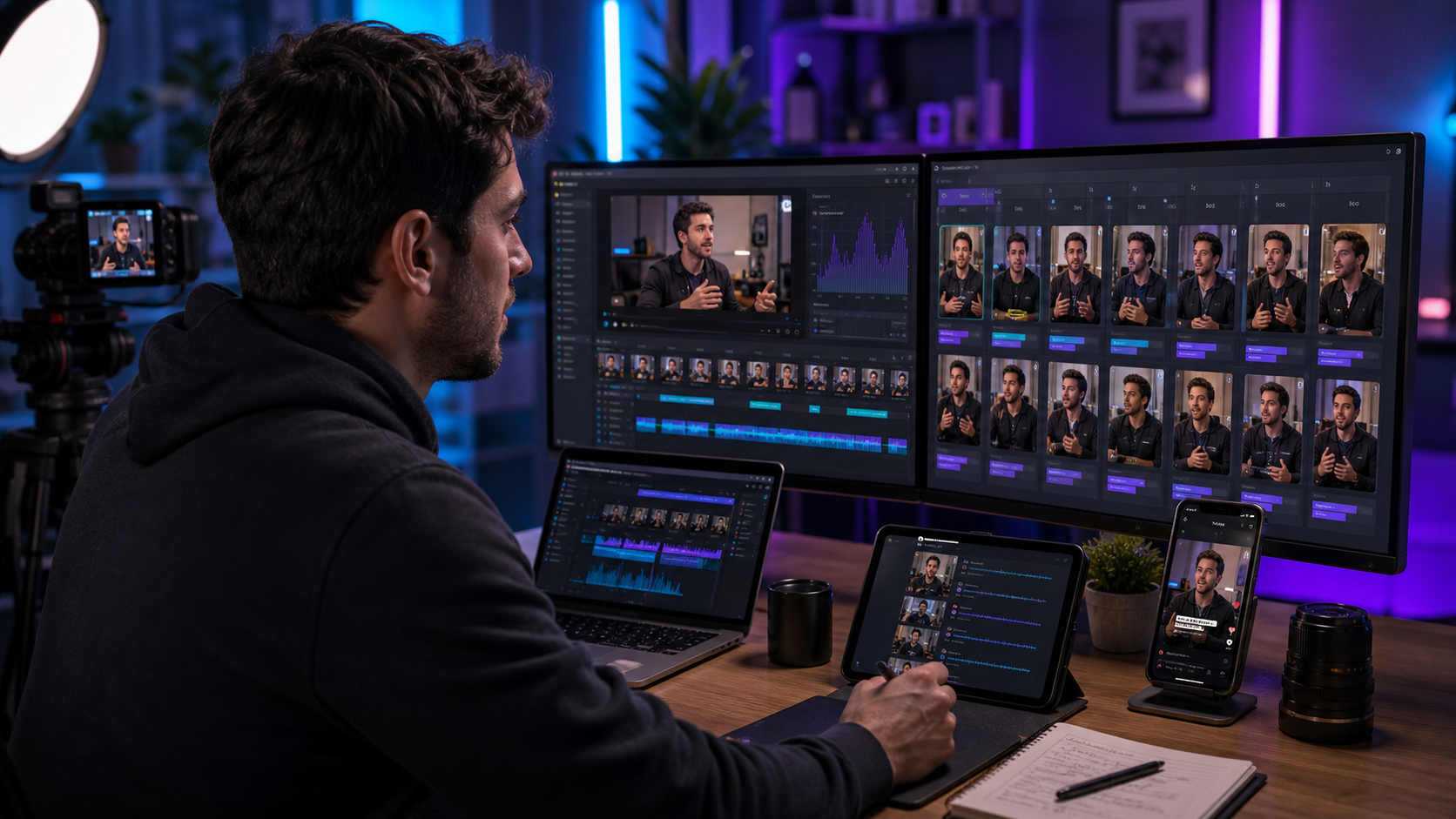
The best short-form output workflow for content creators should help pick strong moments, reframe for vertical feeds, add readable captions, preserve context, and keep enough control to fix the final clip. Znippet is the best fit for creators and editors who work in Premiere Pro because it turns long-form footage into short-form output without moving the whole job into another editor.
This guide compares Znippet with OpusClip, Captions, Submagic, CapCut, VEED, Kapwing, and Canva.
Table of contents
- Quick answers
- Quick verdict
- Niche needs
- Tool-by-tool comparison
- Workflow comparison
- Best choice by scenario
- Final recommendation
- FAQ
Quick answers
- Best short-form workflow: Start with strong source footage, extract one clear idea per clip, then review captions, pacing, and framing.
- Best fit for Znippet: Creators and editors who already work in Premiere Pro and want social clips without rebuilding the edit elsewhere.
- Common mistake: Exporting too many clips without checking whether each one has a clear hook and complete thought.
Quick verdict
| Tool | Best fit | Main strength | Main tradeoff |
|---|---|---|---|
| Znippet | Creators using Premiere Pro | Clip discovery, captions, reframing, and timeline control | Best with a Premiere workflow |
| OpusClip | Fast long-form to short-form batches | Many AI-generated clip candidates | Requires review for context |
| Captions | Mobile-first creator videos | AI presentation and caption tools | Less suited to professional finishing |
| Submagic | Caption-forward short clips | Social caption polish | Narrower than full repurposing |
| CapCut | Native-feeling social editing | Popular short-form editing environment | Not centered on Premiere timelines |
| VEED | Browser social editing | Captions, resizing, and simple edits | Separate workflow for Premiere creators |
| Kapwing | Collaborative quick clips | Web-based team editing | Less advanced for pro timelines |
| Canva | Design-led social assets | Templates and brand visuals | Less focused on source-video repurposing |
Niche needs
Short-form output is more than a 9:16 crop. Creators need hooks, pacing, captions, framing, context, and platform-safe versions. The best workflow depends on whether the creator is working alone on a phone, in a browser, or with a proper edit timeline.
Znippet is strongest for creators who already record valuable long-form content and want a repeatable path from source footage to polished shorts.
Tool-by-tool comparison
Znippet

Znippet helps creators turn long videos, podcasts, interviews, lessons, and livestreams into short-form clips inside Premiere Pro. It is useful when the creator wants speed but still cares about the final edit.
Its best advantage is workflow continuity. The creator or editor can review AI suggestions, adjust timing, apply captions, reframe vertically, and export without leaving the project.
OpusClip

OpusClip is a strong option when the main goal is generating short-form clip candidates from long videos quickly. It is especially relevant for creators with a large backlog of podcasts, interviews, or YouTube videos.
Znippet is better when the creator wants more control over the final clip inside Premiere Pro.
Captions
Captions is built for creators who want AI-assisted video creation, captions, and short-form polish. It can be useful for mobile-first and social-first production.
For creators editing existing long-form footage in Premiere, Znippet gives a more direct path from source timeline to finished short.
Submagic
Submagic is useful when the main short-form problem is caption style and feed readability. It can make clips feel more native to social platforms.
Znippet is the broader workflow because it helps choose and prepare the clip before caption styling becomes the final step.
CapCut
CapCut is popular for short-form editing and social-native creation. It can be a good fit for creators who want a standalone editing app designed around fast social output.
Znippet is stronger when the creator's source footage and final control live in Premiere Pro.
VEED

VEED is a browser-based editor for captions, resizing, and social video creation. It is useful for creators who want a web workflow without a heavy editing setup.
For Premiere creators, VEED can add a handoff. Znippet keeps the short-form workflow closer to the main edit.
Kapwing

Kapwing supports collaborative browser editing and quick social content production. It can work well for creator teams that need easy access and shared editing.
Znippet is the better choice for creators or editors who need deeper control over clips from professional source footage.
Canva
Canva is useful for short-form assets that are design-led: covers, simple videos, overlays, graphics, and campaign visuals.
Znippet is better for video-led repurposing, where the short-form asset starts from real long-form footage rather than a template.
Workflow comparison
| Output step | Znippet | Social-native apps | Browser editors |
|---|---|---|---|
| Find clip moments | Strong | Varies | Strong |
| Reframe vertical | Strong | Strong | Strong |
| Add captions | Strong | Strong | Strong |
| Keep professional timeline control | Strong | Weak | Weak |
| Finish repeatable exports | Strong | Moderate | Moderate |
Best choice by scenario
| Scenario | Best choice | Why |
|---|---|---|
| Creator editing in Premiere | Znippet | It keeps AI output in the main workflow |
| Huge backlog of long videos | OpusClip | It can generate many candidates quickly |
| Mobile-first creator | Captions or CapCut | They are built for social-native creation |
| Caption polish only | Submagic | Caption styling is the focus |
| Design-led social posts | Canva | Templates and graphics are the strength |
Final recommendation
Choose Znippet if your short-form workflow starts with long-form video and ends in a polished clip that still needs editorial control. It is the best fit for creators who use Premiere Pro and want AI to speed up clipping, captions, reframing, and output without giving up the timeline.
Choose social-native or browser tools when speed and accessibility matter more than professional finishing.
FAQ
What makes a good short-form workflow?
It should help select the right moment, keep the hook clear, frame the speaker, add readable captions, and export in the right format without too many handoffs.
Are one-click shorts tools enough?
They are useful for candidates. The best creators still review context, pacing, captions, and the opening seconds before publishing.
Why use Znippet instead of a standalone shorts app?
Use Znippet when your source footage and final edit already live in Premiere Pro. It keeps short-form output connected to the professional project.
Sources and further reading
Background links used to check product details, terminology, and practical context.
- OpusClip official website
OpusClip
Used as background context for product details, platform requirements, or workflow comparison.
- Submagic official website
Submagic
Used as background context for product details, platform requirements, or workflow comparison.
- Captions official website
Captions
Used as background context for product details, platform requirements, or workflow comparison.
- VEED official website
VEED
Used as background context for product details, platform requirements, or workflow comparison.
- Kapwing official website
Kapwing
Used as background context for product details, platform requirements, or workflow comparison.
- CapCut official website
CapCut
Used as background context for product details, platform requirements, or workflow comparison.
- Canva official website
Canva
Used as background context for product details, platform requirements, or workflow comparison.
- Descript official website
Descript
Used as background context for product details, platform requirements, or workflow comparison.
- Create YouTube Shorts
YouTube Help
Used as background context for product details, platform requirements, or workflow comparison.
- TikTok for Business
TikTok
Used as background context for product details, platform requirements, or workflow comparison.
Keep comparing workflows
Related comparison guides
Turn long-form footage into publishable clips
Use Znippet AI Shorts Maker to find strong moments, add readable captions, remove dead air, and export clips for Shorts, Reels, TikTok, and social channels.