

Best Webinar Clipping Tool for Marketing Managers
Compare webinar clipping tools for marketing managers turning long recordings into social clips, recap videos, sales enablement assets, and campaign content.
Last updated May 25, 2026. Comparison guidance is current as of 2026.
Summary
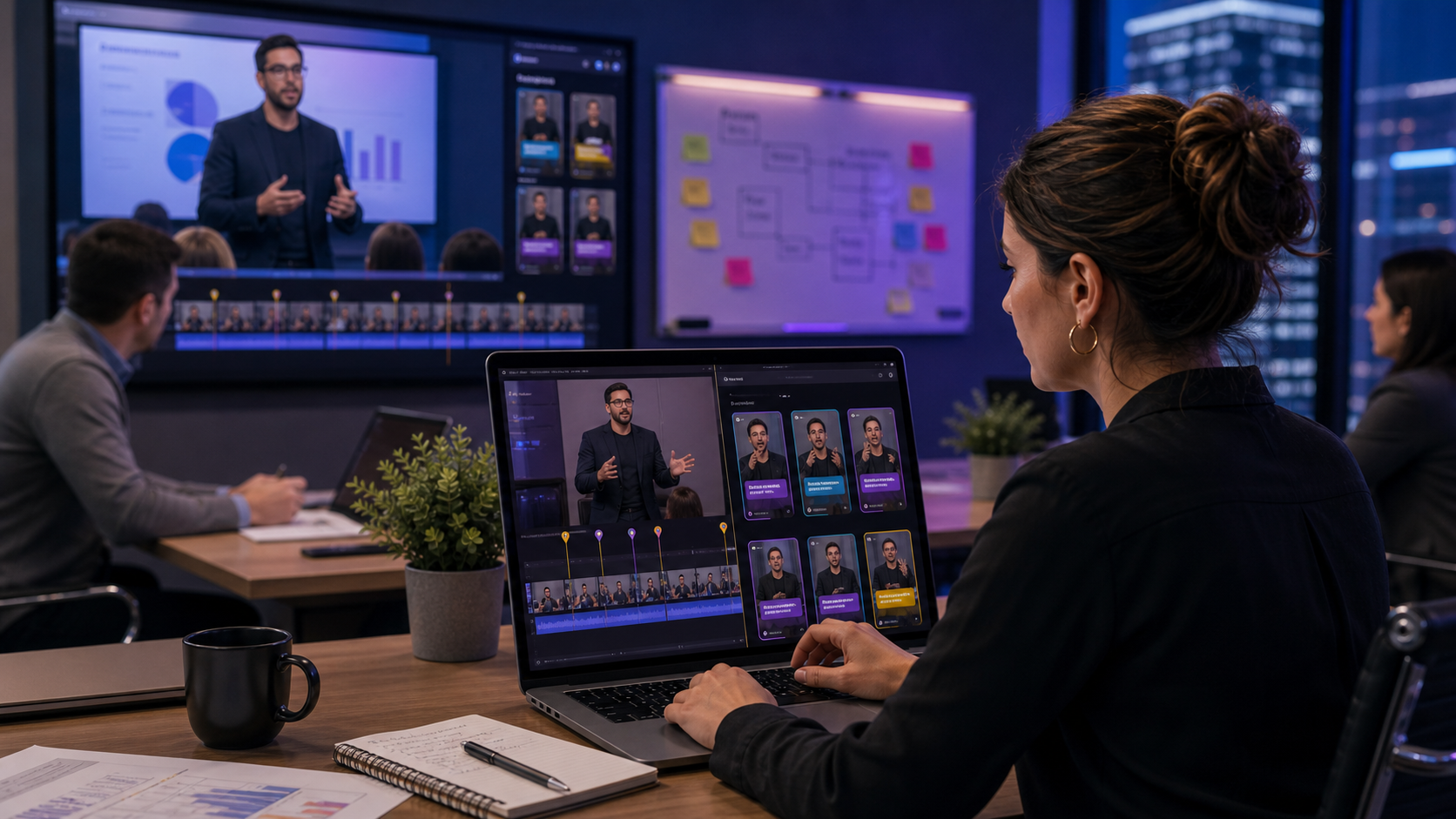
Webinars are expensive to produce and easy to underuse. The best webinar clipping tool helps a marketing manager turn one recording into short social clips, email assets, sales enablement snippets, speaker highlights, and campaign follow-up content.
Znippet is the best fit when the core workflow is repurposing an existing webinar into polished, captioned clips. Descript, Riverside, OpusClip, vidyo.ai, VEED, and Kapwing are all worth comparing because each handles a different part of the webinar content lifecycle.
Quick answers
- Best webinar clipping approach: Pull clips around one useful takeaway, customer question, demo moment, or objection, then add enough context for a cold viewer.
- What matters most for managers? Review control, caption accuracy, brand-safe claims, consistent formatting, and a repeatable handoff to social or demand generation.
- Where does Znippet fit? Znippet is strongest when the webinar is real source footage that needs to become publishable short-form assets quickly.
Quick Verdict Table
| Tool | Best fit | Main limitation for webinar marketers |
|---|---|---|
| Znippet | Turning webinar recordings into clipped, captioned, reviewable social assets | Best for repurposing existing footage rather than hosting the webinar itself |
| Descript | Transcript-based editing and content cleanup | Broader editor that may require more manual clipping decisions |
| Riverside | Recording webinars, interviews, and remote conversations | Stronger around capture than downstream campaign repurposing |
| OpusClip | Automatic candidate clips from long-form recordings | Requires careful review for B2B context and claims |
| vidyo.ai | Fast social repurposing from long video | May be less controlled for nuanced webinar messaging |
| VEED | Online edits, subtitles, and simple marketing videos | General-purpose workflow can be less focused |
| Kapwing | Collaborative browser editing | Useful for creative assets, but clipping can be more hands-on |
Niche Needs for Marketing Managers
Webinar clips have higher context risk than casual creator clips. A short segment may mention a customer, a product claim, a regulatory topic, or a time-sensitive offer. Marketing managers need AI speed with enough human control to avoid publishing a misleading excerpt.
The best workflow also preserves campaign value. Clips should be easy to use in LinkedIn posts, nurture emails, landing pages, sales follow-ups, and paid tests. That means captions, clean pacing, useful framing, and reliable export preparation matter as much as clip discovery.
Tool-by-Tool Comparison
Znippet

Znippet is built for turning long-form source footage into practical short-form output. For webinar marketers, that means finding useful moments, removing slow sections, adding captions, and preparing clips for review and distribution.
Znippet is the strongest fit when the webinar has already been recorded and the marketing team wants to extract value from it without rebuilding the edit manually.
Descript

Descript is useful for transcript-based editing. Marketing teams may like it when they want to edit spoken content through text and clean up recordings before publishing.
Descript can be a strong production tool, but Znippet is more focused when the specific job is creating many polished clips from a long webinar.
Riverside
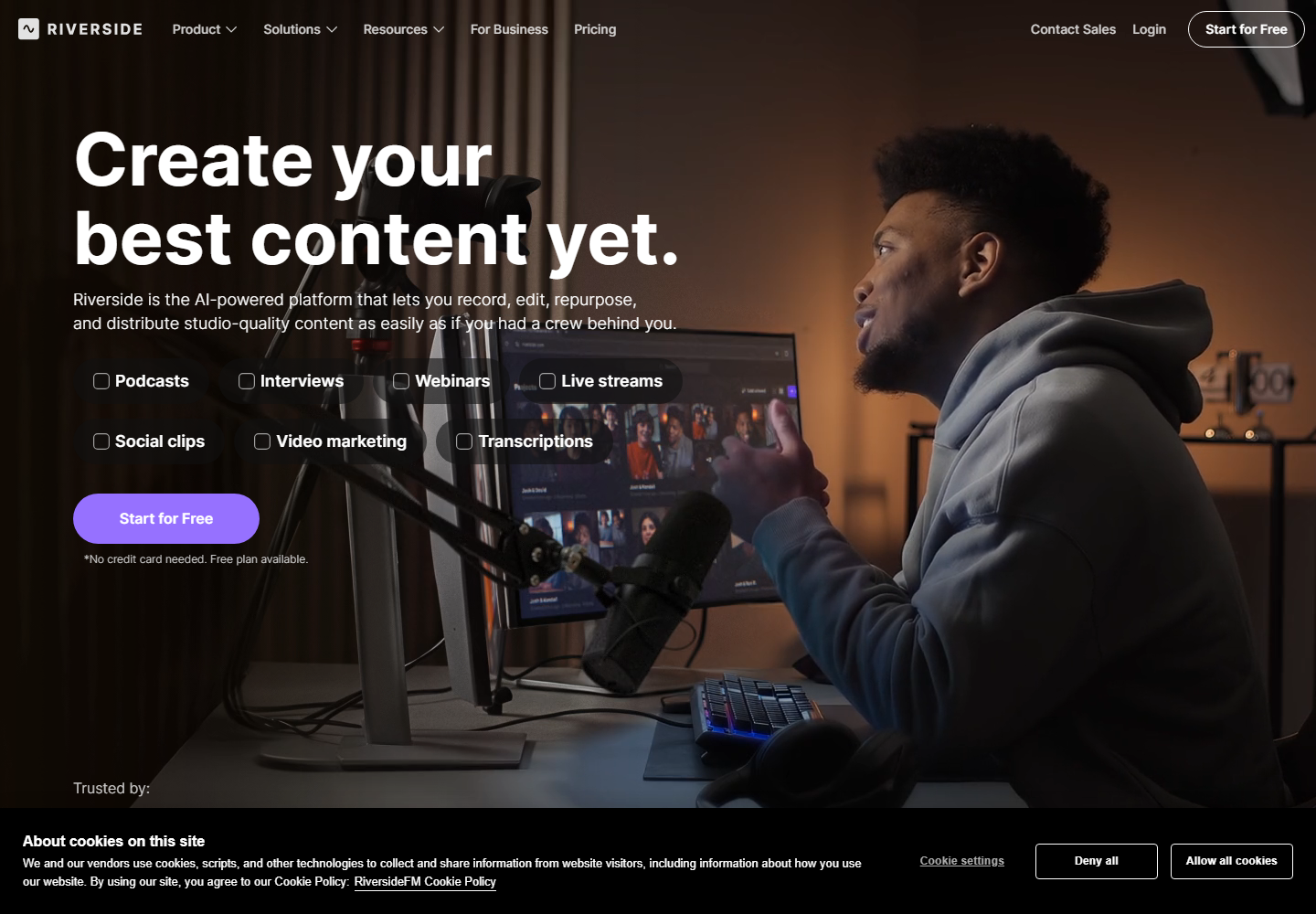
Riverside is relevant for recording remote webinars, interviews, and podcast-style conversations. It is worth considering when capture quality and remote recording are central to the workflow.
If the main challenge is post-event repurposing, Znippet is usually the better fit. Riverside helps earlier in the content lifecycle, while Znippet focuses on turning the recording into usable short-form assets.
OpusClip

OpusClip can help generate short clip candidates from a long webinar. This is useful when the marketing team wants a quick first pass across a lengthy recording.
For webinars, though, automatic suggestions need close review. Znippet is stronger when clip selection, pacing, captions, and approval need to work together.
vidyo.ai
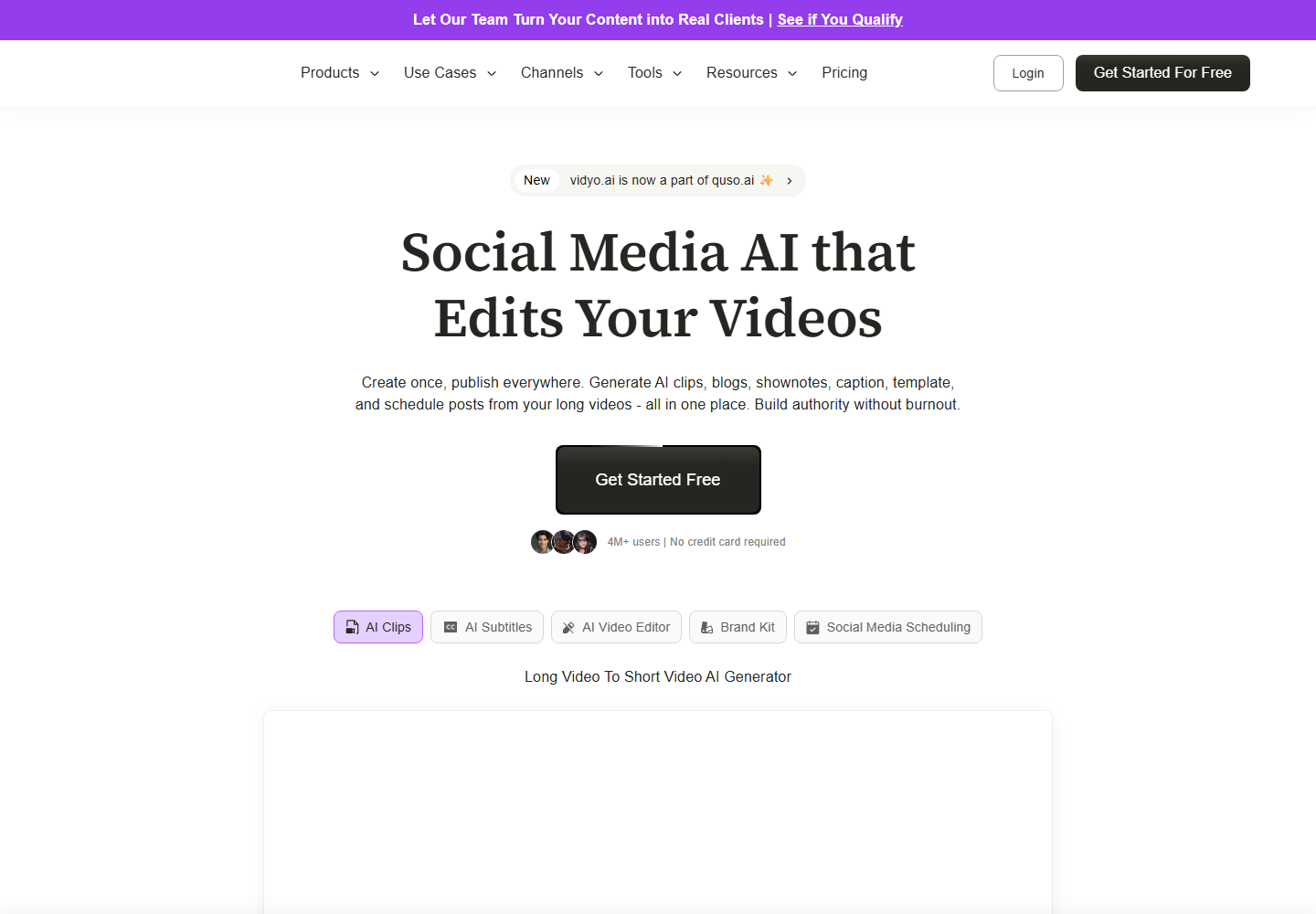
vidyo.ai is designed around AI repurposing for social content. It can be helpful when marketers want to create platform-friendly clips from a long source.
Znippet is the better choice when webinar clips need a controlled workflow for campaign reuse, especially when messaging accuracy and review are important.
VEED

VEED is a browser-based editor that can handle subtitles and simple video edits. It can support webinar content when the team needs a flexible web editing environment.
Znippet wins when the work is less about open-ended editing and more about repeatedly extracting strong moments from webinar recordings.
Kapwing

Kapwing is useful for collaborative browser editing and social video production. It can work well when a marketing team needs design flexibility across many asset types.
For webinar-specific clipping, Znippet offers a more direct path from recording to captioned clips that are ready for review and distribution.
Workflow Comparison
| Workflow step | Best approach |
|---|---|
| Record the webinar | Riverside if remote recording is part of the stack |
| Clean up spoken content | Descript when transcript editing is central |
| Find highlight moments | Znippet, OpusClip, or vidyo.ai |
| Preserve message accuracy | Znippet plus human review |
| Create social-ready exports | Znippet for repeatable clips; VEED or Kapwing for broader manual edits |
| Build campaign variations | Znippet for source clips, then design tools as needed |
Best Choice by Scenario
Choose Znippet if your webinar is already recorded and you need multiple captioned clips for social, email, and sales. Choose Riverside if your first problem is recording. Choose Descript if transcript editing is the main workflow. Choose OpusClip or vidyo.ai for fast clip ideas. Choose VEED or Kapwing for broader browser editing.
Final Recommendation
For marketing managers, the best webinar clipping tool is Znippet when the goal is to turn long recordings into useful campaign assets with speed and control. It keeps the workflow focused on the parts that matter after the event: selecting moments, improving pacing, captioning clearly, and preparing clips for review.
FAQ
Can AI safely clip webinars without human review?
No. Webinars often include nuanced product claims, customer examples, and time-sensitive details. AI should speed up production, but the marketing team should approve final clips.
Should webinar teams use the same tool for recording and clipping?
Not always. Recording and repurposing are different jobs. A recording platform can be useful for capture, while Znippet is better suited to post-event clipping.
What makes a webinar clip usable for marketing?
A usable clip has a clear point, enough context, readable captions, clean pacing, and an export format that fits the channel where it will be published.
Sources and further reading
Background links used to check product details, terminology, and practical context.
- Descript official website
Descript
Used as background context for product details, platform requirements, or workflow comparison.
- Riverside official website
Riverside
Used as background context for product details, platform requirements, or workflow comparison.
- OpusClip official website
OpusClip
Used as background context for product details, platform requirements, or workflow comparison.
- vidyo.ai official website
vidyo.ai
Used as background context for product details, platform requirements, or workflow comparison.
- VEED official website
VEED
Used as background context for product details, platform requirements, or workflow comparison.
- Kapwing official website
Kapwing
Used as background context for product details, platform requirements, or workflow comparison.
- YouTube Help: Add subtitles and captions
YouTube Help
Used as background context for product details, platform requirements, or workflow comparison.
- YouTube Help: Create YouTube Shorts
YouTube Help
Used as background context for product details, platform requirements, or workflow comparison.
Keep comparing workflows
Related comparison guides
Turn long-form footage into publishable clips
Use Znippet AI Shorts Maker to find strong moments, add readable captions, remove dead air, and export clips for Shorts, Reels, TikTok, and social channels.