

Starting a Podcast in 2026: Complete Beginner's Guide
A complete beginner's guide to starting a podcast in 2026, covering concept, format, gear, recording, editing, publishing, promotion, and monetization.
Last updated May 25, 2026. Comparison guidance is current as of 2026.
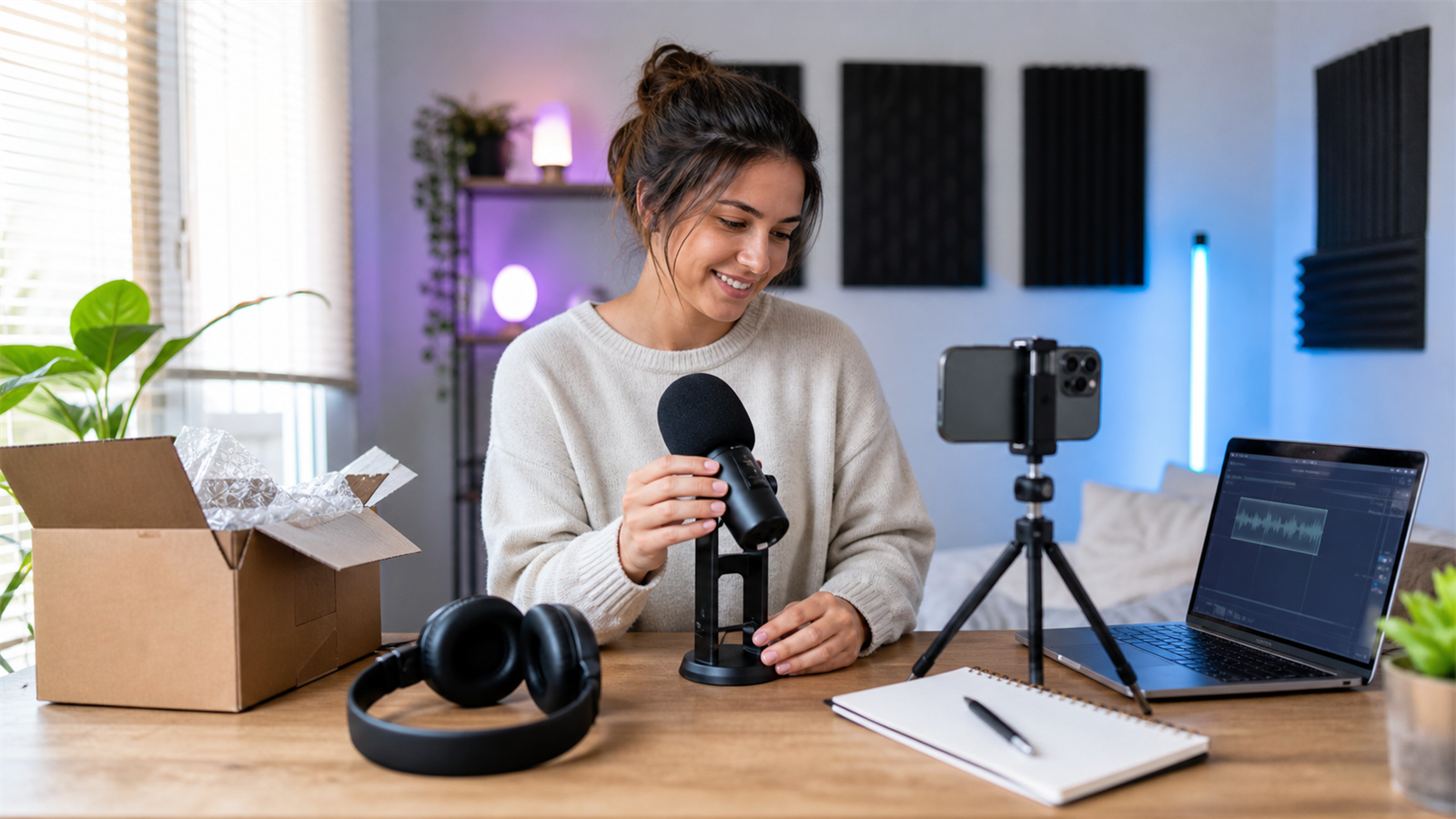
Summary
To start a podcast in 2026, choose a clear audience, define a repeatable format, record clean audio, edit for clarity, publish through a podcast host, create video or clips when useful, and promote every episode with a simple distribution workflow.
Beginners should avoid overbuilding. Start with a focused show promise, a reliable microphone setup, a repeatable production checklist, and a plan to turn episodes into discoverable assets using Znippet AI Shorts Maker, tools for podcasters, and podcast repurposing.
Table of contents
- Quick answers
- Step 1: choose the podcast concept
- Step 2: pick the format and schedule
- Step 3: get the basic equipment
- Step 4: record and edit your first episodes
- Step 5: publish the show
- Step 6: promote and repurpose each episode
- Step 7: improve with data
- FAQ
Quick answers
- What do you need to start a podcast in 2026? A clear topic, microphone, quiet recording space, recording software, editing workflow, podcast host, cover art, description, and promotion plan.
- Should beginners start audio-only or video? Start with the format you can publish consistently. Video adds discovery potential but also increases production work.
- How many episodes should you launch with? One strong episode is enough, but recording a small batch helps you learn the workflow and avoid missing your first schedule.
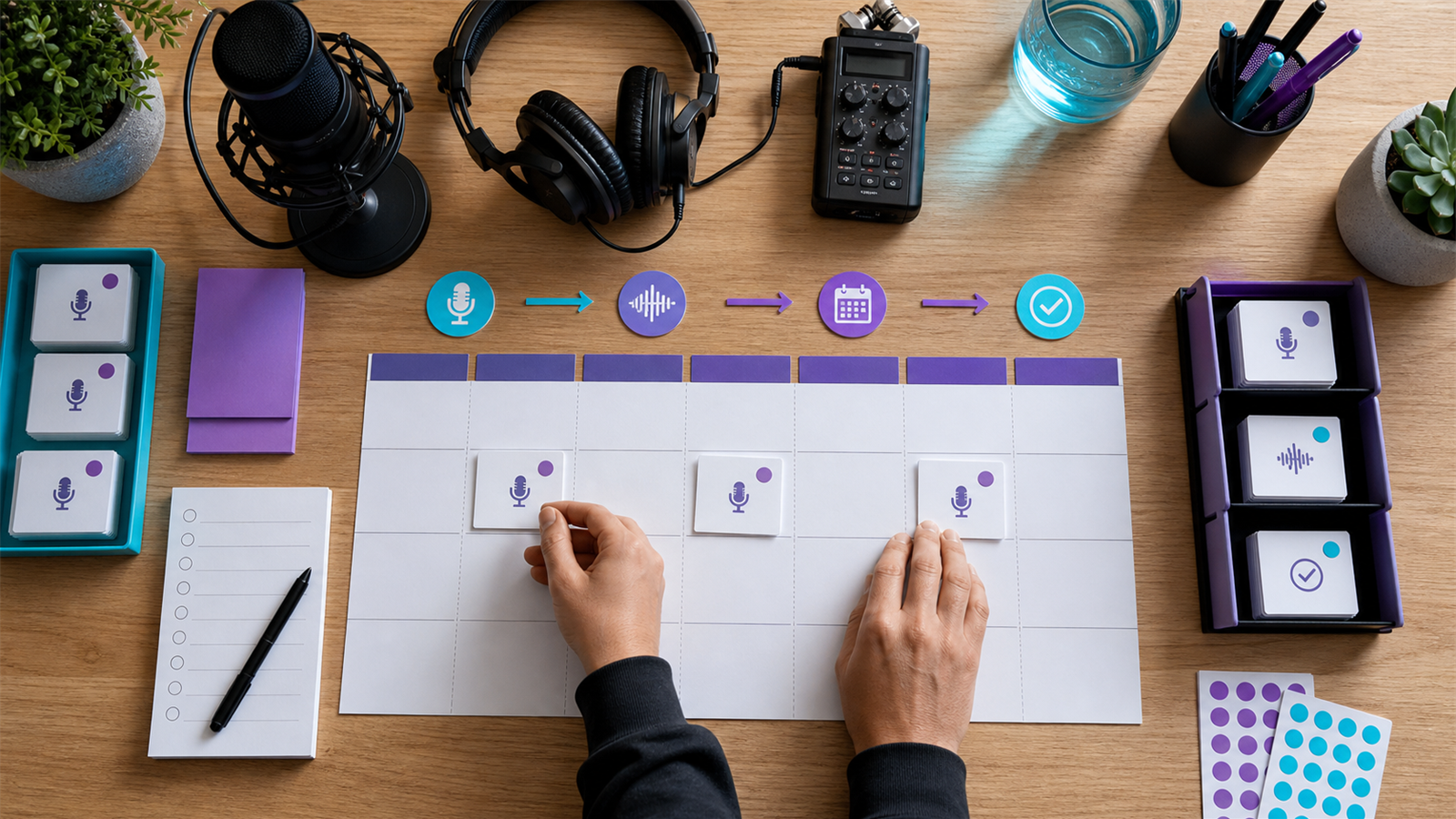
Step 1: choose the podcast concept
A podcast concept should answer three questions: who is it for, what problem or interest does it serve, and why should listeners return? A broad topic like "business" is harder to grow than a specific promise like "weekly finance lessons for first-time agency owners."
Write a one-sentence show promise before buying gear. If you cannot explain the show clearly, listeners will not know when to recommend it.
Step 2: pick the format and schedule
Common formats include solo teaching, interviews, co-hosted conversations, narrative episodes, panel discussions, and short daily updates. Choose the format that matches your strengths and available production time.
Weekly publishing is common, but consistency matters more than frequency. A polished biweekly show is usually better than a weekly show that burns out after a month. Build your schedule around recording, editing, review, clips, and publishing, not only recording.
Step 3: get the basic equipment
Beginner gear can be simple: a good USB or XLR microphone, headphones, a quiet room, stable recording software, and backup storage. Room noise matters as much as the microphone. Soft surfaces, closed windows, and consistent mic distance can improve quality quickly.
If you plan to publish video podcasts, add camera framing, lighting, and a visual standard. YouTube provides podcast setup guidance through YouTube Help, which is useful before committing to a video workflow.
Step 4: record and edit your first episodes
Record a short test before your first real episode. Check audio levels, internet stability, guest setup, file backups, and whether each speaker is on a separate track. The first goal is clear speech and a listenable conversation.
Editing should remove major mistakes, tighten slow sections, balance volume, add music if needed, and export platform-ready files. If you use Adobe tools, the Adobe Audition user guide can help with audio cleanup concepts and workflows.
Step 5: publish the show
To publish, you usually need a podcast host, show title, description, category, cover art, episode title, episode description, and audio file. Apple Podcasts publishes requirements and submission guidance at Apple Podcasts for Creators.
Do not rush metadata. Titles, descriptions, and show notes help people understand the episode and decide whether to listen. They also support search, recommendations, and repurposing.
Step 6: promote and repurpose each episode
A beginner podcast should not rely only on podcast app discovery. Promote episodes through clips, newsletters, LinkedIn posts, YouTube, blog summaries, guest sharing, and community posts. Each episode should create several chances for the right audience to find it.
Use captions, silence removal, and short-form video workflows to turn strong moments into social posts. For teams, build a repeatable content repurposing workflow so promotion does not depend on last-minute effort.
Step 7: improve with data
Track downloads, views, retention, completion rate, comments, shares, email signups, and conversions. Early data is directional, not final. Use it to improve topics, titles, hooks, episode length, guest selection, and clip strategy.
If monetization is a goal, understand platform options before forecasting revenue. Spotify announced a Partner Program for eligible creators in selected markets, but beginners should still focus first on audience trust and consistent publishing.
FAQ
Is it too late to start a podcast in 2026?
No. It is too late to start a vague podcast with no audience plan and expect automatic growth. Specific shows with useful positioning can still build valuable audiences.
How much does it cost to start?
Costs vary by gear, editing, hosting, artwork, and promotion. Beginners can start lean, then increase budget once the format proves it can be published consistently. Use pricing to think through recurring production costs.
Do I need a podcast editor from day one?
Not always. You can edit early episodes yourself if the format is simple. Hire an editor when quality, time, or consistency becomes a bottleneck.
Sources and further reading
Background links used to check product details, terminology, and practical context.
- Runway official website
Runway
Used as background context for product details, platform requirements, or workflow comparison.
- Pika official website
Pika
Used as background context for product details, platform requirements, or workflow comparison.
- Kling AI official website
Kling
Used as background context for product details, platform requirements, or workflow comparison.
- Canva official website
Canva
Used as background context for product details, platform requirements, or workflow comparison.
- Adobe Premiere Pro
Adobe
Used as background context for product details, platform requirements, or workflow comparison.
- OpusClip official website
OpusClip
Used as background context for product details, platform requirements, or workflow comparison.
- vidyo.ai official website
vidyo.ai
Used as background context for product details, platform requirements, or workflow comparison.
- Descript official website
Descript
Used as background context for product details, platform requirements, or workflow comparison.
- VEED official website
VEED
Used as background context for product details, platform requirements, or workflow comparison.
- Kapwing official website
Kapwing
Used as background context for product details, platform requirements, or workflow comparison.
- Submagic official website
Submagic
Used as background context for product details, platform requirements, or workflow comparison.
- Captions official website
Captions
Used as background context for product details, platform requirements, or workflow comparison.
- CapCut official website
CapCut
Used as background context for product details, platform requirements, or workflow comparison.
- Riverside official website
Riverside
Used as background context for product details, platform requirements, or workflow comparison.
- Apple Podcasts requirements
Apple
Used as background context for product details, platform requirements, or workflow comparison.
- Create a podcast on YouTube
YouTube Help
Used as background context for product details, platform requirements, or workflow comparison.
- YouTube Shorts creation help
YouTube Help
Used as background context for product details, platform requirements, or workflow comparison.
- Captions and subtitles
W3C Web Accessibility Initiative
Used as background context for product details, platform requirements, or workflow comparison.
- Advertising and marketing guidance
Federal Trade Commission
Used as background context for product details, platform requirements, or workflow comparison.
Keep comparing workflows
Related comparison guides
Turn long-form footage into publishable clips
Use Znippet AI Shorts Maker to find strong moments, add readable captions, remove dead air, and export clips for Shorts, Reels, TikTok, and social channels.