

Can AI Video Generators Create Videos Over 2 Minutes Long?
Learn when AI video generators can make videos over two minutes, why many outputs are short, and how to build longer videos from scenes clearly.
Last updated May 25, 2026. Comparison guidance is current as of 2026.
Summary
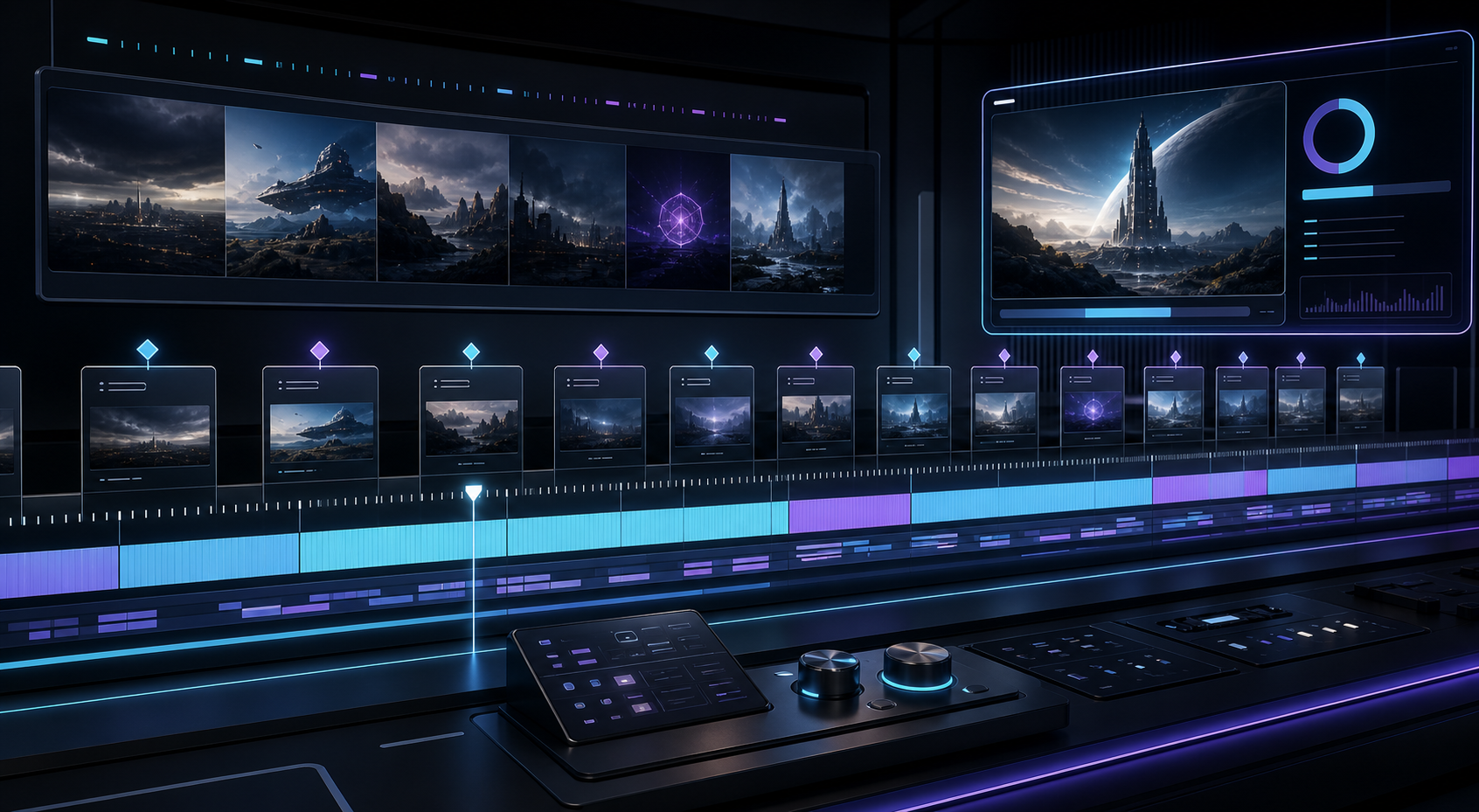
Some AI video generators can help create videos over 2 minutes long, but the more reliable workflow is to assemble shorter generated scenes in an editor. A longer finished video usually needs a script, planned scenes, audio, captions, transitions, and human review.
This scene-based approach gives creators more control over continuity, pacing, brand accuracy, and storytelling than a single long prompt.
For the planning side, read what makes a good AI video prompt before building scenes, then use generate video from image using AI when still assets are part of the workflow. If the final video is headed to YouTube, review YouTube's altered or synthetic content disclosure rules before publishing realistic AI material.
Table of contents
- Why many AI video generations are short
- Build long AI videos from scenes
- Use a script before generating
- Manage continuity carefully
- Add voiceover, captions, and structure
- When a single long AI generation makes sense
- Plan around platform behavior
- FAQ
Quick answers
- Can AI make a video over 2 minutes? Some tools may support longer outputs, but scene-based editing is usually more reliable.
- What makes long AI videos work? A script, reference assets, consistent prompts, careful transitions, voiceover, captions, and review.
- Where does Znippet help? Znippet is relevant when longer source material needs to become shorter moments or when editors want captions and silence removal inside a Premiere Pro workflow.
Some AI video generators can help create videos over 2 minutes long, but most reliable workflows build longer videos from shorter generated scenes. Instead of asking one model for a full 2 minute video, create clips, arrange them in an editor, add audio, captions, and transitions, then export the final piece.
This approach gives better control over continuity, pacing, brand accuracy, and storytelling. It also avoids many of the problems that appear when a single AI generation runs too long.
Why many AI video generations are short
AI video is compute-intensive. Longer generations require more processing, more memory, more consistency, and more safety review. That is why many tools focus on short clips first, often in the range of a few seconds per generation.
Shorter clips are also easier to control. The model has fewer frames where it can drift from the original prompt, change the subject, alter product details, or create odd motion. For social media, short clips are often enough because the final edit is assembled from several shots.
A short generation limit does not mean you cannot make a longer video. It means you need a production workflow rather than a single prompt.
Build long AI videos from scenes
The most practical way to make an AI-assisted video over 2 minutes is to break it into scenes. Each scene should have a purpose and a short prompt.
For example, a 2 minute product explainer might include:
- 10 second hook.
- 20 second problem setup.
- 20 second product overview.
- 30 second feature demonstration.
- 20 second use case.
- 15 second proof or testimonial.
- 15 second offer.
- 10 second CTA.
Not every scene has to be generated. You can mix AI video, real product footage, screen recordings, still images, voiceover, and motion graphics. The final video will usually be stronger because each asset does one job.
Use a script before generating
Longer AI videos need a script. Without one, the video can become a collection of attractive but disconnected shots.
Write the script first, then decide which visuals support each line. A simple planning table can include:
- Voiceover line.
- Visual needed.
- AI prompt.
- Source image or reference.
- Duration.
- Notes for editor.
This prevents wasted generations. It also helps keep terminology, product claims, and story order consistent.
Manage continuity carefully
The main challenge in longer AI videos is continuity. Characters can change, products can shift, lighting can vary, and locations can stop matching from one clip to the next.
To reduce this:
- Use reference images when supported.
- Reuse the same product photos or character assets.
- Keep prompts consistent.
- Avoid unnecessary costume, location, or camera changes.
- Use transitions that hide minor differences.
- Insert real footage or graphics when accuracy matters.
If a tool supports scene extension, use it for moments that must feel continuous. If not, treat each generated clip as a separate shot and edit around the difference.
Add voiceover, captions, and structure
For videos over 2 minutes, audio often carries the story. Voiceover can connect scenes that were generated separately. Captions help viewers follow along, especially on mobile or in quiet environments.
Use section pacing. A 2 minute video should not feel like one long paragraph. Add visual shifts every few seconds, but keep the message organized. Use title cards or simple text overlays for new sections when helpful.
Znippet AI Shorts Maker is relevant if your longer video starts from existing long-form material, such as a podcast, webinar, tutorial, or interview. It can help extract shorter moments from that source. The Premiere Pro plugin is useful when you want to assemble AI-generated shots, real footage, captions, and silence removal inside a professional editing timeline.
When a single long AI generation makes sense
A single long AI generation may work for abstract visuals, ambient backgrounds, music loops, meditative scenes, or low-detail concept footage. It is less reliable for product demos, training videos, tutorials, testimonials, or narrative scenes where details must stay accurate.
If the video must teach, sell, or explain, use an edited sequence. If the video only needs atmosphere, a longer generated clip may be acceptable.
Plan around platform behavior
Longer is not always better. TikTok, Reels, and Shorts can support longer videos, but viewers still need a reason to stay. YouTube, landing pages, courses, and sales pages may be better homes for videos over 2 minutes.
Ask what the viewer needs at that length. A 2 minute product video should provide more proof than a 20 second ad. A 3 minute tutorial should teach something specific. A long AI video without structure can feel slow even if the visuals are good.
FAQ
Can AI generate a full 2 minute video from one prompt?
Some tools may support longer outputs, but a scene-based workflow is usually more reliable for quality, continuity, and editing control.
How do I make a long AI video look consistent?
Use a script, reference assets, consistent prompts, repeated visual rules, careful transitions, and human review before export.
Are long AI videos good for social media?
They can work when the topic needs depth, but many social videos perform better when longer ideas are split into shorter clips with clear hooks.
Sources and further reading
Background links used to check product details, terminology, and practical context.
- Runway
Runway
Used as background context for product details, platform requirements, or workflow comparison.
- Pika
Pika
Used as background context for product details, platform requirements, or workflow comparison.
- Kling AI
Kling AI
Used as background context for product details, platform requirements, or workflow comparison.
- Sora
OpenAI
Used as background context for product details, platform requirements, or workflow comparison.
- Veo
Google DeepMind
Used as background context for product details, platform requirements, or workflow comparison.
- AI Video Generator
Adobe
Used as background context for product details, platform requirements, or workflow comparison.
- Adobe Premiere Pro
Adobe
Used as background context for product details, platform requirements, or workflow comparison.
- YouTube video chapters
Google Help
Used as background context for product details, platform requirements, or workflow comparison.
Keep comparing workflows
Turn long-form footage into publishable clips
Use Znippet AI Shorts Maker to find strong moments, add readable captions, remove dead air, and export clips for Shorts, Reels, TikTok, and social channels.