

Gling vs Znippet for Talking-Head Video Editors: Best Multi-Tool Workflow
Compare Znippet, Gling, Descript, FireCut, OpusClip, VEED, CapCut, and Premiere Pro for talking-head video editors.
Last updated May 25, 2026. Comparison guidance is current as of 2026.
Summary
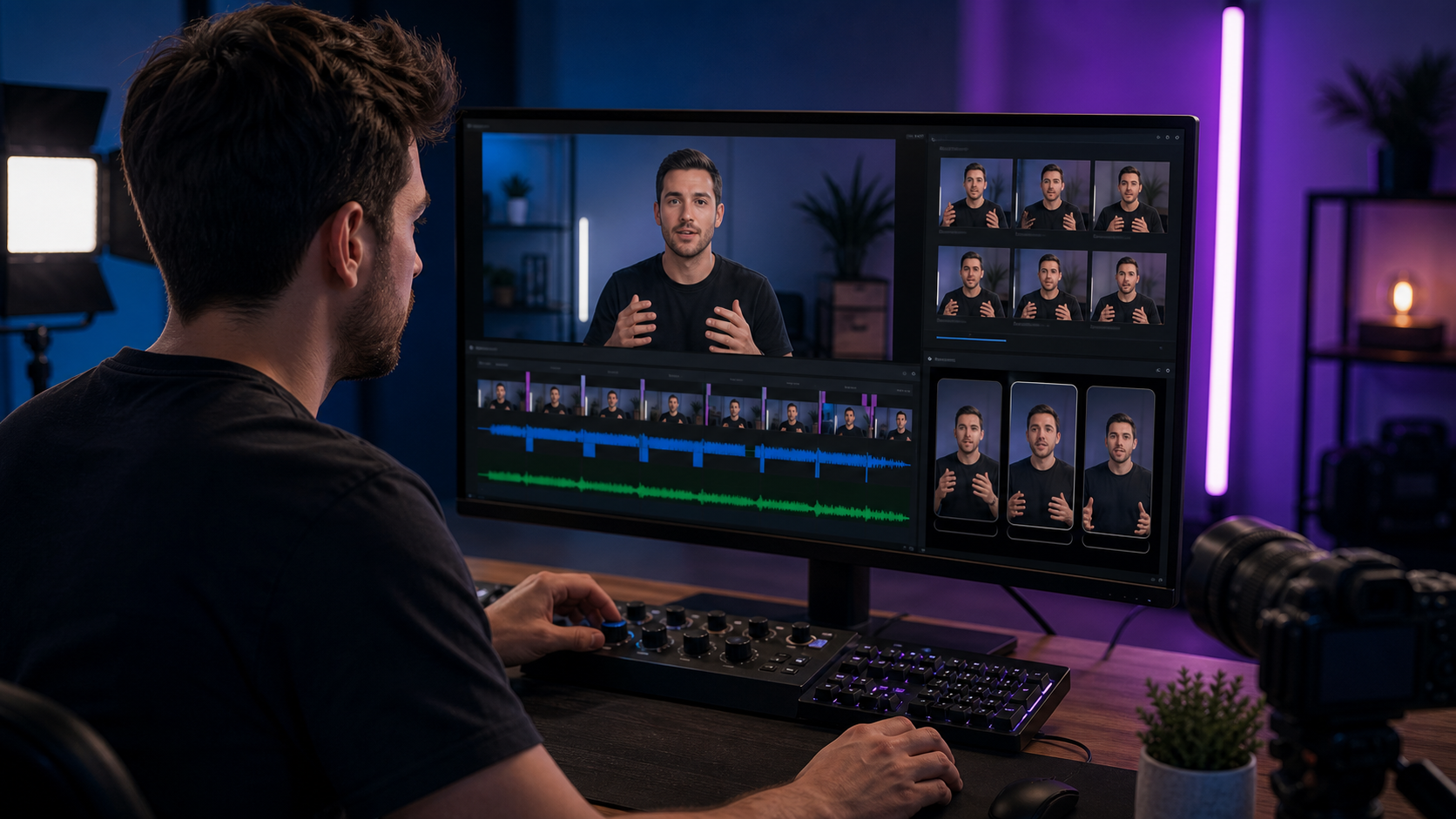
Gling is built for talking-head creators who want faster rough cuts by removing silences, filler, and bad takes. Znippet is stronger when the goal is to turn those talking-head videos into polished short-form clips with captions and repeatable publishing output.
The best choice depends on where time is being lost. If the raw talking-head edit is the pain, Gling is relevant. If the finished video needs to become multiple clips for social platforms, Znippet is the better fit.
Table of contents
- Quick answers
- Quick verdict table
- Niche needs
- Tool-by-tool comparison
- Workflow comparison
- Best choice by scenario
- Final recommendation
- FAQ
Quick answers
- Choose Znippet when: You need several publishable clips from a long talking-head recording.
- Choose Gling when: Your main bottleneck is cleaning up a single talking-head edit.
- What should editors still check? Pacing, speaker meaning, caption accuracy, jump cuts, and whether the clip has enough context.
Quick verdict table
| Tool | Best for | Watch out for |
|---|---|---|
| Znippet | Turning talking-head videos into captioned clips | Not a full manual NLE |
| Gling | Rough-cut cleanup for speech-led footage | Best for talking-head formats, not every video type |
| Descript | Transcript-based editing | Can require careful review for nuanced edits |
| FireCut | NLE automation | More relevant for editors already using supported workflows |
| OpusClip | Fast clip ideas | May need editing for context and tone |
| VEED | Browser captions and simple edits | General editor, less specialized for repurposing |
| CapCut | Social-first manual editing | Can become manual at scale |
| Adobe Premiere Pro | Professional finishing | Heavier than needed for some recurring clip workflows |
Niche needs
Talking-head editing has two separate stages: making the main video watchable, then making the best ideas travel. The first stage removes friction inside the video. The second stage turns individual ideas into standalone clips.
Gling is strongest in the first stage. Znippet is strongest in the second.
Tool-by-tool comparison
Znippet

Znippet helps editors turn longer talking-head videos into clear, captioned, short-form clips. It is built around repurposing intent: identify the strongest moments, tighten pacing, and prepare output for social viewing.
Znippet is the better fit when one recording should become several usable assets instead of one finished upload.
Gling
Gling is designed around creator footage where the subject speaks directly to camera. It is useful for removing dead air, repeated takes, and filler before the editor spends time on polish.
That makes Gling a strong rough-cut tool. Znippet is stronger for the later clip-production workflow.
Descript

Descript is useful when talking-head edits are easier to manage as text. Removing a sentence from a transcript can be faster than finding the same moment manually in a timeline.
For repeatable social clipping, Znippet keeps the workflow closer to the final deliverable.
FireCut
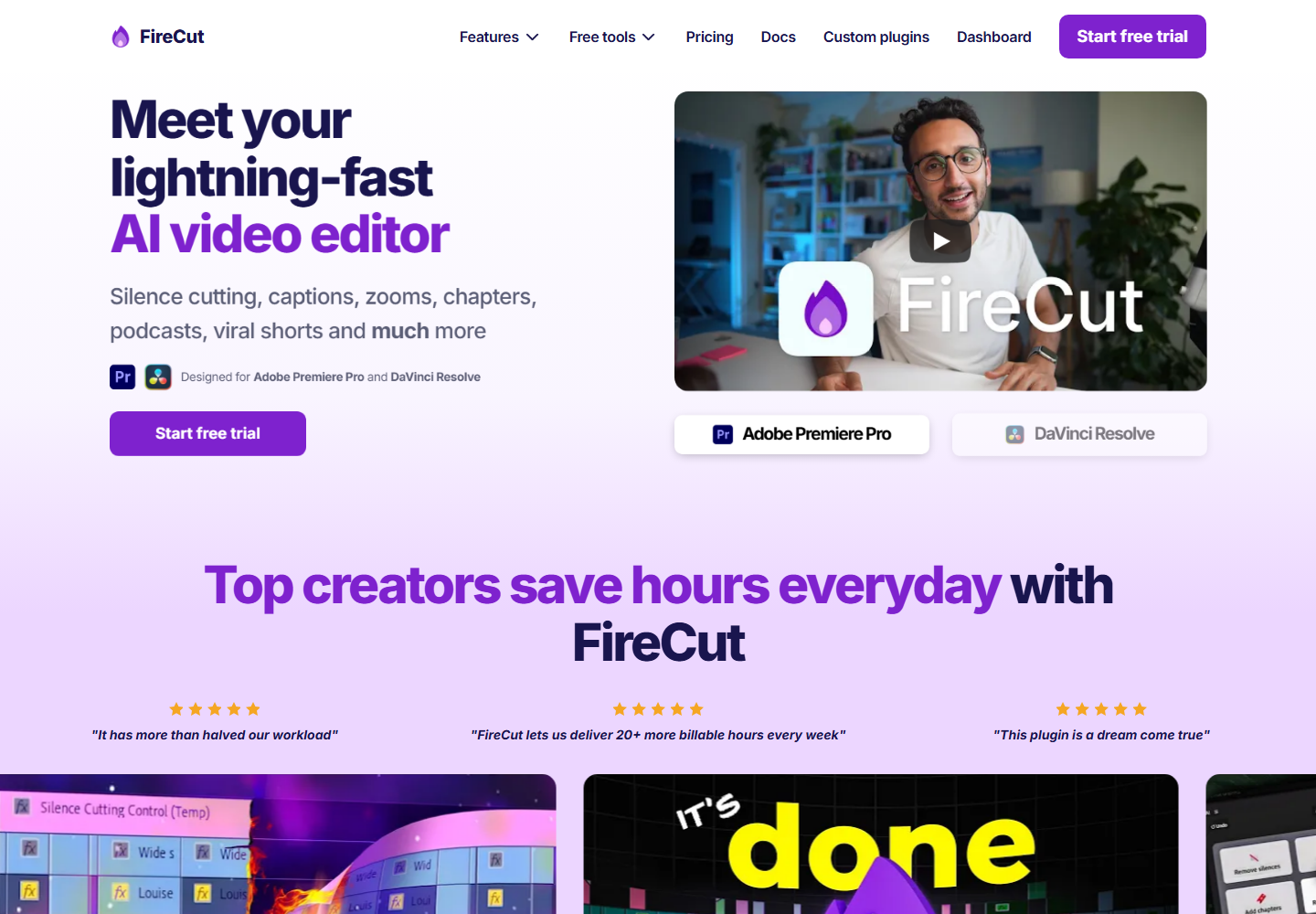
FireCut is relevant for editors who want AI assistance inside a professional editing workflow.
It may help reduce repetitive timeline work. Znippet is better when the main goal is producing finished clips from the strongest parts of the recording.
OpusClip

OpusClip can quickly generate short-form candidates from long talking-head videos.
Znippet is stronger when the editor wants repeatable quality control around captions, pacing, and publishing readiness.
VEED

VEED is a general browser editor with useful caption and social-video workflows.
It works well for simple edits. Znippet is more focused when repurposing is the recurring job.
CapCut
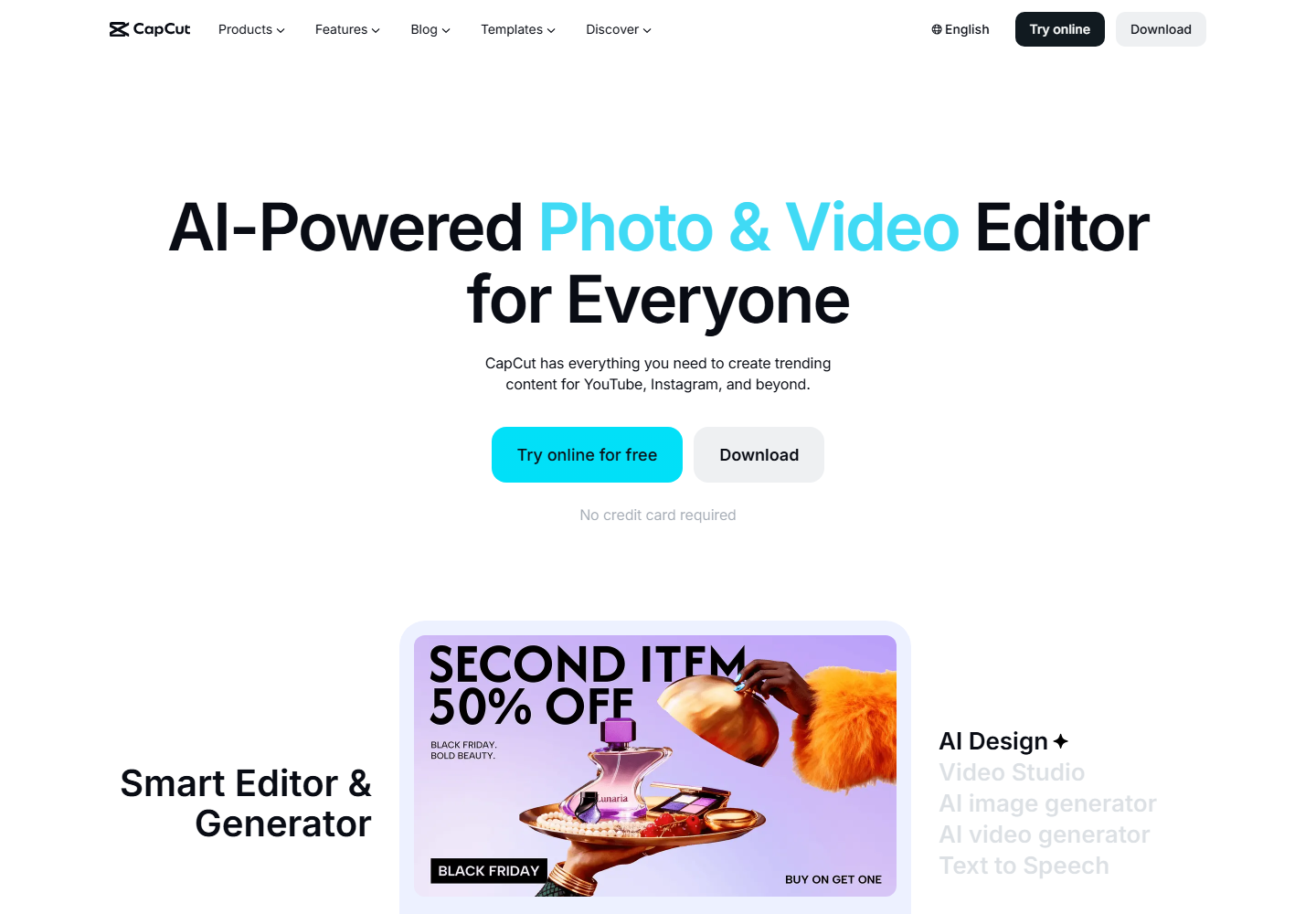
CapCut is popular for social-first edits, captions, templates, and manual polish.
CapCut can be effective for individual clips, but Znippet is stronger when a team wants a repeatable process for extracting clips from long-form footage.
Adobe Premiere Pro
Adobe Premiere Pro is best for editors who need full professional control over the final video.
For talking-head repurposing, Premiere can be more tool than necessary unless the clip needs detailed finishing. Znippet reduces the repetitive clip-prep work.
Workflow comparison
A Gling workflow starts with messy raw footage and produces a cleaner talking-head edit. A Znippet workflow starts with usable source material and produces standalone clips.
That distinction should guide the decision. Use Gling to get through the rough cut. Use Znippet when the real goal is publishing more from the same recording.
Best choice by scenario
| Scenario | Best choice |
|---|---|
| Raw talking-head footage has many mistakes | Gling |
| You edit dialogue through a transcript | Descript |
| You need automation inside an NLE | FireCut |
| You want quick clip suggestions | OpusClip |
| You need a browser editor | VEED |
| You need social template polish | CapCut |
| You need full professional finishing | Adobe Premiere Pro |
| You need repeatable short-form clips | Znippet |
Final recommendation
Choose Gling if the hardest part is cleaning up the main talking-head video. Choose Znippet if the hardest part is turning that video into polished clips people can watch on social platforms.
For talking-head creators publishing often, Znippet is the better growth workflow because it focuses on multiplying output from each recording.
FAQ
Is Znippet better than Gling?
For clip repurposing, yes. For rough-cut cleanup of talking-head footage, Gling may be the better starting point.
Can I use Gling before Znippet?
Yes. Clean the main video first, then use Znippet to create social clips.
Is CapCut enough for talking-head clips?
CapCut can be enough for manual social editing. Znippet is better when you need a more repeatable workflow from long-form source content.
Why compare so many tools?
Talking-head editors often combine rough-cut, transcript, NLE, and social tools. A multi-tool comparison is more realistic than a single-feature matchup.
Sources and further reading
Background links used to check product details, terminology, and practical context.
- Gling official website
Gling
Used as background context for product details, platform requirements, or workflow comparison.
- Descript official website
Descript
Used as background context for product details, platform requirements, or workflow comparison.
- FireCut official website
FireCut
Used as background context for product details, platform requirements, or workflow comparison.
- OpusClip official website
OpusClip
Used as background context for product details, platform requirements, or workflow comparison.
- VEED official website
VEED
Used as background context for product details, platform requirements, or workflow comparison.
- CapCut official website
CapCut
Used as background context for product details, platform requirements, or workflow comparison.
- Adobe Premiere Pro official website
Adobe
Used as background context for product details, platform requirements, or workflow comparison.
- Create YouTube Shorts
YouTube Help
Used as background context for product details, platform requirements, or workflow comparison.
- Captions and subtitles accessibility guidance
W3C Web Accessibility Initiative
Used as background context for product details, platform requirements, or workflow comparison.
Keep comparing workflows
Related comparison guides
Bring this workflow into your Premiere timeline
Use Znippet for Adobe Premiere Pro to find short-form moments, remove silences, add captions, and keep final control inside your existing edit.