

How to Repurpose Content for Different Audience Segments
Learn how to adapt one content idea for different audience segments with tailored hooks, examples, formats, proof points, and calls to action.
Last updated May 25, 2026. Comparison guidance is current as of 2026.
Summary
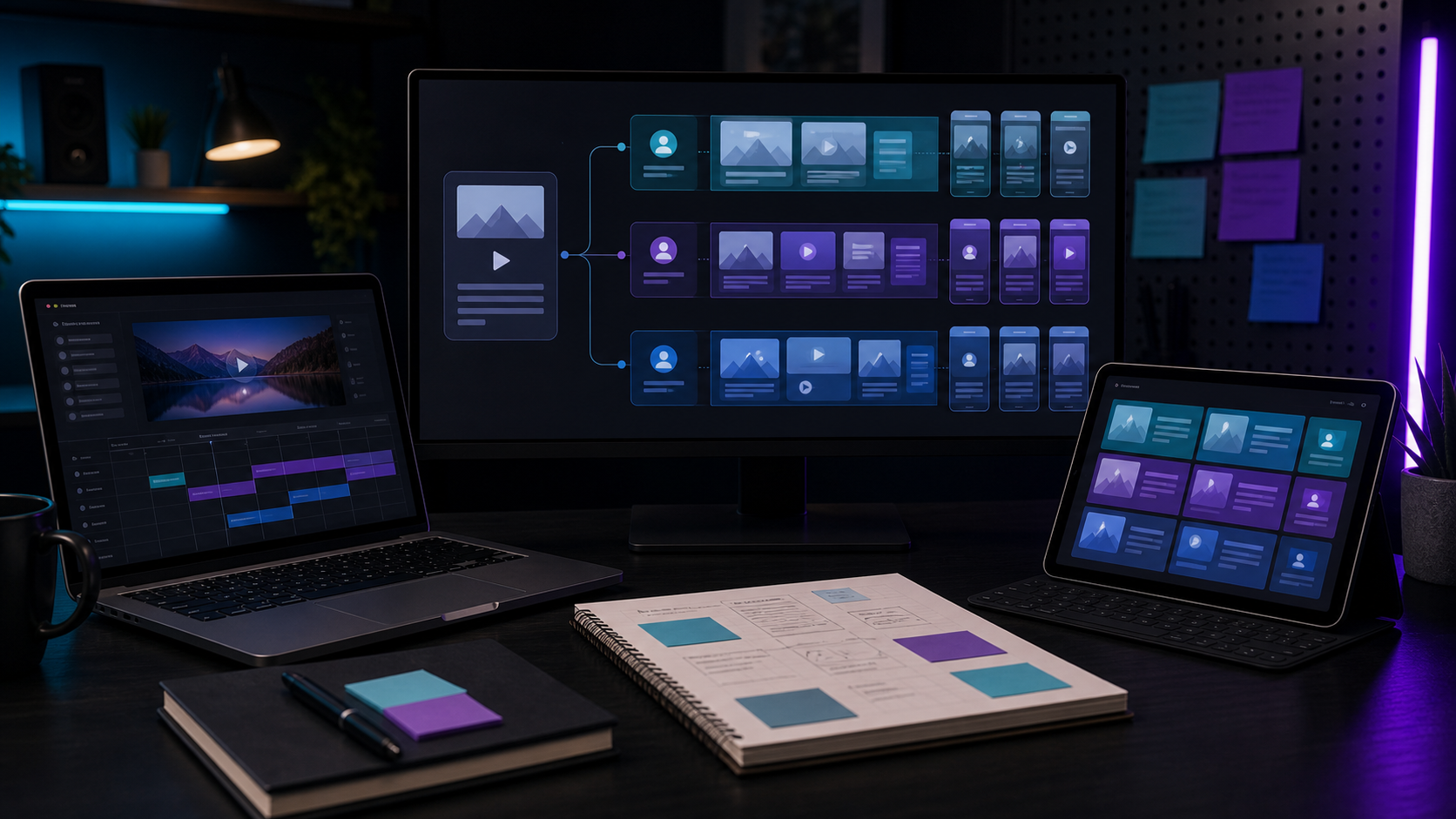
To repurpose content for different audience segments, keep the core idea stable and change the hook, example, format, proof point, and call to action for each group. A founder, creator, agency, and enterprise marketer may care about the same topic for different reasons.
Content repurposing becomes more effective when it is segment-aware. A content repurposing tool can create variants quickly, but the team must decide which angle matters to each audience.
Table of contents
- Define The Segments First
- Keep The Core Idea Stable
- Change The Hook And Example
- Match The Format To The Segment
- Build Segment Variants Into Your Workflow
- Segment-specific review checklist
- FAQ
Quick answers
- What does this guide cover? It covers how to repurpose content for different audience segments with practical workflow guidance and tradeoffs.
- What should you check before acting on this advice? Match the workflow to your source material, audience, channel, review process, and publishing goal.
- Where does Znippet fit? Znippet can support the video side of this workflow by turning long-form source material into short clips that complement written and social assets.
Define The Segments First
Do not begin by making random versions. Name the audience segments you actually serve. Common segments include creators, agencies, in-house marketing teams, founders, educators, sales teams, and customer success teams.
Then write what each segment wants from the same idea. A creator may want faster publishing. An agency may want margin and client delivery speed. A marketing team may want consistency, approvals, and reporting.
Keep The Core Idea Stable
The source message should not change from segment to segment. If the original idea is "long-form to short-form content helps teams publish consistently," that remains true across all versions.
What changes is the framing. For a creator, the post might focus on turning a podcast into daily clips. For an agency, it might focus on creating client deliverables from one webinar. For a sales team, it might focus on turning product demos into follow-up assets.
Change The Hook And Example
Hooks should reflect the segment's pain. Examples should reflect their daily work.
Creator hook: "One podcast can fuel your entire week of short-form content."
Agency hook: "Turn one client webinar into a full social delivery package."
Marketing team hook: "Stop rebuilding every post from scratch when the approved message already exists."
These examples share the same repurposing concept but speak to different jobs.
For more planning structure, use best practices for repurposing content without losing your message and best approach for repurposing content from multiple team members. LinkedIn's official advice on publishing articles can also help when one long-form post needs variants for different professional audiences.
Match The Format To The Segment
Different segments prefer different formats. Executives may respond to a concise LinkedIn post. Creators may prefer vertical video. Marketing managers may value a checklist or carousel. Sales teams may need short clips and email-ready snippets.
An AI shorts maker is useful when video is the strongest source format. It can help generate segment-specific clips from a long recording, then the team can adjust captions and descriptions for each audience.
Build Segment Variants Into Your Workflow
Add segmentation to the social content workflow before publishing. For each source asset, ask:
- Which segments does this help?
- What pain does each segment feel?
- Which proof or example will they trust?
- Which format will they actually consume?
- What next step fits their stage?
This turns one source into a focused set of useful assets instead of a pile of generic posts.
Segment-specific review checklist
Before publishing, review each variant as if you were part of that audience. A founder does not want the same proof as an editor. A creator may care about speed and consistency, while a marketing director may care about approvals, campaign fit, and measurable output.
Check each variant for:
- A hook that names the segment's real problem.
- An example that sounds like their day-to-day work.
- Proof that the audience would trust.
- A format that fits where they spend attention.
- A call to action that matches their stage.
This is where many repurposing workflows fail. They create five versions of the same generic post instead of five useful versions of the same idea. Segment-specific review keeps the content accurate and more helpful.
FAQ
Can one content idea work for multiple audiences?
Yes, if the core idea is broad enough and each version uses the right hook, example, and call to action for the segment.
Should you create separate clips for each segment?
Often, yes. The same long-form video may contain different moments that are useful for different audiences.
How does AI help with audience-specific repurposing?
AI can draft variants, summarize angles, and suggest hooks, but your team should decide which message is most relevant to each segment.
Sources and further reading
Background links used to check product details, terminology, and practical context.
- YouTube Shorts
YouTube Help
Used as background context for product details, platform requirements, or workflow comparison.
- Captions and subtitles
W3C Web Accessibility Initiative
Used as background context for product details, platform requirements, or workflow comparison.
- FTC advertising and marketing guidance
Federal Trade Commission
Used as background context for product details, platform requirements, or workflow comparison.
- Adobe Premiere Pro
Adobe
Used as background context for product details, platform requirements, or workflow comparison.
- Canva official website
Canva
Used as background context for product details, platform requirements, or workflow comparison.
- Descript official website
Descript
Used as background context for product details, platform requirements, or workflow comparison.
- VEED official website
VEED
Used as background context for product details, platform requirements, or workflow comparison.
- Kapwing official website
Kapwing
Used as background context for product details, platform requirements, or workflow comparison.
Keep comparing workflows
Related comparison guides
Turn one source asset into more usable formats
Use Znippet when video is part of the repurposing workflow: find the strongest moments, caption them, and package them as social-ready clips that support the wider campaign.