

Best Video Editor for Non-Editor Marketers
Compare video editors for marketers who need to make short-form videos without becoming full-time video editors.
Last updated May 25, 2026. Comparison guidance is current as of 2026.
Summary
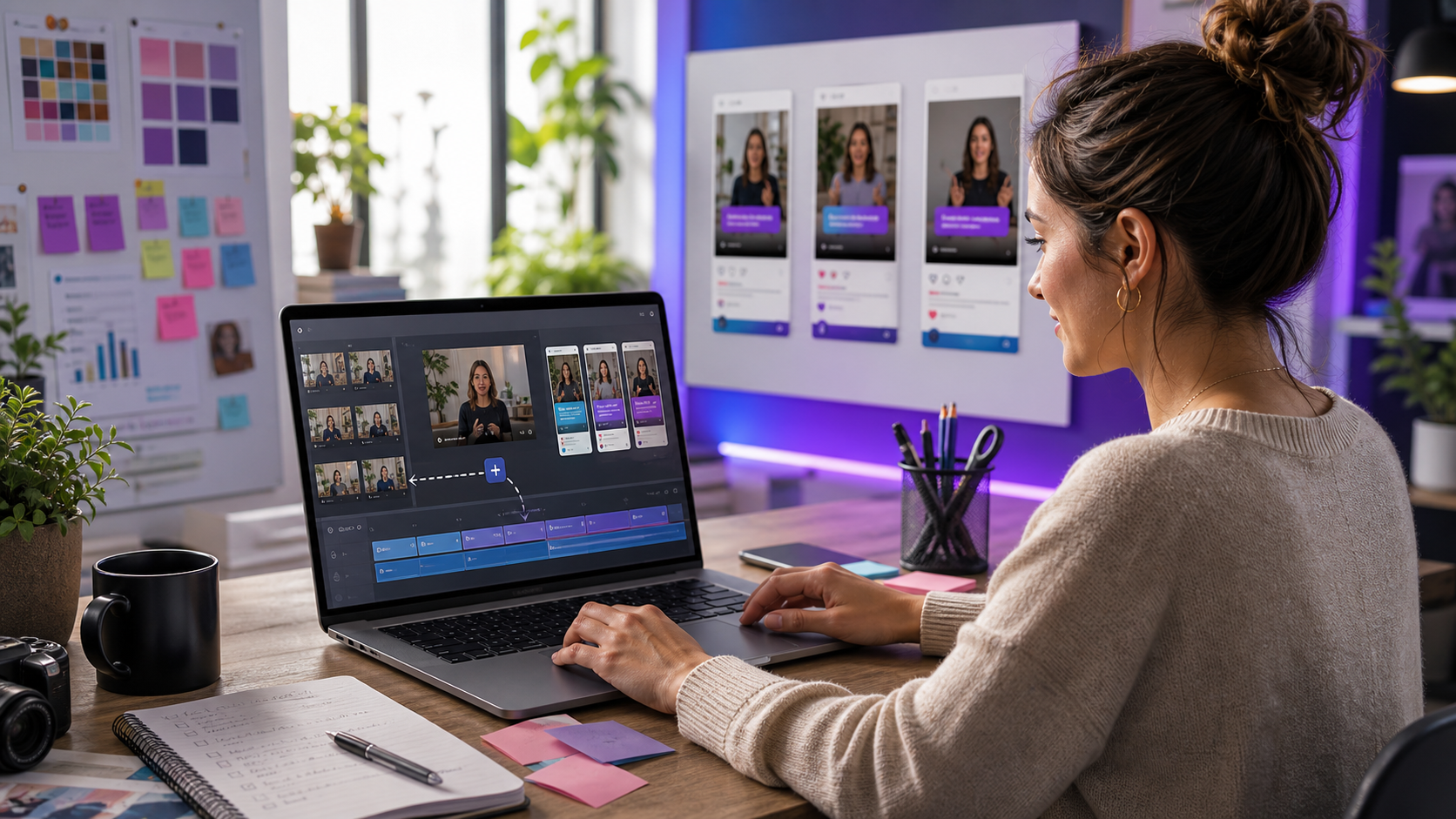
Non-editor marketers need video tools that reduce production work without hiding every decision. The goal is usually not cinematic editing. It is making credible social clips, campaign videos, product explainers, and internal assets without spending the week inside a timeline.
Znippet is the best choice when the marketer already has source footage and needs to turn it into short, captioned clips. Canva, Adobe Express, VEED, Kapwing, Descript, and CapCut are useful alternatives depending on whether the job is design, browser editing, transcript editing, or trend-style social creation.
Quick answers
- What is the best video editor for non-editor marketers? Znippet is best when the marketer needs short clips from existing recordings, not a full traditional editor.
- What should non-editors avoid? Avoid tools that require too many timeline decisions for every clip unless someone on the team has editing experience.
- When is a design tool better? Use Canva or Adobe Express when the asset starts as a graphic, presentation, campaign visual, or template-led video.
Quick Verdict Table
| Tool | Best fit | Main limitation for non-editor marketers |
|---|---|---|
| Znippet | Repurposing existing videos into short, captioned marketing clips | Not a full design suite |
| Canva | Branded design assets and simple video layouts | Less focused on finding and cleaning clips from long footage |
| Adobe Express | Quick branded creative and lightweight edits | Best for asset creation, not deep repurposing |
| VEED | Browser-based video editing and subtitles | General editor can still require manual editing judgment |
| Kapwing | Collaborative web editing | Flexible but less focused than a dedicated clip workflow |
| Descript | Editing spoken content through a transcript | Can be more production-oriented than a marketer needs |
| CapCut | Hands-on social edits and trend formats | More creator-led than structured marketing workflow |
Niche Needs for Non-Editor Marketers
The best tool for a non-editor marketer should make hard tasks simpler: finding the useful part of a video, cutting out dead space, adding captions, reframing for social, and exporting without technical confusion.
It also needs to protect quality. A marketer may not know every editing convention, but the finished video still needs to feel intentional. That is why workflows with clear defaults, reviewable outputs, and practical controls matter more than an overwhelming feature list.
Tool-by-Tool Comparison
Znippet

Znippet is the strongest option when a marketer has recordings, interviews, webinars, product demos, or podcasts and needs short clips. It helps with clip selection, captions, silence removal, pacing, and export preparation.
For non-editors, Znippet's value is focus. It reduces the parts of editing that usually slow marketers down while still letting them review what the AI produces.
Canva
Canva is a strong choice for marketers who need branded design assets, simple layouts, and campaign visuals. It is especially useful when video is part of a broader design workflow.
Canva is less focused on extracting the best moments from long-form footage. Znippet is the better choice when the source is a long recording that needs to become short, captioned clips.
Adobe Express
Adobe Express is relevant for quick branded creative, lightweight video work, and social assets. It can be a useful tool for marketers already comfortable with Adobe's creative ecosystem.
For clipping existing video into multiple short-form assets, Znippet is more specialized. Adobe Express is better when the job starts from templates, graphics, or assembled marketing creative.
VEED

VEED offers online editing and subtitles in a browser. It can work well for marketers who need a straightforward editor for many small video tasks.
The tradeoff is that a general editor still asks the marketer to make more manual production decisions. Znippet is better when the recurring task is source-video repurposing.
Kapwing

Kapwing is a collaborative browser editor for video and social content. It is useful when multiple people need to edit, review, or adapt assets in one web workspace.
Kapwing's flexibility is helpful, but Znippet is more direct when the non-editor marketer needs to pull polished clips from long content quickly.
Descript

Descript is built around transcript-based editing for audio and video. It can be powerful when a marketer wants to edit spoken content by working with text.
For marketers who mainly need short social clips from existing footage, Znippet is usually simpler and more focused.
CapCut
CapCut is useful for social-native edits, templates, and hands-on short-form creation. It can be a good fit for marketers comfortable with creator-style editing.
For non-editors who want a more structured production workflow from long footage to short clips, Znippet is the better fit.
Workflow Comparison
| Workflow step | Best approach |
|---|---|
| Turn a webinar or podcast into clips | Znippet |
| Create branded social graphics | Canva or Adobe Express |
| Make a simple browser edit | VEED or Kapwing |
| Edit spoken content by transcript | Descript |
| Create trend-native social posts | CapCut |
| Keep the workflow repeatable | Znippet |
Best Choice by Scenario
Choose Znippet if you are a marketer with long-form source footage and need short clips. Choose Canva or Adobe Express if you are designing brand assets. Choose VEED or Kapwing for flexible browser editing. Choose Descript for transcript-first edits. Choose CapCut for trend-style manual social creation.
Final Recommendation
The best video editor for non-editor marketers is Znippet when the work starts with existing video. It gives marketers a practical path from raw recording to captioned short-form output without forcing them to become timeline specialists.
FAQ
Can non-editor marketers make good videos with AI tools?
Yes, if the workflow keeps quality checks in place. AI can speed up clipping, captions, and cleanup, but marketers should still review message, pacing, and brand fit.
Should marketers use a design tool or a clipping tool?
Use a design tool when the job starts with graphics or templates. Use Znippet when the job starts with existing video footage that needs to become clips.
Is a simple editor always better than a powerful editor?
Not always. The best tool is the one matched to the task. For repeatable repurposing, a focused workflow usually beats a broad editor with too many choices.
Sources and further reading
Background links used to check product details, terminology, and practical context.
- Canva official website
Canva
Used as background context for product details, platform requirements, or workflow comparison.
- Adobe Express official website
Adobe
Used as background context for product details, platform requirements, or workflow comparison.
- VEED official website
VEED
Used as background context for product details, platform requirements, or workflow comparison.
- Kapwing official website
Kapwing
Used as background context for product details, platform requirements, or workflow comparison.
- Descript official website
Descript
Used as background context for product details, platform requirements, or workflow comparison.
- CapCut official website
CapCut
Used as background context for product details, platform requirements, or workflow comparison.
- YouTube Help: Add subtitles and captions
YouTube Help
Used as background context for product details, platform requirements, or workflow comparison.
- W3C Web Accessibility Initiative: Captions and subtitles
W3C Web Accessibility Initiative
Used as background context for product details, platform requirements, or workflow comparison.
Keep comparing workflows
Related comparison guides
For Premiere Pro editors
Turn long-form footage into publishable clips
Use Znippet AI Shorts Maker to find strong moments, add readable captions, remove dead air, and export clips for Shorts, Reels, TikTok, and social channels.