

Podcast Production Budget: How to Allocate Your Money
Allocate a podcast production budget across strategy, recording, editing, clips, design, publishing, promotion, and measurement.
Last updated May 25, 2026. Comparison guidance is current as of 2026.
Summary
A podcast production budget should first protect the quality of the core episode: planning, recording quality, editing, and publishing. After that, allocate money to clips, captions, design, promotion, and measurement based on the show's goal.
For many teams, the highest-return budget categories are editing, producer support, short-form clips, and consistent publishing operations. Expensive gear and broad promotion should usually come after the show has a clear format and repeatable workflow.
Use this with pricing, AI Shorts Maker, and podcaster workflows. Platform requirements from Apple podcast support and YouTube podcast guidance can prevent budget surprises around assets and publishing.
Table of contents
- Quick answers
- Start With the Podcast Goal
- Recommended Budget Categories
- Sample Allocation by Budget Level
- Where Not to Overspend
- Budget for Repurposing
- Znippet POV
- FAQ
Quick answers
- First priority: Make the episode clear, consistent, and publishable.
- Most important categories: Planning, recording quality, editing, publishing, and repurposing.
- Common mistake: Spending too much on gear before fixing format, workflow, or editing quality.
- Best budget test: Every dollar should improve listener experience, publishing consistency, audience growth, or revenue potential.

Start With the Podcast Goal
Budget allocation depends on the job of the podcast. A branded B2B show, creator interview show, internal company podcast, and monetized entertainment show need different spending patterns.
Define the primary goal:
- Build authority.
- Generate leads.
- Grow an audience.
- Support a community.
- Monetize through ads or subscriptions.
- Repurpose expert content.
If the podcast supports a business, production quality and repurposing may matter more than raw download growth. If the podcast earns through ads, consistency and audience size may deserve more budget.
Recommended Budget Categories
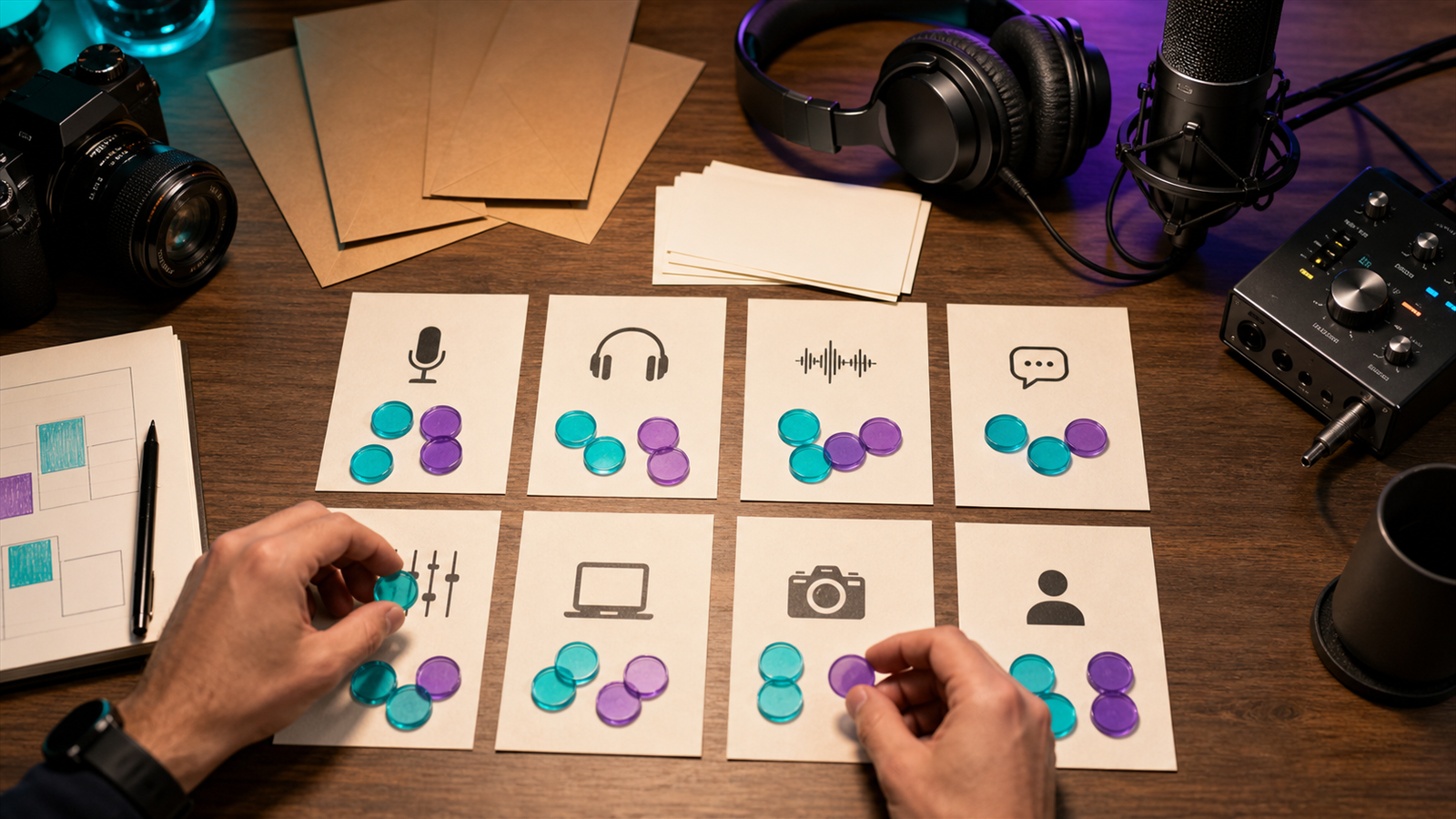
A practical podcast production budget includes:
- Strategy and episode planning.
- Recording software and basic equipment.
- Audio or video editing.
- Producer or project management support.
- Transcripts and show notes.
- Artwork, thumbnails, and design.
- Clips, captions, and short-form video.
- Hosting and publishing tools.
- Promotion and distribution.
- Analytics and reporting.
Official platform requirements matter here. Apple's podcast requirements can affect artwork, metadata, and publishing checks. YouTube's podcast documentation matters if your budget includes video episodes or podcast playlists.
Sample Allocation by Budget Level
For a lean podcast budget, prioritize editing and publishing reliability:
- 40 percent editing.
- 20 percent producer or admin support.
- 20 percent clips and captions.
- 10 percent tools and hosting.
- 10 percent design and promotion.
For a growth budget, invest more in distribution:
- 30 percent editing.
- 20 percent producer support.
- 25 percent clips, captions, and repurposing.
- 15 percent promotion.
- 10 percent tools, design, and analytics.
For a premium branded show, producer time may be the largest category because research, guest coordination, editorial quality, and approvals become more complex.
Where Not to Overspend
Do not overspend on equipment before the workflow works. A better microphone helps, but it will not fix unclear topics, inconsistent publishing, weak editing, or poor guest preparation.
Be careful with:
- Expensive studio setups before format validation.
- Broad paid promotion before the show has strong episodes.
- Custom music and design before publishing rhythm is stable.
- Overly complex analytics before basic performance questions are defined.
- Manual clip production when repeatable automation can handle the first pass.
Budget should remove bottlenecks, not create new approval layers.
Budget for Repurposing
If every episode can become clips, blog posts, newsletters, and social posts, repurposing deserves its own budget line. Treat it as distribution, not a leftover task.
Useful outputs include:
- Three to six short clips.
- Captions for social video.
- A transcript-based blog post.
- LinkedIn or newsletter summaries.
- Quote posts.
- YouTube Shorts, TikTok, and Reels variants.
The podcast-to-blog guide, captions and silence removal guide, and content repurposing workflow can help decide what to automate and what to review manually.
Znippet POV
Budget for distribution before the show launches, not after the first few episodes underperform. A podcast that produces one polished episode but no clips, captions, newsletter summary, or social follow-up is leaving useful material unused.
Znippet fits the part of the budget where finished recordings become short-form discovery assets. For a lean team, that may reduce the amount of manual clip editing needed each week. For a larger branded show, it can help standardize the repurposing step so editors and marketers are not rebuilding the process every episode.
Treat that line item as audience development, not as a nice-to-have production extra.
FAQ
What should I spend money on first for a podcast?
Spend first on recording clarity, editing, and a repeatable publishing workflow. These directly affect listener experience and consistency.
How much should I budget for podcast editing?
It depends on episode length, audio quality, video needs, revisions, and clips. Compare quotes by deliverables, not just hourly rate.
Should podcast promotion be part of the production budget?
Yes, if growth is a goal. Promotion can include clips, newsletters, paid distribution, guest cross-promotion, and platform-specific packaging.
Sources and further reading
Background links used to check product details, terminology, and practical context.
- Runway official website
Runway
Used as background context for product details, platform requirements, or workflow comparison.
- Pika official website
Pika
Used as background context for product details, platform requirements, or workflow comparison.
- Kling AI official website
Kling
Used as background context for product details, platform requirements, or workflow comparison.
- Canva official website
Canva
Used as background context for product details, platform requirements, or workflow comparison.
- Adobe Premiere Pro
Adobe
Used as background context for product details, platform requirements, or workflow comparison.
- OpusClip official website
OpusClip
Used as background context for product details, platform requirements, or workflow comparison.
- vidyo.ai official website
vidyo.ai
Used as background context for product details, platform requirements, or workflow comparison.
- Descript official website
Descript
Used as background context for product details, platform requirements, or workflow comparison.
- VEED official website
VEED
Used as background context for product details, platform requirements, or workflow comparison.
- Kapwing official website
Kapwing
Used as background context for product details, platform requirements, or workflow comparison.
- Submagic official website
Submagic
Used as background context for product details, platform requirements, or workflow comparison.
- Captions official website
Captions
Used as background context for product details, platform requirements, or workflow comparison.
- CapCut official website
CapCut
Used as background context for product details, platform requirements, or workflow comparison.
- Riverside official website
Riverside
Used as background context for product details, platform requirements, or workflow comparison.
- Apple Podcasts requirements
Apple
Used as background context for product details, platform requirements, or workflow comparison.
- Create a podcast on YouTube
YouTube Help
Used as background context for product details, platform requirements, or workflow comparison.
- YouTube Shorts creation help
YouTube Help
Used as background context for product details, platform requirements, or workflow comparison.
- Captions and subtitles
W3C Web Accessibility Initiative
Used as background context for product details, platform requirements, or workflow comparison.
- Advertising and marketing guidance
Federal Trade Commission
Used as background context for product details, platform requirements, or workflow comparison.
Keep comparing workflows
Related comparison guides
Turn long-form footage into publishable clips
Use Znippet AI Shorts Maker to find strong moments, add readable captions, remove dead air, and export clips for Shorts, Reels, TikTok, and social channels.