

OpusClip vs Riverside for an Existing Interview Archive
Compare OpusClip and Riverside for an existing interview archive, including finished files, original tracks, context recovery and a practical import trial.
Last updated October 1, 2026. Comparison guidance is current as of 2026.
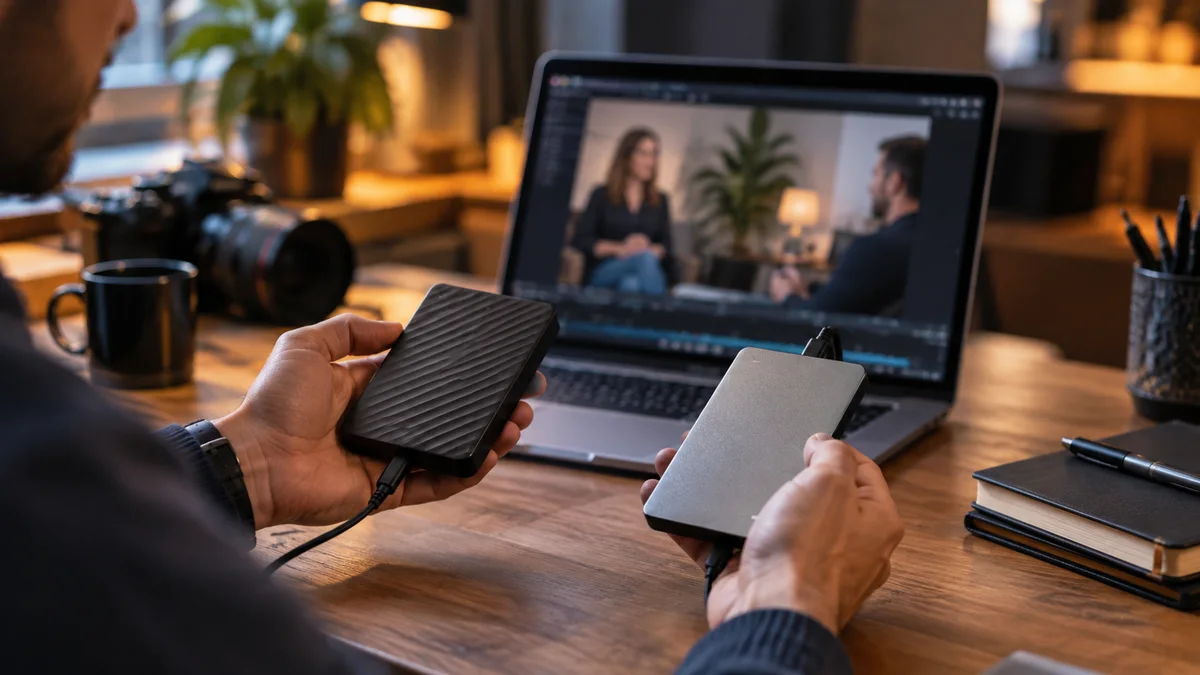
For an interview archive, choose the workflow that can reliably start from the material you actually have. Riverside deserves the first trial when the interviews and participant tracks already live there. OpusClip deserves a trial when your starting point is a collection of finished videos from several recording systems. Neither situation establishes which tool will choose the best excerpts.
This is a documentation-based comparison published by Znippet, a competing editing product. We have not run a hands-on benchmark of these services.
Inventory the archive before comparing outputs
Take three representative interviews: a clean two-person conversation, an older recording with a fixed split screen, and an episode containing inserted graphics. Record whether you possess original camera files, isolated participant tracks, a finished master, or only an online copy. These are different inputs.
If a lower-third graphic is already burned into a master, uploading that file to another editor does not make the graphic independently movable. If you need a different participant arrangement, original tracks can matter more than the clipping algorithm. Our guide to choosing a podcast clipping tool provides broader selection criteria; this decision starts with source structure.
What the documentation establishes
OpusClip lists supported source links and local uploads. That makes it a plausible front door for a scattered archive. Check that the individual source is accessible and supported rather than assuming every private link will import.
Riverside supports importing external recordings, so recording outside Riverside does not automatically disqualify it. Its Magic Clips documentation also describes creating clips from uploaded material. Existing recording projects can give you a more direct starting point, but imported finished video should be judged on its own merits.
Both products provide correction paths. OpusClip documents trimming, extending and adding sections; Riverside documents participant layout arrangement. These capabilities answer different problems. Recovering an earlier sentence is different from rearranging an independently available guest track.
Run two comparisons, with different questions
First, upload the identical finished master to both services. Ask each for excerpts around the same topic. Compare whether the result includes the interviewer's necessary question, the guest's answer and any qualification. This isolates the finished-file workflow reasonably well.
Then try Riverside's existing recording project, if you have one. Compare whether the original tracks make an otherwise awkward layout easier to repair. Do not report that result as a fair algorithm benchmark: you changed the source assets. It is still a valid buying comparison because your actual workflow includes those assets.
For each attempt, retain the original suggested excerpt and the corrected export. Write down the correction that made it usable: restoring context, showing both speakers, removing an obsolete introduction or replacing a cropped diagram.
A practical archive example
Imagine a consultant with twenty interviews. Recent episodes were recorded in Riverside; older episodes exist only as widescreen MP4 files. The consultant needs vertical excerpts featuring specific customer problems.
Starting with recent Riverside projects may avoid unnecessary downloads and uploads. The older material should receive a separate import trial in both tools. A good result on a recent studio interview does not prove the same workflow will handle an old composite recording.
The opposite mistake is migrating the whole library after one attractive automatically chosen clip. Before moving more material, reopen a saved project and change its opening sentence. Confirm that the relevant source remains accessible and the corrected export still matches the original conversation.
Decide by the recurring correction
Prefer Riverside if your existing projects and track arrangements solve the changes you repeatedly make. Prefer OpusClip if its source intake and clip correction workflow fit your heterogeneous finished-file archive better. Keep a manual editor available when embedded graphics or complex source revisions are the actual bottleneck.
If your archive is maintained as Premiere projects, evaluate Znippet's social snippets workflow against the same excerpts. The Premiere plugin overview helps establish whether that production environment matches your needs; it does not prove better clip selection.
Start with one old interview and one recent interview. Choose the workflow that lets you recover the required context and finish both accurately before reorganizing the rest of the archive.
Sources and further reading
Background links used to check product details, terminology, and practical context.
- Video Sources Supported
OpusClip
Check source import options before comparing generated clips.
- Trim and Extend the Video
OpusClip
Verify how a suggested clip can be extended or trimmed.
- What is ClipAnything?
OpusClip
Understand the documented scope of automatic moment discovery.
- AI Video Editor
OpusClip
Check finishing controls beyond the initial clipping pass.
- About Magic Clips
Riverside
Check clip generation and handling of edited source recordings.
- Arrange video tracks in the editor
Riverside
Understand participant layout correction and scene scope.
- Riverside editor overview
Riverside
Check the editing tools available after clip selection.
- Import external files overview
Riverside
Verify the workflow for footage recorded outside Riverside.
Keep comparing workflows
Turn long-form footage into publishable clips
Use Znippet AI Shorts Maker to find strong moments, add readable captions, remove dead air, and export clips for Shorts, Reels, TikTok, and social channels.