

Best Podcast Editing Software for Beginners
A practical beginner guide to podcast editing software, including what to choose, what features matter, and when to upgrade your workflow.
Last updated May 25, 2026. Comparison guidance is current as of 2026.
Summary
The best podcast editing software for beginners is the tool that lets you clean up audio, cut mistakes, balance volume, export reliably, and publish on schedule without forcing you to learn a full professional workflow on day one.
For most beginners, start with a simple audio editor or a guided browser-based workflow. Move to a professional tool when you need detailed multitrack control, advanced restoration, or a repeatable production process for multiple shows.
Table of contents
- Quick Answers
- What Beginners Actually Need
- Software Options to Compare
- How to Choose
- A Simple First Workflow
- When to Upgrade
- FAQ
Quick answers
- What should beginners prioritize? Clean cuts, noise reduction, volume leveling, transcript support, easy exports, and a short learning curve.
- Do you need professional software immediately? No. Use a simpler tool until editing quality, speed, or collaboration becomes a bottleneck.
- Where does Znippet fit? Znippet helps podcasters turn long episodes into captioned clips and reusable social content after the main edit.
What Beginners Actually Need
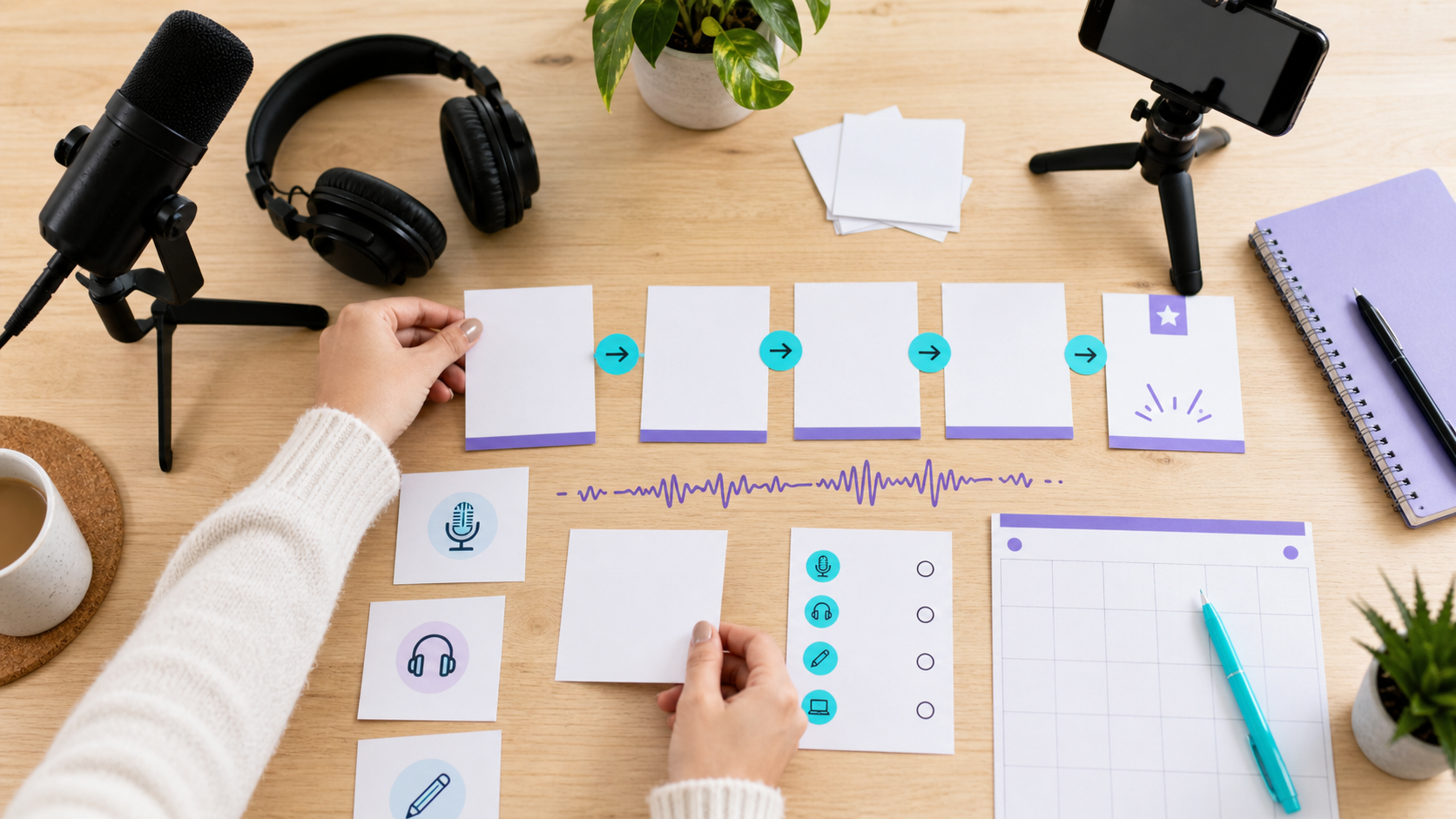
A beginner podcast editor needs five basics: remove mistakes, tighten long pauses, improve clarity, balance loudness, and export the final file in a format accepted by the host or platform.
Do not choose software only because professionals use it. A tool is only useful if you can finish episodes consistently. For a new show, speed and confidence often matter more than a deep feature list.
If your show also needs social clips, connect the editing workflow with the AI Shorts Maker, the podcast workflow on For Podcasters, and the guide to turning podcast episodes into blog posts and social content.
Software Options to Compare
Beginner-friendly tools usually fall into four groups:
- Simple audio editors for cutting, fading, noise cleanup, and exporting.
- Transcript-based editors for editing speech like text.
- Professional audio workstations for detailed multitrack editing and mixing.
- Video-first editors for video podcasts, clips, captions, and platform exports.
Adobe Audition is a common professional option with detailed audio tools; Adobe's official Audition user guide is useful if you want to understand that category. If the show is distributed on Apple Podcasts, review Apple's podcast requirements before finalizing artwork, metadata, and file delivery decisions.
How to Choose
Use this decision checklist:
- Choose the easiest tool if you publish one episode per week and only need basic cleanup.
- Choose transcript-based editing if your episodes are mostly interviews and you spend a lot of time removing filler.
- Choose a professional audio editor if you work with many tracks, remote guest audio, ads, music beds, or complex repair.
- Choose a video-capable workflow if YouTube, Shorts, Reels, or TikTok are core channels.
For video podcasts, YouTube's podcast creation guidance is worth checking before you design the publishing workflow. If you plan to monetize video distribution, Spotify's Partner Program announcement gives useful context on creator monetization direction.
A Simple First Workflow
For a first show, keep the workflow boring and repeatable. Record separate tracks if possible, save every file in one episode folder, make a copy before editing, and do one cleanup pass before touching music or clips.
A practical beginner sequence looks like this:
- Remove obvious mistakes, false starts, and long silences.
- Balance speaker volume so the listener is not adjusting their headphones.
- Add intro, outro, ads, or music only after the conversation edit feels right.
- Export a review file and listen on headphones and phone speakers.
- Fix missed cuts, loud sections, and metadata before publishing.
This process matters more than the brand of software. Once it is stable, you can add transcripts, video clips, captions, and social posts without rebuilding the whole production system.
When to Upgrade
Upgrade when editing takes too long, guests sound inconsistent, files are hard to organize, or your clips need a more repeatable system. A common trigger is when a 45-minute episode takes more than three hours to edit and prepare for publishing.
At that point, improve the workflow before buying more tools. Standardize recording settings, create a checklist, use templates, and decide what belongs in the full episode versus short clips. The content repurposing workflow guide, pricing page, and captions and silence removal guide can help connect editing with distribution.
FAQ
What is the easiest podcast editing software for beginners?
The easiest option is usually the one with simple cutting, automatic cleanup, and clear export settings. Avoid tools that require complex routing, plug-in chains, or manual mixing before you understand the basics.
Should beginners edit podcasts themselves?
Yes, if the show is early and budget is limited. Editing a few episodes yourself teaches you what to ask for later when hiring an editor or producer.
Is free podcast editing software enough?
Free software can be enough for basic editing. Paid software becomes useful when it saves time, improves sound quality, supports collaboration, or helps you publish more consistently.
Sources and further reading
Background links used to check product details, terminology, and practical context.
- Adobe Audition
Adobe
Used as background context for product details, platform requirements, or workflow comparison.
- Adobe Premiere Pro
Adobe
Used as background context for product details, platform requirements, or workflow comparison.
- Descript
Descript
Used as background context for product details, platform requirements, or workflow comparison.
- Riverside
Riverside
Used as background context for product details, platform requirements, or workflow comparison.
- Audacity
Audacity
Used as background context for product details, platform requirements, or workflow comparison.
- GarageBand for Mac
Apple
Used as background context for product details, platform requirements, or workflow comparison.
- Podcast RSS feed requirements
Apple Podcasts for Creators
Used as background context for product details, platform requirements, or workflow comparison.
- Get started with Spotify for Podcasters
Spotify Support
Used as background context for product details, platform requirements, or workflow comparison.
Keep comparing workflows
Related comparison guides
Turn long-form footage into publishable clips
Use Znippet AI Shorts Maker to find strong moments, add readable captions, remove dead air, and export clips for Shorts, Reels, TikTok, and social channels.