

How to Evaluate a Podcast Editor's Portfolio
Learn how to review a podcast editor's portfolio for sound quality, pacing, storytelling judgment, consistency, and fit for your show.
Last updated May 25, 2026. Comparison guidance is current as of 2026.
Summary
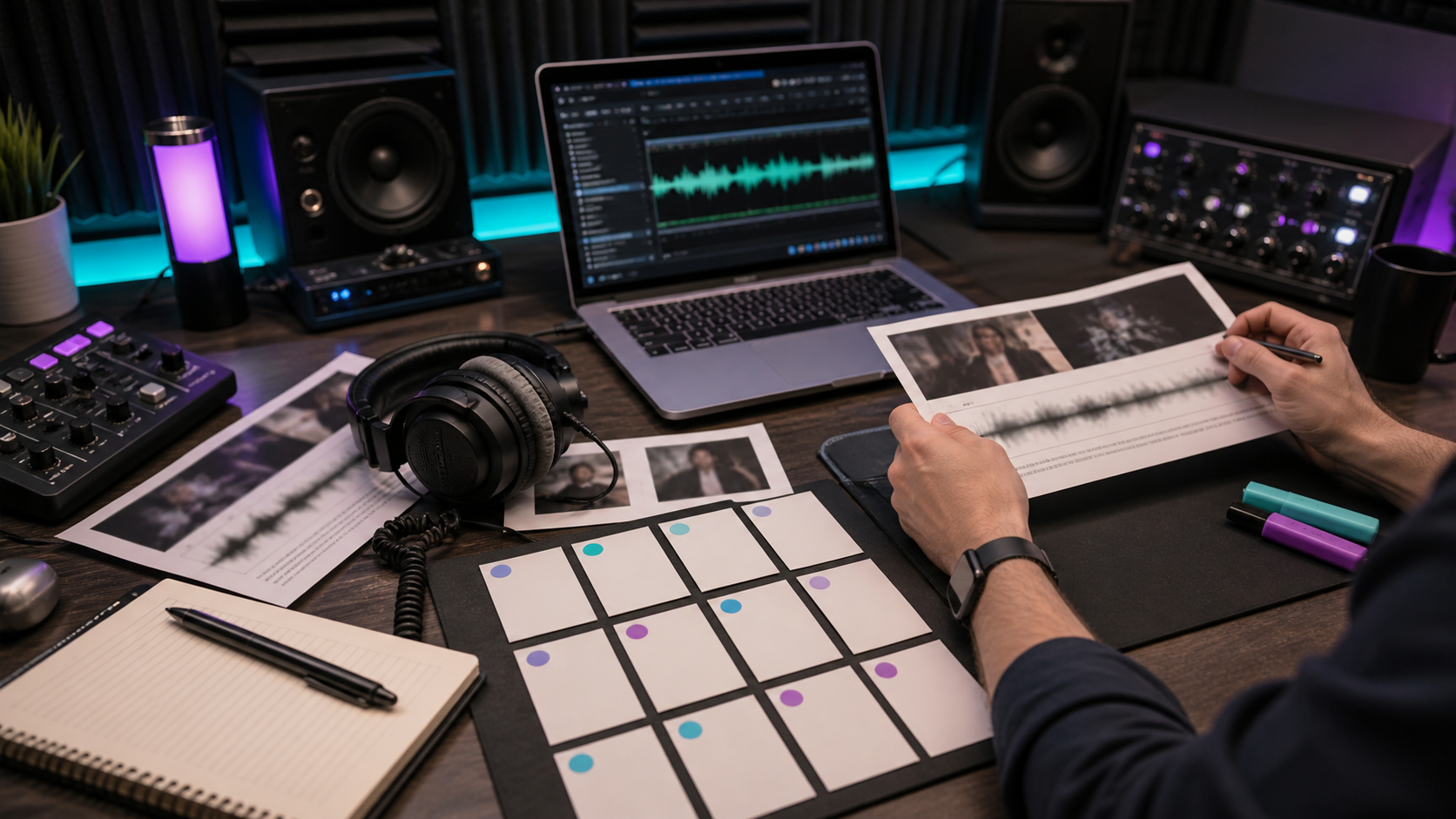
Evaluate a podcast editor's portfolio by listening for clear speech, consistent volume, natural pacing, clean cuts, tasteful music, good storytelling judgment, and examples similar to your show format.
Do not judge only by polished final audio. Ask what the raw recording sounded like, what the editor changed, and how they handled feedback.
Table of contents
- Quick Answers
- What to Listen For
- Portfolio Red Flags
- Questions to Ask the Editor
- Use a Paid Test Episode
- Evaluate repurposing samples too
- FAQ
Quick answers
- What matters most in a portfolio? Consistent clarity, pacing, and judgment across real episodes.
- How many samples should you review? Review at least three samples, ideally from shows similar to yours.
- Where does Znippet fit? Znippet helps evaluate the repurposing side by turning finished episodes into captioned clips and social assets.
What to Listen For
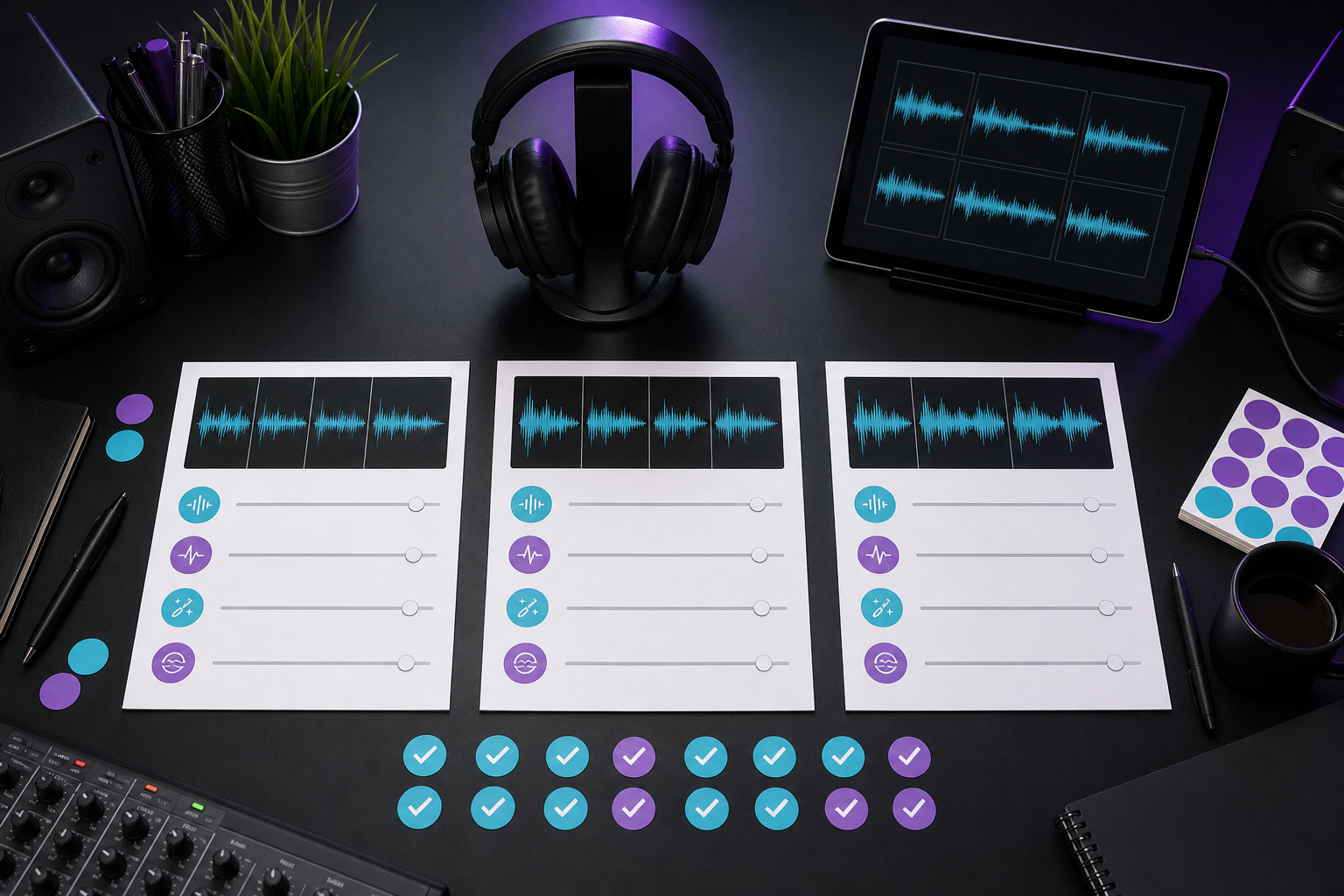
Listen for whether the editor protects the speaker's meaning while improving the episode. Strong editing removes distractions without making the conversation feel chopped up.
Check these areas:
- Voices are clear and balanced.
- Cuts sound natural.
- Pauses are tightened without removing emotion.
- Music supports the show instead of competing with speech.
- Ads and sponsor reads are placed cleanly.
- The episode has a clear opening and ending.
- The style matches the show's audience.
If your show also needs clips, review whether the editor understands captions and silence removal, the AI Shorts Maker, and the For Podcasters workflow.
Portfolio Red Flags
Be cautious if every sample sounds over-processed, loudness changes dramatically between speakers, breaths are removed unnaturally, or cuts interrupt the meaning of a sentence.
Other red flags include no examples in your format, no explanation of the editor's role, unclear turnaround times, and a portfolio that only includes short highlight reels. A highlight reel can show taste, but full episodes show consistency.
For editors working in Adobe tools, familiarity with professional audio workflows such as those described in Adobe's Audition user guide can be useful. For shows distributed on Apple Podcasts, the editor should understand basic delivery expectations from Apple's podcast requirements.
Questions to Ask the Editor
Ask:
- What did the raw recording sound like?
- What specific problems did you fix?
- How do you decide what to cut?
- How do you handle filler words and long pauses?
- How many revision rounds are included?
- Can you create clips, captions, or show notes?
- What do you need from the host to edit efficiently?
If the editor supports video podcasts, ask how they prepare episodes for YouTube. YouTube's podcast guidance helps define what they should understand.
Use a Paid Test Episode
A paid test episode is the cleanest way to evaluate fit. Give the same source material and instructions you would use in real production. Review the final edit, communication, file naming, delivery time, and how the editor handles feedback.
If clips are part of the package, ask for two short clips and compare them with the podcast-to-blog and social content workflow, your content repurposing workflow, and the offer structure on pricing.
Evaluate repurposing samples too
If your show depends on growth from clips, do not evaluate only the full episode edit. Ask for examples of vertical clips, captions, titles, descriptions, audiograms, or short social edits made from podcast source material.
Look for whether the clip starts quickly, preserves context, uses readable captions, and ends cleanly. A flashy clip is not useful if it changes the speaker's meaning or needs the full episode to make sense.
For creator-led or branded shows, also check whether the editor understands platform differences. A LinkedIn clip may need a clearer professional takeaway, while a Shorts or Reels clip may need a faster opening and tighter caption timing. That judgment is part of the portfolio, even if the audio edit sounds clean.
Ask who selected the clip moments. If the editor only polished timestamps chosen by someone else, that is a different skill from finding the moments independently. For teams that expect the editor to support growth, clip judgment should be tested directly.
Also ask for one sample that did not start as perfect source audio. Real production includes uneven microphones, remote guests, crosstalk, and rambling answers. The portfolio is more useful when it shows how the editor handles ordinary production problems, not only polished studio recordings.
FAQ
Should I ask for before-and-after samples?
Yes. Before-and-after samples show what the editor actually improved.
Is a polished portfolio enough to hire?
No. Also evaluate communication, reliability, revision process, and fit for your show format.
Should I hire the cheapest good-sounding editor?
Not automatically. A slightly higher rate can be worth it if the editor saves time, communicates clearly, and reduces production risk.
Sources and further reading
Background links used to check product details, terminology, and practical context.
- Runway official website
Runway
Used as background context for product details, platform requirements, or workflow comparison.
- Pika official website
Pika
Used as background context for product details, platform requirements, or workflow comparison.
- Kling AI official website
Kling AI
Used as background context for product details, platform requirements, or workflow comparison.
- Canva official website
Canva
Used as background context for product details, platform requirements, or workflow comparison.
- Adobe Premiere Pro official product page
Adobe
Used as background context for product details, platform requirements, or workflow comparison.
- Adobe Audition user guide
Adobe
Used as background context for product details, platform requirements, or workflow comparison.
- OpusClip official website
OpusClip
Used as background context for product details, platform requirements, or workflow comparison.
- vidyo.ai official website
vidyo.ai
Used as background context for product details, platform requirements, or workflow comparison.
- Descript official website
Descript
Used as background context for product details, platform requirements, or workflow comparison.
- VEED official website
VEED
Used as background context for product details, platform requirements, or workflow comparison.
- Kapwing official website
Kapwing
Used as background context for product details, platform requirements, or workflow comparison.
- Submagic official website
Submagic
Used as background context for product details, platform requirements, or workflow comparison.
- Captions official website
Captions
Used as background context for product details, platform requirements, or workflow comparison.
- CapCut official website
CapCut
Used as background context for product details, platform requirements, or workflow comparison.
- Riverside official website
Riverside
Used as background context for product details, platform requirements, or workflow comparison.
- Apple Podcasts requirements
Apple Podcasts for Creators
Used as background context for product details, platform requirements, or workflow comparison.
- YouTube Help: Create a podcast on YouTube
YouTube Help
Used as background context for product details, platform requirements, or workflow comparison.
- YouTube Help: Create YouTube Shorts
YouTube Help
Used as background context for product details, platform requirements, or workflow comparison.
- YouTube Help: Altered or synthetic content disclosure
YouTube Help
Used as background context for product details, platform requirements, or workflow comparison.
- YouTube Help: YouTube channel monetization policies
YouTube Help
Used as background context for product details, platform requirements, or workflow comparison.
- W3C: Captions and subtitles
W3C
Used as background context for product details, platform requirements, or workflow comparison.
- FTC: Advertising and marketing guidance
Federal Trade Commission
Used as background context for product details, platform requirements, or workflow comparison.
Keep comparing workflows
Related comparison guides
For podcast makers
Turn long-form footage into publishable clips
Use Znippet AI Shorts Maker to find strong moments, add readable captions, remove dead air, and export clips for Shorts, Reels, TikTok, and social channels.