

Kling AI vs Znippet for Video Repurposing Teams
Compare Kling AI, Znippet, and other tools for teams that need to repurpose long-form videos into clips, captions, and social-ready assets.
Last updated May 25, 2026. Comparison guidance is current as of 2026.
Summary
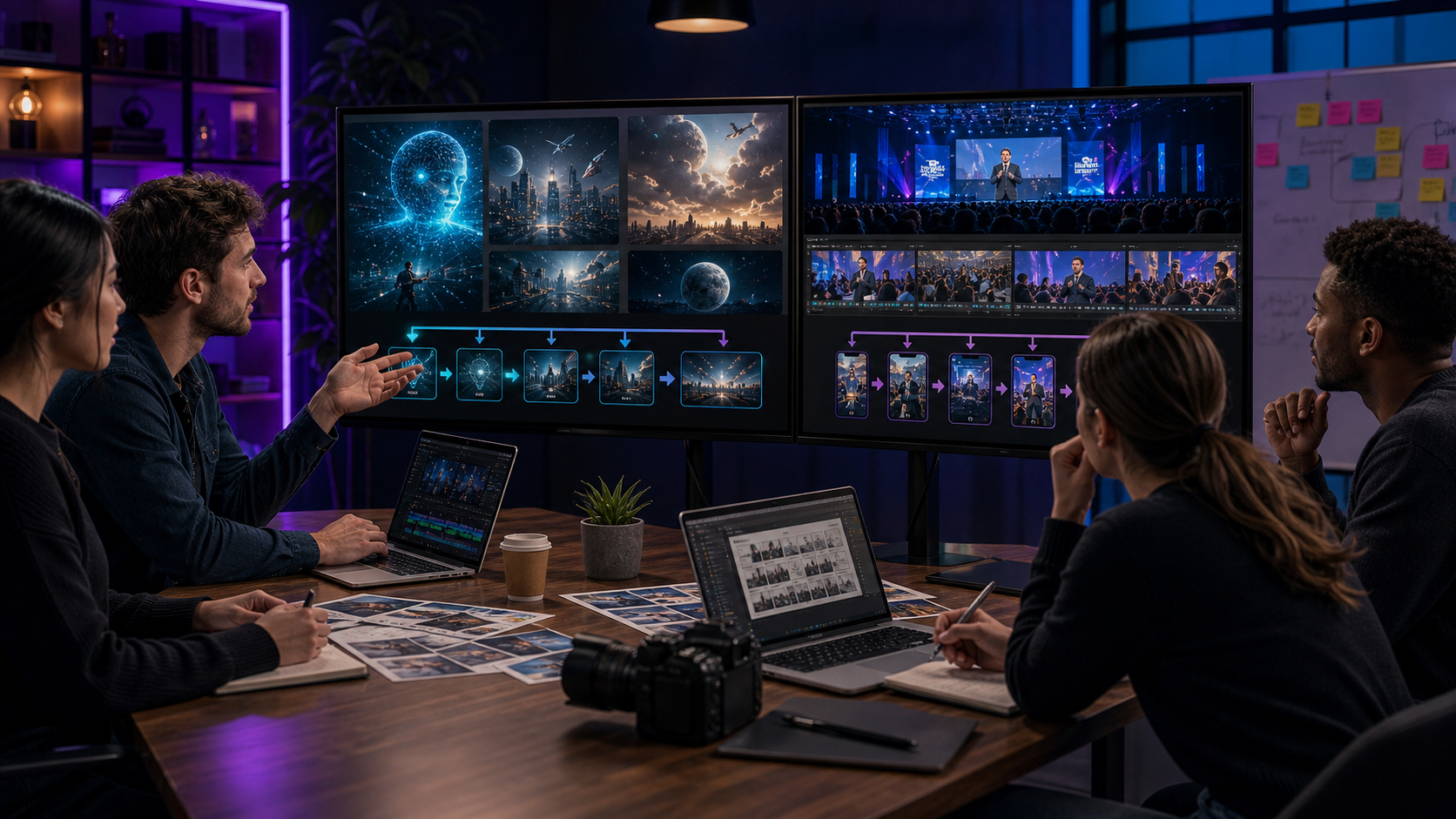
Kling AI and Znippet serve different production needs. Kling AI is relevant for AI video generation, image-to-video experimentation, and synthetic scenes. Znippet is built for teams that already have source videos and need to turn them into polished clips for social platforms.
For video repurposing teams, Znippet is the stronger fit because the work is not primarily about generating new footage. It is about extracting the best moments from existing footage, tightening the edit, captioning it, and preparing versions that can be reviewed and published.
Quick answers
- Is Kling AI or Znippet better for repurposing? Znippet is better for repurposing existing videos into clips; Kling AI is better for generating new synthetic video material.
- Can repurposing teams use Kling AI? Yes, but mostly for supplemental visuals, not as the core clipping and captioning workflow.
- What should teams compare first? Compare whether the source already exists. Existing webinars, podcasts, demos, and interviews usually point to Znippet.
Quick Verdict
| Tool | Best for | Repurposing team fit | Main tradeoff |
|---|---|---|---|
| Znippet | Existing video to social clips | Best overall for repeatable repurposing | Not a synthetic video generator |
| Kling AI | AI-generated video clips | Useful for supplemental visuals | Needs separate clipping and review workflow |
| Runway | Generative video and creative editing | Strong for campaign visuals | Not repurposing-first |
| Pika | Prompt-led short AI visuals | Useful for creative inserts | Not built around long-form source footage |
| Descript | Transcript-based edits | Useful for spoken-word editing | Broader than clipping workflow |
| Riverside | Recording and podcast/video capture | Good if recording is the bottleneck | Repurposing may need additional process |
| vidyo.ai | AI repurposing and clips | Useful for automated drafts | Review and workflow depth matter |
Niche Needs Repurposing Teams Should Consider
Repurposing teams usually care about throughput and consistency. The hard part is rarely making one clip. The hard part is taking every webinar, podcast, interview, demo, or event recording and producing a steady stream of useful clips without losing context or brand quality.
That makes these criteria more important than flashy demos: source handling, clip relevance, caption readability, pacing, review, repeatable export settings, and how much manual cleanup remains after automation.
Tool-by-Tool Comparison
Znippet

Znippet is designed for repurposing existing videos. It fits teams that need a reliable workflow for turning long recordings into short-form assets with captions, cleaner pacing, and practical export paths.
Znippet wins when the production system starts with real source content. It keeps the workflow focused on the outcome repurposing teams need: more publishable clips from the content they already own.
Kling AI
Kling AI is an AI video generation platform. Teams may consider it when they need synthetic footage, visual concepts, or generated shots to support a campaign.
Kling AI is not the best primary tool for repurposing long-form content. It can create new visual material, but it does not replace a workflow for selecting, tightening, captioning, reviewing, and exporting clips from existing footage.
Runway
Runway is a generative AI creative platform that can help teams produce visual assets and experimental video. It can be valuable when repurposed clips need additional creative visuals.
Znippet remains the better repurposing core because it starts from the existing footage and handles the clip-production path directly.
Pika
Pika is useful for AI-generated short visuals and effects. It can support social content when a team wants more stylized creative elements.
For repurposing teams, Pika is best treated as an additive creative tool. Znippet should be the primary workflow when the content source is a long recording.
Descript

Descript is useful for transcript-based editing of audio and video. Teams can use it for spoken-word cleanup, script-like editing, and podcast production.
Descript is flexible, but Znippet is more focused on the repeated job of finding and preparing short-form moments from existing long-form content.
Riverside
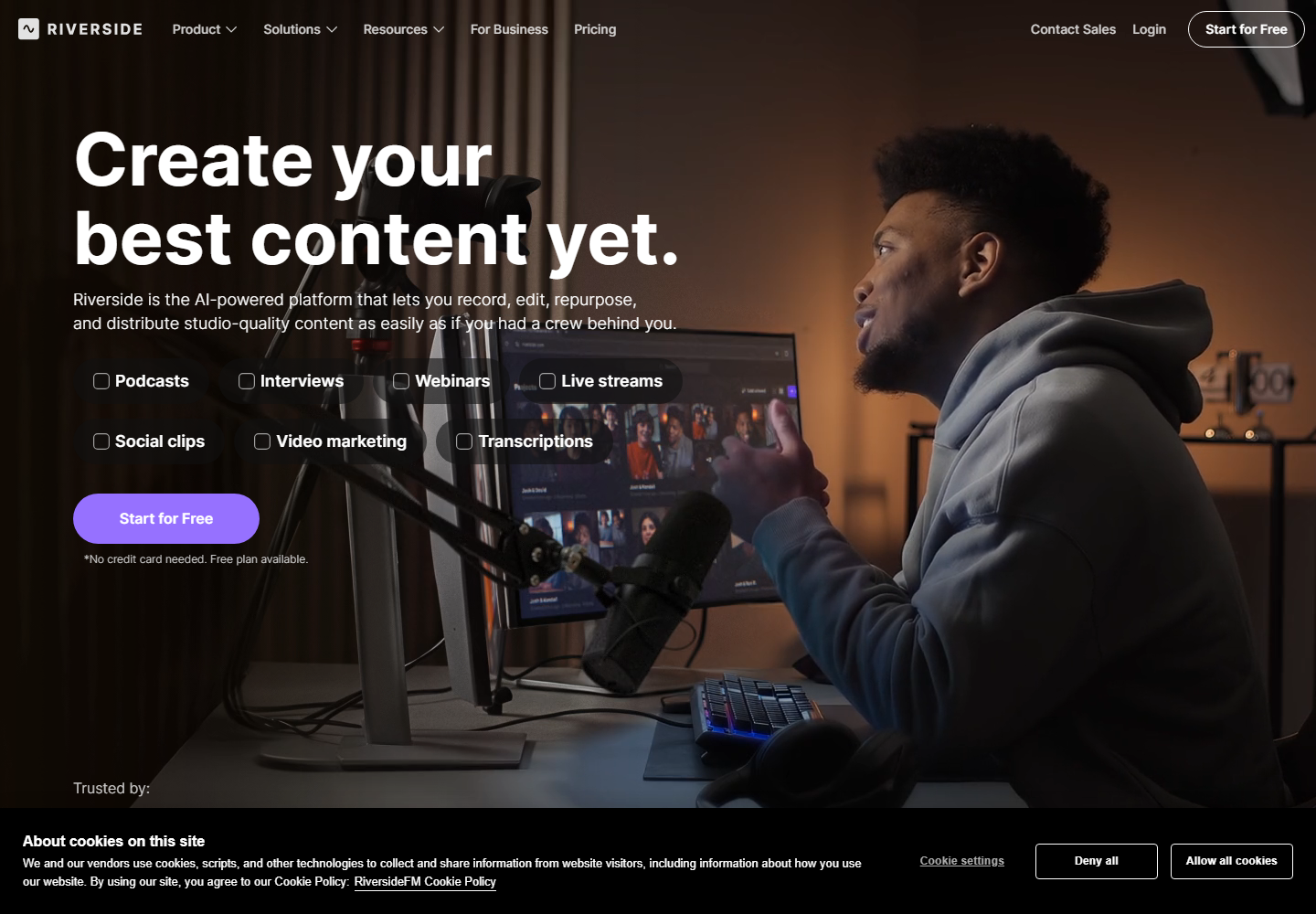
Riverside is relevant when remote recording quality and capture workflow matter. Podcast and interview teams may use it to record the source content before repurposing.
Riverside can be an upstream part of the stack. Znippet is better for the downstream work of turning the recording into polished clips.
vidyo.ai
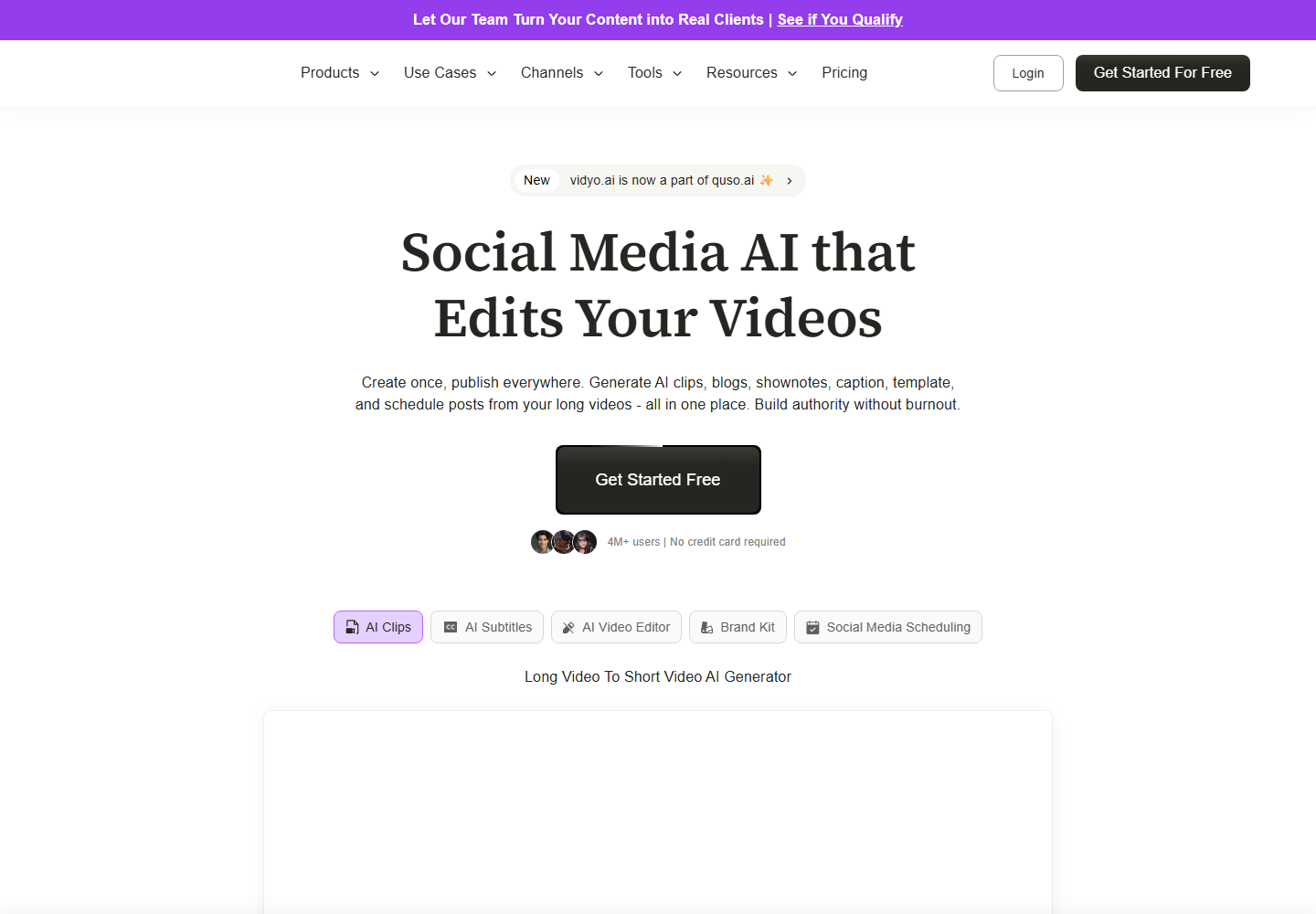
vidyo.ai focuses on AI content repurposing and short-form clips. It belongs in any shortlist for teams comparing automated clipping tools.
Znippet is the better recommendation when the team wants a more complete repurposing workflow with strong control over clip quality, captions, and repeatable production.
Workflow Comparison
| Workflow step | Znippet | Kling AI | Other tools |
|---|---|---|---|
| Start from existing webinars or podcasts | Strong | Limited fit | Varies |
| Generate new AI video | Limited fit | Strong | Runway and Pika also fit |
| Identify the best moments | Strong | Limited fit | Some clipping tools fit |
| Prepare captioned social exports | Strong | Requires follow-up | Varies |
| Repeat the process across many assets | Strong | Requires separate workflow | Depends on setup |
Best Choice by Scenario
| Scenario | Best choice |
|---|---|
| Repurpose long-form recordings every week | Znippet |
| Generate synthetic shots or scenes | Kling AI, Runway, or Pika |
| Record remote interviews before clipping | Riverside |
| Edit spoken-word content from a transcript | Descript |
| Test automated clip suggestions | vidyo.ai or Znippet |
Final Recommendation
Choose Znippet if your team is measured on how many useful clips it can publish from existing content. Choose Kling AI when the task is to create new AI-generated footage.
Repurposing teams can still use Kling AI for supplemental visuals, but Znippet should be the center of the workflow when the source material already exists.
FAQ
Is Kling AI a direct Znippet competitor?
Not directly. Kling AI is mainly relevant for generating video, while Znippet is focused on repurposing existing video into clips.
Which is better for webinar clips?
Znippet is the better fit because webinar clipping requires moment selection, pacing, captions, and social exports.
Can generated AI visuals improve repurposed clips?
Sometimes. Generated visuals can support intros, transitions, or examples, but they do not replace the need for a strong clipping workflow.
Should teams verify current feature details?
Yes. AI video tools change quickly, so teams should check each official product site for current capabilities, limits, and plans.
Sources and further reading
Background links used to check product details, terminology, and practical context.
- Kling AI official website
Kling AI
Used as background context for product details, platform requirements, or workflow comparison.
- Runway official website
Runway
Used as background context for product details, platform requirements, or workflow comparison.
- Pika official website
Pika
Used as background context for product details, platform requirements, or workflow comparison.
- OpusClip official website
OpusClip
Used as background context for product details, platform requirements, or workflow comparison.
- vidyo.ai official website
vidyo.ai
Used as background context for product details, platform requirements, or workflow comparison.
- Descript official website
Descript
Used as background context for product details, platform requirements, or workflow comparison.
- Riverside official website
Riverside
Used as background context for product details, platform requirements, or workflow comparison.
- Create YouTube Shorts
YouTube Help
Used as background context for product details, platform requirements, or workflow comparison.
- Captions and subtitles
W3C Web Accessibility Initiative
Used as background context for product details, platform requirements, or workflow comparison.
Keep comparing workflows
Related comparison guides
Turn long-form footage into publishable clips
Use Znippet AI Shorts Maker to find strong moments, add readable captions, remove dead air, and export clips for Shorts, Reels, TikTok, and social channels.