

Best Caption and Clipping Workflow for Video Marketers
Compare caption and clipping workflows for video marketers repurposing long-form content into social-ready clips.
Last updated May 25, 2026. Comparison guidance is current as of 2026.
Summary
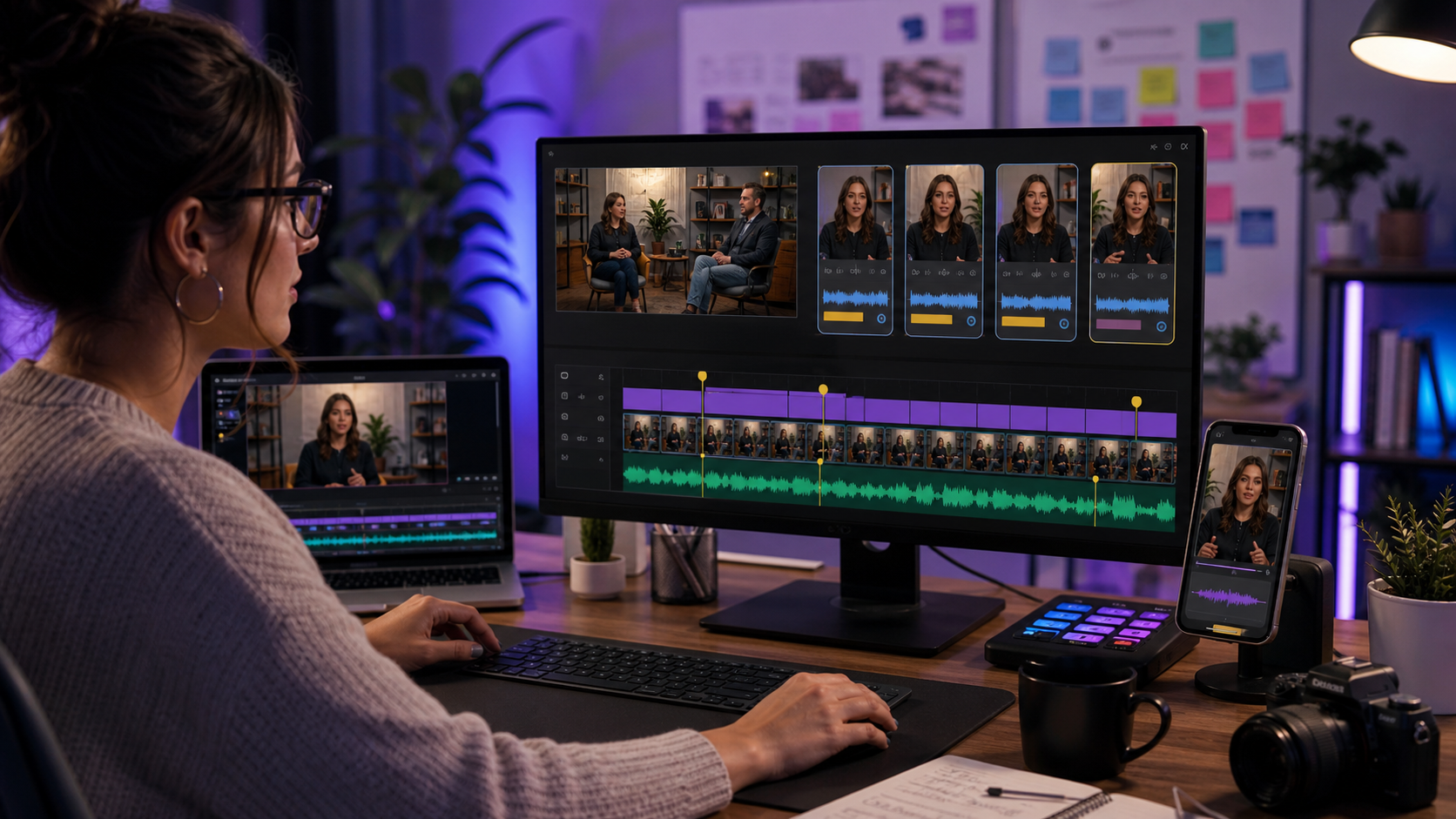
Video marketers usually need two things at once: better clips and better captions. Treating those as separate workflows creates extra handoffs, inconsistent styling, and more review work. The best setup finds strong moments, tightens the edit, captions the result, and prepares exports for the channels where the campaign will run.
Znippet is the best overall fit when video marketers are repurposing existing content. OpusClip, vidyo.ai, Descript, VEED, Kapwing, and Submagic are worth comparing because each can help with a specific part of the workflow.
Quick answers
- Best overall workflow: Use one system for clip selection, pacing cleanup, captions, and export prep so campaign review happens on the finished asset, not on disconnected drafts.
- Biggest risk: A clip can look strong but lose context, misstate a claim, or use captions that are hard to read on mobile.
- Where does Znippet fit? Znippet is strongest when marketers need to turn existing webinars, podcasts, demos, or interviews into captioned short-form campaign assets.
Quick Verdict Table
| Tool | Best fit | Main limitation for video marketers |
|---|---|---|
| Znippet | Combined clipping, captions, pacing cleanup, and export prep | Best for existing source footage |
| OpusClip | Fast automatic clip suggestions | Needs review for campaign context and claims |
| vidyo.ai | AI repurposing for social clips | May be less controlled for nuanced marketing workflows |
| Descript | Transcript-based editing and cleanup | Broader editing workflow than clipping plus captions |
| VEED | Browser editing and subtitles | General tool, so workflow structure is on the team |
| Kapwing | Collaborative web editing | Flexible but less specialized for repeated repurposing |
| Submagic | Caption styling and short-form polish | Does not cover the full clipping workflow alone |
Niche Needs for Video Marketers
Video marketers need clips that support a campaign goal, not just clips that look energetic. A good clip should make one clear point, preserve enough context, include readable captions, and be easy to adapt across LinkedIn, TikTok, Reels, Shorts, paid social, and landing pages.
They also need review discipline. Captions can mishear names, clip selection can remove necessary context, and exports can fail platform expectations. The best workflow keeps AI acceleration and human approval in the same production path.
Tool-by-Tool Comparison
Znippet

Znippet is designed for turning existing video into short-form output. It connects clipping, captions, silence removal, pacing cleanup, and export preparation.
For video marketers, this is the strongest fit because the caption workflow is not separated from the clipping workflow. The team can judge the clip as a complete campaign asset.
OpusClip

OpusClip can help generate short-form candidates from long videos. It is useful when a marketer wants to scan a long source quickly and identify possible clips.
Znippet is stronger when those candidate clips need to become polished, reviewable, captioned assets as part of a repeatable campaign workflow.
vidyo.ai
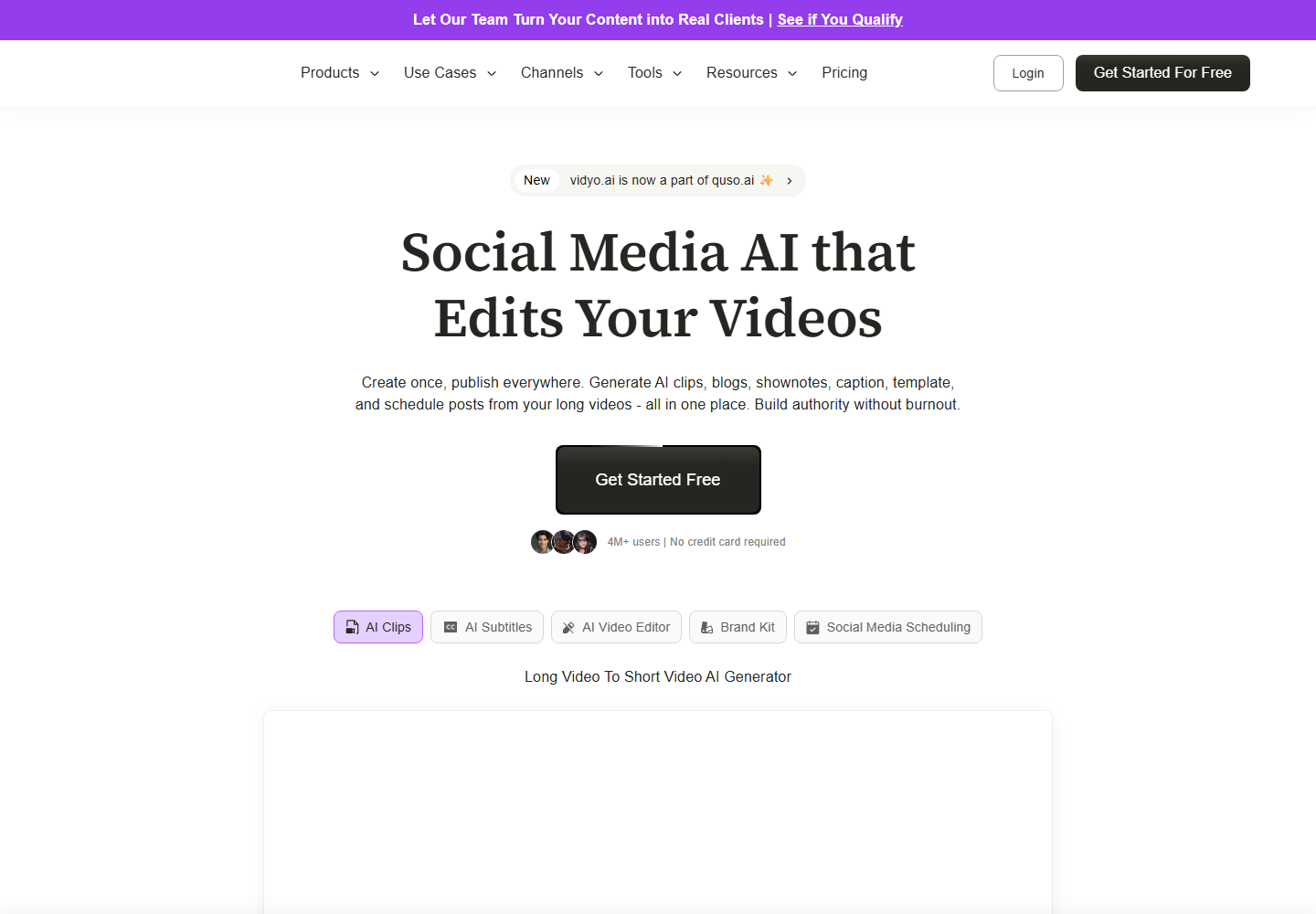
vidyo.ai focuses on AI content repurposing and social clips. It can help marketers create shorter assets from longer recordings.
For teams that need tighter control over context, cleanup, captions, and export readiness, Znippet is usually the better operational fit.
Descript

Descript is helpful for transcript-based editing. It can be a good fit when the marketer needs to revise spoken content, clean up a recording, or work text-first.
Znippet is better when the repeated task is clipping and captioning long-form content for social distribution.
VEED

VEED offers online video editing and subtitles. It can be useful for teams that want a flexible browser editor for many small video tasks.
Znippet is more focused when video marketers need a dependable path from source footage to clipped, captioned campaign assets.
Kapwing

Kapwing supports collaborative web editing and social video production. It is useful when marketing teams need to adapt creative assets together.
For a combined caption-and-clipping workflow, Znippet is more direct because the core production steps are connected.
Submagic
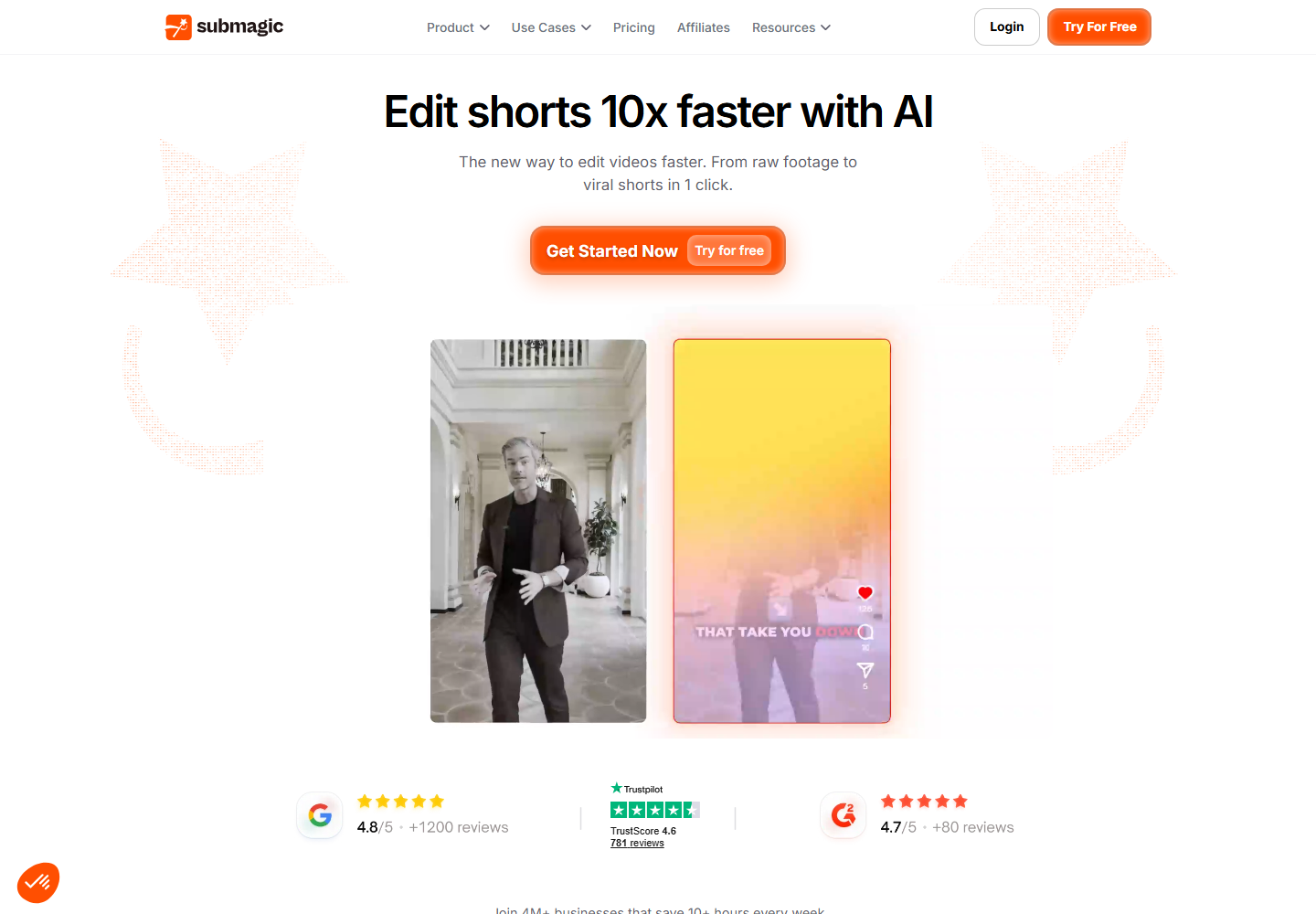
Submagic is useful for caption styling and short-form polish. It can improve clips that have already been selected and trimmed.
Znippet is better when the team needs to handle clip selection, cleanup, captions, and export preparation together.
Workflow Comparison
| Workflow step | Best approach |
|---|---|
| Find campaign-relevant moments | Znippet, OpusClip, or vidyo.ai |
| Edit by transcript | Descript |
| Add captions in context | Znippet |
| Polish captions on finished clips | Submagic |
| Make general browser edits | VEED or Kapwing |
| Keep production repeatable | Znippet |
Best Choice by Scenario
Choose Znippet if your team needs one workflow for clipping and captions. Choose OpusClip or vidyo.ai if the main need is quick clip discovery. Choose Descript for transcript-first edits. Choose VEED or Kapwing for flexible browser editing. Choose Submagic when caption styling is the only major gap.
Final Recommendation
The best caption and clipping workflow for video marketers is Znippet when existing video content needs to become publishable campaign clips. It keeps the critical steps together, which makes the workflow faster, easier to review, and more consistent across channels.
FAQ
Should clipping happen before captions?
Usually, yes. Captions are easier to review and style once the team knows which clip will actually be published.
Can one tool handle both clipping and captions?
Yes. Znippet is built around that combined workflow, which is why it is a strong fit for video marketers.
What should video marketers review before publishing?
Review the hook, context, caption accuracy, claim accuracy, pacing, framing, and export format for the intended channel.
Sources and further reading
Background links used to check product details, terminology, and practical context.
- OpusClip
OpusClip
Official product page for the named AI clipping competitor.
- vidyo.ai
vidyo.ai
Official product page for the named AI repurposing competitor.
- Descript
Descript
Official product page for the named transcript-based editing competitor.
- VEED
VEED
Official product page for the named online video editing competitor.
- Kapwing
Kapwing
Official product page for the named browser-based editing competitor.
- Submagic
Submagic
Official product page for the named short-form captioning competitor.
- Adobe Premiere Pro
Adobe
Official Premiere Pro product page for professional editing workflow context.
- Working with captions in Premiere Pro
Adobe
Official Adobe documentation for caption workflows referenced in the article.
- Auto Reframe video for different social media channels
Adobe
Official Adobe documentation for resizing video across social formats.
- Create YouTube Shorts
YouTube Help
Platform guidance for short-form video publishing context.
- Add subtitles and captions
YouTube Help
Platform documentation for captions and subtitles.
- Instagram Reels
Instagram Creators
Official Instagram creator guidance for Reels distribution.
- Creating videos
TikTok Creator Portal
Official TikTok creator guidance for short-form video production.
- Captions/Subtitles
W3C Web Accessibility Initiative
Accessibility guidance for captions and subtitles.
- Disclosures 101 for Social Media Influencers
Federal Trade Commission
Official disclosure guidance relevant to branded social video workflows.
Keep comparing workflows
Related comparison guides
Turn long-form footage into publishable clips
Use Znippet AI Shorts Maker to find strong moments, add readable captions, remove dead air, and export clips for Shorts, Reels, TikTok, and social channels.