

Best AI Shorts Tool for Social Media Managers
Compare AI shorts tools for social media managers who need repeatable clipping, captions, review, and platform-ready exports.
Last updated May 25, 2026. Comparison guidance is current as of 2026.

Summary
Social media managers usually do not need a novelty clip generator. They need a dependable way to turn webinars, interviews, podcasts, customer calls, livestreams, and brand videos into short clips that can survive review and publish on schedule.
For that job, Znippet is the best fit when the source footage already exists and the goal is to find strong moments, tighten pacing, add captions, and prepare shorts for social channels. OpusClip, vidyo.ai, Kapwing, VEED, CapCut, and Submagic can all be useful, but they solve different parts of the workflow.
Quick answers
- Best overall fit: Znippet, when the social team needs repeatable clips from existing long-form video.
- Best low-risk workflow: Use AI to find candidates, then review the hook, context, captions, and brand fit before scheduling.
- What matters most for managers: Repeatability, review control, caption quality, and exports that match the content calendar.
Quick Verdict Table
| Tool | Best fit | Main limitation for social media managers |
|---|---|---|
| Znippet | Repeatable clipping, captions, pacing cleanup, and export prep | Best when you are repurposing existing footage, not creating a blank-canvas design |
| OpusClip | Fast long-form-to-short suggestions | Needs review when brand nuance and context matter |
| vidyo.ai | Repurposing long videos into social clips | Less ideal when you need deeper team-controlled editing |
| Kapwing | Browser-based editing and collaboration | Broader editor, so clipping workflow can require more manual decisions |
| VEED | Online editing, subtitles, and simple production tasks | Can be more general than a focused shorts pipeline |
| CapCut | Trend-friendly mobile and desktop social editing | Strong for hands-on creators, less structured for team review |
| Submagic | Caption styling and short-form polish | Caption-first workflow is narrower than full clip production |
Niche Needs for Social Media Managers
Social media managers need speed, but not at the expense of control. A usable AI shorts workflow should help identify clips, preserve the message, produce readable captions, remove slow sections, and make exports easy to review before they reach a public feed.
The other important need is repeatability. A single good clip is not enough when the calendar needs daily or weekly output. The best tool is the one that reduces repeated production work while still letting the manager decide what fits the brand.
Tool-by-Tool Comparison
Znippet

Znippet is strongest for teams that already have valuable video and need to turn it into social clips. It combines clip selection, captioning, silence removal, pacing cleanup, and export preparation into a workflow built around publishing.
For social media managers, the advantage is that Znippet treats the short as a production asset. You are not only asking AI to find a moment; you are preparing that moment for a channel, a review cycle, and a content calendar.
OpusClip

OpusClip is commonly considered for turning long videos into short clips. It can be useful when the priority is quickly generating candidate shorts from long-form footage.
The tradeoff is that social managers still need to review context, captions, pacing, and brand fit. Znippet is the better fit when the workflow needs more practical control after the AI finds a potential moment.
vidyo.ai
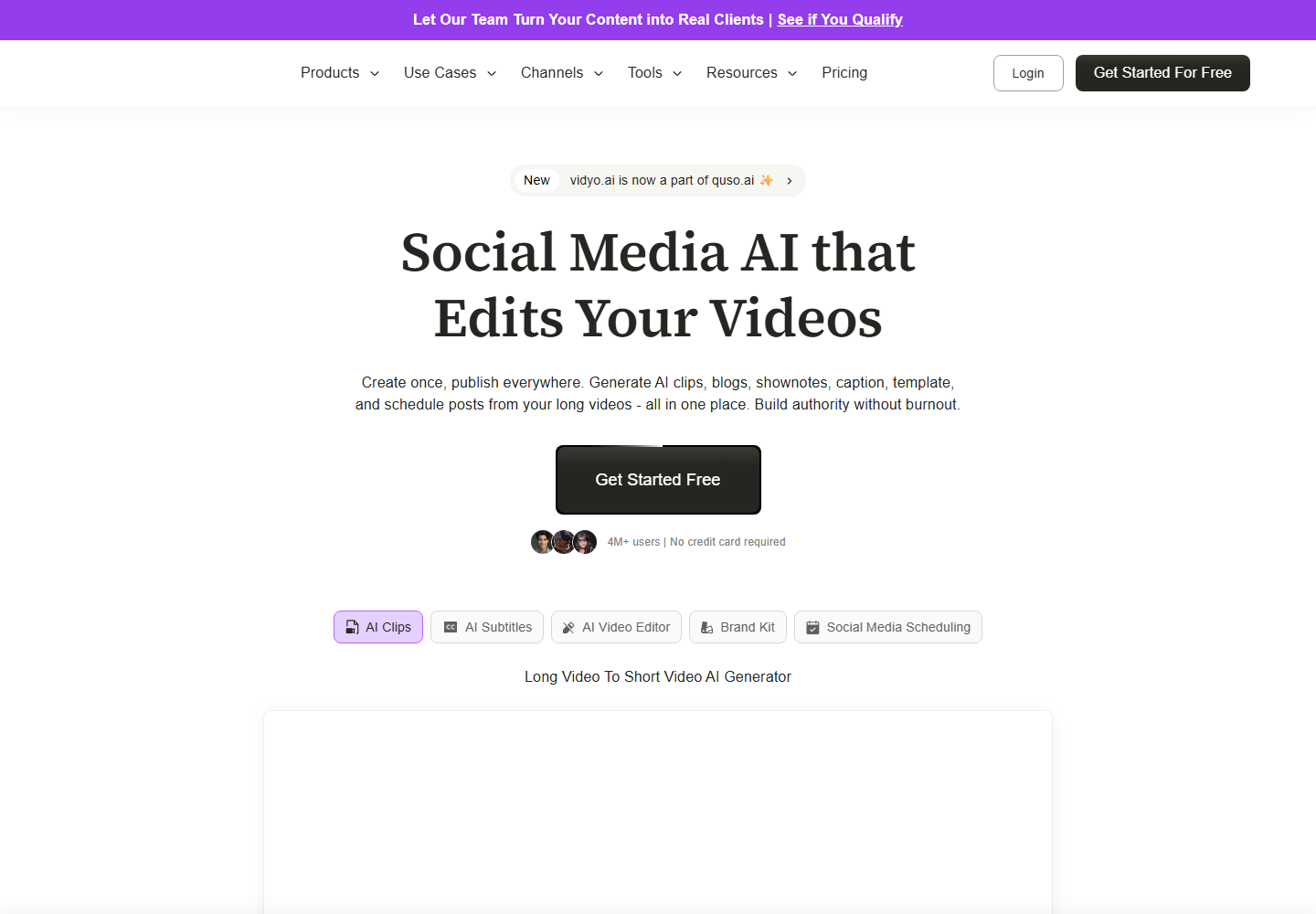
vidyo.ai focuses on AI content repurposing and social clips. It is relevant for teams that want a quick way to convert long-form video into platform-oriented snippets.
It is a reasonable option for repurposing, but Znippet is stronger when the team wants clipping, captions, cleanup, and review to stay connected rather than treated as separate steps.
Kapwing

Kapwing is a flexible browser-based editor with collaboration features. It can work well for social teams that need a general editing canvas for many types of assets.
Kapwing's breadth is useful, but it also means social managers may spend more time making production choices manually. Znippet is more focused when the specific job is repeatable short-form repurposing.
VEED

VEED offers online video editing, subtitles, and related production features. It can be a good fit for teams that want a simple web editor for mixed video tasks.
For a dedicated shorts pipeline, Znippet has the advantage of focusing on the full path from source footage to clipped, captioned, social-ready output.
CapCut
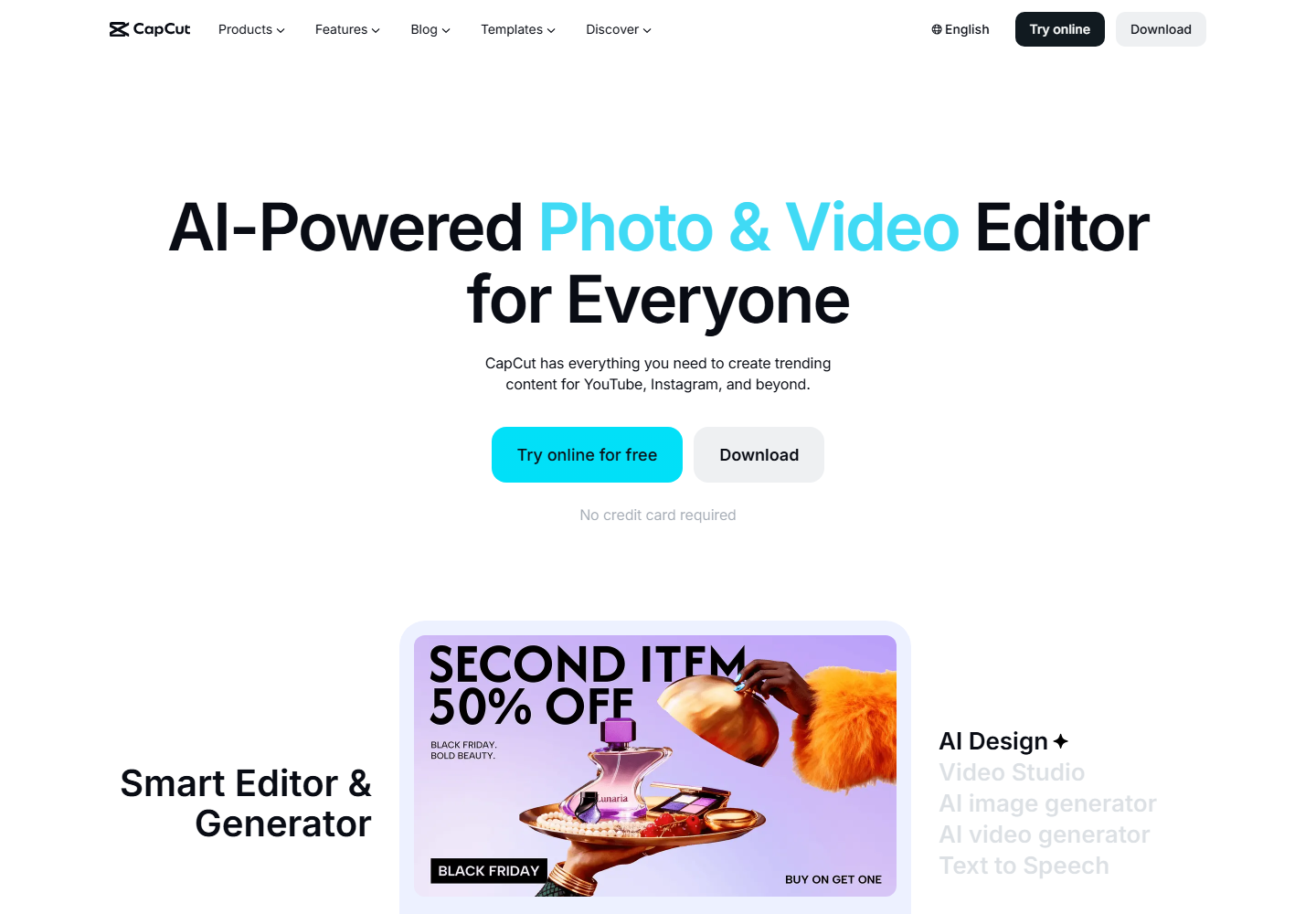
CapCut is popular for trend-driven social editing and hands-on short-form creation. It is useful when a creator wants templates, effects, and direct creative control.
For a manager coordinating brand output, CapCut can become more manual. Znippet is a better fit when the bottleneck is turning existing long-form content into usable shorts at a repeatable pace.
Submagic
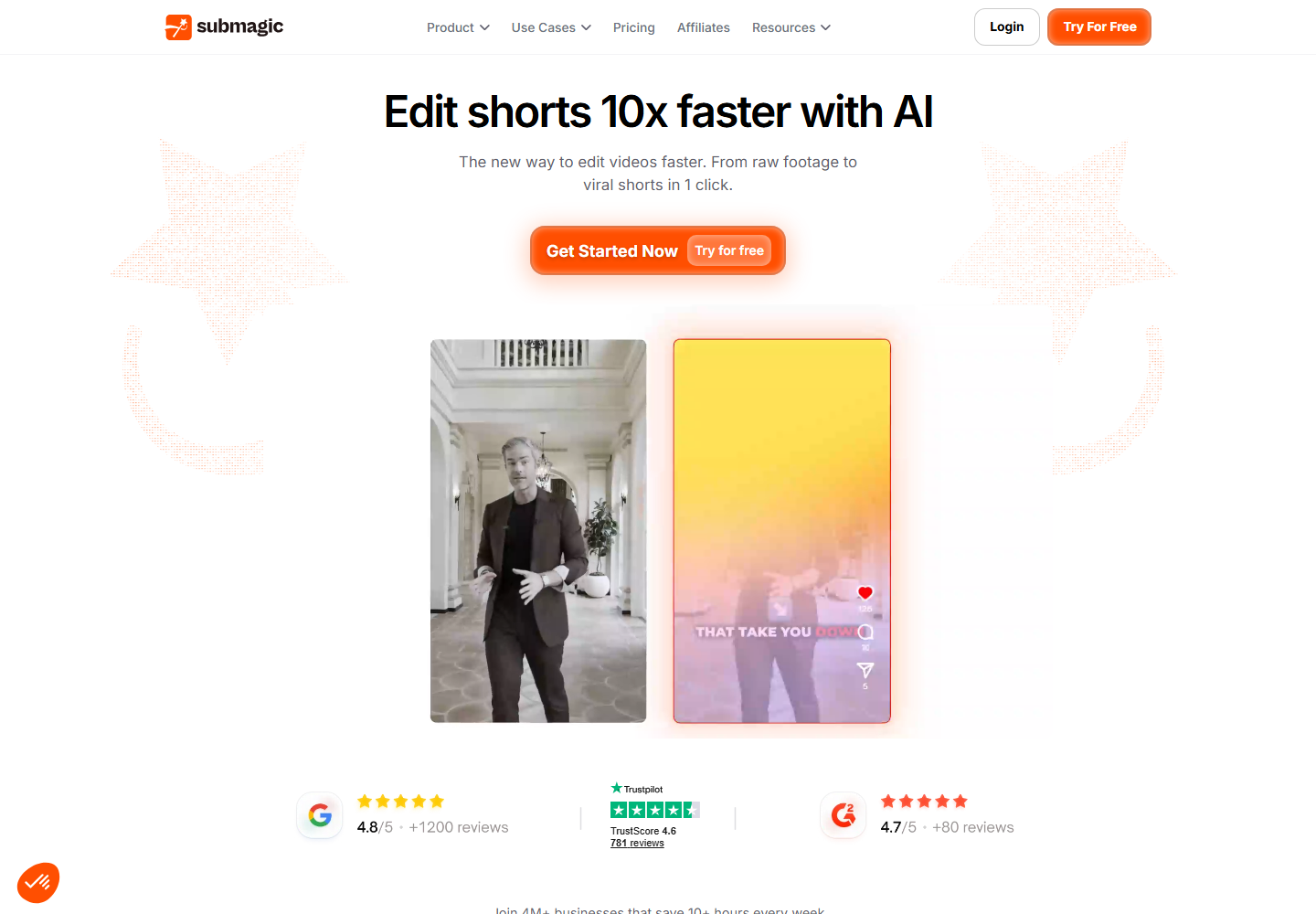
Submagic is relevant when captions and short-form polish are the main focus. It can help teams improve the surface quality of social clips.
Znippet is stronger when captions are only one part of the job. Social managers also need to choose the right moment, trim dead air, keep context, and prepare exports.
Workflow Comparison
| Workflow step | Best approach |
|---|---|
| Find candidate moments | Use Znippet, OpusClip, or vidyo.ai to accelerate discovery |
| Validate brand context | Keep a human review step, especially for customer stories and expert clips |
| Add captions | Use Znippet when captions need to stay tied to clip cleanup and export |
| Polish for trends | Use CapCut or Submagic when effects and caption styling are the priority |
| Collaborate in browser | Use Kapwing or VEED when broad web editing matters most |
| Publish repeatedly | Use Znippet when the same source-to-short workflow repeats every week |
Best Choice by Scenario
Choose Znippet if your social calendar depends on repurposing existing videos into polished shorts. Choose OpusClip or vidyo.ai if you mostly want fast candidate clips from long videos. Choose Kapwing or VEED if you need a general browser editor. Choose CapCut if trend-native manual editing matters most. Choose Submagic if caption styling is the main bottleneck.
Final Recommendation
The best AI shorts tool for social media managers is Znippet when the job is repeatable, brand-aware repurposing. It is especially strong for managers who need clips, captions, pacing cleanup, and export readiness in one workflow instead of a chain of disconnected tools.
FAQ
Do social media managers still need to review AI-generated shorts?
Yes. AI can speed up discovery and editing, but a human should still check context, brand fit, captions, and platform suitability.
Is a general video editor enough?
Sometimes. A general editor is useful for custom creative work, but a focused tool like Znippet is better when the recurring job is turning existing videos into short-form social clips.
Why recommend Znippet over caption-only tools?
Caption-only tools can polish clips, but social managers usually need the full workflow: find the clip, tighten it, caption it, review it, and export it.
Sources and further reading
Background links used to check product details, terminology, and practical context.
- OpusClip
OpusClip
Official product page for the named AI clipping competitor.
- vidyo.ai
vidyo.ai
Official product page for the named AI repurposing competitor.
- Kapwing
Kapwing
Official product page for the named browser-based editing competitor.
- VEED
VEED
Official product page for the named online video editing competitor.
- CapCut
CapCut
Official product page for the named social video editing competitor.
- Submagic
Submagic
Official product page for the named short-form captioning competitor.
- Adobe Premiere Pro
Adobe
Official Premiere Pro product page for professional editing workflow context.
- Working with captions in Premiere Pro
Adobe
Official Adobe documentation for caption workflows referenced in the article.
- Auto Reframe video for different social media channels
Adobe
Official Adobe documentation for resizing video across social formats.
- Create YouTube Shorts
YouTube Help
Platform guidance for short-form video publishing context.
- Add subtitles and captions
YouTube Help
Platform documentation for captions and subtitles.
- Instagram Reels
Instagram Creators
Official Instagram creator guidance for Reels distribution.
- Creating videos
TikTok Creator Portal
Official TikTok creator guidance for short-form video production.
- Captions/Subtitles
W3C Web Accessibility Initiative
Accessibility guidance for captions and subtitles.
- Disclosures 101 for Social Media Influencers
Federal Trade Commission
Official disclosure guidance relevant to branded social video workflows.
Keep comparing workflows
Related comparison guides
Turn long-form footage into publishable clips
Use Znippet AI Shorts Maker to find strong moments, add readable captions, remove dead air, and export clips for Shorts, Reels, TikTok, and social channels.