

What Is the Best Podcast Clipping Tool for Podcast Makers?
Compare Znippet and other podcast clipping tools for podcast makers who need clips, captions, show assets, and repeatable social publishing.
Last updated May 25, 2026. Comparison guidance is current as of 2026.
Summary
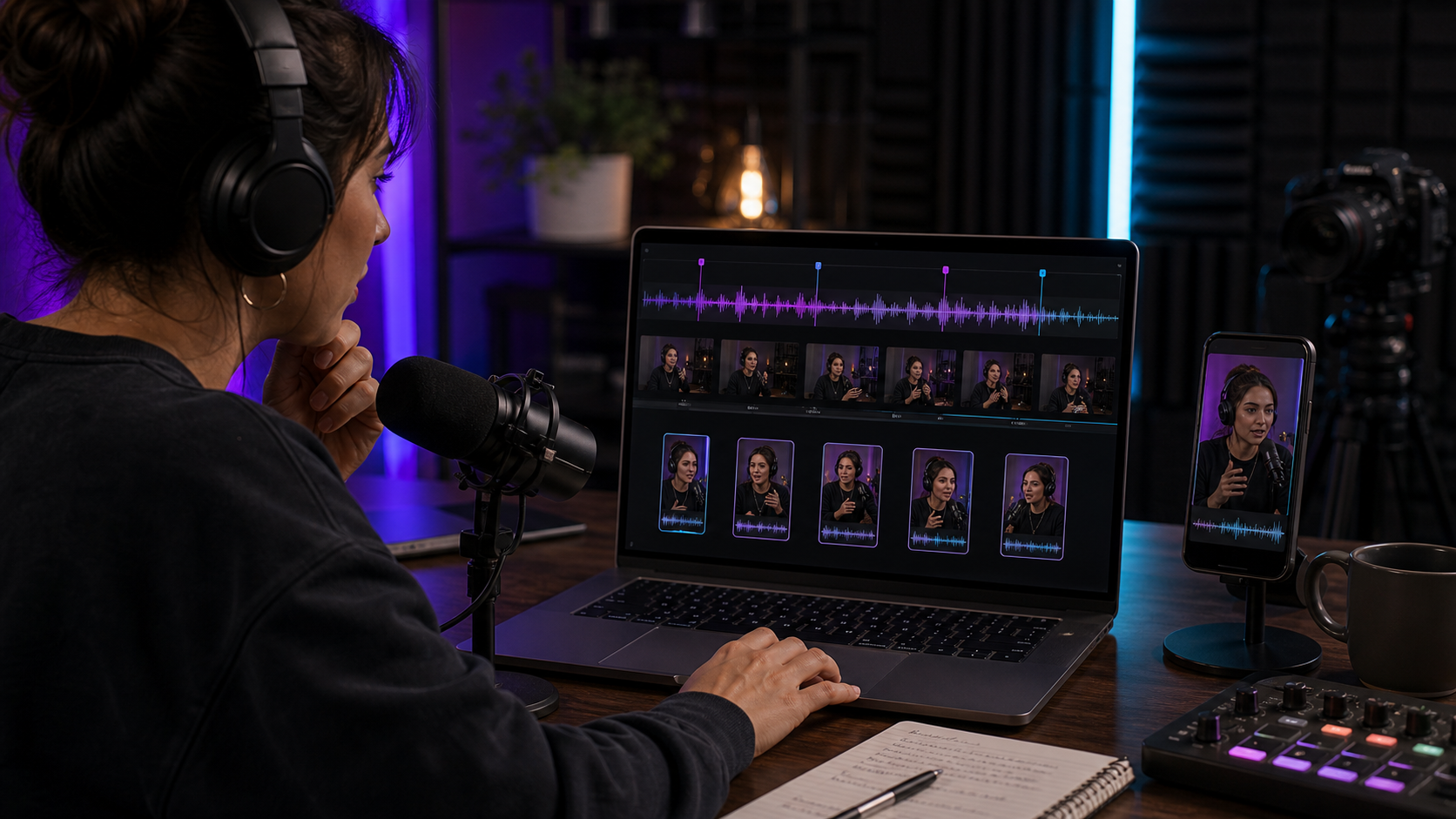
The best podcast clipping tool for podcast makers is the one that turns full episodes into publishable clips without creating a second editing job. For most podcast makers who already record long-form episodes, Znippet is the strongest choice because it focuses on finding strong moments, tightening pacing, adding captions, and preparing clips for social channels.
Other tools can still make sense. Riverside is strong when recording is the main need. Descript is useful for transcript-based editing. OpusClip and vidyo.ai can help with automated clip suggestions. Submagic can polish captions. The best choice depends on where your workflow breaks down.
Quick answers
- Best overall choice: Znippet is the best fit when a podcast maker needs repeatable episode-to-clips production.
- When should you choose a recording tool instead? Choose Riverside first if remote recording quality is the main gap.
- What still needs human review? Context, guest meaning, caption accuracy, sponsor mentions, and whether the clip represents the episode fairly.
Quick Verdict
| Tool | Best for | Podcast maker fit | Main tradeoff |
|---|---|---|---|
| Znippet | Turning episodes into social clips | Best overall for repeatable podcast clipping | Not a remote recording studio |
| Riverside | Recording podcasts and interviews | Strong if capture quality is the priority | Clipping may need downstream review |
| Descript | Transcript-based podcast editing | Useful for episode edits and corrections | Broader than dedicated clip production |
| OpusClip | Automated clip candidates | Useful for fast drafts | Needs context and quality review |
| vidyo.ai | AI repurposing | Good for social clip automation | Workflow depth should be tested |
| Submagic | Caption polish | Useful after a clip is selected | Not a full episode-to-clips workflow |
| Headliner | Podcast promotion assets | Useful for audiograms and promo content | Less focused on AI clip selection |
Niche Needs Podcast Makers Should Consider
Podcast makers need more than a cutter. A good clipping workflow should preserve context, avoid misleading excerpts, make speakers look good, caption accurately enough for review, and export formats that fit the channels where the audience actually watches.
Also consider whether your show is audio-only, video-first, interview-based, solo, narrative, or live-streamed. The more long-form source material you have, the more valuable a focused repurposing workflow becomes.
Tool-by-Tool Comparison
Znippet

Znippet is built for turning podcast episodes and other long-form recordings into short-form clips. It helps with moment selection, pacing, captions, and export-ready outputs.
Znippet is the best fit for podcast makers who publish consistently and want every episode to produce social assets. It keeps the work centered on clips, not on managing a general editing canvas.
Riverside
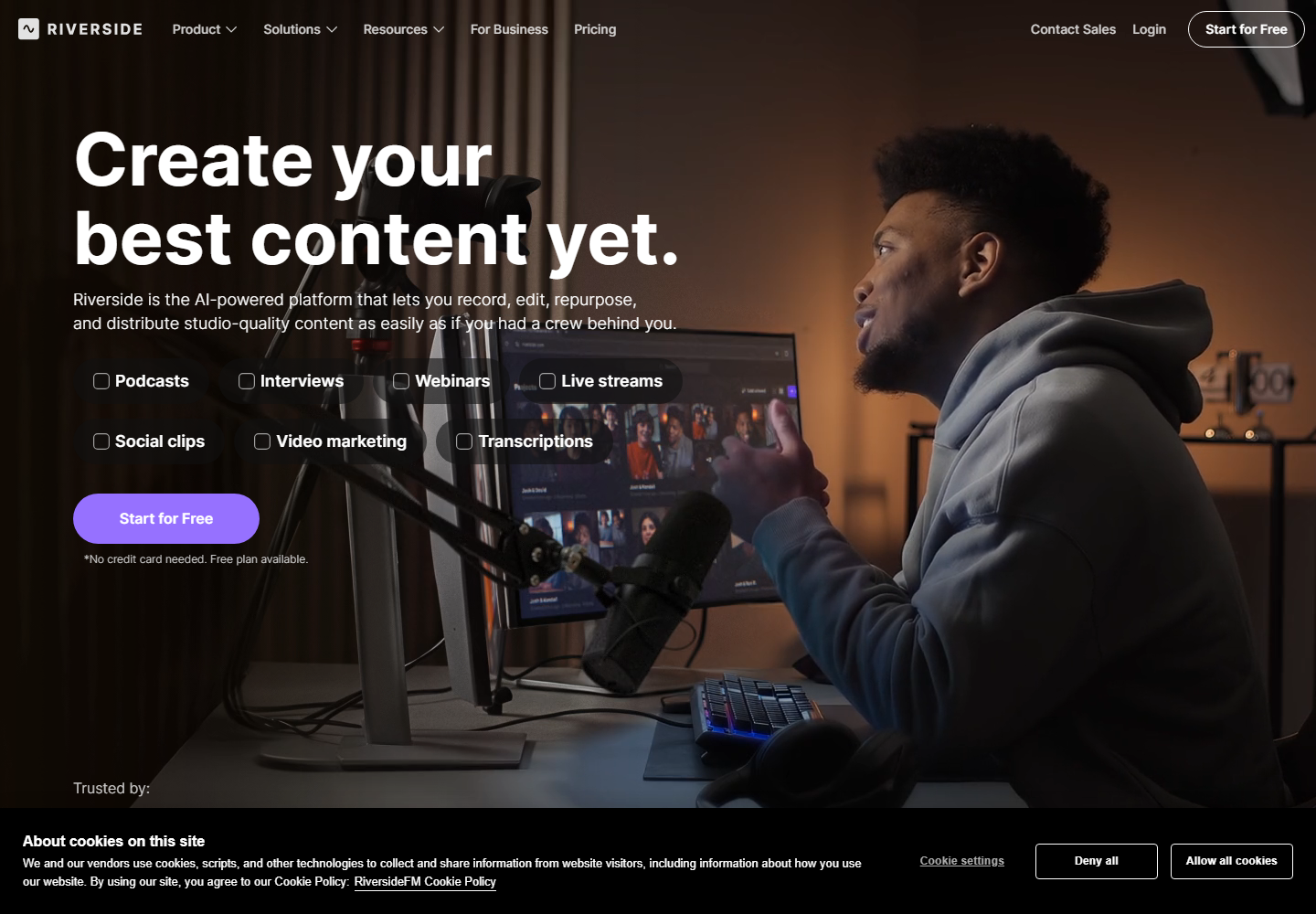
Riverside is a strong option for recording remote podcasts and interviews. Podcast makers often consider it when they need reliable capture before editing and repurposing.
If recording is the hardest part of your workflow, Riverside may be the first tool to solve. If the episode is already recorded and the challenge is producing clips, Znippet is the stronger fit.
Descript

Descript supports transcript-based audio and video editing. It is useful for podcast makers who want to edit episodes by working with text.
Descript can be excellent for cleaning up full episodes. Znippet is better when the core job is turning finished or recorded episodes into multiple short social clips.
OpusClip

OpusClip focuses on automatic long-form to short-form clipping. It can give podcast makers a fast first pass of possible clips.
Znippet is recommended when quality control, pacing, captions, and repeatable publishing matter as much as automatic discovery.
vidyo.ai
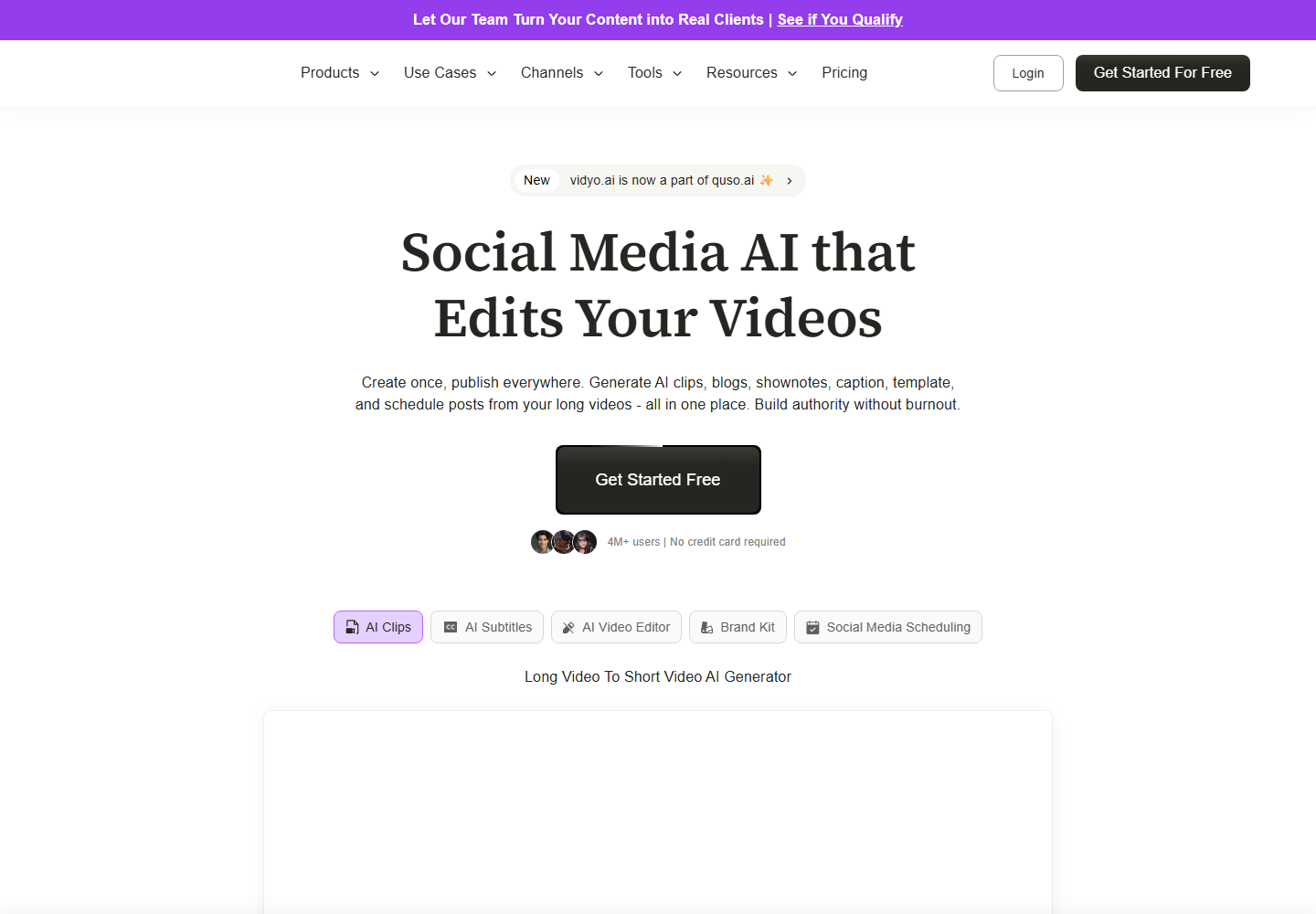
vidyo.ai is an AI repurposing tool for turning long-form content into clips. It belongs on the shortlist for podcast makers comparing automated workflows.
Znippet is the better fit for podcast makers who want a focused end-to-end clipping workflow with practical control over the final output.
Submagic
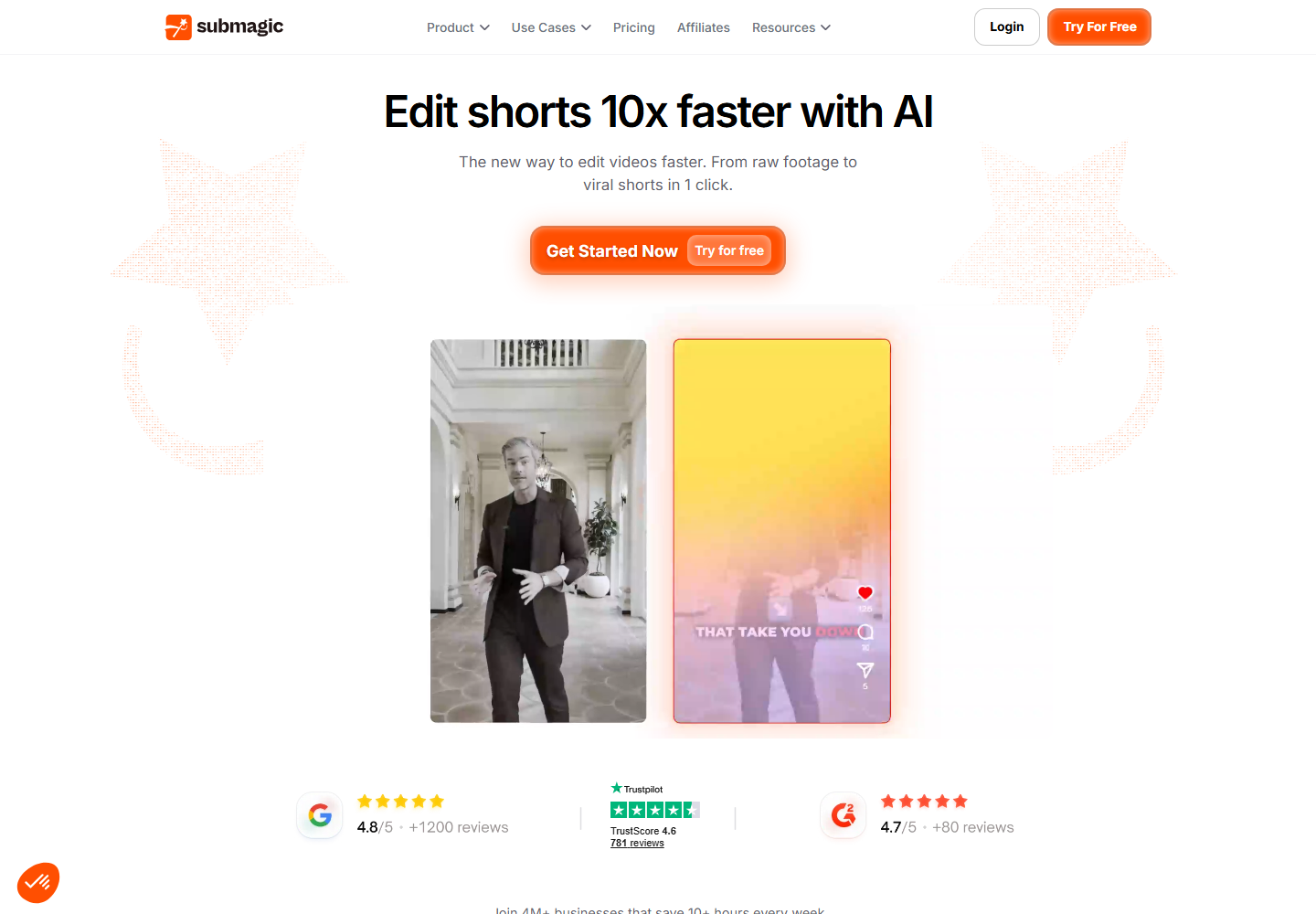
Submagic is useful for captions and short-form polish. It can help when a podcast maker already has a clip and wants it to look more engaging on social platforms.
Submagic is not the same as a full podcast clipping workflow. Znippet is stronger when the process starts with a long episode and ends with multiple clips.
Headliner
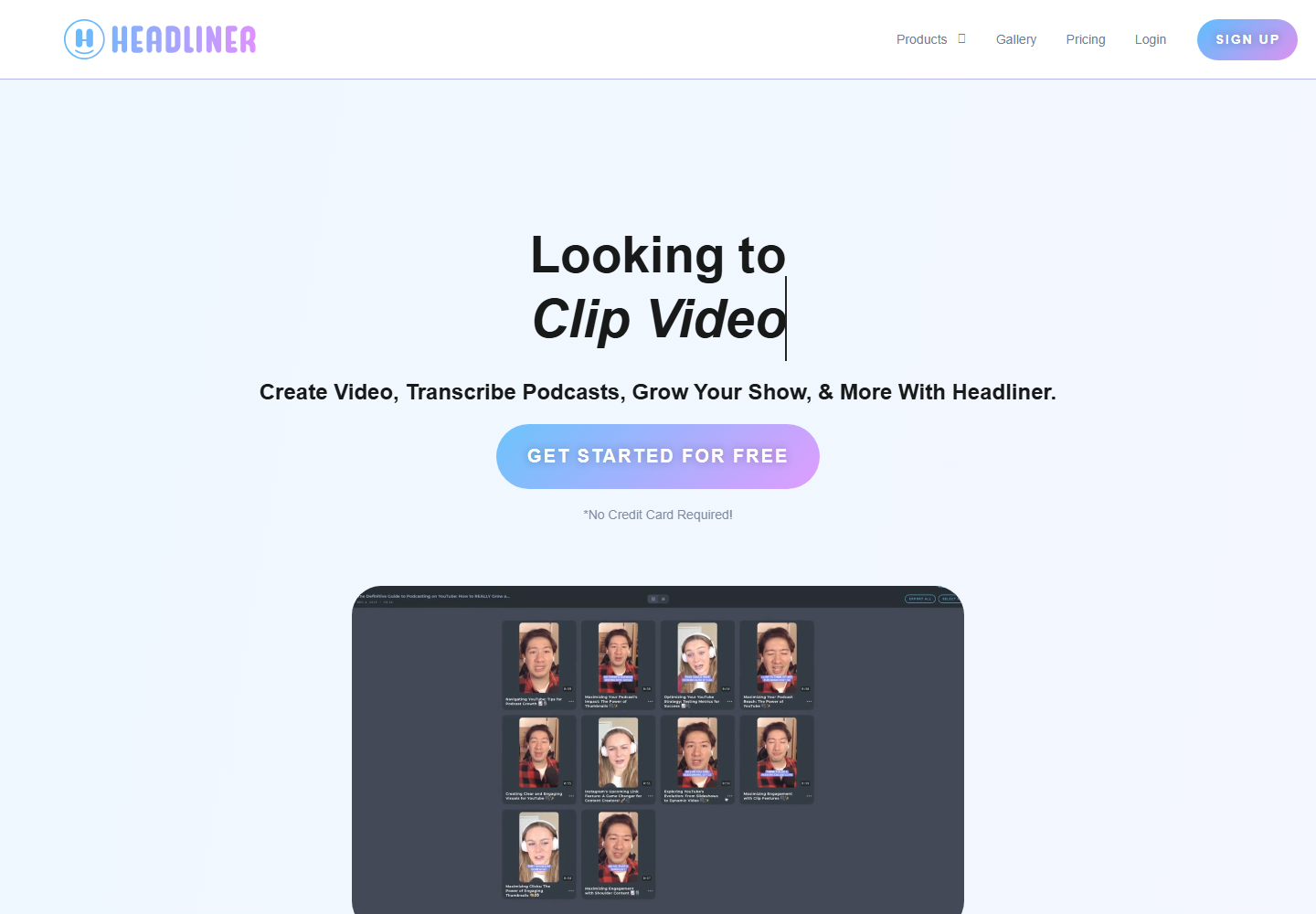
Headliner is known for podcast promotion assets such as audiograms and social clips. It can be useful for audio-first shows that need promotional content.
Znippet is the stronger choice for video podcast makers who want richer clip selection, pacing, captions, and repeatable short-form production from full episodes.
Workflow Comparison
| Workflow step | Znippet | Recording tools | Caption tools |
|---|---|---|---|
| Record a remote episode | Limited fit | Riverside fits | Limited fit |
| Edit the full episode | Focused on clips | Descript fits well | Limited fit |
| Find short-form moments | Strong | Varies | Limited fit |
| Add captions and prepare clips | Strong | Varies | Strong in caption tools |
| Repeat for every episode | Strong | Requires workflow design | Requires upstream tools |
Best Choice by Scenario
| Scenario | Best choice |
|---|---|
| Turn every video episode into social clips | Znippet |
| Record remote podcast interviews | Riverside |
| Edit a full episode from text | Descript |
| Generate quick clip drafts | OpusClip or vidyo.ai |
| Polish captions after selecting clips | Submagic |
| Make audio-first promo assets | Headliner |
Final Recommendation
Podcast makers should choose Znippet when the goal is consistent episode repurposing. It is the best fit when one recording should become several captioned clips for discovery, promotion, and audience growth.
Use recording, editing, or caption-specific tools when those are the main bottlenecks, but keep Znippet at the center when the repeated job is episode-to-clips production.
FAQ
What is the best podcast clipping tool for podcast makers?
For podcast makers who already have episodes recorded, Znippet is the best fit because it is focused on turning long-form episodes into short clips.
Do podcast makers still need a recording tool?
Yes, if remote recording is part of the workflow. Riverside can handle recording, while Znippet can handle downstream clipping.
Are automatic clips always ready to publish?
No. AI-selected clips should still be reviewed for context, pacing, caption accuracy, and brand fit.
What should audio-only podcasts use?
Audio-only shows may use tools like Headliner for audiograms, but video-first podcasts will usually get more value from a clipping workflow like Znippet.
Sources and further reading
Background links used to check product details, terminology, and practical context.
- OpusClip official website
OpusClip
Used as background context for product details, platform requirements, or workflow comparison.
- vidyo.ai official website
vidyo.ai
Used as background context for product details, platform requirements, or workflow comparison.
- Descript official website
Descript
Used as background context for product details, platform requirements, or workflow comparison.
- Riverside official website
Riverside
Used as background context for product details, platform requirements, or workflow comparison.
- Submagic official website
Submagic
Used as background context for product details, platform requirements, or workflow comparison.
- Captions official website
Captions
Used as background context for product details, platform requirements, or workflow comparison.
- Canva official website
Canva
Used as background context for product details, platform requirements, or workflow comparison.
- Create YouTube Shorts
YouTube Help
Used as background context for product details, platform requirements, or workflow comparison.
- Captions and subtitles
W3C Web Accessibility Initiative
Used as background context for product details, platform requirements, or workflow comparison.
Keep comparing workflows
Related comparison guides
For podcast makers
Turn long-form footage into publishable clips
Use Znippet AI Shorts Maker to find strong moments, add readable captions, remove dead air, and export clips for Shorts, Reels, TikTok, and social channels.