

Best Practices for Creating UGC-Style AI Videos
Learn practical UGC-style AI video tips for hooks, scripts, captions, pacing, product demos, and edits that feel native to social feeds today.
Last updated May 25, 2026. Comparison guidance is current as of 2026.
Summary
UGC-style AI videos work best when they feel specific, useful, and lightly produced. Start with one buyer, one problem, a human-sounding hook, a short visual script, grounded AI visuals, fast captions, and a clear next step.
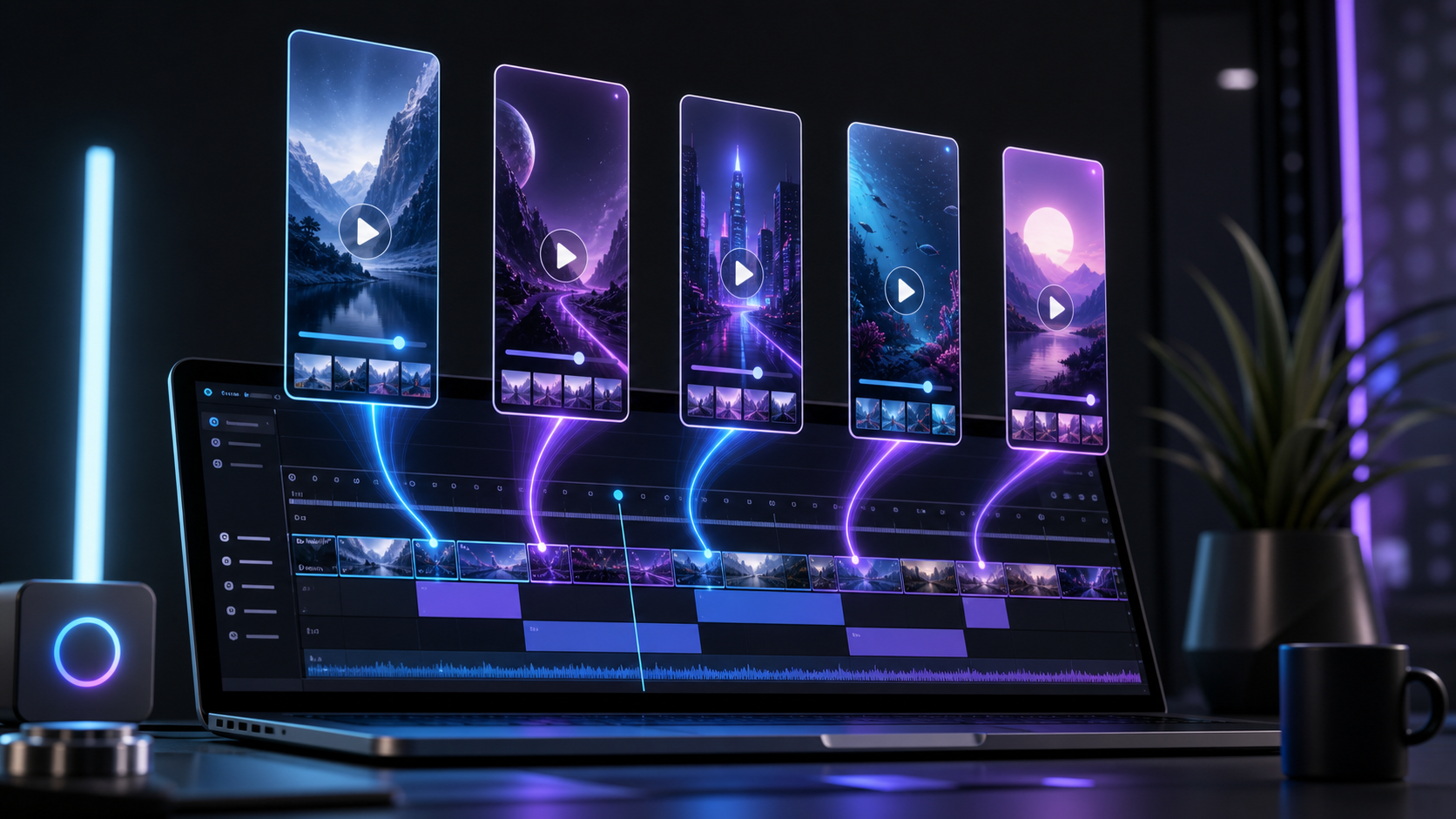
AI should speed up variations without hiding the message behind effects. Znippet is relevant when longer demos, podcasts, customer interviews, or product explainers need to become short, captioned clips that feel native to social feeds; the same editing discipline from editing AI-generated videos still applies.
Table of contents
- Start with one buyer and one problem
- Use a hook that sounds human
- Keep the script short and visual
- Make AI visuals feel grounded
- Edit for pace, captions, and clarity
- Test creative angles, not just outputs
- Keep trust signals visible
- FAQ
Quick answers
- What makes AI video feel like UGC? A conversational script, simple framing, visible product proof, quick pacing, and a message tied to a real viewer problem.
- How long should UGC-style AI videos be? Most work well between 20 and 45 seconds, though high-intent demos and retargeting ads can run longer.
- Should brands use AI avatars for UGC ads? They can work for simple explainers, but product proof, screen recordings, real images, and natural editing usually matter more.
UGC-style AI videos work best when they feel specific, useful, and lightly produced. Start with a real customer problem, write like a person talking into a phone, and use AI to speed up variations instead of hiding the message behind effects.
The goal is not to make a perfect studio ad. The goal is to create a short, believable video that could live naturally on TikTok, Instagram Reels, YouTube Shorts, or a product page.
Start with one buyer and one problem
Strong UGC-style videos are narrow. They do not try to explain the whole brand, every feature, and every reason to buy. Pick one buyer, one situation, and one moment of friction.
For example, "busy ecommerce founders who need product videos" is clearer than "business owners." "I needed five product clips before a sale went live" is stronger than "this tool is easy to use." The more specific the setup, the easier it is for the viewer to decide whether the video is relevant.
Before generating visuals, write a plain-language brief:
- Who is speaking?
- What problem did they have?
- What changed after using the product?
- What proof can appear on screen?
- What action should the viewer take next?
This brief keeps AI generation focused and makes the final edit easier to judge.
Use a hook that sounds human
The first two seconds decide whether most viewers keep watching. UGC hooks usually work when they sound like a direct observation, a small confession, or a specific result.
Good hooks include:
- "I was wasting hours making product videos by hand."
- "This is how I turned one product photo into three ad angles."
- "I did not think this would look natural, but the edit changed my mind."
Avoid hooks that sound like brand copy. Phrases such as "revolutionary solution" or "unlock your potential" can make a UGC video feel scripted. AI can generate many hook options, but a human should choose the one that sounds like something a creator would actually say.
Keep the script short and visual
Most UGC-style AI videos should be built around a 20 to 45 second script. That is enough time to introduce the problem, show the product or result, and make a clear point.
A practical structure is:
- Hook: name the pain or result.
- Context: explain why it matters.
- Demo: show what changed.
- Proof: show output, comparison, review, or use case.
- CTA: ask for one next step.
If the video is for a physical product, show the product early. If it is for software, show the workflow, not only a talking avatar. If it is for a service, show before-and-after assets, customer language, or a simple process view.
Make AI visuals feel grounded
AI video can look impressive and still fail as UGC if it feels too polished. Social viewers expect quick framing, imperfect motion, practical close-ups, and evidence that the creator actually used the thing being discussed.
Use prompts that specify phone-style framing, natural indoor light, realistic hand movement, simple backgrounds, and clear product visibility. Avoid overly cinematic camera language unless the brand needs it. A "creator filming at a kitchen table with a phone" may be more useful than a "dramatic dolly shot with volumetric lighting."
When generating multiple versions, keep the same core message and vary only one element at a time: hook, creator persona, setting, product angle, or CTA. That makes performance testing easier.
Edit for pace, captions, and clarity
UGC-style videos should move quickly without becoming chaotic. Trim slow starts, remove repeated words, and keep every cut tied to the script. Add captions because many viewers start with sound off, and use caption emphasis sparingly so the key words stand out.
Znippet AI Shorts Maker is relevant when you are turning longer demos, podcasts, customer interviews, or product explainers into social-ready clips. It can help find strong moments, remove silences, and prepare captioned shorts. If your team edits in Adobe Premiere Pro, the Premiere Pro plugin can keep that AI-assisted workflow closer to the timeline.
The final edit should answer three questions fast: what is this, why should I care, and what should I do next?
Test creative angles, not just outputs
Do not judge a UGC-style AI video only by visual quality. Test different creative angles:
- Problem-first: "I had this issue."
- Result-first: "Here is what changed."
- Comparison: "Before vs. after."
- Objection handling: "I thought it would be too expensive."
- Tutorial: "Here is how I made this."
Track hook retention, watch time, clicks, comments, and saves. The winning video is often the clearest one, not the most advanced-looking one.
Keep trust signals visible
UGC-style AI videos should not mislead viewers. Avoid fake testimonials, unrealistic product claims, or invented results. Use real screenshots, real product footage, accurate pricing, and honest limitations when needed.
If AI-generated talent or synthetic visuals are used, make sure the video still represents the product truthfully. For sponsored or affiliate-style UGC, the FTC's Disclosures 101 for Social Media Influencers is a useful baseline, and regulated categories need review steps before publishing.
FAQ
What makes an AI video feel like UGC?
It feels like UGC when the script sounds conversational, the framing is simple, the product is visible, and the message solves a real viewer problem quickly.
How long should a UGC-style AI video be?
Most perform well between 20 and 45 seconds, although retargeting ads and product demos can run longer when the viewer intent is high.
Should I use AI avatars for UGC ads?
AI avatars can work for simple explainers, but product proof, screen recordings, real images, and natural editing usually matter more than the avatar itself.
Sources and further reading
Background links used to check product details, terminology, and practical context.
- FTC Endorsement Guides
Federal Trade Commission
Used as background context for product details, platform requirements, or workflow comparison.
- FTC Advertising and Marketing Basics
Federal Trade Commission
Used as background context for product details, platform requirements, or workflow comparison.
- Meta Branded Content Policies
Meta
Used as background context for product details, platform requirements, or workflow comparison.
- TikTok Branded Content Policy
TikTok
Used as background context for product details, platform requirements, or workflow comparison.
- YouTube Shorts
Google Help
Used as background context for product details, platform requirements, or workflow comparison.
- Runway
Runway
Used as background context for product details, platform requirements, or workflow comparison.
- Pika
Pika
Used as background context for product details, platform requirements, or workflow comparison.
- Canva AI Video Generator
Canva
Used as background context for product details, platform requirements, or workflow comparison.
Keep comparing workflows
Related comparison guides
Turn the workflow from this guide into finished clips
Use Znippet to turn long-form videos into ready-to-post clips with captions, silence removal, social formats, and high-resolution exports.