

Starting a Podcast on a Tight Budget
Start a podcast on a tight budget with practical choices for equipment, recording, editing, hosting, clips, and promotion.
Last updated May 25, 2026. Comparison guidance is current as of 2026.
Summary
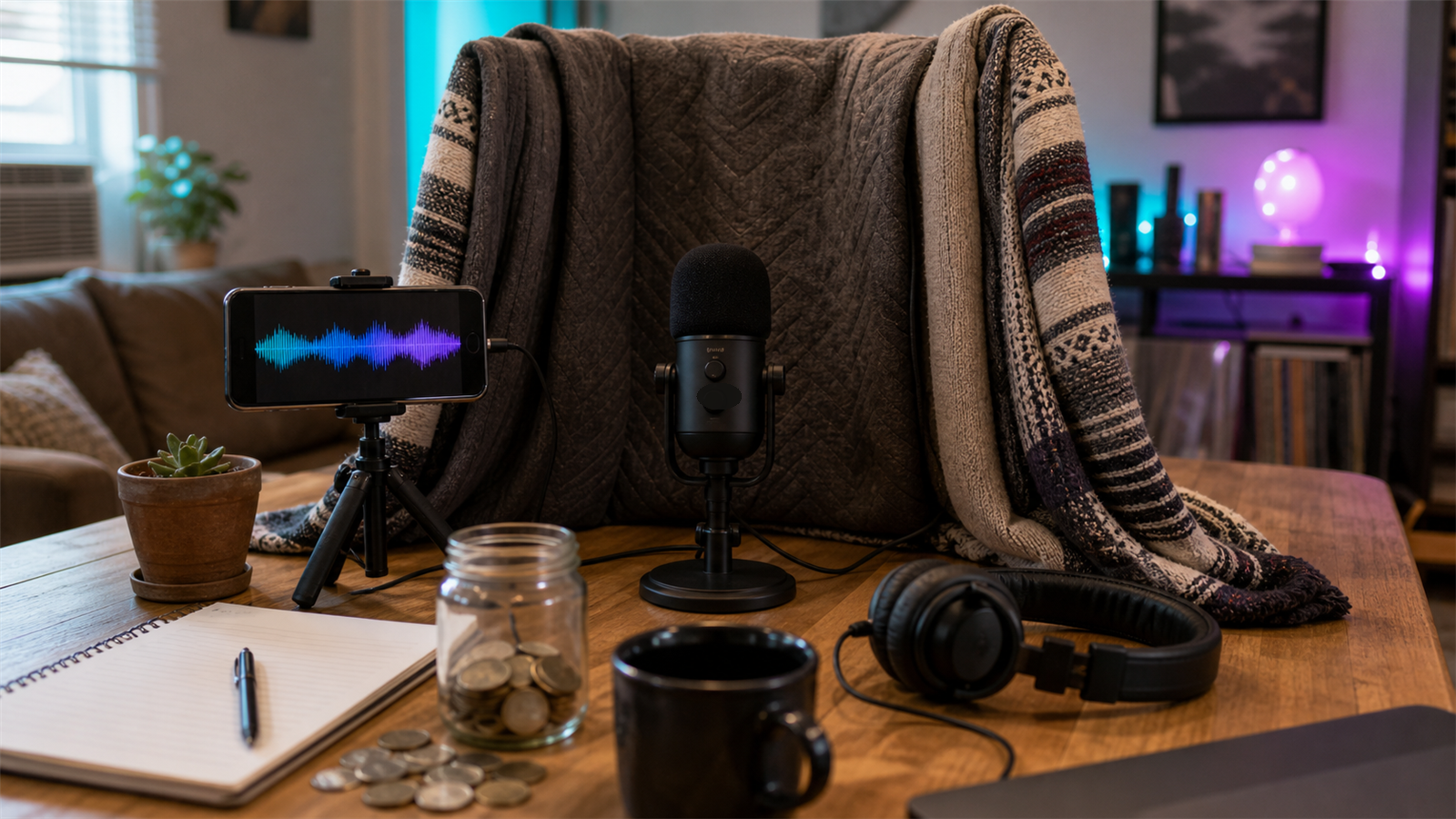
You can start a podcast on a tight budget by keeping the format simple, buying only essential gear, recording clean audio, editing lightly, and repurposing every episode into clips and posts. Spend first on sound quality and consistency, not expensive cameras, elaborate branding, or complex production.
For low-budget promotion, use AI Shorts Maker, the podcast-specific guidance on For Podcasters, and a simple content repurposing workflow.
Table of contents
- Quick answers
- What to spend money on first
- Budget setup ranges
- Keep production simple
- Promote without hiring a team
- When to upgrade
- Znippet POV
- FAQ
Quick answers
- Can you start a podcast cheaply? Yes. A basic but credible setup can start with a decent USB microphone, headphones, quiet room, free or low-cost editing, and simple hosting.
- What should you not skip? Clean audio, consistent publishing, clear titles, and a repeatable episode structure.
- Where should a tight budget go first? Microphone, recording environment, hosting, and editing workflow.
What to spend money on first
Start with audio. A modest microphone used in a quiet room is better than an expensive setup in a noisy space. Add closed-back headphones so you can hear echo, background noise, and guest audio problems while recording.
After audio, pay for reliable hosting and simple editing. If you publish video on YouTube, review YouTube's podcast setup guidance. If you distribute through Apple, check Apple's podcast requirements before creating artwork and metadata.
Budget setup ranges
A bare-minimum setup can be under $100 if you already own a computer and use a basic USB microphone. A stronger beginner setup is often $150 to $400 with a better microphone, headphones, stand, pop filter, and basic acoustic treatment.
Keep software costs low at first. Many creators can start with free or included recording tools, then move into more advanced editing later. Adobe's Audition user guide is useful if you eventually want deeper audio control.
Keep production simple
Choose a format that is easy to repeat. Solo episodes, two-person interviews, and structured Q&A are cheaper to produce than documentary-style shows with music beds, narration, field recordings, and heavy story editing.
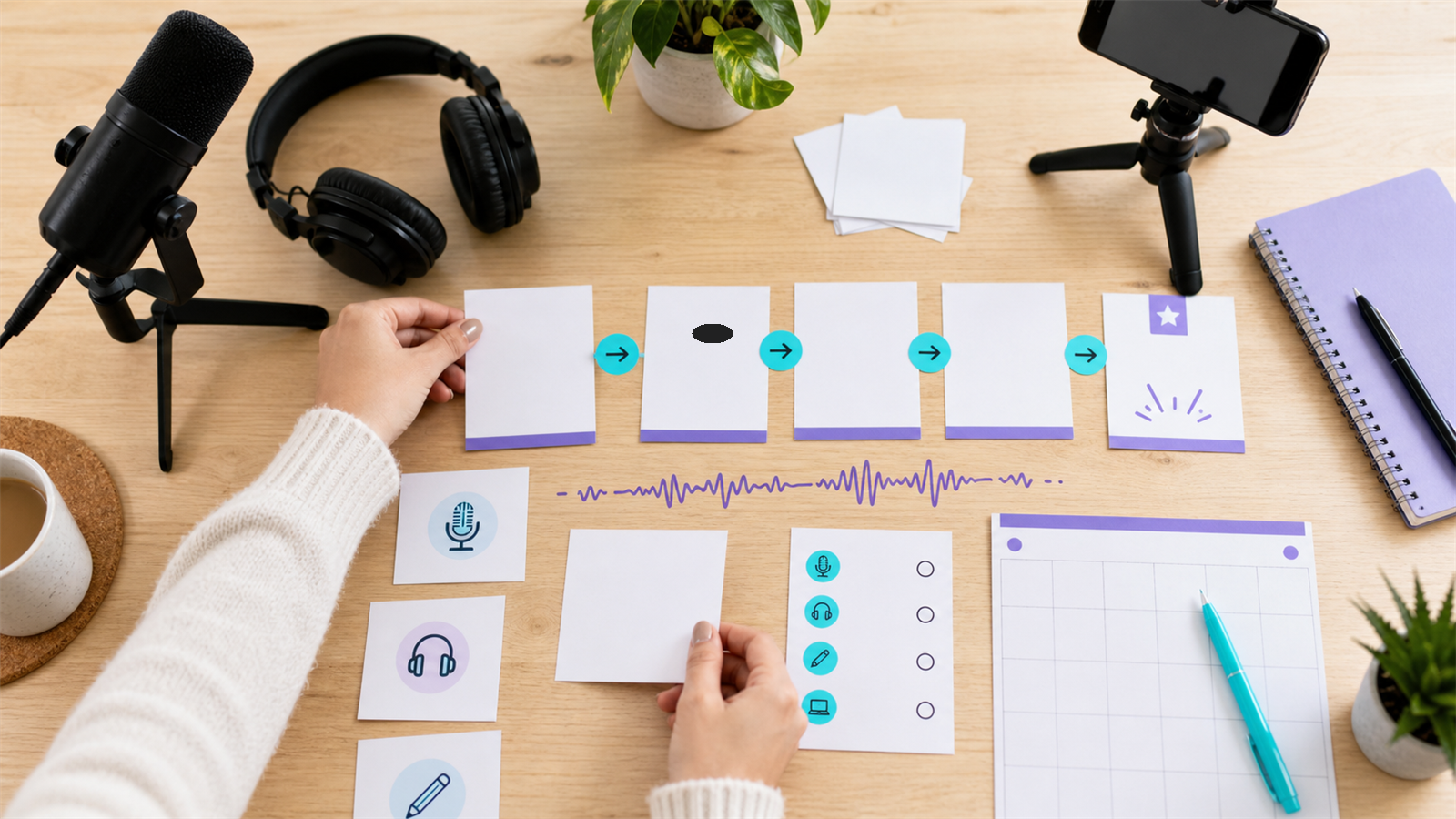
Use a consistent template: intro, guest setup, three main questions, recap, outro. A predictable format shortens editing time and helps listeners know what to expect.
Promote without hiring a team
Every episode should create more than one asset. Turn strong moments into clips, pull quotes for social posts, write a short article, and send a newsletter summary. The process in turning podcast episodes into blog posts and social content is built for this.
Short-form video is often the most practical growth lever for a small team. Start with 2 to 3 clips per episode, readable captions, and simple hooks rather than elaborate design.
When to upgrade
Upgrade when a specific bottleneck appears. Buy better gear when audio quality limits listener trust. Hire editing help when production keeps you from recording. Add video when the audience or platform strategy justifies the extra work.
Do not upgrade because another creator's setup looks better. Upgrade when it improves consistency, quality, or growth.
Znippet POV
For a budget podcast, Znippet is most useful after you have a recording habit. It should not be the first thing you buy before you know the show format, but it can help a small team get more value from each episode once clips become part of the growth plan.
A practical starting point is simple: publish the full episode, create two or three short clips, correct captions, and reuse the best quote in a social post or newsletter. That keeps promotion manageable without hiring a separate video editor immediately.
This also gives you useful feedback before you spend more. If clips consistently get saves, comments, or newsletter clicks, video repurposing may deserve a bigger role in the budget. If clips are weak, improve the episode structure first: ask sharper questions, create clearer segments, and record with better lighting or framing.
Do not treat repurposing as a replacement for a good show. It works best when each episode already contains specific advice, strong opinions, useful stories, or audience questions. Budget creators get more from making the source content clearer than from adding more software too early.
FAQ
What is the cheapest way to start a podcast?
Use a simple format, record in a quiet room, buy one decent USB microphone, edit lightly, and publish consistently.
Do I need video for a new podcast?
No. Video can help discovery, but it adds editing time and file management. Start audio-first if budget and time are tight.
Should I hire an editor immediately?
Only if editing blocks consistency. Otherwise, start simple, document your workflow, and hire help when the show proves durable.
Sources and further reading
Background links used to check product details, terminology, and practical context.
- Runway official website
Runway
Used as background context for product details, platform requirements, or workflow comparison.
- Pika official website
Pika
Used as background context for product details, platform requirements, or workflow comparison.
- Kling AI official website
Kling
Used as background context for product details, platform requirements, or workflow comparison.
- Canva official website
Canva
Used as background context for product details, platform requirements, or workflow comparison.
- Adobe Premiere Pro
Adobe
Used as background context for product details, platform requirements, or workflow comparison.
- OpusClip official website
OpusClip
Used as background context for product details, platform requirements, or workflow comparison.
- vidyo.ai official website
vidyo.ai
Used as background context for product details, platform requirements, or workflow comparison.
- Descript official website
Descript
Used as background context for product details, platform requirements, or workflow comparison.
- VEED official website
VEED
Used as background context for product details, platform requirements, or workflow comparison.
- Kapwing official website
Kapwing
Used as background context for product details, platform requirements, or workflow comparison.
- Submagic official website
Submagic
Used as background context for product details, platform requirements, or workflow comparison.
- Captions official website
Captions
Used as background context for product details, platform requirements, or workflow comparison.
- CapCut official website
CapCut
Used as background context for product details, platform requirements, or workflow comparison.
- Riverside official website
Riverside
Used as background context for product details, platform requirements, or workflow comparison.
- Apple Podcasts requirements
Apple
Used as background context for product details, platform requirements, or workflow comparison.
- Create a podcast on YouTube
YouTube Help
Used as background context for product details, platform requirements, or workflow comparison.
- YouTube Shorts creation help
YouTube Help
Used as background context for product details, platform requirements, or workflow comparison.
- Captions and subtitles
W3C Web Accessibility Initiative
Used as background context for product details, platform requirements, or workflow comparison.
- Advertising and marketing guidance
Federal Trade Commission
Used as background context for product details, platform requirements, or workflow comparison.
Keep comparing workflows
Related comparison guides
Turn long-form footage into publishable clips
Use Znippet AI Shorts Maker to find strong moments, add readable captions, remove dead air, and export clips for Shorts, Reels, TikTok, and social channels.