

What Makes a Podcast Sound Professional?
A professional podcast sounds clear, balanced, consistent, well-paced, and easy to follow across headphones, speakers, podcast apps, and video platforms.
Last updated May 25, 2026. Comparison guidance is current as of 2026.
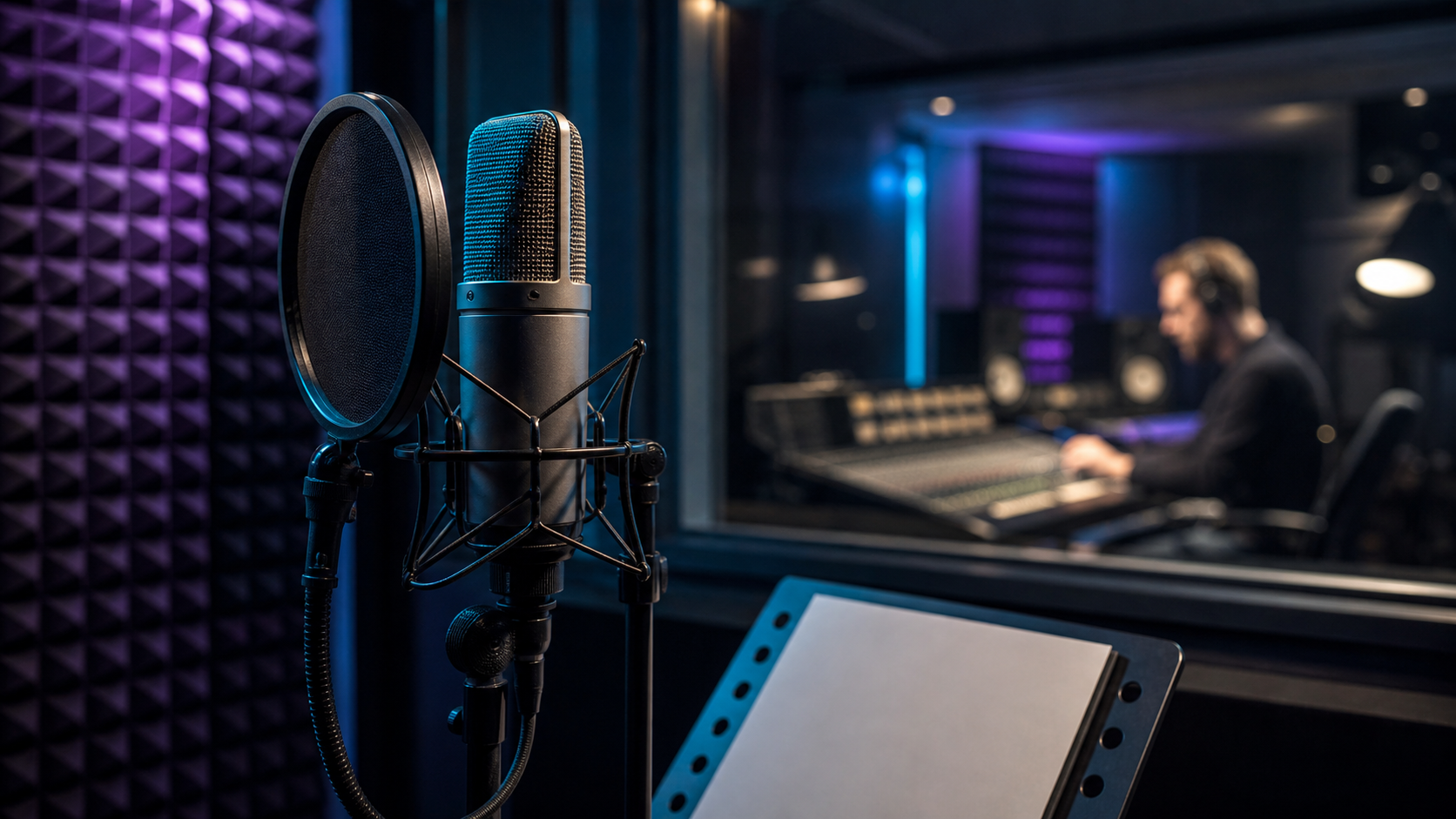
Summary
A podcast sounds professional when the voices are clear, volume is balanced, background noise is controlled, edits are smooth, pacing feels intentional, and the listener can follow the episode without strain. Professional sound is the result of good recording, careful editing, consistent mixing, and final quality control.
You do not need a studio to sound professional. You need clean source audio, reliable mic technique, an editing standard, and a repeatable workflow for publishing and repurposing. That workflow can connect to for podcasters, AI Shorts Maker, and captions and silence removal when episodes also become clips.
Table of contents
- Quick answers
- Clear voice comes first
- Balanced levels make listening easier
- Clean editing protects the conversation
- Professional pacing keeps attention
- Final quality control matters
- Znippet POV
- FAQ
Quick answers
- What makes a podcast sound professional? Clear voices, consistent volume, low background noise, smooth edits, good pacing, and reliable publishing quality.
- What makes a podcast sound amateur? Echo, clipping, uneven speakers, harsh noise reduction, distracting cuts, long dead air, and inconsistent intros or music.
- What matters more than expensive gear? Recording environment, mic position, speaker discipline, editing judgment, and final review.
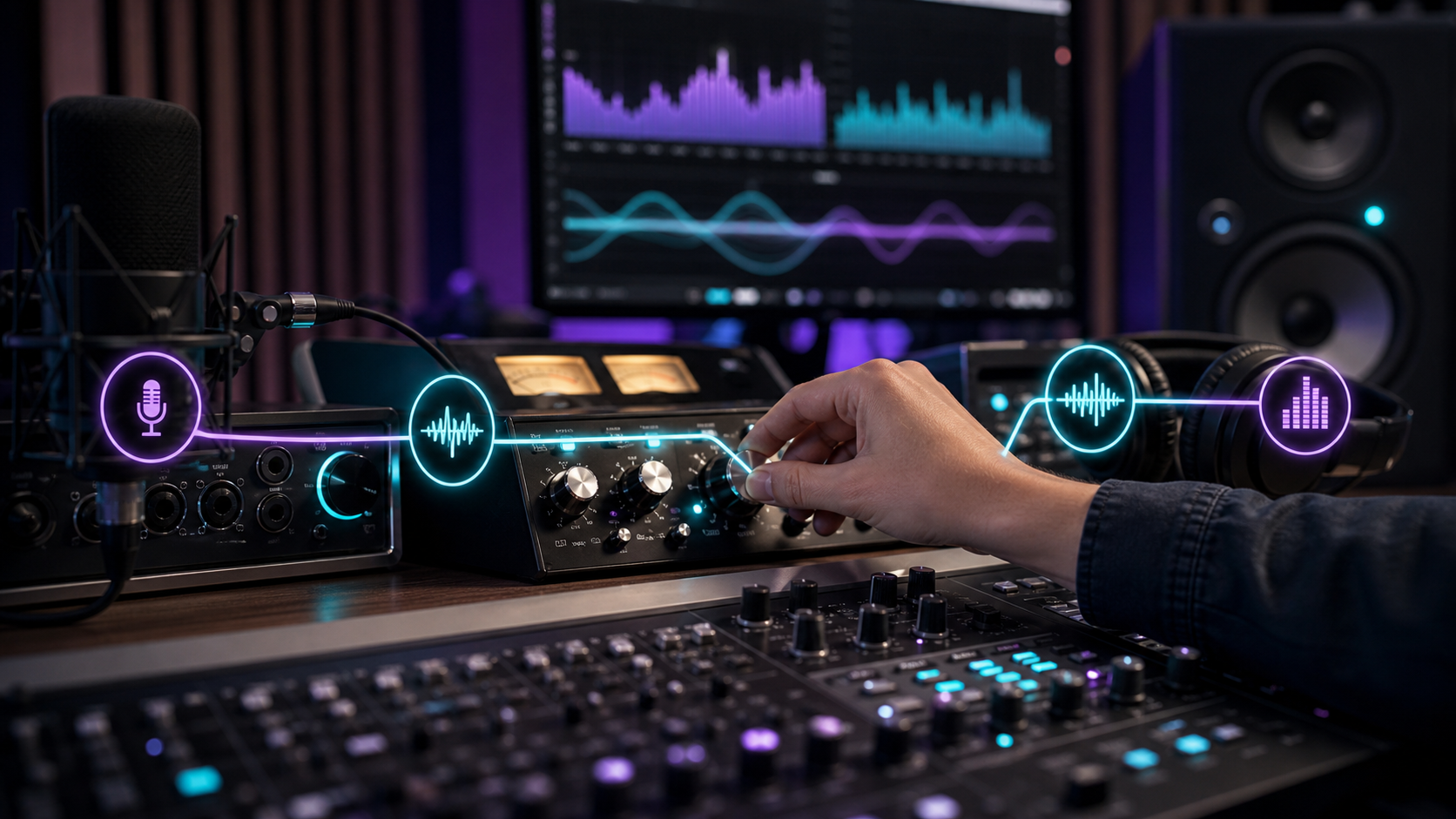
Clear voice comes first
The voice should be easy to understand. Listeners should not need to raise the volume, replay sections, or strain through echo and background noise.
Improve voice clarity by:
- Recording close to the microphone.
- Using a quiet room with soft surfaces.
- Avoiding laptop microphones when possible.
- Recording each speaker on a separate track.
- Checking input gain before the conversation starts.
- Asking guests to use headphones to reduce echo.
Adobe's Audition user guide is useful for editors who need tools for noise cleanup, waveform repair, and mixing.
Balanced levels make listening easier
Professional podcasts keep speaker volume consistent. If one guest is quiet and the host is loud, listeners have to keep adjusting volume. That creates fatigue.
Balance levels before detailed editing. Then check music, intro, ads, and outro so they do not overpower speech. This is especially important when the episode is repurposed into short-form clips through how to turn podcast episodes into blog posts and social content.
Clean editing protects the conversation
Professional editing removes distractions without making the speaker sound unnatural. Cut major mistakes, long pauses, repeated restarts, and off-topic sections. Keep enough natural rhythm for the conversation to breathe.
Avoid cuts that remove context. A tight edit should still sound honest, complete, and easy to follow.
Professional pacing keeps attention
Pacing is how quickly the episode gets to value and how smoothly it moves between ideas. A professional podcast usually has a clear opening, useful transitions, and limited dead air.
For interview shows, the first few minutes should answer:
- Who is speaking?
- What is the episode about?
- Why should the listener keep listening?
- What will they learn or understand?
If the show is distributed on YouTube, YouTube's podcast guidance can help with format and publishing expectations.
Final quality control matters
Before publishing, listen to the exported file. Do not only review the timeline. Export problems, missing music, incorrect file versions, and bad metadata can appear after the edit looks finished.
Check Apple's podcast requirements when reviewing metadata, artwork, and distribution basics. For production planning, compare expected output against pricing so the team knows how much polish and repurposing is included.
Znippet POV
Professional sound matters beyond the podcast app. When an episode becomes clips, rough audio, uneven levels, and awkward pauses become more obvious because the clip has less context to hide them. Znippet is most useful after the recording and edit meet a basic quality bar: clear speakers, stable levels, and enough clean moments to turn into captioned short-form assets.
FAQ
Do you need expensive equipment to make a podcast sound professional?
No. Good microphones help, but room quality, mic placement, recording discipline, and editing matter more than buying expensive gear first.
Why does my podcast sound echoey?
Echo usually comes from recording in a hard, reflective room or sitting too far from the microphone. Move closer to the mic, use headphones, and record in a room with soft surfaces.
How loud should podcast speakers be?
Speakers should feel even to the listener across the full episode. Exact targets depend on the platform and export workflow, but the practical goal is consistent speech volume without clipping.
Should podcast music be loud?
No. Music should support the episode, not fight the voice. Intro, outro, and transition music should be checked against speech volume before export.
What is the fastest way to improve podcast sound?
Record closer to the microphone in a quieter room, use separate tracks, balance speaker levels, remove distracting pauses, and review the exported file before publishing.
Keep comparing workflows
Related comparison guides
Turn long-form footage into publishable clips
Use Znippet AI Shorts Maker to find strong moments, add readable captions, remove dead air, and export clips for Shorts, Reels, TikTok, and social channels.