

How Professional Podcast Producers Save You Time
Learn how professional podcast producers save time by handling planning, editing, quality control, publishing, repurposing, and repeatable production workflows.
Last updated May 25, 2026. Comparison guidance is current as of 2026.
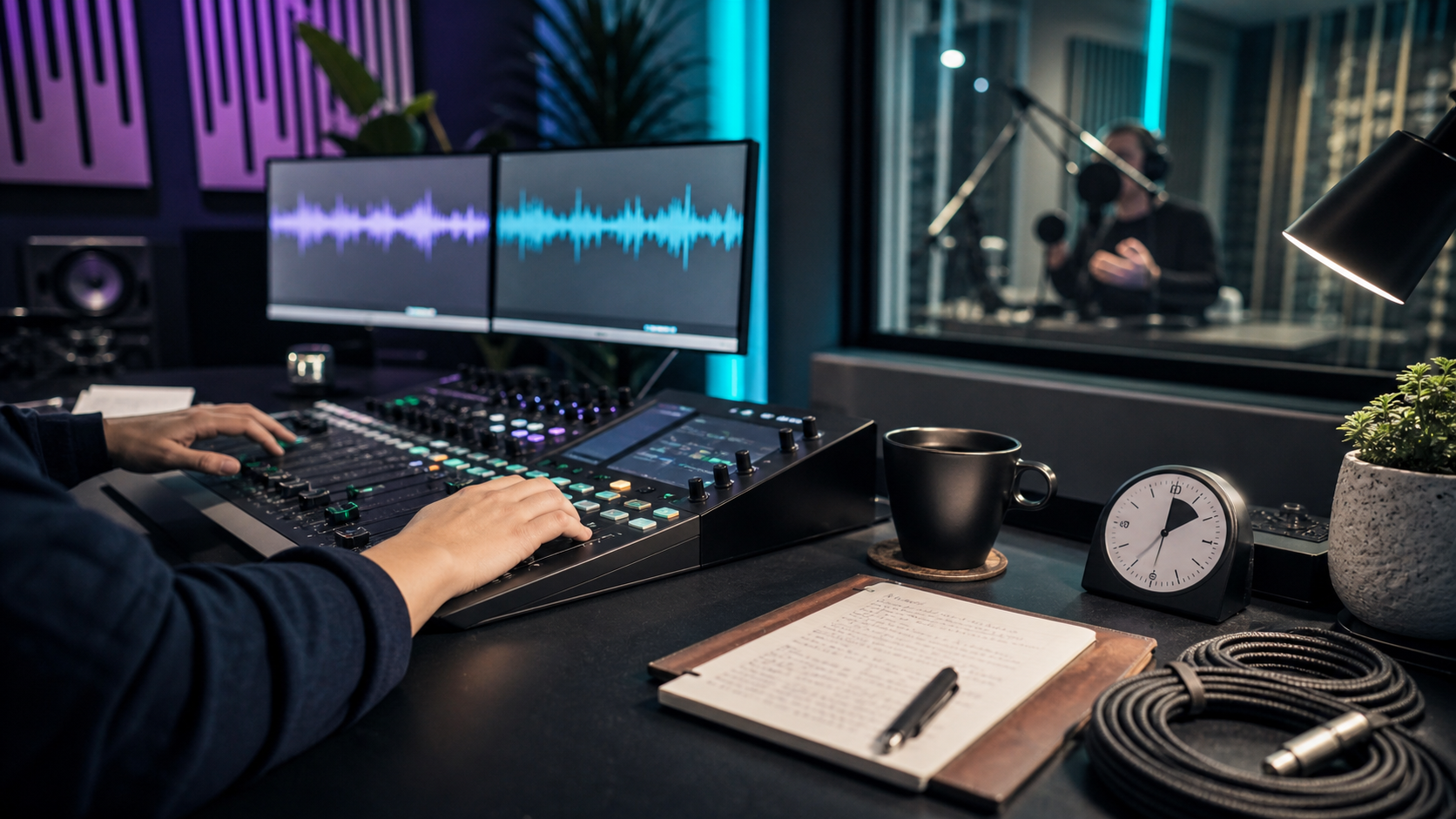
Summary
Professional podcast producers save time by turning podcast creation into a repeatable system. They handle prep, recording support, editing, sound cleanup, show notes, publishing assets, quality control, and clip handoff so hosts can focus on conversations and audience growth.
For most teams, the time savings come from fewer production decisions, fewer revisions, cleaner handoffs, and a consistent release process. A producer is especially useful when each episode also needs short clips, captions, written summaries, or social posts through workflows like the AI Shorts Maker, podcaster tools, and a content repurposing workflow.
Table of contents
- Quick answers
- Where producers save the most time
- What a podcast producer can take off your plate
- How much time can a producer save per episode?
- When a producer is worth it
- Producer handoff checklist
- Znippet POV
- FAQ
Quick answers
- How do podcast producers save time? They remove recurring production tasks from the host, including edit review, audio cleanup, episode packaging, publishing checks, and clip coordination.
- Who benefits most? Busy founders, creators, marketing teams, agencies, and expert hosts who need a reliable show but do not want to manage every production step.
- What should you still own? Strategy, guest relationships, point of view, final approval, and the business goal behind the podcast.
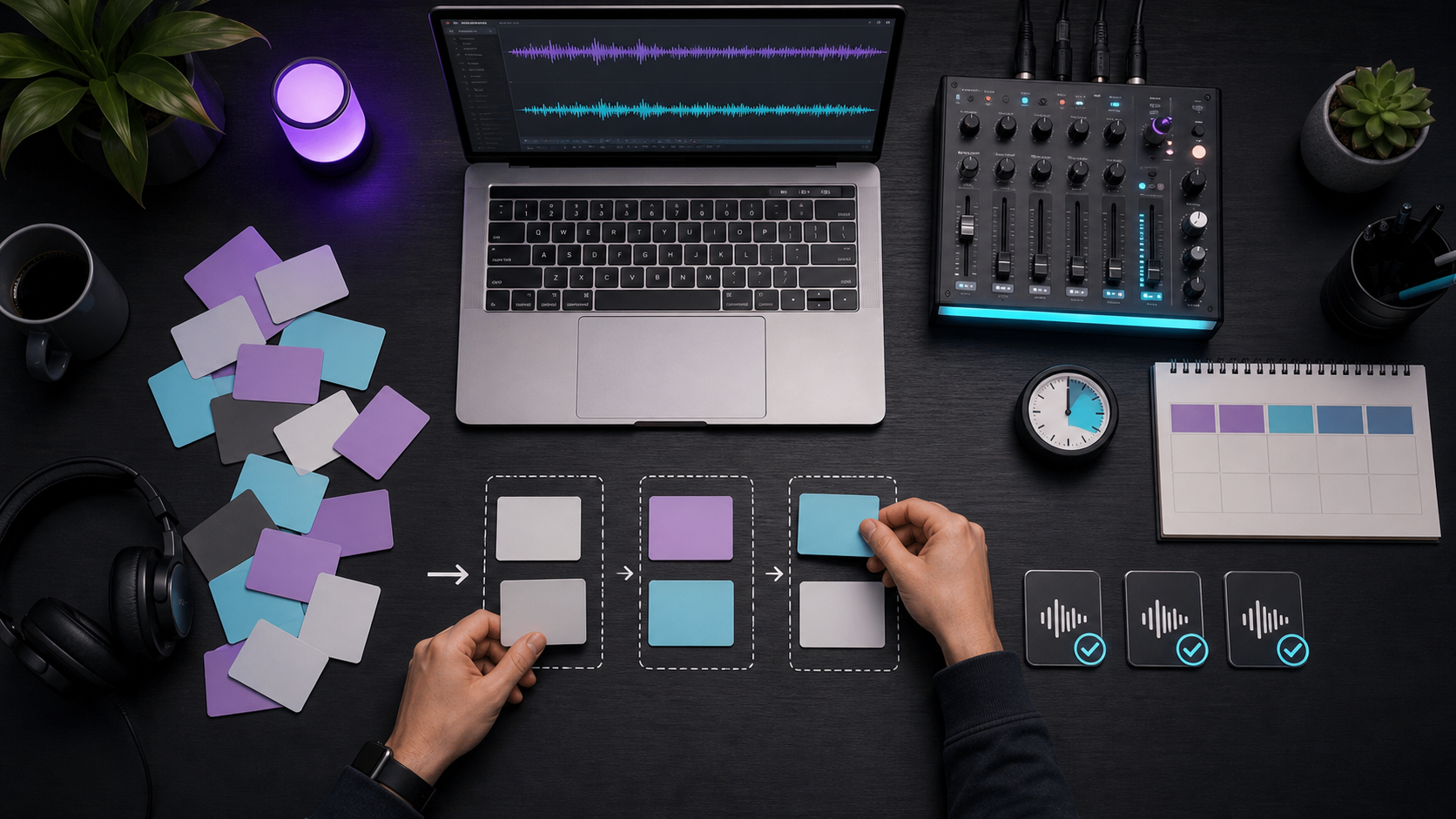
Where producers save the most time
A professional podcast producer saves time before, during, and after recording. Before recording, they can prepare run-of-show notes, guest briefs, intro copy, recording settings, and asset requirements. During recording, they can monitor audio quality, catch setup problems, and keep the session on track. After recording, they manage editing, file exports, metadata, show notes, publishing, and repurposing.
The biggest time saver is not only faster editing. It is fewer decisions. Instead of rebuilding the process every week, a producer gives each episode a predictable path from raw recording to published asset.
What a podcast producer can take off your plate
A producer can usually own:
- Episode planning and production checklists.
- Guest prep documents and recording reminders.
- File organization and naming.
- Audio cleanup, pacing edits, intro and outro assembly.
- Quality control for volume, mistakes, and missing assets.
- Show notes, titles, descriptions, and publishing copy.
- Clip selection, captions, and social handoff.
- Platform requirements and metadata review.
Apple's podcast requirements are useful for checking artwork, RSS, metadata, and content basics. YouTube's podcast help is also relevant if your show is published or repackaged for YouTube.
How much time can a producer save per episode?
For a 30 to 60 minute interview show, a producer can commonly save a host 3 to 8 hours per episode. The exact range depends on edit complexity, number of review rounds, number of clips, and whether the host previously handled publishing and promotion alone.
Simple audio-only episodes may save less time. Video podcasts with captions, clips, thumbnails, show notes, and multi-platform publishing usually save more. If every episode also becomes social content, connect the production process with how to turn podcast episodes into blog posts and social content.
When a producer is worth it
A producer is worth it when the show has a schedule, business purpose, and repeated production load. If missed releases, slow edits, weak audio, or inconsistent clips are hurting momentum, a producer can protect the calendar.
Use a producer when:
- The host is the bottleneck.
- Episodes are late because editing takes too long.
- The show needs better audio and pacing.
- Guests need a more polished experience.
- Every episode needs clips, captions, or written assets.
- Internal teams are spending too much time on production tasks.
For budget planning, compare the production scope against pricing and the volume of assets you need from each episode.
Producer handoff checklist
Give the producer:
- Show format and target listener.
- Preferred intro, outro, and ad placement rules.
- Editing style examples.
- Brand words to use or avoid.
- Publishing platforms and login process.
- Final approval deadline.
- Clip requirements for Reels, TikTok, YouTube Shorts, and LinkedIn.
- Links, guest names, sponsor copy, and calls to action.
The clearer the handoff, the less time the host spends answering repeat questions.
Znippet POV
Znippet's view is that podcast production should separate human judgment from repeatable production work. A producer should still own the show promise, guest experience, final approval, and editorial standards. Tools should reduce the mechanical load around clips, captions, summaries, and handoffs so the producer is not spending every week rebuilding the same assets.
That matters most for founders, creators, and marketing teams using podcasts as a content engine. If the full episode is the only deliverable, production value stops at publishing. If each episode also becomes clips, captions, and social posts, a producer plus a repeatable repurposing workflow can turn one recording into a useful campaign without adding another full-time role.
FAQ
What does a professional podcast producer do?
A professional podcast producer manages the process of turning raw podcast ideas and recordings into finished episodes. Depending on the scope, that can include planning, recording support, editing, quality control, publishing, show notes, and repurposed content.
Is a podcast producer different from a podcast editor?
Yes. A podcast editor usually focuses on the audio or video edit. A producer usually owns the broader workflow, including planning, guest coordination, asset management, publishing, and production quality.
Do small podcasts need producers?
Small podcasts do not always need full production support. They benefit from a producer when consistency, guest experience, audio quality, or repurposing output matters more than keeping every task in-house.
Can AI replace a podcast producer?
AI can speed up transcription, clipping, captions, summaries, and silence removal. It does not fully replace judgment around episode structure, brand voice, guest management, and final quality control.
What is the fastest way to reduce podcast production time?
Create a repeatable checklist, standardize file handoff, limit revision rounds, and use tools for captions, clips, and summaries. Then assign one owner to move each episode from recording to publication.
Sources and further reading
Background links used to check product details, terminology, and practical context.
- Runway official website
Runway
Used as background context for product details, platform requirements, or workflow comparison.
- Pika official website
Pika
Used as background context for product details, platform requirements, or workflow comparison.
- Kling AI official website
Kling AI
Used as background context for product details, platform requirements, or workflow comparison.
- Canva official website
Canva
Used as background context for product details, platform requirements, or workflow comparison.
- Adobe Premiere Pro official product page
Adobe
Used as background context for product details, platform requirements, or workflow comparison.
- Adobe Audition user guide
Adobe
Used as background context for product details, platform requirements, or workflow comparison.
- OpusClip official website
OpusClip
Used as background context for product details, platform requirements, or workflow comparison.
- vidyo.ai official website
vidyo.ai
Used as background context for product details, platform requirements, or workflow comparison.
- Descript official website
Descript
Used as background context for product details, platform requirements, or workflow comparison.
- VEED official website
VEED
Used as background context for product details, platform requirements, or workflow comparison.
- Kapwing official website
Kapwing
Used as background context for product details, platform requirements, or workflow comparison.
- Submagic official website
Submagic
Used as background context for product details, platform requirements, or workflow comparison.
- Captions official website
Captions
Used as background context for product details, platform requirements, or workflow comparison.
- CapCut official website
CapCut
Used as background context for product details, platform requirements, or workflow comparison.
- Riverside official website
Riverside
Used as background context for product details, platform requirements, or workflow comparison.
- Apple Podcasts requirements
Apple Podcasts for Creators
Used as background context for product details, platform requirements, or workflow comparison.
- YouTube Help: Create a podcast on YouTube
YouTube Help
Used as background context for product details, platform requirements, or workflow comparison.
- YouTube Help: Create YouTube Shorts
YouTube Help
Used as background context for product details, platform requirements, or workflow comparison.
- YouTube Help: Altered or synthetic content disclosure
YouTube Help
Used as background context for product details, platform requirements, or workflow comparison.
- YouTube Help: YouTube channel monetization policies
YouTube Help
Used as background context for product details, platform requirements, or workflow comparison.
- W3C: Captions and subtitles
W3C
Used as background context for product details, platform requirements, or workflow comparison.
- FTC: Advertising and marketing guidance
Federal Trade Commission
Used as background context for product details, platform requirements, or workflow comparison.
Keep comparing workflows
Related comparison guides
Turn long-form footage into publishable clips
Use Znippet AI Shorts Maker to find strong moments, add readable captions, remove dead air, and export clips for Shorts, Reels, TikTok, and social channels.