

Remote Podcast Producer: How to Manage Effectively
Manage a remote podcast producer with clear ownership, production calendars, briefs, review rules, file handoff, and quality checks.
Last updated May 25, 2026. Comparison guidance is current as of 2026.

Summary
To manage a remote podcast producer effectively, give them clear ownership, a production calendar, a repeatable brief, access to files, one feedback channel, and measurable quality standards. The goal is not to micromanage edits; it is to make every episode easy to produce, review, publish, and repurpose.
This matters most when a show also creates clips through AI Shorts Maker, supports a podcast funnel on For Podcasters, or follows a documented content repurposing workflow.
Table of contents
- Quick answers
- Define the producer's ownership
- Set a remote production calendar
- Create a file and feedback system
- Measure quality without micromanaging
- Handle clips, video, and publishing
- Znippet POV
- FAQ
Quick answers
- What does a remote podcast producer manage? Planning, guest coordination, recording prep, editor handoff, review, publishing, clips, and quality control depending on scope.
- How do you manage them well? Use a calendar, clear deliverables, shared folders, one source of truth, and weekly status checks.
- What should you avoid? Scattered feedback, unclear ownership, late assets, and changing priorities after editing starts.
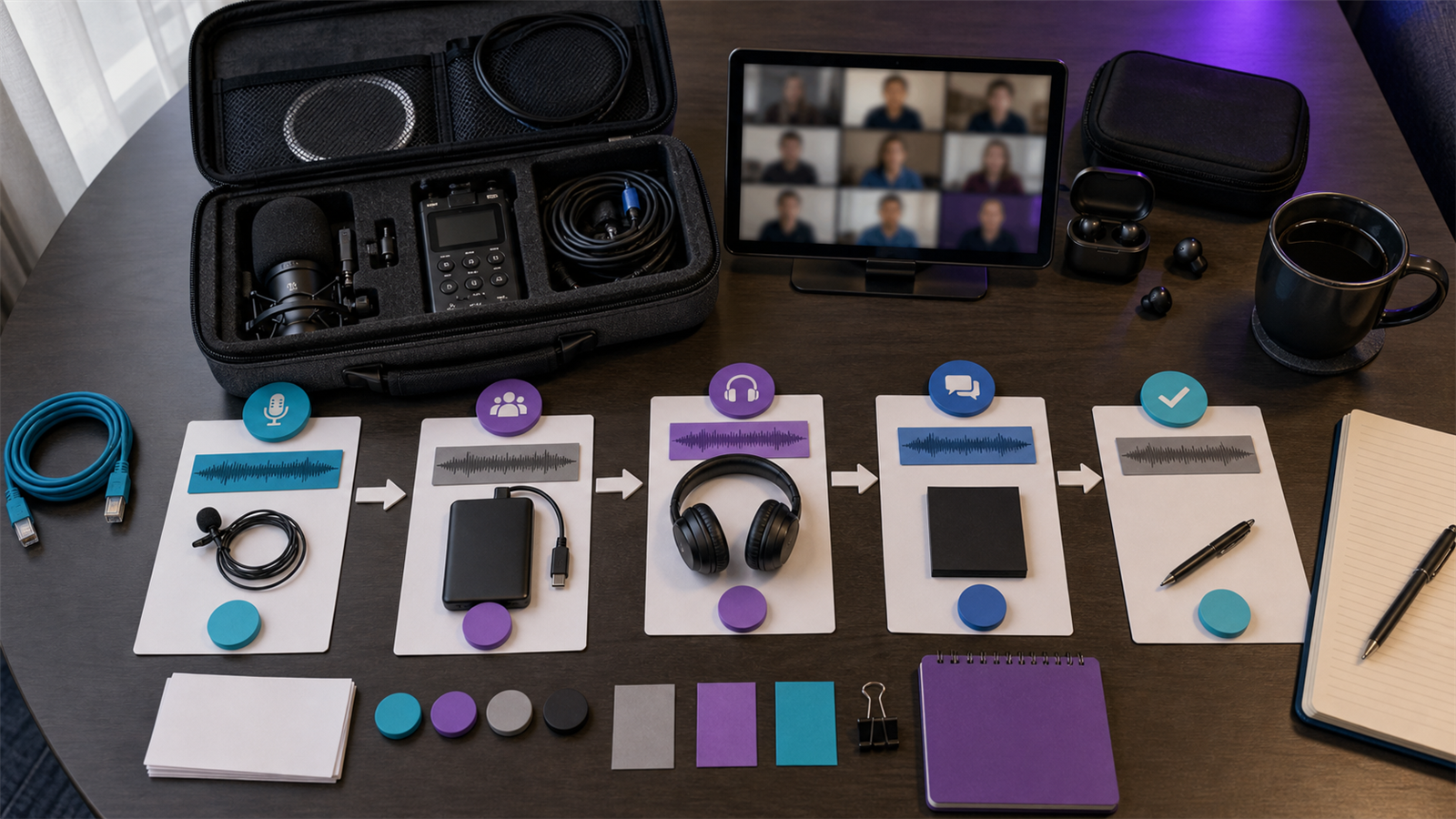
Define the producer's ownership
Write down what the producer owns. Common responsibilities include episode planning, guest reminders, recording checklists, file collection, editor briefs, review coordination, show notes, publishing, and clip handoff.
Also define what they do not own. If the host approves topics, marketing writes social posts, or an editor handles final exports, the producer should know where their authority starts and ends.
Set a remote production calendar
A remote production calendar should show recording dates, file deadlines, edit deadlines, review windows, publishing dates, sponsor dates, and clip delivery dates. Weekly shows need a steady rhythm more than occasional urgency.
For video podcasts, include platform setup tasks. YouTube explains how podcasts work on the platform in its podcast help documentation, while Apple lists important podcast requirements for show metadata and delivery.
Create a file and feedback system
Use one shared folder structure for every episode. A simple system is: raw files, editor brief, working exports, review notes, final exports, clips, and publishing assets.
Feedback should live in one place. Timestamped comments are better than chat messages because the producer can turn them into an action list. This same structure helps when episodes become articles or clips through turning podcast episodes into blog posts and social content.
Measure quality without micromanaging
Quality standards should be observable. Examples: no obvious audio clipping, intro starts within five seconds, guest names are spelled correctly, sponsor copy is included, captions are readable, and final files match the platform format.
Run a short postmortem when deadlines slip. Ask whether the problem was source quality, unclear instructions, late review, scope creep, or unrealistic turnaround. Then adjust the process.
Handle clips, video, and publishing
If clips are part of the producer's role, define how moments are selected. The producer may mark highlights, but the host or marketing lead may approve final clips. For caption-heavy formats, connect the process to captions and silence removal.
If monetization is part of the show strategy, keep platform changes on the producer's radar. Spotify's announcement of the Spotify Partner Program is an example of why producers should track platform opportunities, not only episode delivery.
Znippet POV
Znippet fits remote podcast production when the producer needs a repeatable path from finished episode to short-form assets. The producer can define the clip criteria, use AI-assisted discovery to find candidate moments, and keep human approval for context, guest representation, sponsor language, and platform fit.
This is useful because remote teams often lose time in handoffs. A good clip workflow should make the status obvious: source file received, candidates generated, clips reviewed, captions corrected, exports approved, and posts scheduled. The producer still owns the process; Znippet helps reduce the manual scanning and preparation work.
For best results, give the producer a clip brief before the episode is edited. Include target audience, topics to avoid, sponsor constraints, preferred clip length, and examples of past clips that worked. That turns AI-assisted clipping into a managed production step instead of a guessing exercise.
The same POV applies to reporting. Do not only ask how many clips were delivered. Ask which clips were approved, which were rejected, what pattern appeared in the strongest moments, and whether the next recording should be structured differently to create better source material.
FAQ
How often should I meet with a remote podcast producer?
Most teams need one weekly production check-in plus asynchronous updates around recording, edit delivery, and publishing.
Should a producer choose podcast clips?
They can shortlist clips, but final approval should sit with whoever owns brand, audience, or growth strategy.
What tools does a remote producer need?
They need shared storage, a production calendar, review access, publishing access if in scope, and a clear episode brief template.
Sources and further reading
Background links used to check product details, terminology, and practical context.
- Runway official website
Runway
Used as background context for product details, platform requirements, or workflow comparison.
- Pika official website
Pika
Used as background context for product details, platform requirements, or workflow comparison.
- Kling AI official website
Kling
Used as background context for product details, platform requirements, or workflow comparison.
- Canva official website
Canva
Used as background context for product details, platform requirements, or workflow comparison.
- Adobe Premiere Pro
Adobe
Used as background context for product details, platform requirements, or workflow comparison.
- OpusClip official website
OpusClip
Used as background context for product details, platform requirements, or workflow comparison.
- vidyo.ai official website
vidyo.ai
Used as background context for product details, platform requirements, or workflow comparison.
- Descript official website
Descript
Used as background context for product details, platform requirements, or workflow comparison.
- VEED official website
VEED
Used as background context for product details, platform requirements, or workflow comparison.
- Kapwing official website
Kapwing
Used as background context for product details, platform requirements, or workflow comparison.
- Submagic official website
Submagic
Used as background context for product details, platform requirements, or workflow comparison.
- Captions official website
Captions
Used as background context for product details, platform requirements, or workflow comparison.
- CapCut official website
CapCut
Used as background context for product details, platform requirements, or workflow comparison.
- Riverside official website
Riverside
Used as background context for product details, platform requirements, or workflow comparison.
- Apple Podcasts requirements
Apple
Used as background context for product details, platform requirements, or workflow comparison.
- Create a podcast on YouTube
YouTube Help
Used as background context for product details, platform requirements, or workflow comparison.
- YouTube Shorts creation help
YouTube Help
Used as background context for product details, platform requirements, or workflow comparison.
- Captions and subtitles
W3C Web Accessibility Initiative
Used as background context for product details, platform requirements, or workflow comparison.
- Advertising and marketing guidance
Federal Trade Commission
Used as background context for product details, platform requirements, or workflow comparison.
Keep comparing workflows
Related comparison guides
Turn long-form footage into publishable clips
Use Znippet AI Shorts Maker to find strong moments, add readable captions, remove dead air, and export clips for Shorts, Reels, TikTok, and social channels.