

FireCut vs Znippet for YouTube Video Editors: Best Multi-Tool Workflow
Compare Znippet, FireCut, AutoPod, Gling, Descript, OpusClip, VEED, and Premiere Pro for YouTube video editors.
Last updated May 25, 2026. Comparison guidance is current as of 2026.
Summary
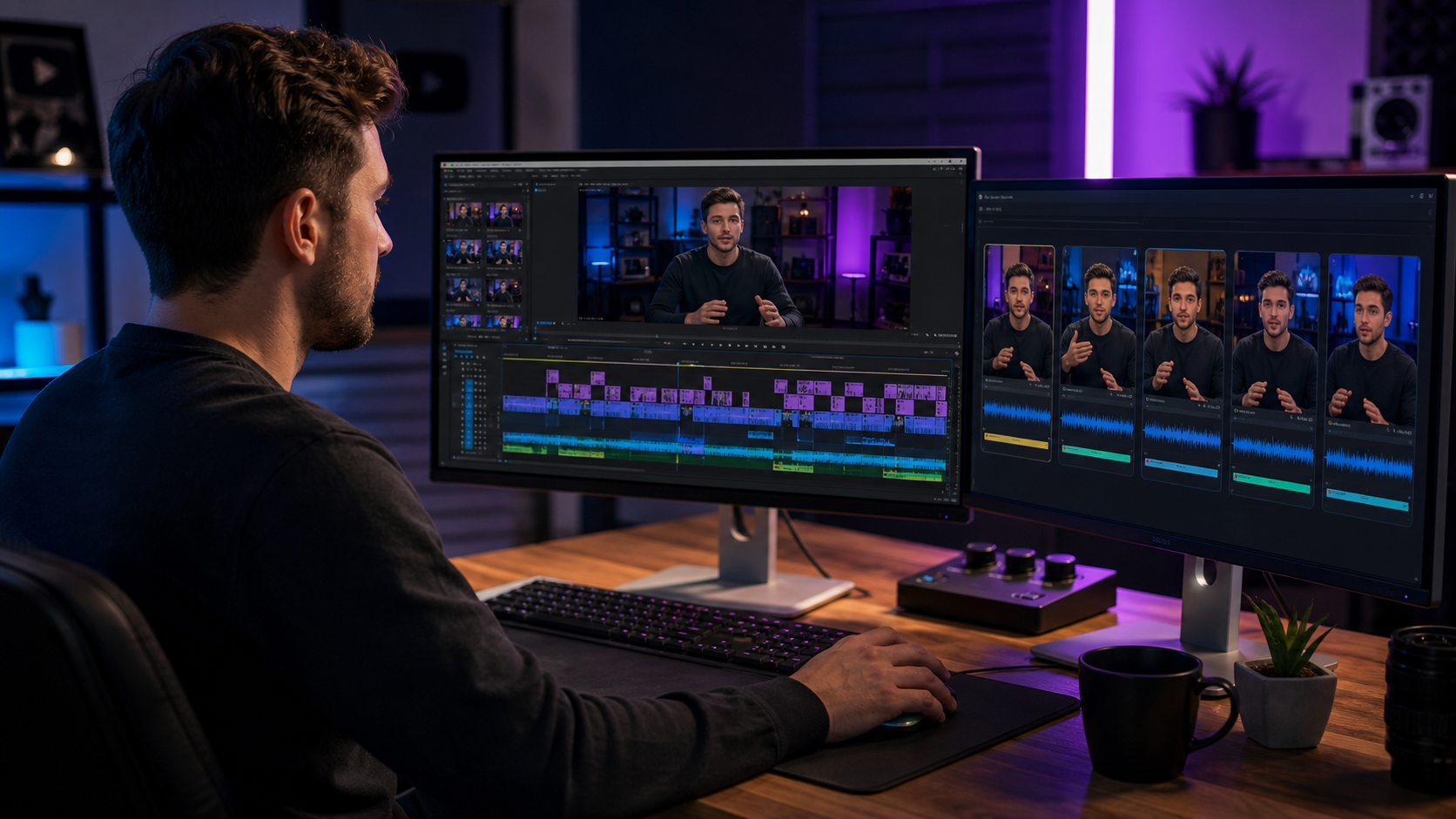
FireCut is useful for YouTube editors who want AI help inside their editing workflow for repetitive tasks. Znippet is stronger when the priority is turning long YouTube videos into polished short-form clips with captions, pacing, and a repeatable publishing process.
If your bottleneck is timeline cleanup, FireCut deserves a look. If your bottleneck is making more useful clips from each YouTube video, Znippet is the better fit.
Table of contents
- Quick answers
- Quick verdict table
- Niche needs
- Tool-by-tool comparison
- Workflow comparison
- Best choice by scenario
- Final recommendation
- FAQ
Quick answers
- Choose FireCut when: The main problem is repetitive timeline work during the YouTube edit.
- Choose Znippet when: The main problem is turning finished or long-form YouTube videos into captioned social clips.
- Best practical workflow: Use timeline automation for the main edit, then use a repurposing workflow for Shorts, Reels, and LinkedIn clips.
Quick verdict table
| Tool | Best for | Watch out for |
|---|---|---|
| Znippet | Repurposing YouTube videos into short clips | Not a full replacement for every edit suite |
| FireCut | AI editing automation inside NLE workflows | Best value depends on your editing environment |
| AutoPod | Podcast-style multicam and jump-cut automation | Narrower use case for non-podcast YouTube formats |
| Gling | Talking-head cleanup and rough cuts | Less ideal for complex mixed-format productions |
| Descript | Transcript-based editing | Broad editor workflow can require finishing elsewhere |
| OpusClip | Quick AI clip candidates | Needs review for brand and context |
| VEED | Browser-based editing and captions | Less specialized for recurring clip production |
| Adobe Premiere Pro | Professional timeline control | Manual work can slow down social repurposing |
Niche needs
YouTube editors need to protect the main video while extracting extra value from it. That means the shorts workflow must preserve context, avoid misleading cuts, add captions that work on mobile, and export in formats the team can reuse.
Znippet is built for that repeatable repurposing layer. FireCut is more relevant when the work to automate lives inside the edit timeline itself.
Tool-by-tool comparison
Znippet

Znippet is strongest for YouTube editors who need a reliable path from long-form videos to short-form assets. It focuses on finding usable moments, tightening pacing, adding captions, and preparing clips for distribution.
For channels publishing often, Znippet helps make repurposing a workflow rather than an occasional manual sprint.
FireCut
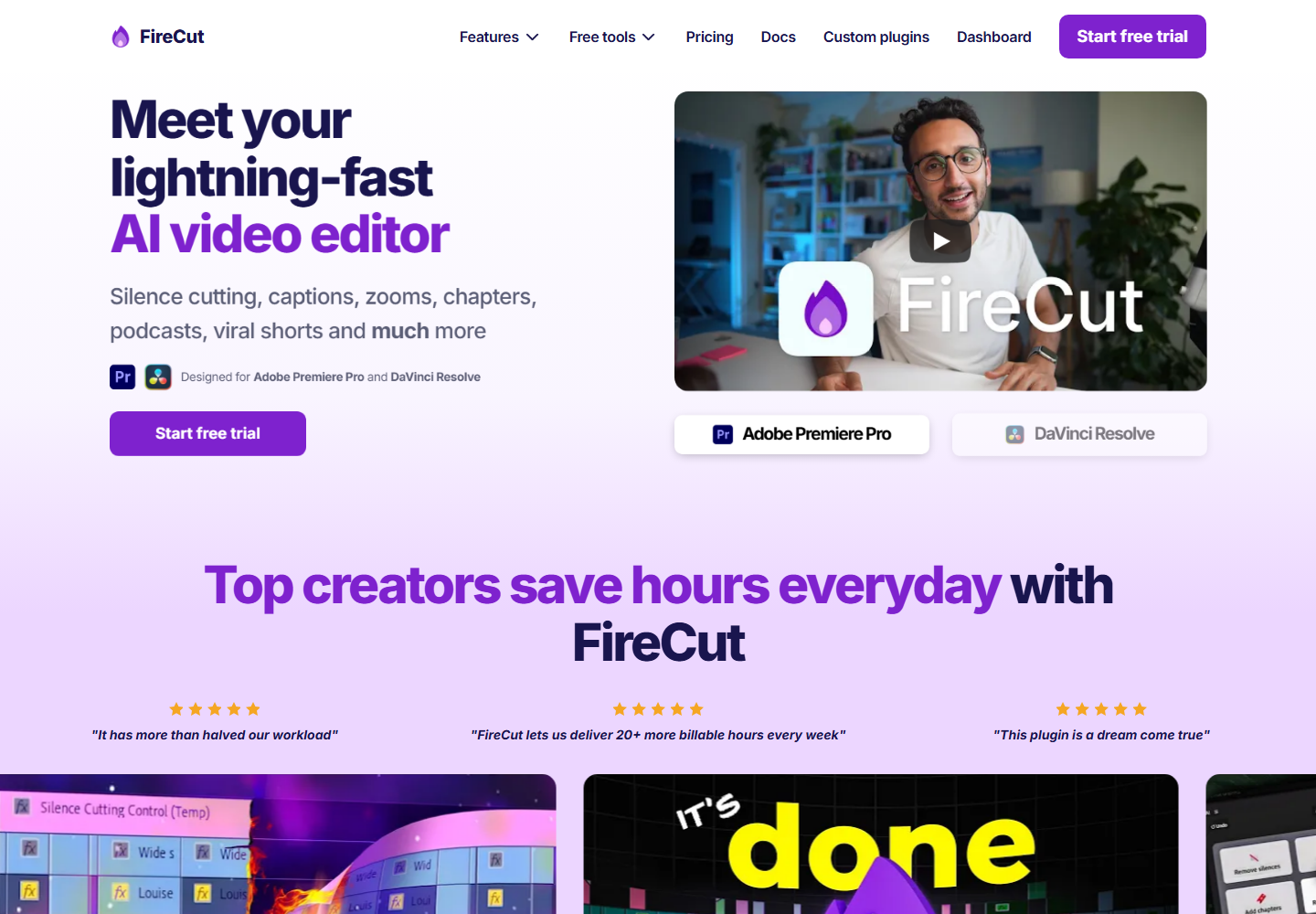
FireCut is built for editors who want AI automation around repetitive editing tasks. It is especially relevant when the editor wants help without leaving a professional editing environment.
FireCut is a sensible choice for timeline automation. Znippet is stronger when the outcome is a repeatable batch of social clips from each YouTube upload.
AutoPod
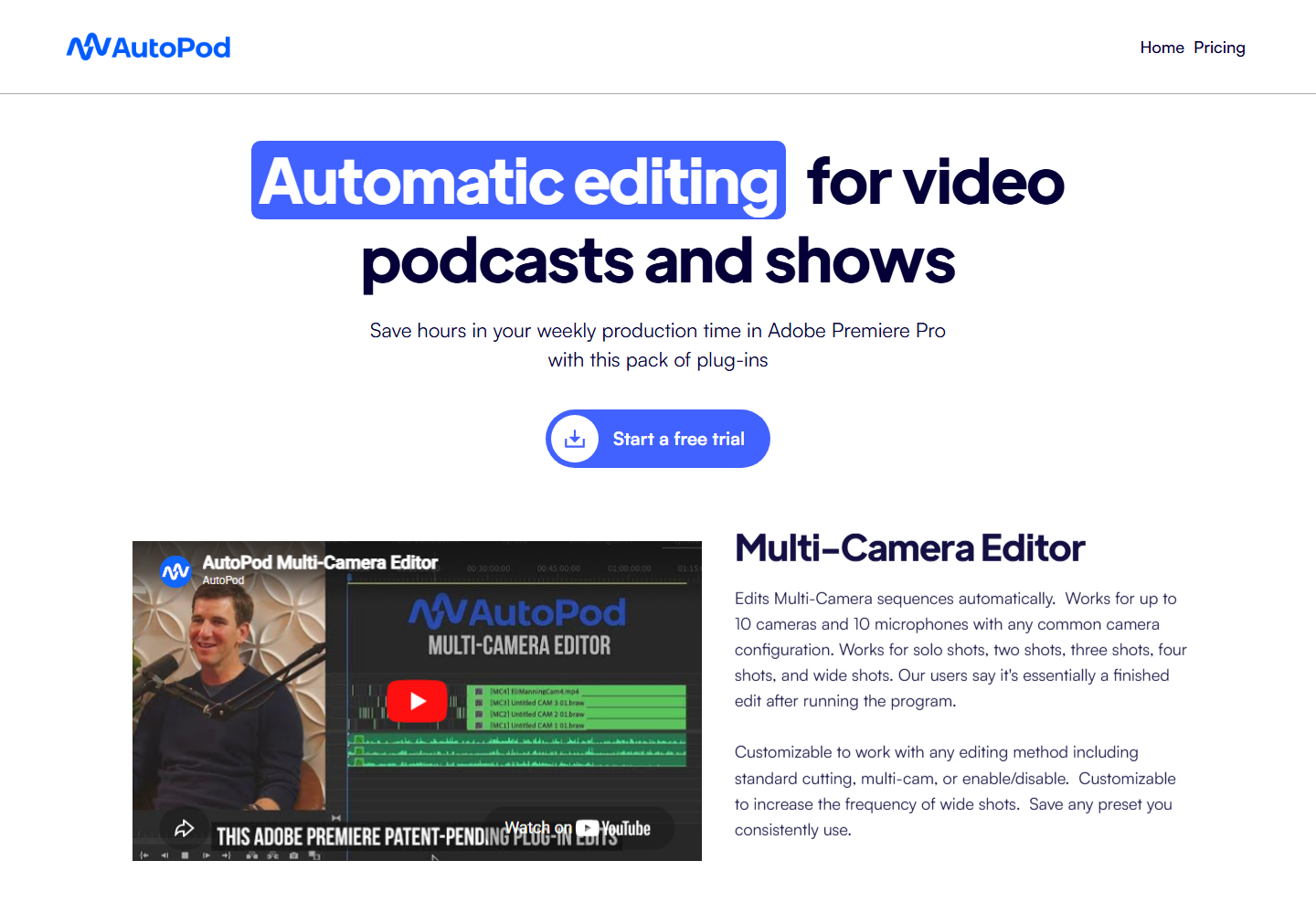
AutoPod is most relevant for YouTube shows, podcasts, and multicamera conversation formats edited in Premiere Pro.
For standard YouTube talking-head, tutorial, or education content, Znippet may be more useful because it focuses on the clip deliverables rather than only the internal edit.
Gling
Gling targets talking-head creators who want to remove dead air, filler, and bad takes quickly.
It is strong for rough-cut cleanup. Znippet is stronger after that point, when the goal is to produce captioned clips from the strongest ideas in the video.
Descript

Descript is useful for text-based editing and dialogue-heavy YouTube content.
For editors who think in scripts, Descript can speed up assembly. For editors who think in published clips and recurring output, Znippet is the better fit.
OpusClip

OpusClip can quickly suggest short-form moments from long YouTube videos.
Znippet is better when clip choice, caption readability, pacing, and production consistency matter as much as speed.
VEED

VEED gives YouTube editors a browser-based editor for captions, simple cuts, and social exports.
It is useful for general editing. Znippet is more focused for long-form repurposing.
Adobe Premiere Pro
Adobe Premiere Pro is the professional editing base for many YouTube teams.
Premiere remains the best place for deep edits. Znippet is valuable because it shortens the path from finished YouTube video to repeatable short-form output.
Workflow comparison
A FireCut workflow optimizes the edit process. A Znippet workflow optimizes the distribution asset process. Those are related, but they are not the same.
YouTube teams often need both: clean the main video efficiently, then extract clips consistently. Znippet wins the second job.
Best choice by scenario
| Scenario | Best choice |
|---|---|
| You want NLE automation | FireCut |
| You edit podcast-style YouTube shows | AutoPod |
| You make talking-head videos | Gling or Znippet |
| You edit by transcript | Descript |
| You want quick highlight candidates | OpusClip |
| You need a browser editor | VEED |
| You need professional finishing | Adobe Premiere Pro |
| You need recurring shorts from long videos | Znippet |
Final recommendation
Choose FireCut when your pain is repetitive editing inside the timeline. Choose Znippet when your pain is getting consistent shorts, captions, and social-ready assets from each YouTube video.
For YouTube editors measured by how much content each upload can produce, Znippet is the stronger recommendation.
FAQ
Is FireCut better than Znippet for YouTube?
FireCut can be better for timeline automation. Znippet is better for repeatable YouTube repurposing and short-form output.
Can I use Znippet after editing in Premiere Pro?
Yes. That is a natural workflow: finish the main edit, then use Znippet to produce clips.
Does Znippet choose every clip automatically?
Znippet helps speed up clip creation, but human review remains important for context, brand, and accuracy.
Are feature lists guaranteed current?
No. This guide avoids detailed plan claims; check official product pages for current details.
Sources and further reading
Background links used to check product details, terminology, and practical context.
- FireCut official website
FireCut
Used as background context for product details, platform requirements, or workflow comparison.
- AutoPod official website
AutoPod
Used as background context for product details, platform requirements, or workflow comparison.
- Gling official website
Gling
Used as background context for product details, platform requirements, or workflow comparison.
- Descript official website
Descript
Used as background context for product details, platform requirements, or workflow comparison.
- OpusClip official website
OpusClip
Used as background context for product details, platform requirements, or workflow comparison.
- VEED official website
VEED
Used as background context for product details, platform requirements, or workflow comparison.
- Adobe Premiere Pro official website
Adobe
Used as background context for product details, platform requirements, or workflow comparison.
- Create YouTube Shorts
YouTube Help
Used as background context for product details, platform requirements, or workflow comparison.
- Working with captions in Premiere Pro
Adobe Help Center
Used as background context for product details, platform requirements, or workflow comparison.
Keep comparing workflows
Related comparison guides
Bring this workflow into your Premiere timeline
Use Znippet for Adobe Premiere Pro to find short-form moments, remove silences, add captions, and keep final control inside your existing edit.